Enhance your Discord experience while playing League of Legends on Mac!
This is an unofficial port of league-rpc by Its-Haze designed natively for macOS users!
Got questions? Don't hesitate to join the Community Server of Its-Haze or contact me @crocchetto on Discord about this mac port!
You have two ways to use LeagueRPC. Choose the one that fits you best!
The easiest method. Works like a normal Mac app. No manual installation of Python or Homebrew required.
-
Head over to the Releases Page.
-
Download the
LeagueRPC_vx.x_App.zipfile. -
Unzip it and drag
LeagueRPC.appto your Applications folder (optional, you can keep it wherever you like). -
Double-click to run. A terminal window will open automatically to show you the status.
Important
"App is damaged" Error?
Since this app is open-source and not signed by Apple (which costs about $99/year), macOS might show a warning saying "LeagueRPC is damaged and can't be opened". This is a false positive.
To fix it:
- Open the Terminal app.
- Type
xattr -cr(make sure there is a space at the end). - Drag and drop the
LeagueRPC.appinto the terminal window. - Press Enter.
- Open the App again.
Use this if you prefer running from source, want to see the code, or if the App doesn't work for you.
Warning
This is going to install Homebrew, the correct Python version (3.11) to run this program, create a virtual environment and install all the dependencies on your Mac. If you want to uninstall everything check the uninstall topic.
-
Download the
LeagueRPC_vx.x_Installer.zipfile from Releases. -
Unzip the folder and place it somewhere safe you want.
-
Open your Terminal and navigate to the folder:
cd path/to/your/folder/(Tip: type
cdand drag the folder into the terminal) -
Make the installer executable:
chmod +x install.sh
(Again: type
chmod +xand drag the file into the terminal) -
Run the installer:
./install.sh
(You know the deal: just drag the file into the Terminal and press enter)
-
Follow the instructions
- If you don't have Homebrew and/or Python installed it will probably ask your Mac's password (this is for installing Homebrew/Python, it's safe, if you don't trust me install Homebrew from their website)
-
Once finished, the script will create a
StartLoL_RPC.commandfile inside the project folder. You can Place this anywhere and it will still work. -
That's it! Just double click on it and you'll be good to go. ✨
You can customize the Rich Presence just by editing the config.json file.
You can find it:
-
For App Users:
- Right-click
LeagueRPC.app. - Choose Show Package Contents.
- Go to
Contents>Resources. - Open
config.jsonwith TextEdit (or any other text editor you prefer), change values (e.g."no_stats": true), save, and restart the App.
- Right-click
-
For Installer Users:
- Simply edit the
config.jsonfile located in the main folder.
- Simply edit the
✨ = Enabled by default
LeagueRPC automatically finds and launches League for you (/Applications/League of Legends.app).
If your game is installed elsewhere, replace "default with the path to your game.
Want to show a different game name on Discord? Create an app at the Discord Developer Portal and use its Application ID replacing the "default" with Another Application ID.
Fun options:
- League of Kittens:
1230607224296968303 - League of Linux:
1185274747836174377
Replace false with true to hide your KDA and CS from Discord.
Replace false with true to hide your rank, LP, and emblem from Discord.
Replace false with true to remove the 🟢/🔴 emojis next to your Online/Away status.


Replace false with true to hide your Rich Presence when you're just sitting in the client. It'll show up again when you queue, enter champ select, or start a game.
Using a Discord alternative or modified client? Add its process name between the brachets (e.g. "add_process": ["Discord2"]).
How long to wait for League to start before giving up
How long to wait for Discord to start
Who let the Kitten and the Penguin out? I did 😎. Now you too, can show off your favorite summoner icon, right there on Discord!


You can show off your rank emblem right in your Discord Presence.
-
SoloQ/Flex: Shows off your Rank emblem + LP
-
TFT: Shows off your TFT rank emblem + LP
-
Arena: Shows off your Arena medallion + Your rating
If you want to hide your rank, then add the --no-rank argument, to disable this feature. As it's enabled by default.


-
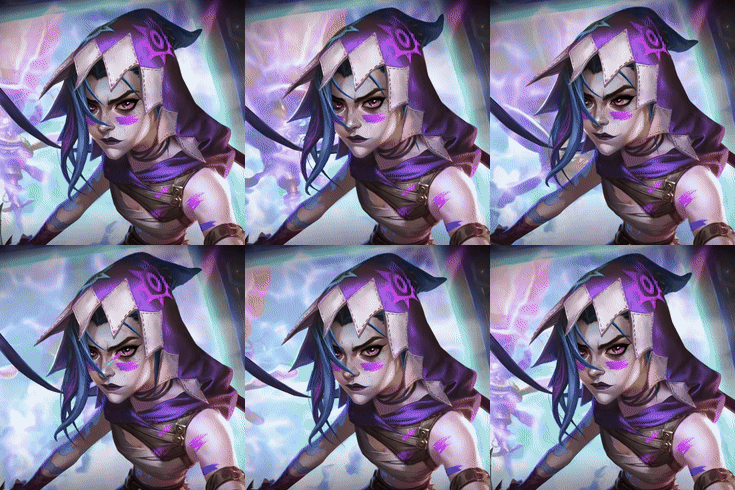
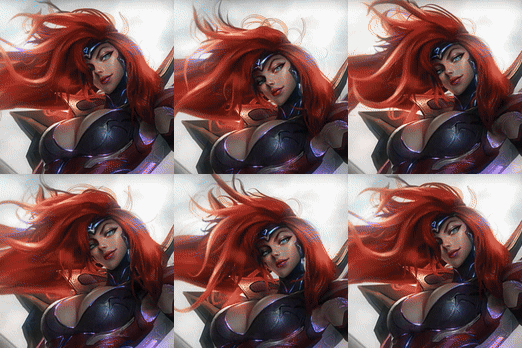
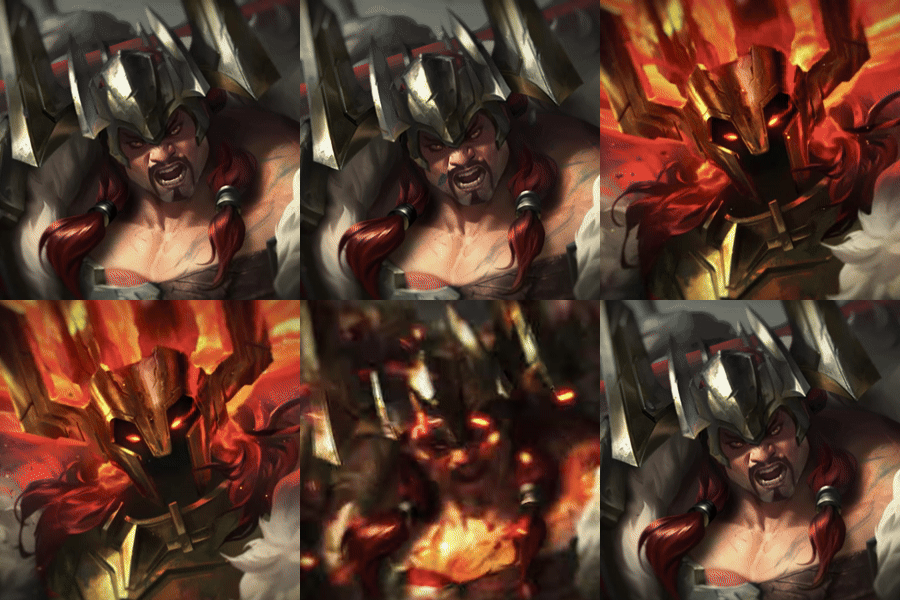
Show your selected skin.
-
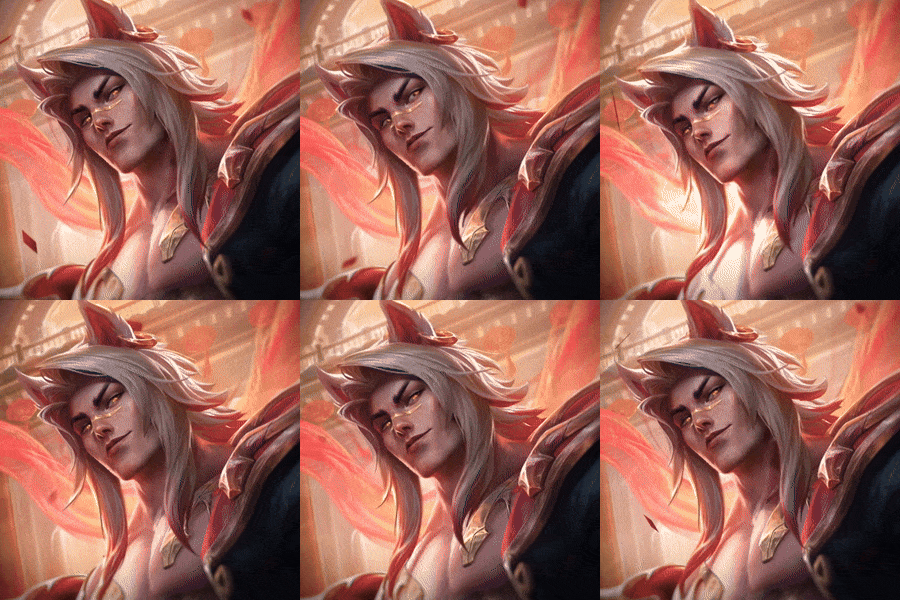
Animated skins: Ultimate skins will be animated on Discord.
-
Skin Names: The name of the skin will be shown when hovering the skin on Discord. This includes Chromas as well.
-
KDA: Display your Kills, Deaths, Assists and Creep Score (cs)
-
Can be disabled with
--no-stats -
Rank: Show what rank you have depending on the gamemode you play in (SoloQ, Flex, TFT, Arena, etc.)
-
Can be disabled with
--no-rank -
Game timer: The ingame timer is accurately represented on Discord. Which is something even League's own Rich Presence don't do.

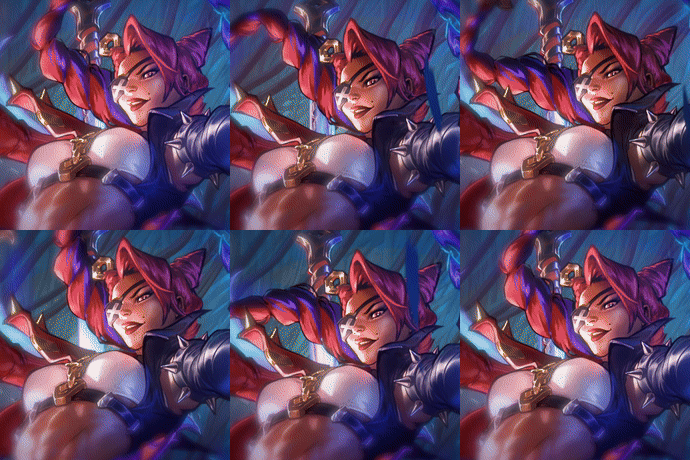
Example on Discord:












Showcase your favorite TFT Companion!


I don't have many tips for now.
Remember to stay hydrated! 🥤
Nope! It only uses Riot's local API (127.0.0.1:2999), which is completely safe. Vanguard won't care about it either since it doesn't modify any game files nor gives you an advantage in game.
No. Some antivirus software might flag it because it's not code-signed (which costs $100/year, not worth it for a free project). The entire source code is public on GitHub - feel free to review it or build it yourself.
Make sure StartLoL_RPC launches League for you. There's a tiny window during client startup where the native Discord presence can be disabled, and LeagueRPC needs to catch it.
If it's still not working:
-
Log out of League
-
Close League completely
-
Start LeagueRPC (App or Script) and let it launch League for you
-
Log back in
Still broken? Ask me on Discord (@crocchetto), or on the league-rpc by Its-Haze Discord Server or open a GitHub issue.
This is an independent open-source project, not affiliated with Riot Games.
Yep! Works with all game modes including TFT, Arena, ARAM, Swarms, and whatever new modes Riot releases.
Blame Riot's API - it only updates every 10 minions killed instead of every single one. Nothing I can do about that unfortunately.
If you want to completely remove the project from your Mac.
- Just drag
LeagueRPC.appto the Trash. That's it.
-
Delete the Project Folder: Drag the folder containing this README to the Trash.
-
Uninstall Python 3.11 (Optional):
brew uninstall python@3.11
-
Uninstall Homebrew
Homebrew is used by many other applications. Only do this if you are absolutely sure you don't need Homebrew for anything else. Uninstalling it will remove all other packages you may have installed with it.
-
Open your Terminal app.
-
Run the official uninstall script by copy-pasting this command:
/bin/bash -c "$(curl -fsSL [https://raw.githubusercontent.com/Homebrew/install/HEAD/uninstall.sh](https://raw.githubusercontent.com/Homebrew/install/HEAD/uninstall.sh))"- The script will ask for your Mac's password and guide you through the rest of the removal process.
For the cool kids who want to build it themselves:
- For Windows:
# Clone and navigate
git clone https://github.com/Its-Haze/league-rpc.git
cd league-rpc

# Set up virtual environment
python -m venv venv
.\venv\Scripts\activate

# Install dependencies
pip install -r requirements.txt
pip install pyinstaller

# Build
pyinstaller --onefile --name leagueRPC.exe league_rpc/__main__.py --clean --distpath .

# Run
.\leagueRPC.exe- For Mac:
Clone the repository:
git clone https://github.com/crocchetto/league-mac-rpc.git
cd league-mac-rpc
Setup Python Environment:
brew install python@3.11
/opt/homebrew/opt/python@3.11/bin/python3.11 -m venv venv
source venv/bin/activate
Install Dependencies:
pip install --upgrade pip
pip install -r requirements.txt
pip install pyinstaller
Build the App:
pyinstaller --noconfirm --onedir --windowed --clean \
 --name "LeagueRPC" \
 --add-data "league_rpc:league_rpc" \
 --add-data "config.json:." \
 --hidden-import "pypresence" \
 --hidden-import "lcu_driver" \
 --icon="icon.icns" \
league_rpc/__main__.pyGot questions about the main project? Join the Discord Server of Its-Haze
Feel free to contact me directly on Discord (@crocchetto) or on Telegram (@AmAWolf) about the mac port!.
For issues related to the code, or project as a whole, please open an issue on my GitHub or on Its-Haze's GitHub.