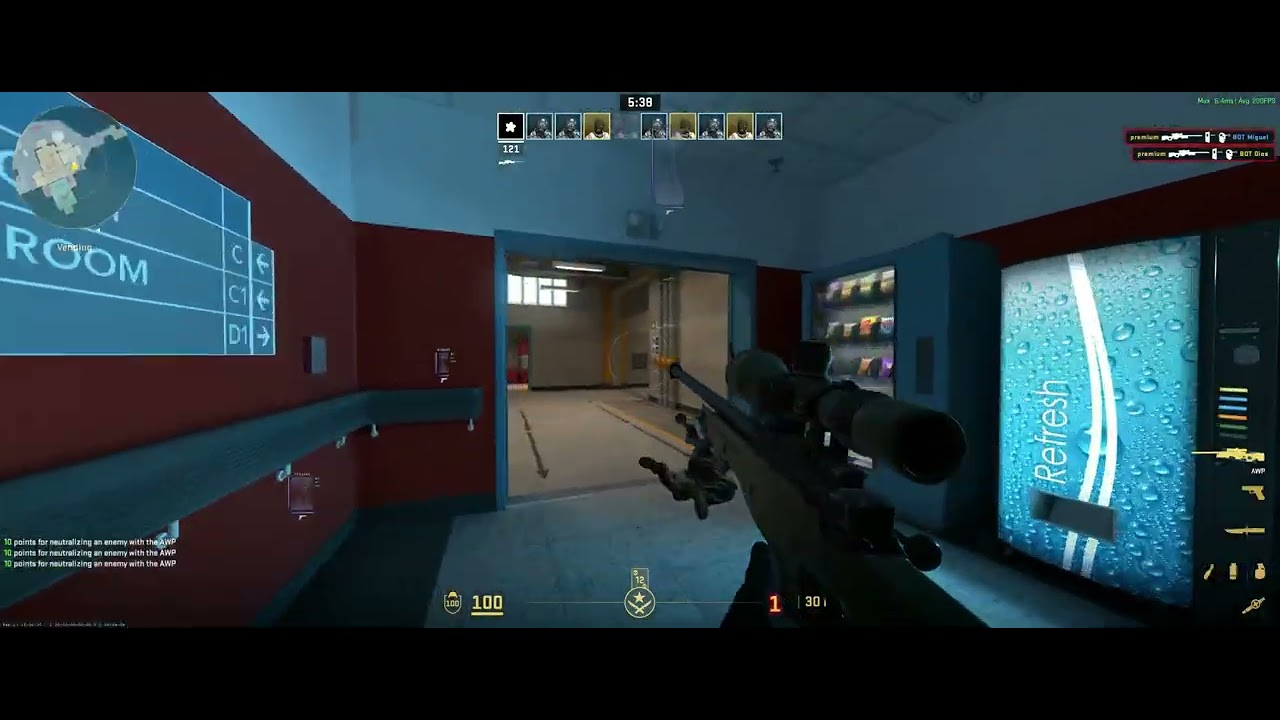
- Nyality is a CS2 software designed to provide a competitive advantage over other players.
- Warning: Using incorrect settings may result in a VAC Live ban. Ensure your configuration is safe before use.
Caution
- The executable renames itself every time it is launched to avoid bans and associations with the original file name. Do not worry about this behaviour.
- This project has been heavily modified using AI agents powered by Anthropic Claude Opus 4.6. CLAUDE.MD
- Please consider starring the original project. Thank you!
The following features were added specifically to this fork. Most descriptions were generated by AI to ensure clarity.
- Save/Load Configs – Support for named binary configuration files saved to
~/configs/. - Default Config – Mark a specific configuration as default to auto-load it on startup.
- Reset to Defaults – Instantly revert all settings to factory code defaults.
- Delete Configs – Easily remove saved configurations from your disk.
- Humanization – Features designed to mimic human-like movement to bypass VAC Live detection. Use with caution, as effectiveness may vary.
- Combo Box Fix – Resolved an issue where ESP dropdowns (box style, weapon display) failed to apply selections. The overlay now uses static locals with bidirectional sync to prevent memory pointer errors.
- Draggable Watermark – Position the watermark anywhere on the screen while the menu is open (includes two distinct styles).
- Custom Text – Set a personalized watermark via the menu.
- FPS Display – Displays actual in-game FPS read directly from game memory, rather than the overlay's refresh rate.
- Accent Color Line – The watermark box features a customizable accent line that matches the menu theme.
- Resolution Detection – The watermark position automatically resets when the display resolution changes.
- Bunny Hop – Automatic bunny hopping with a configurable activation key.
- Quick Stop – Automatically counter-strafes when movement keys are released. It injects opposite-direction inputs and releases them once velocity drops below a threshold or after a 150ms timeout.
- Custom Crosshair – A perfectly centered crosshair with an option to auto-hide when not wielding a sniper rifle (AWP/SSG).
- Hitmarker – Visual confirmation of hits on enemies; fully customizable.
- Key Display – A draggable element that shows active key presses (WASD/Space).
- Speed – Displays the player's current velocity (ported from movement cheats); size is adjustable.
- Resizable Menu – Drag any corner to resize the interface; dimensions are saved to your config.
- Accent Color Picker – Change the menu's primary accent color via the Misc tab.
- Animations – Smooth fade-in and scaling animations upon initialization.
- Anti-Screenshare – Hides all Nyality-related overlays and windows from capture software like OBS, Discord, and NVIDIA.
- Download Visual Studio 2026 and install the "Desktop development with C++" workload.
- Open the project using the
catalyst.slnxfile. - Press F7 or use the Build button (ensure the configuration is set to Release | x64).
- Once the build is successful, navigate to the
binfolder;nyality.exeis your executable.