
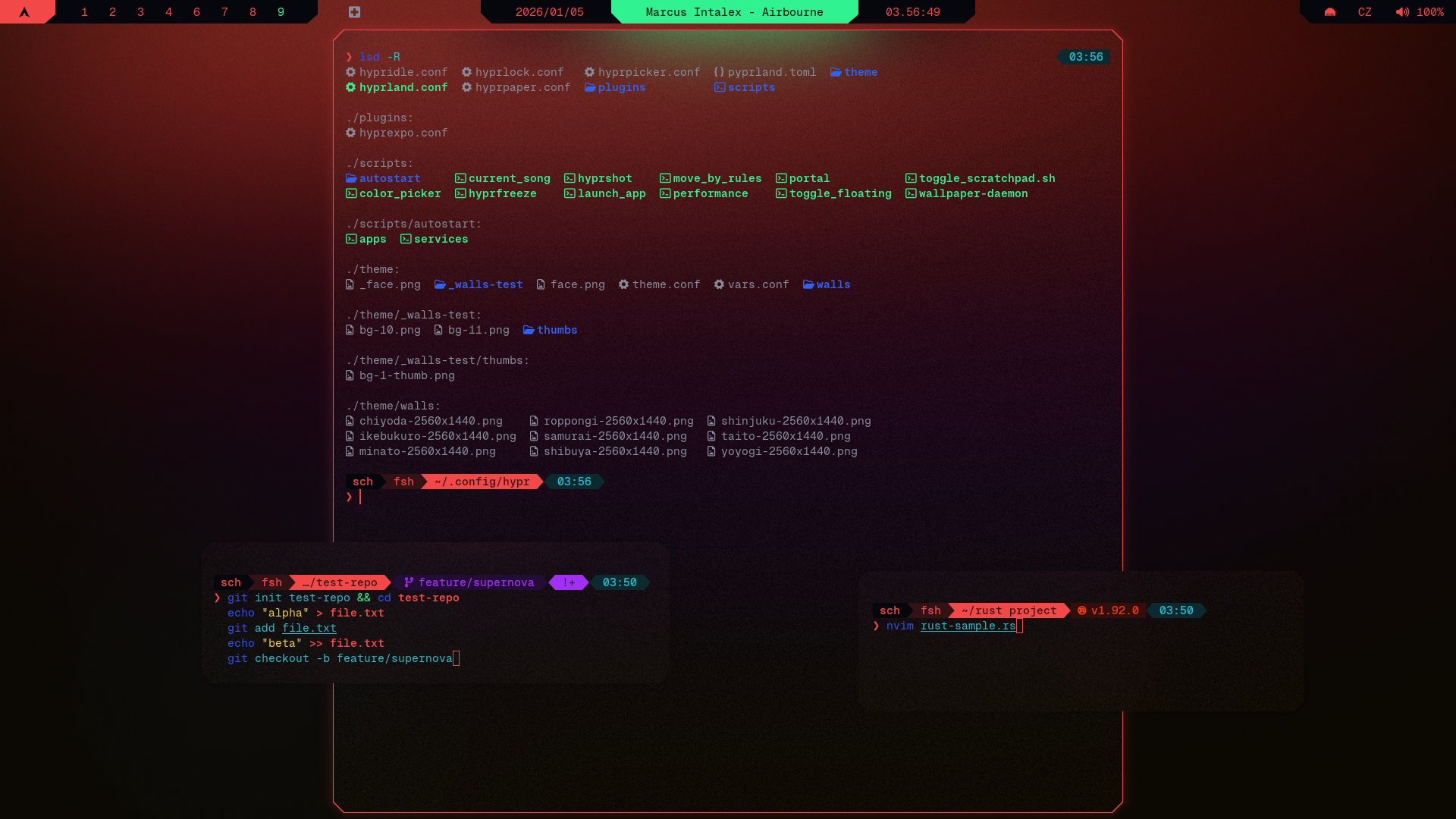
starship ↗ (left to right: terminal, terminal, directory, git)
- Make sure Geist Mono Nerd Font is installed, you can do that from terminal with:
curl -L https://github.com/ryanoasis/nerd-fonts/releases/latest/download/GeistMono.zip -o GeistMono.zip
mkdir -p ~/.local/share/fonts
unzip GeistMono.zip -d ~/.local/share/fonts/GeistMono
fc-cache -fv- Make sure fish is installed:
sudo pacman -S fishwith cybrcore theme and config applied - See Installation Guide if you're coming from cybrdots and haven't set up prerequisites yet
- starship Github
micro ~/.config/starship.toml2. Insert cybrcore theme inside starship.toml
micro ~/.config/fish/config.fishenable_transience
function starship_transient_prompt_func
starship module character
end
function starship_transient_rprompt_func
starship module custom.transient_time
end
starship init fish | sourceexec fishwhich starship
starship explain
starship print-config | head -n 5
# Should explain and display starship.toml config
#### If not
echo $STARSHIP_CONFIG
# Should point to ~/.config/starship.toml
#### Then run:
set -gx STARSHIP_CONFIG ~/.config/starship.toml
starship init fish | source