Fancy a quick demo? 👉 https://youtu.be/3-H7Bsy21SU
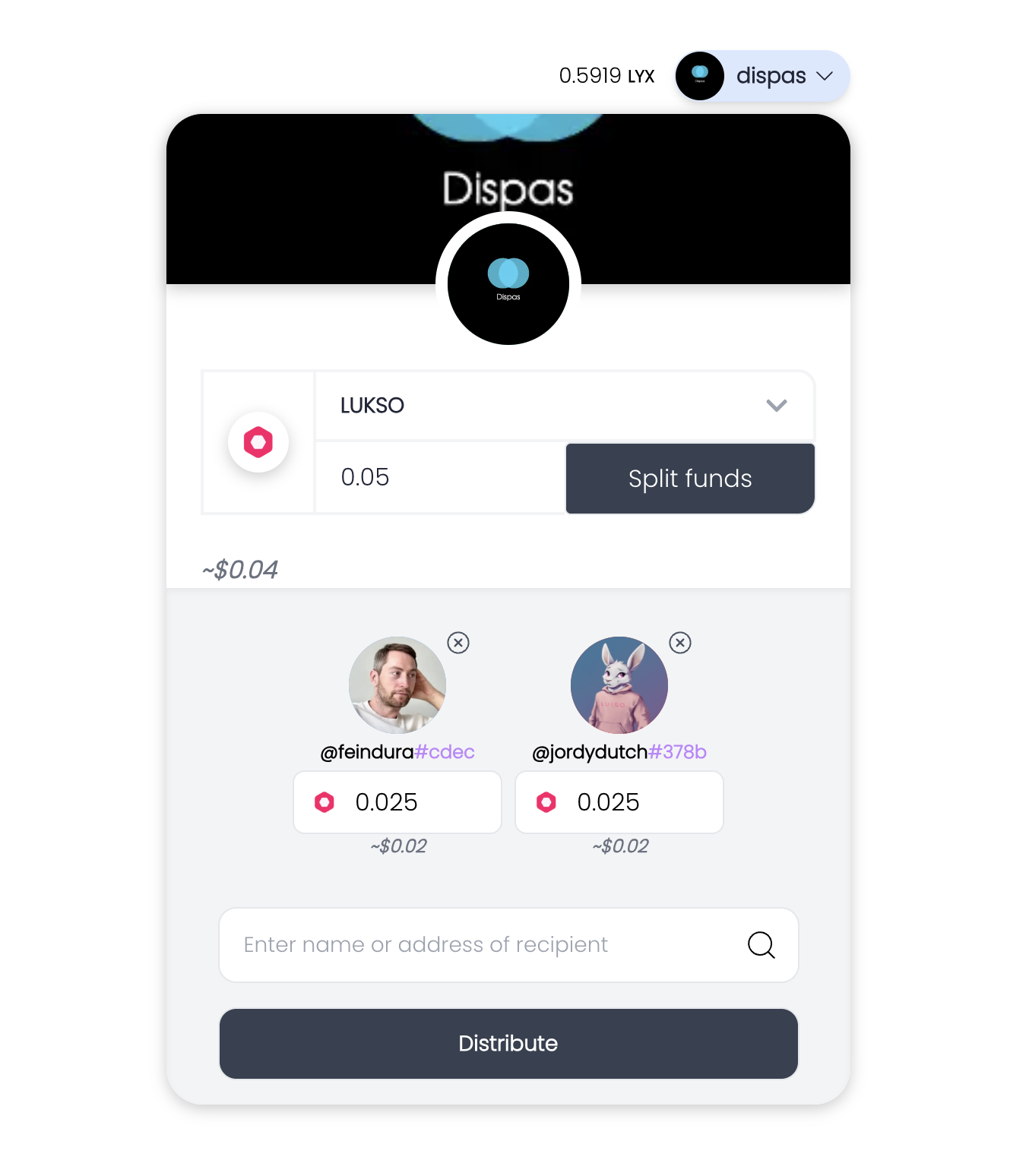
Dispas follows a modern web3 architecture with the following components:
┌─────────────────┐     ┌─────────────────┐     ┌─────────────────┐
│                 │     │                 │     │                 │
│  Next.js Front  │◄────┤  Smart Contract │◄────┤  Local/Test     │
│  End            │     │  Layer          │     │  Network        │
│                 │     │                 │     │                 │
└─────────────────┘     └─────────────────┘     └─────────────────┘
        │                        │                        │
        │                        │                        │
        ▼                        ▼                        ▼
┌─────────────────┐     ┌─────────────────┐     ┌─────────────────┐
│                 │     │                 │     │                 │
│  User Interface │     │  Fund Disbursal │     │  Lukso       │
│  Components     │     │  Logic          │     │  Blockchain     │
│                 │     │                 │     │                 │
└─────────────────┘     └─────────────────┘     └─────────────────┘
-
Frontend (Next.js)
- User interface components
- Web3 integration
- Transaction handling
- State management
-
Smart Contract Layer
- Fund disbursal logic
- Transaction validation
- Security checks
- Event emission
-
Blockchain Network
- Local development network (Hardhat)
- Test network support
- Mainnet integration
The following diagram illustrates how funds are disbursed in a single transaction:
┌─────────────┐     ┌─────────────┐     ┌─────────────┐     ┌─────────────┐
│             │     │             │     │             │     │             │
│   User      │────►│  Smart      │────►│  Batch      │────►│  Recipients │
│  Interface  │     │  Contract   │     │  Processing │     │  Receive    │
│             │     │             │     │             │     │  Funds      │
└─────────────┘     └─────────────┘     └─────────────┘     └─────────────┘
       │                   │                   │                   │
       │                   │                   │                   │
       ▼                   ▼                   ▼                   ▼
┌─────────────┐     ┌─────────────┐     ┌─────────────┐     ┌─────────────┐
│  Input      │     │  Validate   │     │  Execute    │     │  Transaction│
│  Recipients │     │  Amounts    │     │  Batch      │     │  Confirmed  │
│  & Amounts  │     │  & Addresses│     │  Transfer   │     │  & Complete │
└─────────────┘     └─────────────┘     └─────────────┘     └─────────────┘
-
User Input
- Enter recipient addresses
- Specify amounts for each recipient or split total amount
- Review total transaction cost
-
Smart Contract Validation
- Verify sender's balance
- Validate recipient addresses
- Check for duplicate addresses
- Ensure amounts are within limits
-
Batch Processing
- Aggregate all transfers
- Calculate total amount
- Prepare single transaction
- Optimize gas usage
-
Transaction Execution
- Submit to Lukso network
- Process all transfers atomically
- Emit events for tracking
- Confirm successful completion
Before you begin, you need to install the following tools:
- Node (>= v18.18)
- Yarn (v1 or v2+)
- Git
To get started with Dispas, follow the steps below:
- Clone repo and install dependencies:
git clone https://github.com/dewdrip/dispas-web.git
cd dispas-web
yarn install
- Run a local network in the first terminal:
yarn chain
This command starts a local Lukso network using Hardhat. The network runs on your local machine and can be used for testing and development. You can customize the network configuration in packages/hardhat/hardhat.config.ts.
- On a second terminal, deploy the test contract:
yarn deploy
This command deploys a test smart contract to the local network. The contract is located in packages/hardhat/contracts and can be modified to suit your needs. The yarn deploy command uses the deploy script located in packages/hardhat/deploy to deploy the contract to the network. You can also customize the deploy script.
- On a third terminal, start your NextJS app:
yarn start
Visit your app on: http://localhost:3000. You can interact with your smart contract using the Debug Contracts page. You can tweak the app config in packages/nextjs/scaffold.config.ts.
Run smart contract test with yarn hardhat:test
- Edit smart contracts in
packages/hardhat/contracts - Edit frontend homepage at
packages/nextjs/app/page.tsx. For guidance on routing and configuring pages/layouts checkout the Next.js documentation. - Edit deployment scripts in
packages/hardhat/deploy
We welcome contributions to Dispas!
Please see CONTRIBUTING.MD for more information and guidelines for contributing to Dispas.