- Install requirements
- Run server.py
- Connect to the opened websocket to read results. (By running the COUP-TangibleTable unity project)
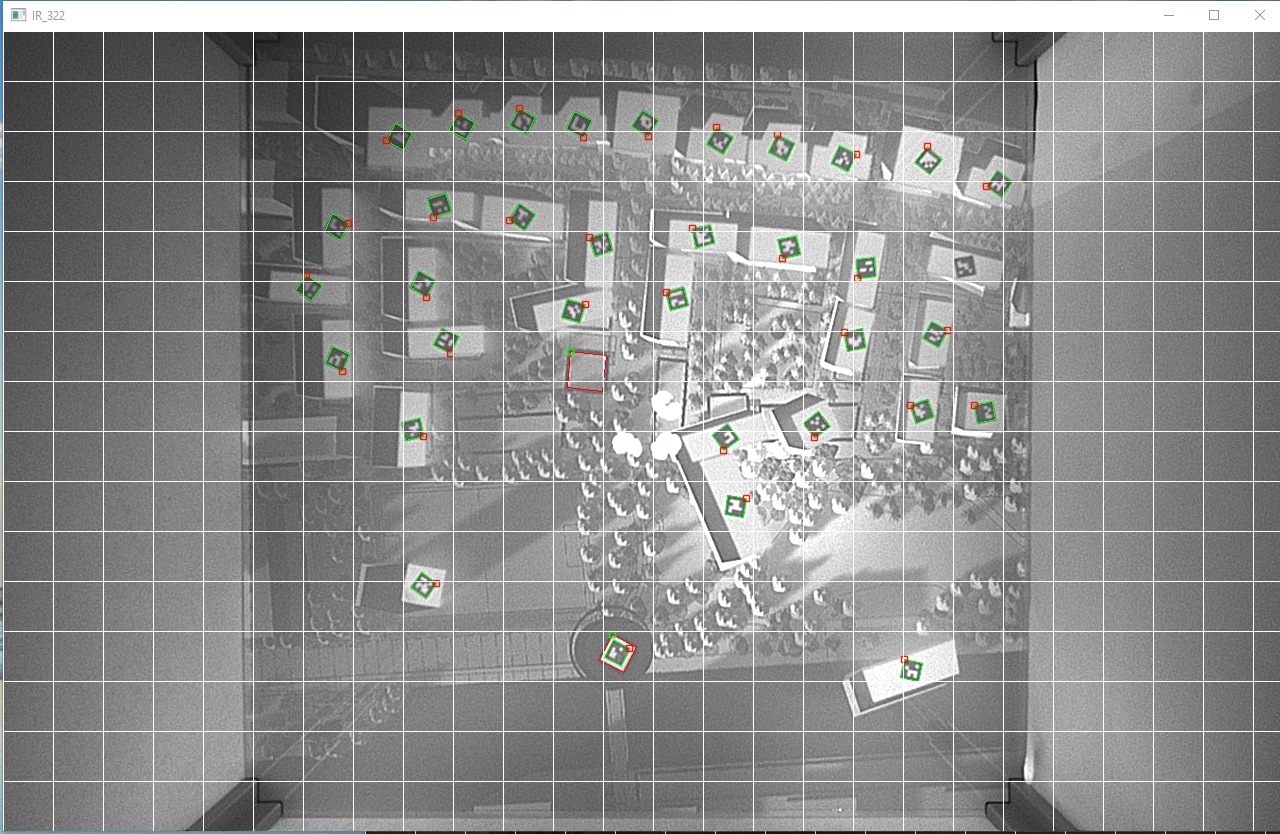
- A visual debug monitor will show you what the camera sees and which markers are recognized.
Depending on your light conditions you might need to choose different settings for exposure and gain in the realtsense/realsense_device_manager.py