Shield, send, and swap Solana assets using zero-knowledge proofs.


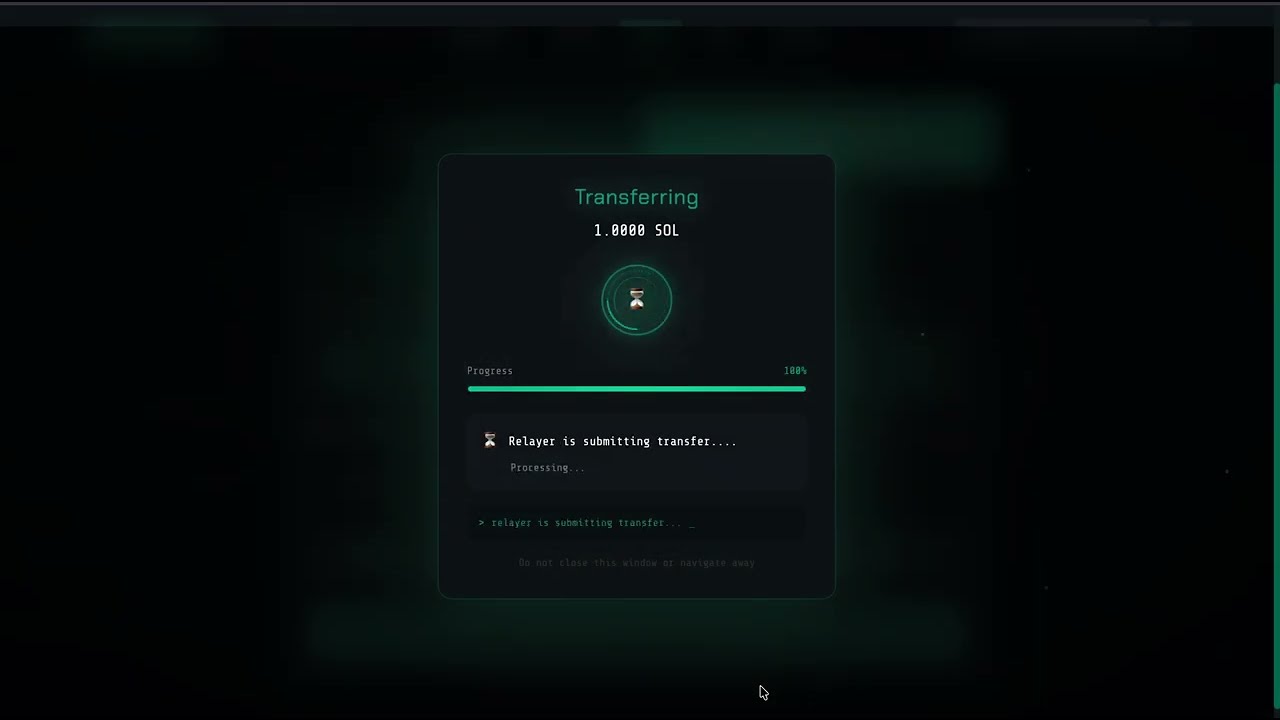
WhaleVault is a privacy layer for Solana. Deposit assets into a private pool and your transactions become verifiable on-chain without revealing the amounts or the parties involved. You prove you own a valid deposit without revealing which one or how much.

| Shield | Send | Swap |
|---|---|---|
 |
 |
 |
- ZK shielding: Deposit assets into a private pool using zkSNARK proofs
- Private transfers: Send shielded assets to any address without revealing the amount
- Private swaps: Swap within the privacy pool
- Nullifier system: Prevents double-spending inside the pool
- Merkle tree: Cryptographic proof of inclusion without revealing identity
- Non-custodial: You hold your keys at all times
| Layer | Technology |
|---|---|
| Frontend | Next.js 14, TypeScript, Tailwind CSS |
| Blockchain | Solana Web3.js |
| Privacy | Zero-Knowledge Proofs (zkSNARKs) |
| State | Zustand |
| UI | shadcn/ui |
| Deployment | Vercel |
WhaleVault runs on Solana devnet. No real SOL needed.
Install Phantom (browser extension or mobile). Create a new wallet and save your seed phrase.
Switch Phantom to devnet:
- Open Phantom
- Go to Settings > Developer Settings > Change Network
- Select Devnet
You need devnet SOL to pay for transaction fees.
Go to faucet.solana.com, paste your devnet wallet address, and request an airdrop. You will receive test SOL within seconds.
Alternatively, run this from the terminal if you have the Solana CLI:
solana airdrop 2 YOUR_WALLET_ADDRESS --url devnetGo to whalevault.vercel.app and click Connect Wallet. Select Phantom and approve the connection.
Shielding moves your SOL from your public wallet into the private pool. Once shielded, the amount and your identity are hidden from on-chain observers.
- Click Shield in the sidebar
- Enter the amount of SOL to shield
- Approve the transaction in Phantom
- WhaleVault generates a ZK proof client-side and submits a commitment to the on-chain Merkle tree
- You receive a private note. Save it. This note is the only way to prove ownership of your shielded funds.
Send shielded assets to any Solana address without revealing the amount or linking it to your original wallet.
- Click Send
- Enter the recipient address and amount
- WhaleVault generates a ZK proof that you own a valid deposit
- A nullifier is submitted on-chain to prevent double-spending
- The recipient receives the SOL with no visible link to your original deposit
Swap one shielded asset for another without leaving the privacy pool.
- Click Swap
- Select input and output tokens and enter the amount
- Approve the swap
- The swap happens inside the pool. No public transaction links the input to the output.
User deposits SOL/tokens
        |
        v
ZK proof generated client-side
(proves ownership without revealing amount)
        |
        v
Commitment added to on-chain Merkle tree
(verifiable but private)
        |
        v
Nullifier stored to prevent double-spend
        |
        v
User withdraws to any address with a fresh ZK proof
git clone https://github.com/dmustapha/whalevault.git
cd whalevault
npm install
cp .env.example .env.local
npm run devsrc/
├── app/ # Next.js App Router pages
├── components/ # UI components
│ ├── shield/ # Shielding interface
│ ├── send/ # Private transfer
│ └── swap/ # Private swap
├── lib/
│ ├── zk/ # ZK proof generation and verification
│ ├── solana/ # Solana Web3.js integration
│ └── merkle/ # Merkle tree implementation
└── stores/ # Zustand state management
- X: @whalevaultpriv
- Email: damilolamustaphaa@gmail.com
MIT