
A set of helpful tools you can use in Python.
Python 3 Easy Installation
All documentation of Pine is written into comments and inside of Pine Manager
Open releases
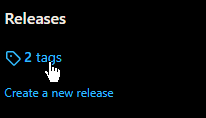
Click the latest version
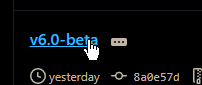
Download PineManager.py

Transfer the file to the project folder in your preferred IDE

Run the Pine Manager python script

Click install

Click submit

Close the window
PS: You need to close the window for any of the pine files to appear in your project folder.
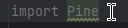
Import pine into a new or existing python file
MAKE SURE THE P IN PINE IS CAPITALIZED!
Run the file

If this displays in the terminal, you are all good!

PS: Do NOT delete pine manager! you may need it in the future...
Click uninstall in pine manager (Use the same version you used to install it!)
Close the window
Delete pine manager
Download the latest version of pine manager
Click install