The official graphical user interface for Fungi, built with Flutter.
On macOS, we recommend installing Fungi App through our Homebrew tap:
brew tap enbop/fungi
brew install --cask fungi-app
For the nightly channel instead:
brew tap enbop/fungi
brew install --cask fungi-app-nightly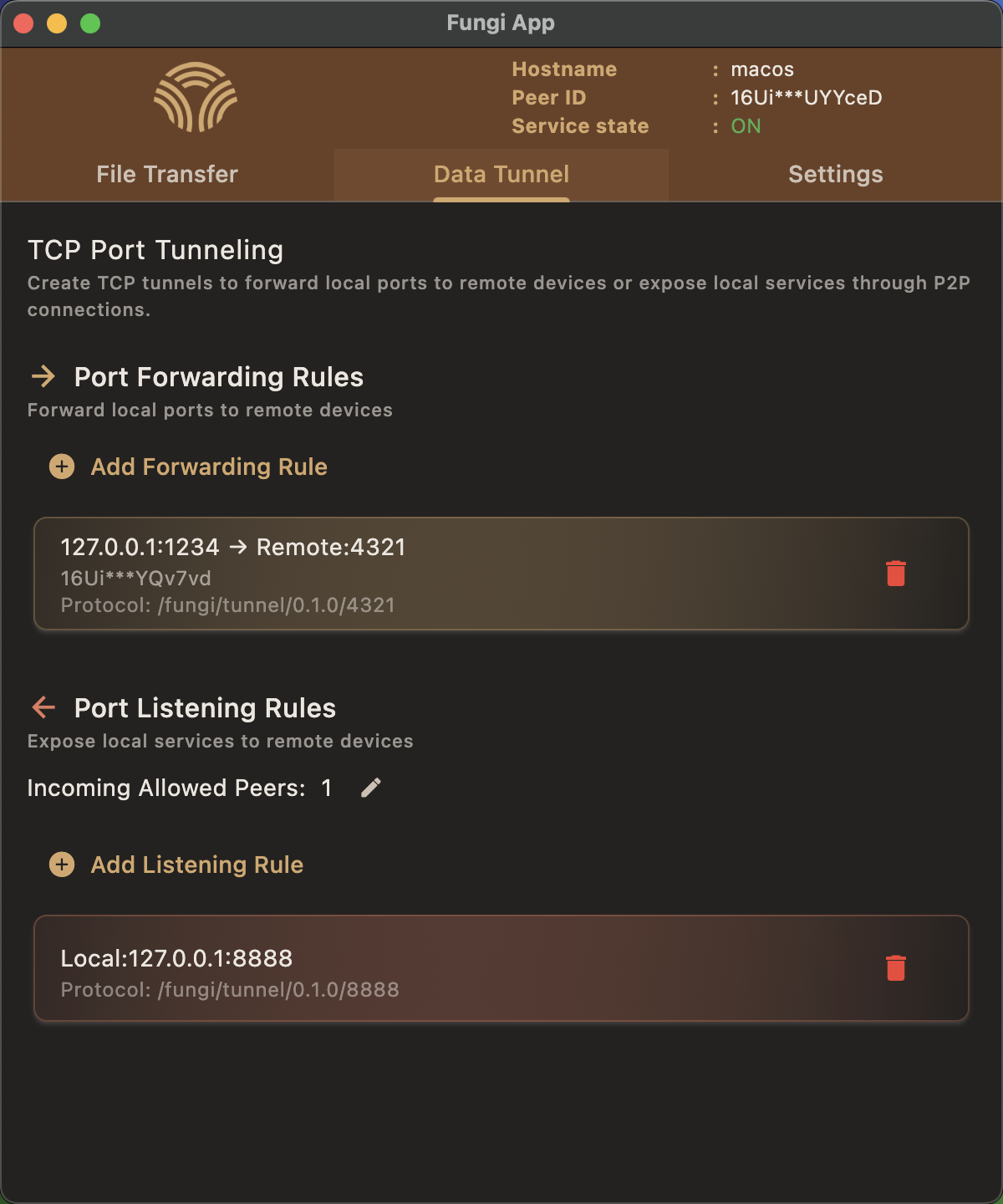
Fungi App communicates with the underlying fungi binary via gRPC. The app can start and stop an app-managed daemon, or connect to a compatible daemon that was already started by the user.
Fungi App currently tracks the fungi core release line directly.
- The app version should match the compatible core daemon version, for example
0.6.1. - UI-only repackaging or platform-specific release increments should use build metadata, for example
0.6.1+2.
- Flutter SDK: Ensure you have the latest Flutter SDK installed.
- Fungi Artifacts: download the matching core binary and proto:
Use
scripts/fetch_core_artifacts.sh
--platform androidfor Android, or--platform allto prepare every packaged target. Artifacts are placed underfungi-artifacts/<channel>/<platform>/<arch>/. - macOS: If you're building on macOS, install CocoaPods (required for macOS Flutter plugins):
brew install cocoapods
pod setup
If you modify the .proto definitions, regenerate the Dart gRPC code:
# Install protoc_plugin
dart pub global activate protoc_plugin 21.1.2

# Update path
export PATH="$PATH:$HOME/.pub-cache/bin"

# Regenerate gRPC code
protoc --dart_out=grpc:lib/src/grpc/generated -Ifungi-artifacts fungi-artifacts/fungi_daemon.protoflutter pub get
flutter runFor Android development builds, select the nightly flavor:
flutter run --flavor nightlyscripts/build_macos_dist.sh
scripts/build_linux_dist.sh
scripts/build_windows_dist.sh
scripts/build_android_dist.shStable builds must opt in explicitly:
scripts/build_macos_dist.sh --channel stable