A customizable and animated Mac-style keyboard component for Svelte. It visually responds to both keyboard and mouse events.
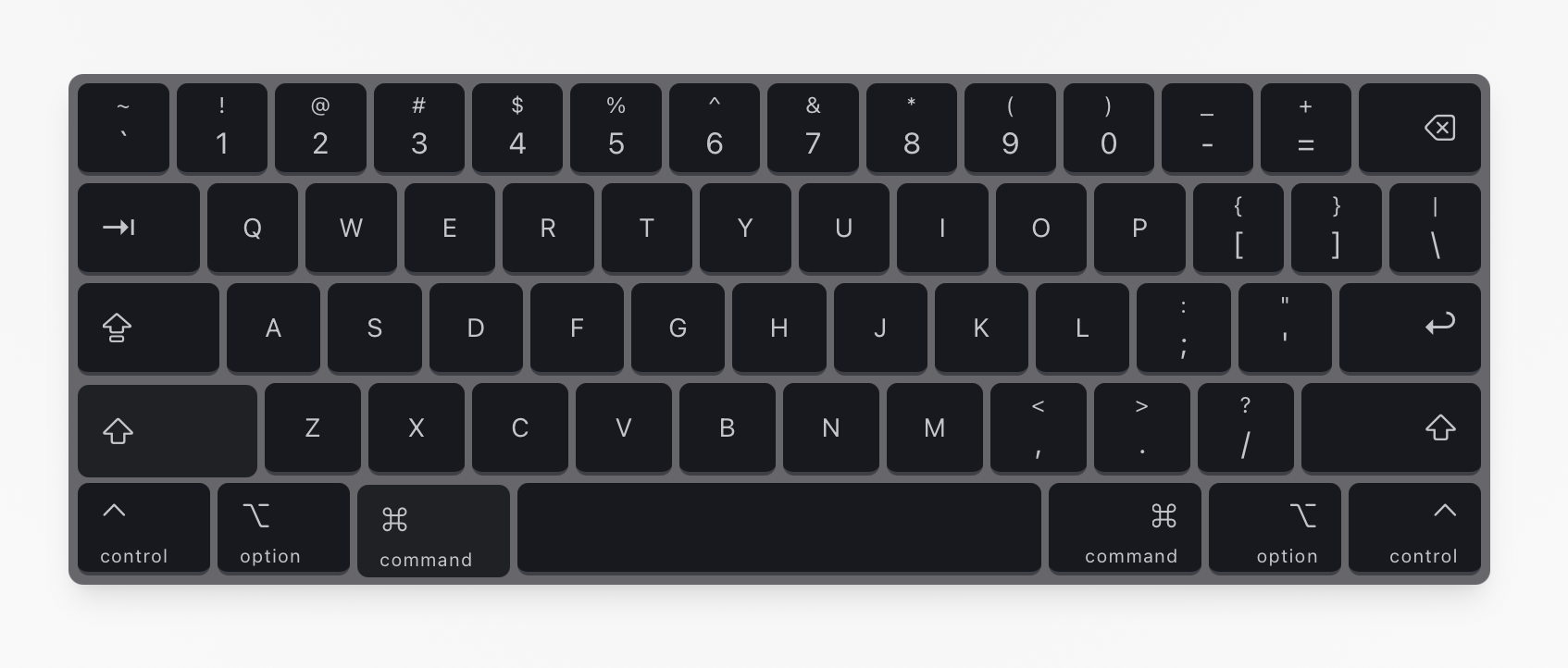
-
Clone the repository:
git clone https://github.com/timoweiss/svelte-mac-keyboard.git cd svelte-mac-keyboard -
Install dependencies:
bun install
-
Run the development server:
bun run dev
The application will be available at
http://localhost:5173.
-
Copy the component: Copy the
keyboard.sveltefile fromsrc/lib/components/into your own Svelte project's components directory. Also, copy theutils.tsfile fromsrc/lib/for class name utility if you didn't install shadcn/ui yet. -
Import the component: In your Svelte file, import the
Keyboardcomponent:<script lang="ts"> import Keyboard from './path/to/keyboard.svelte'; </script> <Keyboard />
You can customize the keyboard's appearance and layout directly within the keyboard.svelte file.
-
Props: You can customize the keyboard's behavior with the following props:
showFunctionRow: A boolean to show or hide the function key row (default:true).<Keyboard showFunctionRow={false} />
-
Styling: Modify the style constants at the top of the script section to change colors, fonts, and borders.
const BG_COLOR = 'bg-[#67666b]';
const KEY_BG_COLOR = 'bg-[#161920]';
// ... and so on
-
Layout: The
keyboardLayoutarray defines the structure of the keyboard. You can add, remove, or reorder keys by editing this array. Each key object can have properties likecode,label,size, etc.const keyboardLayout: Key[][] = [ [ { code: 'Backquote', label: '`', shiftLabel: '~' }, // ... more keys ], // ... more rows ];