





Volumizer replaces the system volume popup with a simple progress bar.
| Before | After(No Notch) | After (With Notch) |
|---|---|---|
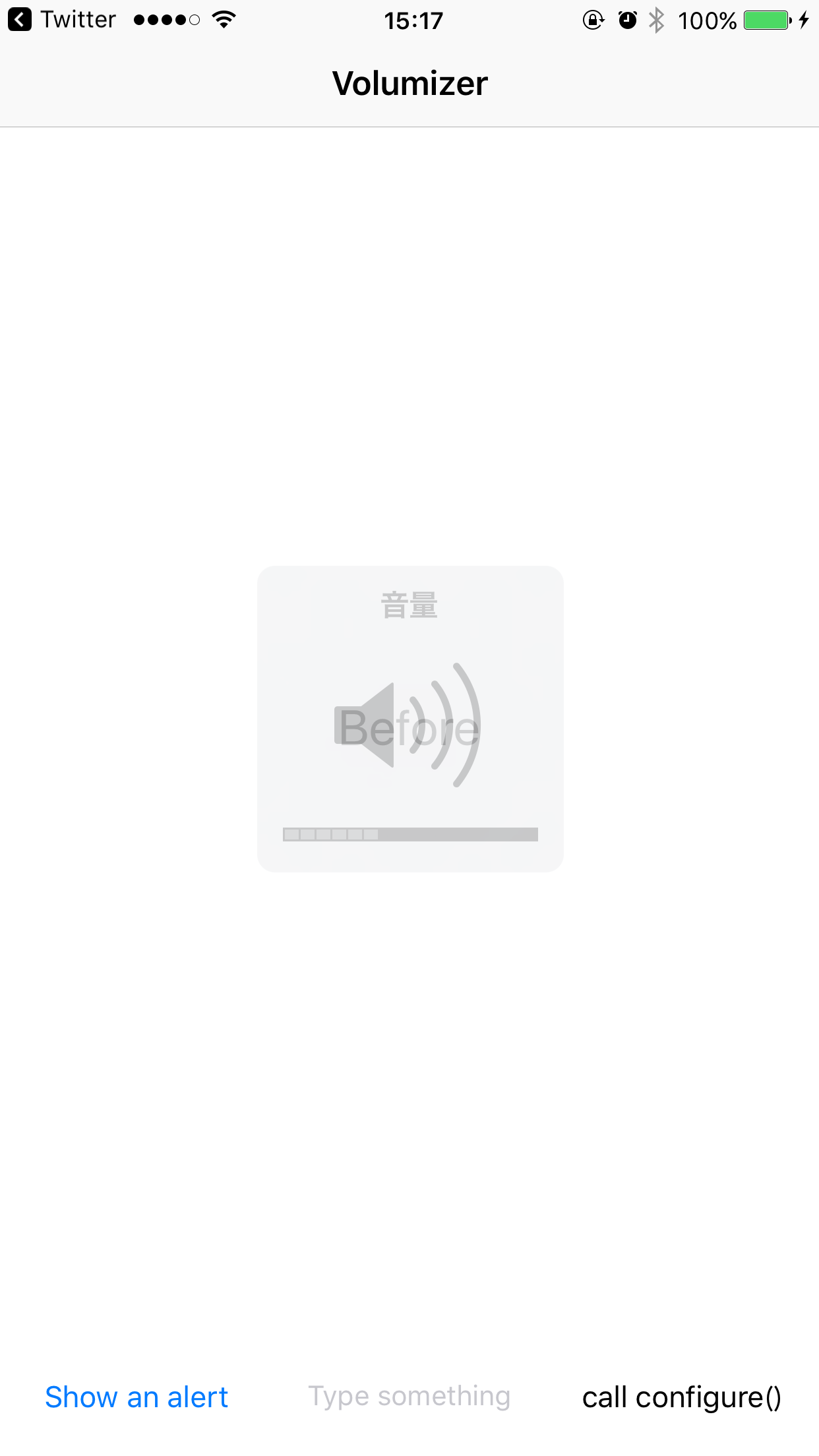 |
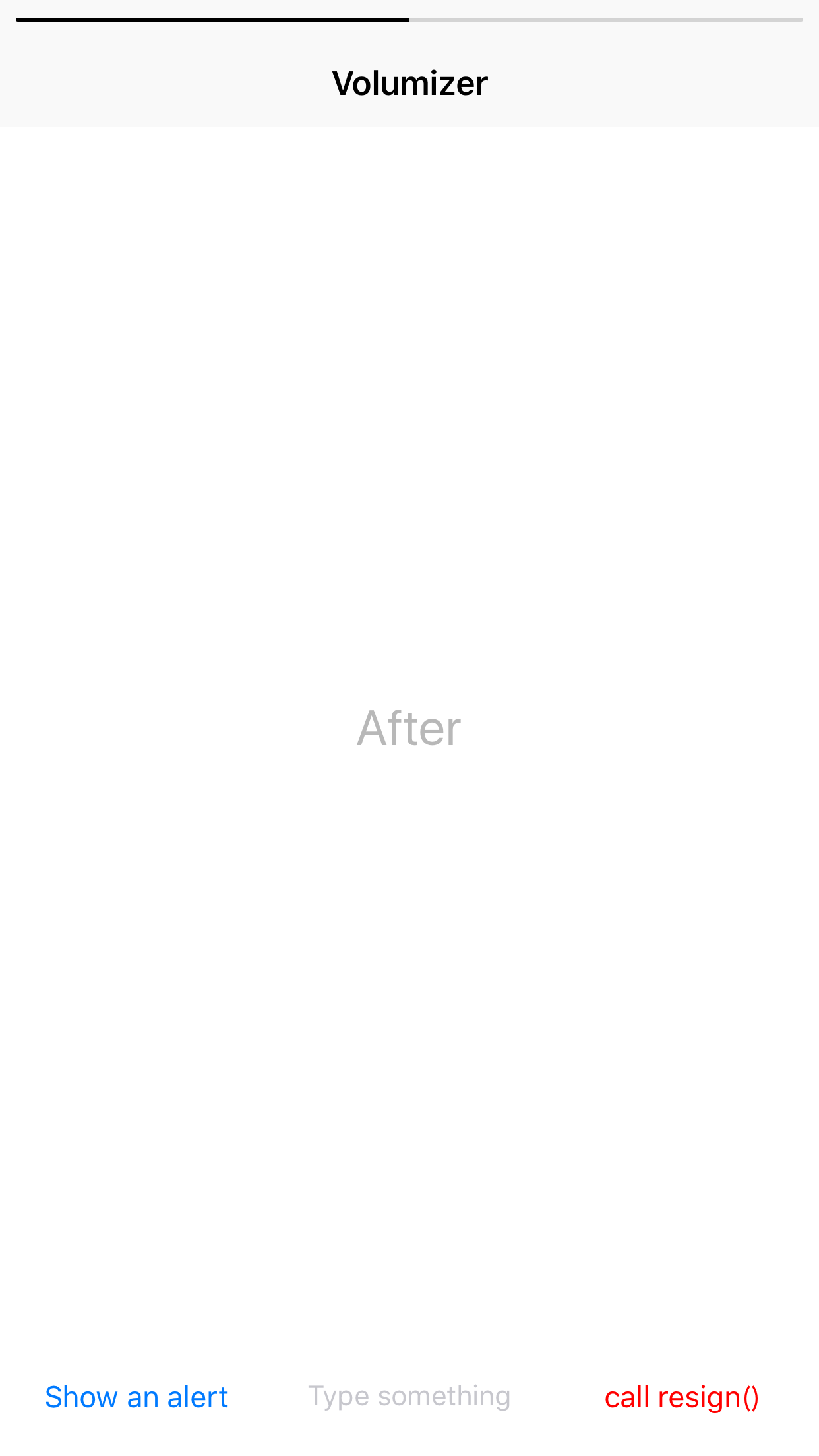 |
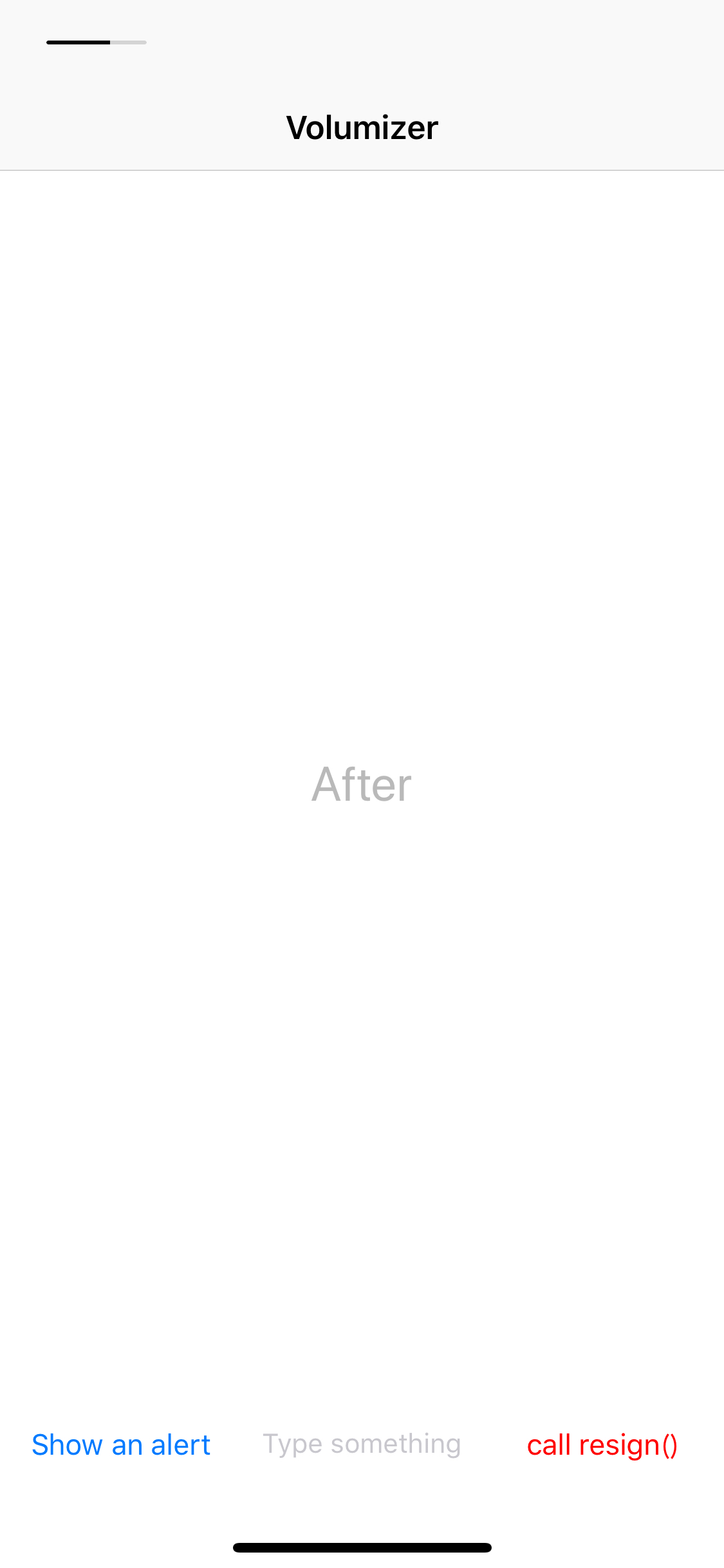 |
- Swift 5
- Hide the system volume HUD typically displayed on volume button presses
- Show a simple progress bar like Instagram's iOS app does
- Support iPhoneX, XS, XS Max, XR
- Well easy to customize appearance
- Only support
portraitmode
platform :ios, '10.0'
use_frameworks!

pod 'Volumizer'github "fxwx23/Volumizer"
Drag the Volumizer folder into your project and link the MediaPlayer and AVFoundation frameworks to your project.
Use of Volumizer is a simple way with one line. Just call configure() after set a window at least.
Volumizer.configure()You can customize the bar's appearance with VolumizerAppearanceOption.
/**
public enum VolumizerAppearanceOption {
   case overlayIsTranslucent(Bool) default is `true`.
   case overlayBackgroundBlurEffectStyle(UIBlurEffectStyle) default is `.extraLight`.
   case overlayBackgroundColor(UIColor) default is `.white`.
   case sliderProgressTintColor(UIColor) default is `.black`.
   case sliderTrackTintColor(UIColor) default is `.lightGray.withAlphaComponent(0.5)`
}
*/

let options: [VolumizerAppearanceOption] = [ .overlayIsTranslucent(true),
                                             .overlayBackgroundBlurEffect( .extraLight),
                                             .overlayBackgroundColor( .white),
                                             .sliderProgressTintColor( .black)]

let volumizer = Volumizer.configure(options)

/// To change options based on view's current appearance, call `change(options:_)` .
volumizer.change(options: otherOptions)
If you want to release volumizer 's window, please call resign(). Once you released, the system volume popup will be shown again.
volumizer.resign()- support
landscapemode. - support SPM.
- manage window level to be below
UIWindowLevelAlert. -
Objective-Ccompatible.
This project is under the MIT license.