This is not mod. this is library for get localized texts with specific languages for MOD.
Just reference the code or copy it, or reference the released DLL for develop RF5 MOD if it needs.
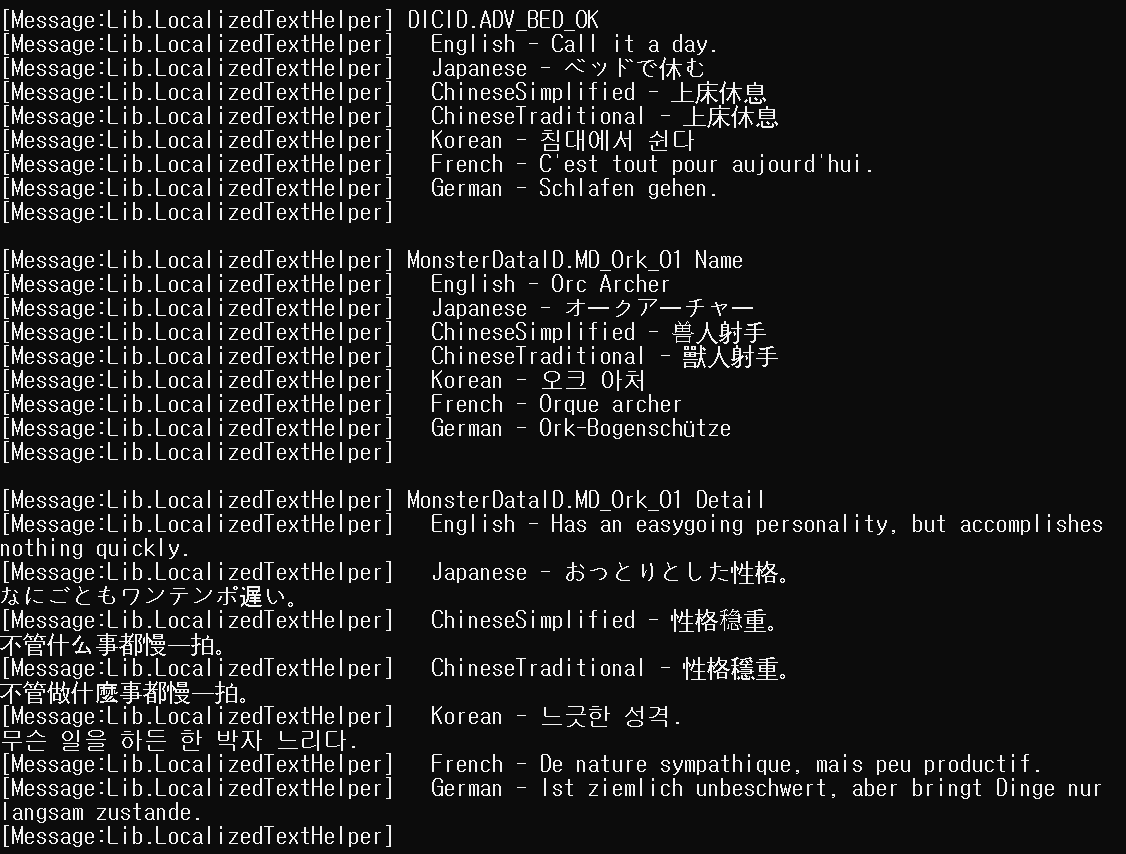
If you don't need to get texts outside of the set language, then this library is not needed.
If you having problems of getting specific Ids defined texts, see other repo here
First at all, for get other language at runtime, It required prepare (Load localized textdata assets etc...) for use it.
If your mod is not for end-users (ex: mods for dump game datas), normally you can just call LocalizedText.PrepareAllSupportedLanguages
In other case, if your mod is for end-users, I recommended call prepare function with specific language.
RF5 Supports under languages
- English
- Japanese
- ChineseSimplified
- ChineseTraditional
- Korean
- French
- German
//Prepare for item name
{
    bool isSuccess = false;
    LocalizedText.ItemUIName.Prepare(SystemLanguage.Japanese, onSuccess: () => isSuccess = true);
    while (isSuccess == false) yield return null; //Wait until success
}
//Prepare for item description
{
    bool isSuccess = false;
    LocalizedText.ItemUIDiscript.Prepare(SystemLanguage.Japanese, onSuccess: () => isSuccess = true);
    while (isSuccess == false) yield return null; //Wait until success
}
//All just prepare for everything
{
    bool isSuccess = false;
    LocalizedText.PrepareLocalizedTextTypeAllSupportedLanguages(onAllSuccess: () => isSuccess = true);
    while (isSuccess == false) yield return null; //Wait until success
}

//Prints Item_Kyabetsu name, discription in local language
BepInExLoader.log.LogMessage(LocalizedText.ItemUIName.GetText(ItemID.Item_Kyabetsu));
BepInExLoader.log.LogMessage(LocalizedText.ItemUIDiscript.GetText(ItemID.Item_Kyabetsu));

//Prints Item_Kyabetsu name, discription in local japanese
BepInExLoader.log.LogMessage(LocalizedText.ItemUIName.GetText(ItemID.Item_Kyabetsu, SystemLanguage.Japanese));
BepInExLoader.log.LogMessage(LocalizedText.ItemUIDiscript.GetText(ItemID.Item_Kyabetsu, SystemLanguage.Japanese));