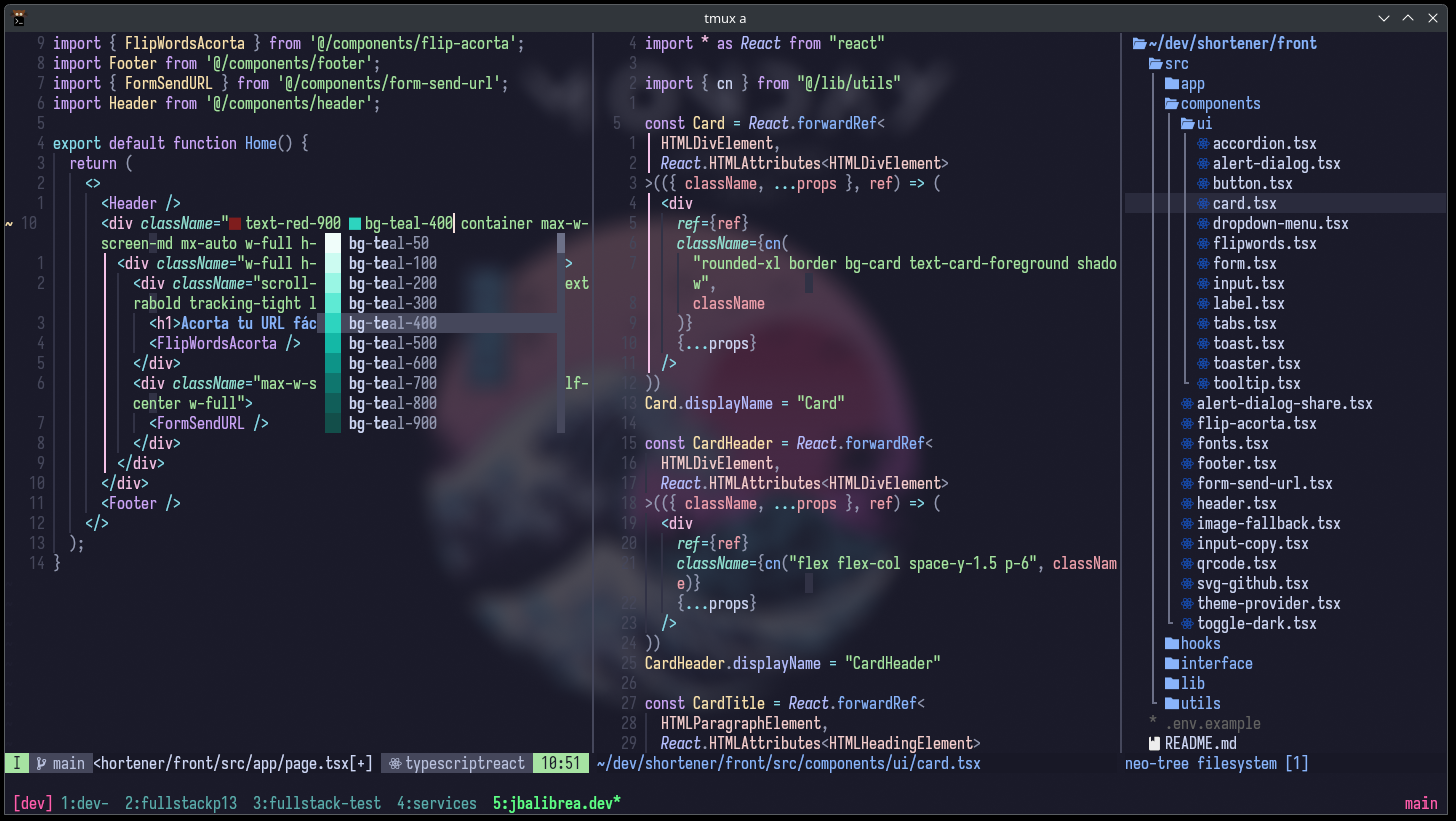
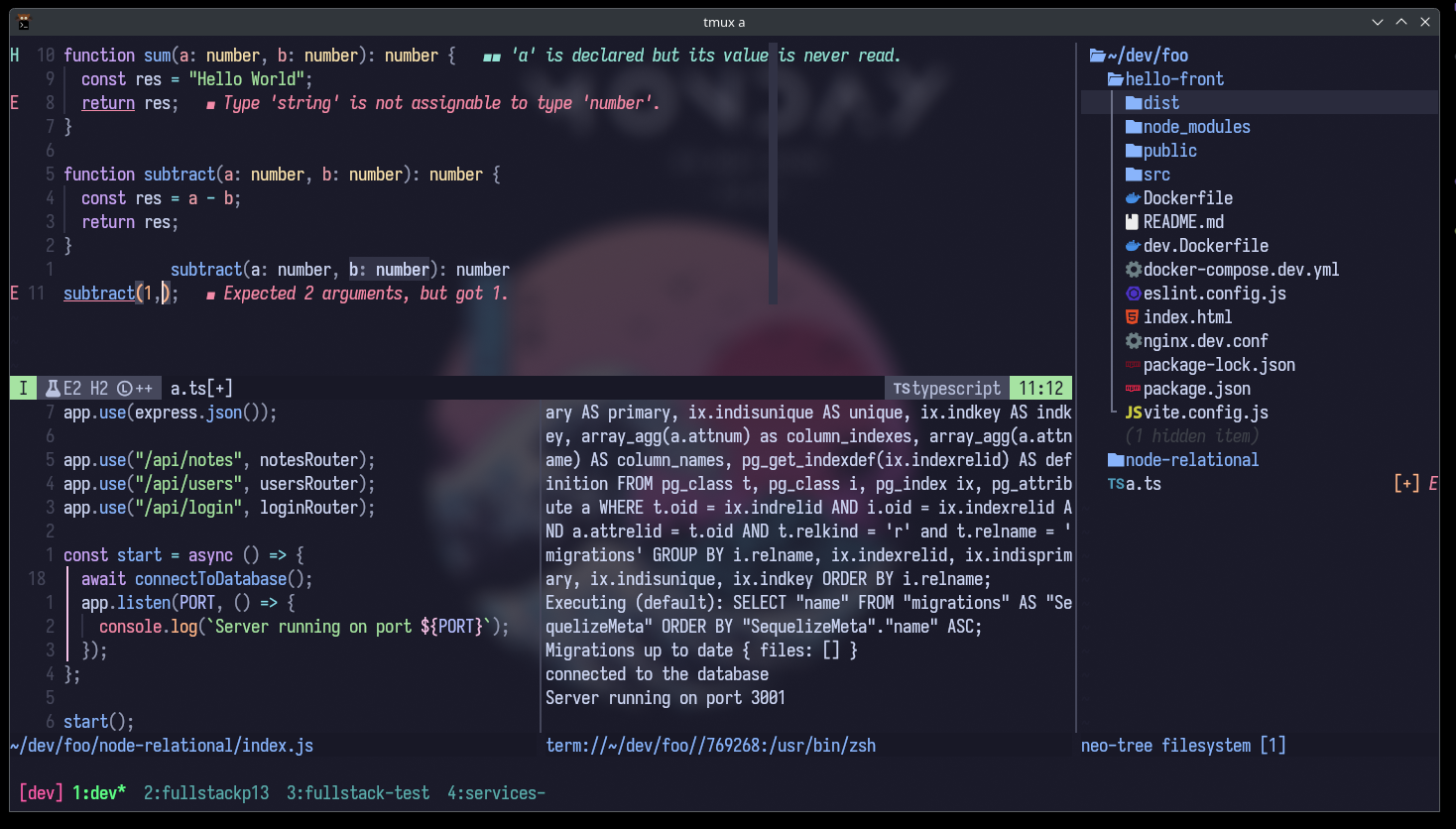
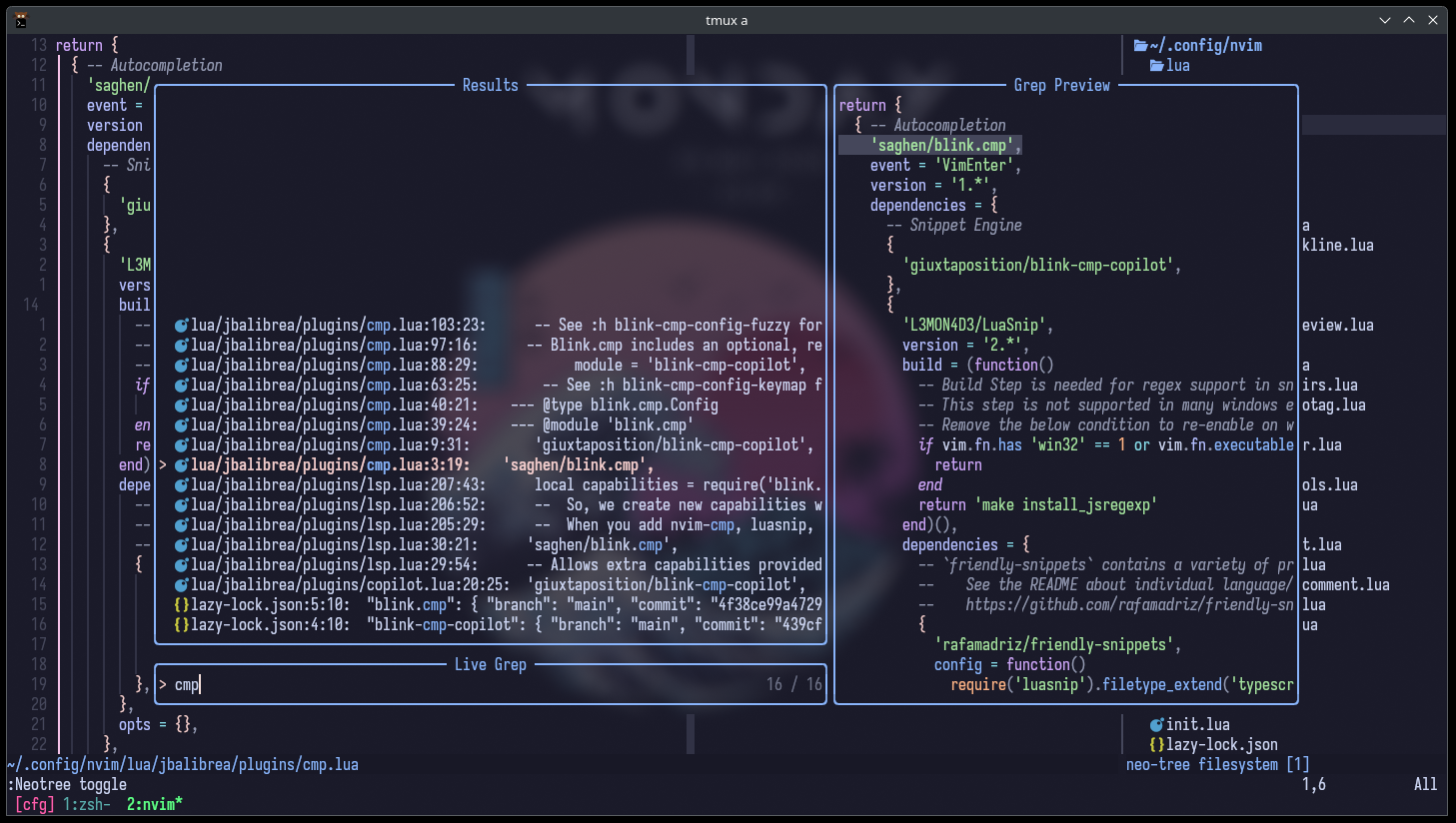
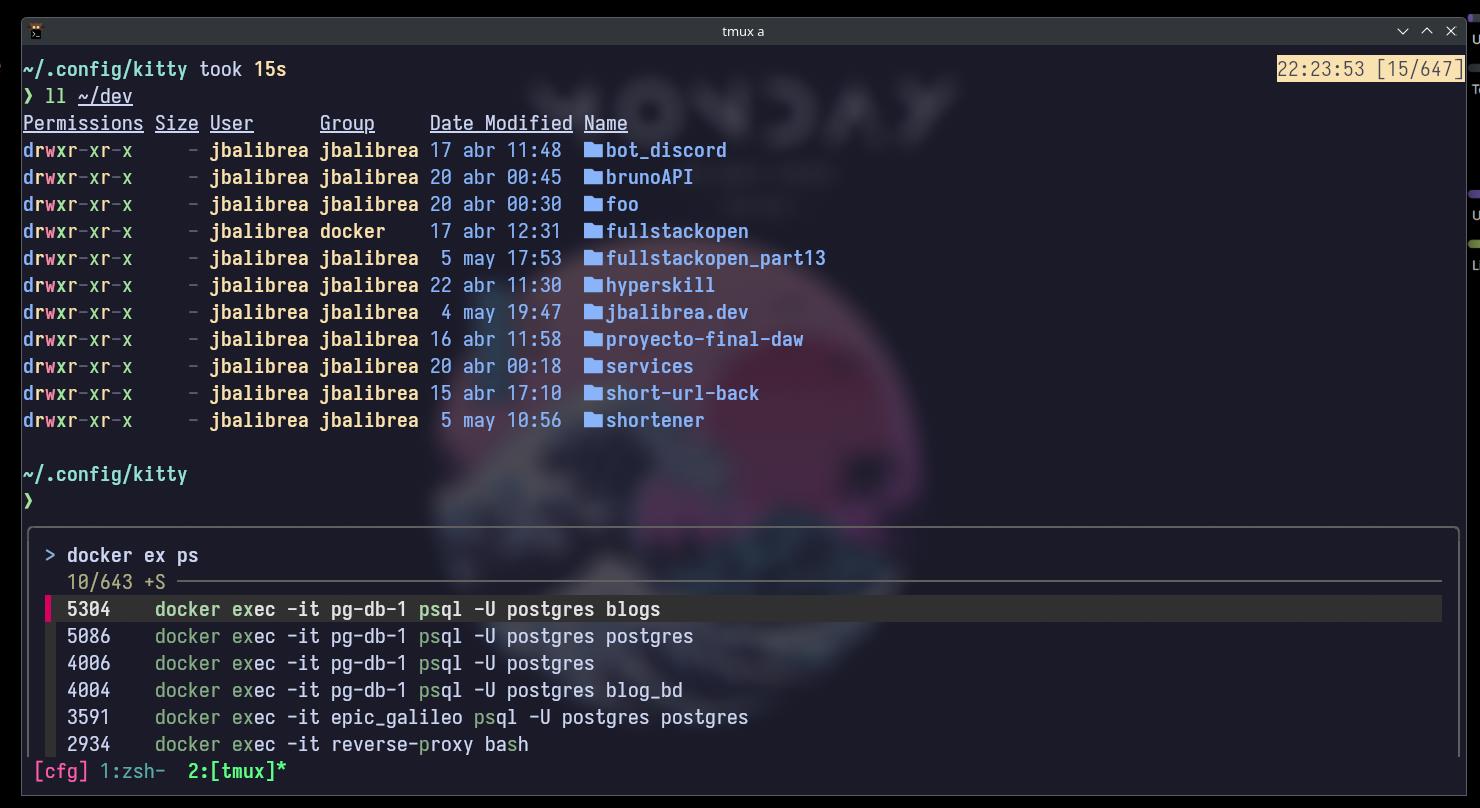
# arch
pacman -S --noconfirm --needed kitty zsh tmux starship
# ubuntu
sudo apt install -y kitty zsh tmux starship

# oh-my-zsh
sh -c "$(curl -fsSL https://raw.githubusercontent.com/ohmyzsh/ohmyzsh/master/tools/install.sh)"

# oh-my-zsh plugins
git clone https://github.com/zsh-users/zsh-autosuggestions $ZSH_CUSTOM/plugins/zsh-autosuggestions
git clone https://github.com/zsh-users/zsh-syntax-highlighting $ZSH_CUSTOM/plugins/zsh-syntax-highlighting
git clone https://github.com/zsh-users/zsh-completions $ZSH_CUSTOM/plugins/zsh-completions
git clone https://github.com/zsh-users/zsh-history-substring-search $ZSH_CUSTOM/plugins/zsh-history-substring-search
For wezterm installation, you can follow the wezterm installation guide. I do the compilation from source, but you can also use the precompiled binaries.
[!INFO] terminal setup progress..
- Neovim (Version 0.9 or Later)
- Nerd Font - I change fonts often, but I usually use Iosevka, Fira Code, JetBrains Mono...
- Ripgrep - For Telescope Fuzzy Finder
- Language Setup:
- If want to write TypeScript/JavaScript, you need
node/npm - If want to write Golang, you will need
go - etc.
- If want to write TypeScript/JavaScript, you need
Arch Install steps
sudo pacman -S --noconfirm --needed gcc make git ripgrep fd unzip neovim
sudo pacman -S ttf-fira-code ttf-jetbrains-mono ttf-iosveka-nerd ttf-maple ttf-nerd-fonts-symbols ttf-nerd-fonts-symbols-mono
Ubuntu Install Steps
sudo add-apt-repository ppa:neovim-ppa/unstable -y
sudo apt update
sudo apt install make gcc ripgrep unzip git xclip neovim
Windows with gcc/make using chocolatey
- install chocolatey either follow the instructions on the page or use winget, run in cmd as admin:
winget install --accept-source-agreements chocolatey.chocolatey- install all requirements using choco, exit previous cmd and open a new one so that choco path is set, and run in cmd as admin:
choco install -y neovim git ripgrep wget fd unzip gzip mingw makeWindows with WSL (Windows Subsystem for Linux)
   wsl --install
   wsl
   sudo add-apt-repository ppa:neovim-ppa/unstable -y
   sudo apt update
sudo apt install make gcc ripgrep unzip git xclip neovimDotfiles config alias
Recently I read about this amazing technique in an Hacker News thread on people's solutions to store their dotfiles.
In his words the technique below requires:
No extra tooling, no symlinks, files are tracked on a version control system, you can use different branches for different computers, you can replicate you configuration easily on new installation.
The technique consists in storing a Git bare repository in a "side" folder (like $HOME/.cfg or $HOME/.myconfig) using a specially crafted alias so that commands are run against that repository and not the usual .git local folder, which would interfere with any other Git repositories around.
If you haven't been tracking your configurations in a Git repository before, you can start using this technique easily with these lines:
git init --bare $HOME/.cfg
alias config='/usr/bin/git --git-dir=$HOME/.cfg/ --work-tree=$HOME'
config config --local status.showUntrackedFiles no
echo "alias config='/usr/bin/git --git-dir=$HOME/.cfg/ --work-tree=$HOME'" >> $HOME/.bashrc
- The first line creates a folder
~/.cfgwhich is a Git bare repository that will track our files. - Then we create an alias
configwhich we will use instead of the regulargitwhen we want to interact with our configuration repository. - We set a flag - local to the repository - to hide files we are not explicitly tracking yet. This is so that when you type
config statusand other commands later, files you are not interested in tracking will not show up asuntracked. - Also you can add the alias definition by hand to your
.bashrcor use the the fourth line provided for convenience.
After you've executed the setup any file within the $HOME folder can be versioned with normal commands, replacing git with your newly created config alias, like:
config status
config add .vimrc
config commit -m "Add vimrc"
config add .bashrc
config commit -m "Add bashrc"
config pushIf you already store your configuration/dotfiles in a Git repository, on a new system you can migrate to this setup with the following steps:
- Prior to the installation make sure you have committed the alias to your
.bashrcor.zsh:
alias config='/usr/bin/git --git-dir=$HOME/.cfg/ --work-tree=$HOME'- And that your source repository ignores the folder where you'll clone it, so that you don't create weird recursion problems:
echo ".cfg" >> .gitignore- Now clone your dotfiles into a bare repository in a "dot" folder of your
$HOME:
git clone --bare <git-repo-url> $HOME/.cfg- Define the alias in the current shell scope:
alias config='/usr/bin/git --git-dir=$HOME/.cfg/ --work-tree=$HOME'- Checkout the actual content from the bare repository to your
$HOME:
config checkout- The step above might fail with a message like:
error: The following untracked working tree files would be overwritten by checkout:
    .bashrc
    .gitignore
Please move or remove them before you can switch branches.
Aborting
This is because your $HOME folder might already have some stock configuration files which would be overwritten by Git. The solution is simple: back up the files if you care about them, remove them if you don't care. I provide you with a possible rough shortcut to move all the offending files automatically to a backup folder:
mkdir -p .config-backup && \
config checkout 2>&1 | egrep "\s+\." | awk {'print $1'} | \
xargs -I{} mv {} .config-backup/{}- Re-run the check out if you had problems:
config checkout- Set the flag
showUntrackedFilestonoon this specific (local) repository:
config config --local status.showUntrackedFiles no- You're done, from now on you can now type
configcommands to add and update your dotfiles:
config status
config add .vimrc
config commit -m "Add vimrc"
config add .bashrc
config commit -m "Add bashrc"
config push
For completeness this is what I ended up with (tested on many freshly minted Alpine Linux containers to test it out):
    git clone --bare https://bitbucket.org/durdn/cfg.git $HOME/.cfg
    function config {
       /usr/bin/git --git-dir=$HOME/.cfg/ --work-tree=$HOME $@
    }
    mkdir -p .config-backup
    config checkout
    if [ $? = 0 ]; then
      echo "Checked out config.";
      else
        echo "Backing up pre-existing dot files.";
        config checkout 2>&1 | egrep "\s+\." | awk {'print $1'} | xargs -I{} mv {} .config-backup/{}
    fi;
    config checkout
config config status.showUntrackedFiles noThanks to tjedeveries for inspiring me and making it easier and more accessible to learn Neovim - kickstart