



-444)
Lumen makes Hermes Desktop easier to scan: clearer surfaces, readable controls and thoughtfully tuned light and dark palettes, without changing how Hermes works.
Built and tested against Hermes Desktop v0.21.x — see COMPATIBILITY.md for what that covers and what can break on app updates.
Install the managed Hermes package:
hermes plugins install jrpbuilds/hermes-lumen-themeLumen is not in the Hermes catalog, so Hermes will ask you to review and approve its security scan before installing this custom source.
After a future release, update it with:
hermes plugins update lumenThen restart Hermes Desktop so it loads the updated Desktop package half.
Managed Lumen installs use the release-only stable branch. If you installed
an earlier managed copy while it tracked main, reinstall it after the
repository default changes so later hermes plugins update lumen commands
stay on the stable channel.
Then pick Lumen in the theme picker (Cmd/Ctrl-K → theme, Appearance settings,
or /skin). The clarity layer activates automatically whenever the Lumen skin
is active and stays inert otherwise. You can also choose the bundled Lumen
workspace layout in the layout picker.
- Clearer visual hierarchy — tuned palettes, terminal ANSI colours, stronger text contrast and a readable 18px type scale.
- Better dense-work surfaces — refined sessions and Bots panels, sidebar search, controls and capability pages.
- Useful interaction polish — visible focus states, better dropdowns and a full clickable area for sidebar search.
- A ready-to-use workspace — a Lumen layout in the layout picker for sessions, terminal, workspace, files and review.
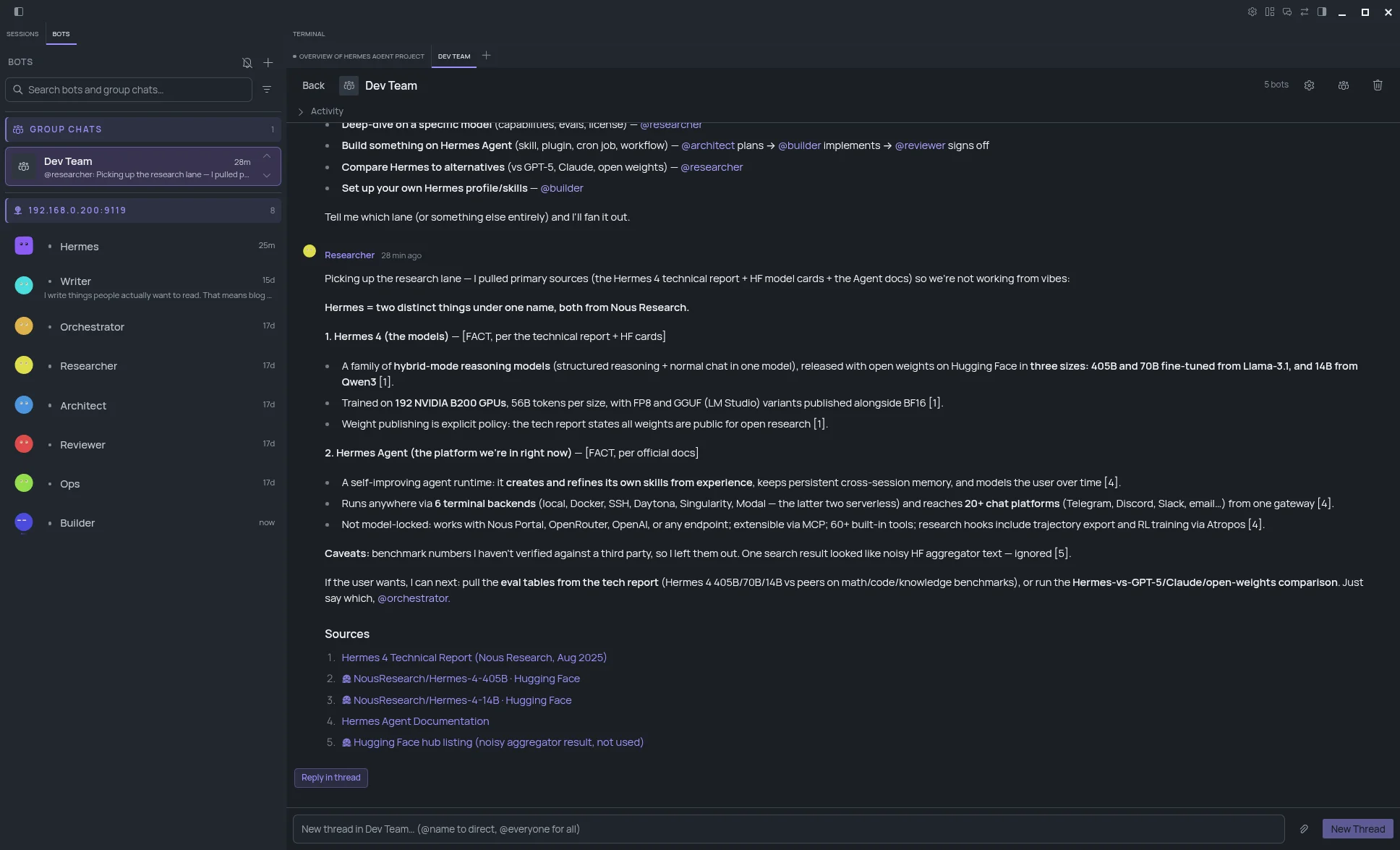
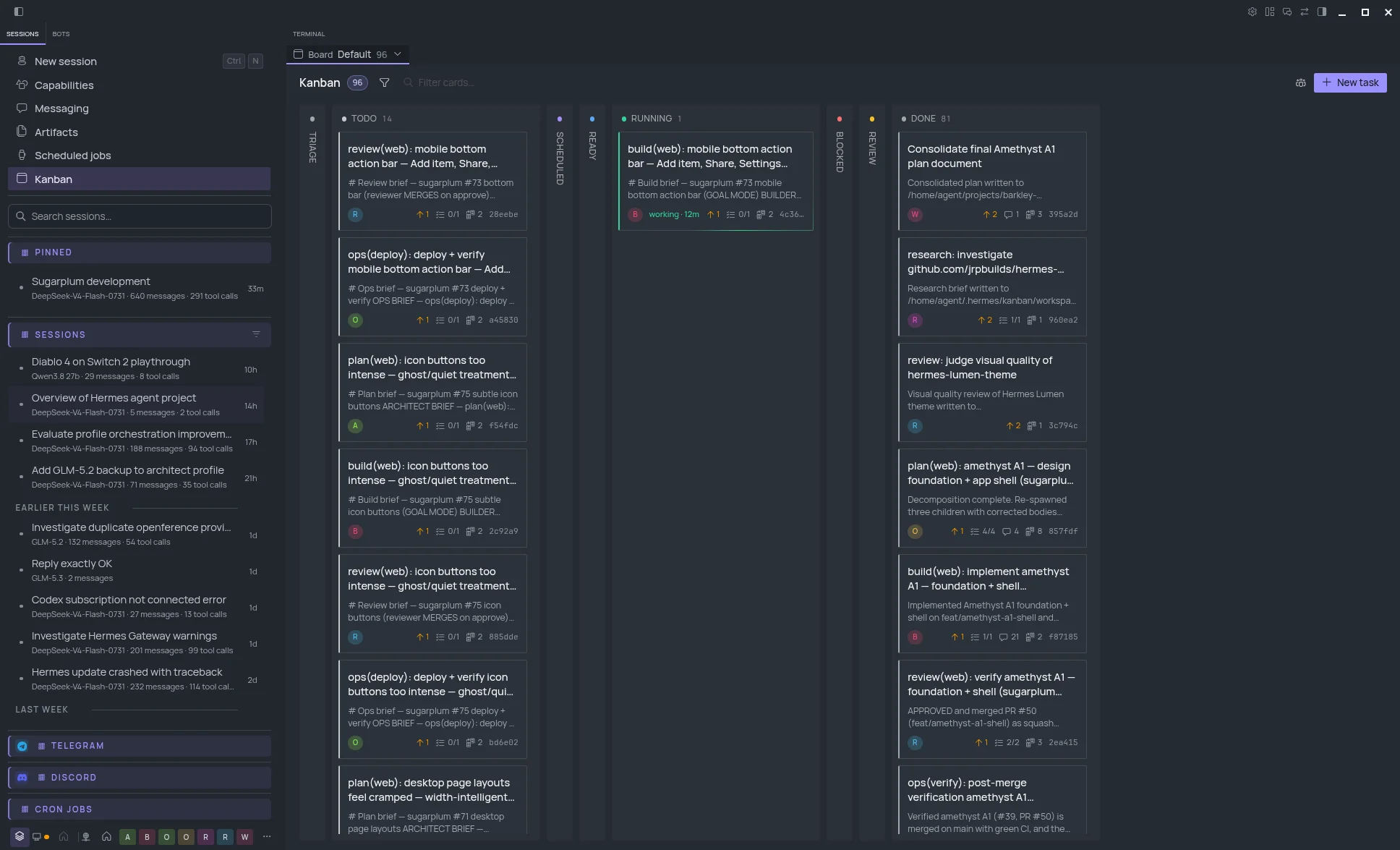
See more screenshots on the Lumen website.
MIT — see LICENSE and THIRD_PARTY_NOTICES.md.