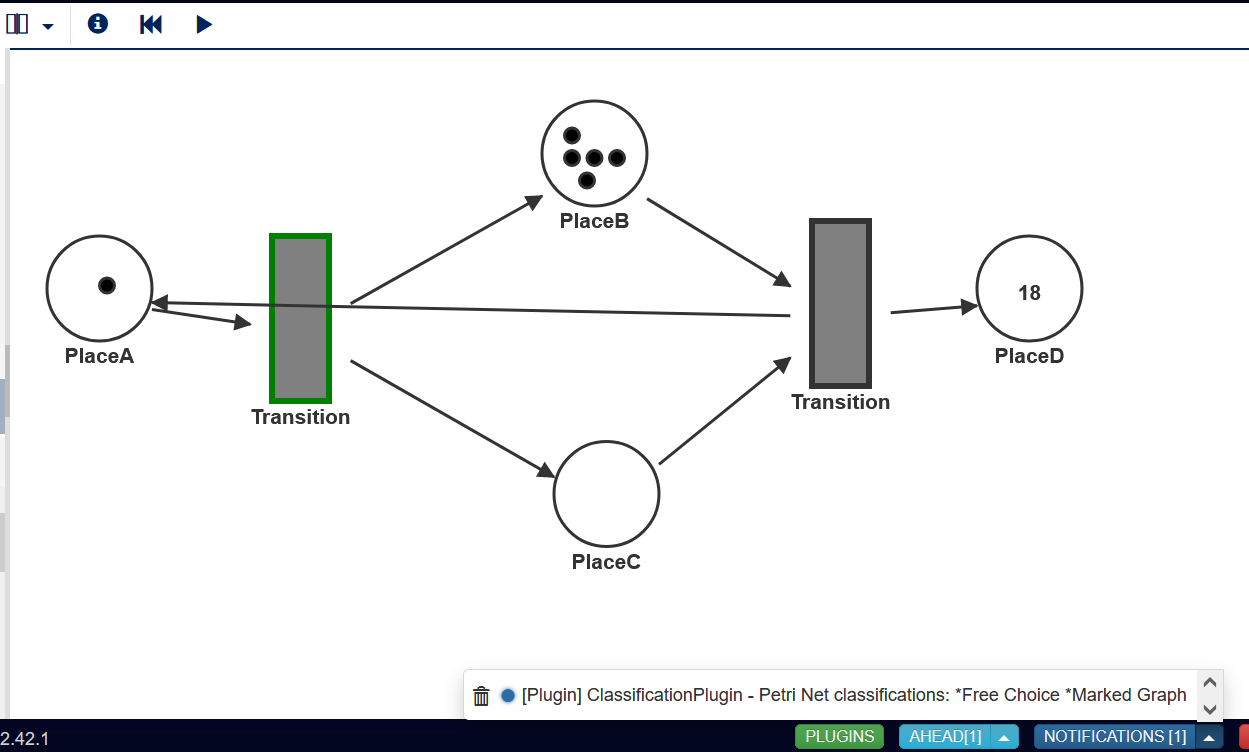
Petri Nets are a graphical modeling tool to depict information processed through a system. Petri Nets are commonly used for modeling concurrent systems. The components consist of Transitions, Places, Markings, and Arcs. Arcs connect Places to Transitions and vice versa. Places consist of markings and all places pointing to a transition must contain a marking for every arc to said transition in order to activate the transition. Upon activation, it will be able to fire sending the incoming markings to its outgoing arcs into the designated places.
The use cases are limitless. This modeling contruct can be create to scenarios regarding business processes, object functionality, communication protocols, manufacturing systems, and much more. Some examples include the process of a vending machine, the events of a restraurant, process of an online order, and much more.
First, install the following:
- Clone this repository
- run "npm install"
- pip install webgme_bindings
- NodeJS (LTS recommended)
- MongoDB
Second, start mongodb locally by running the mongod executable in your mongodb installation (you may need to create a data directory or set --dbpath).
Then, run webgme start from the project root to start . Finally, navigate to http://localhost:8888 to start using miniproject-petrinet!
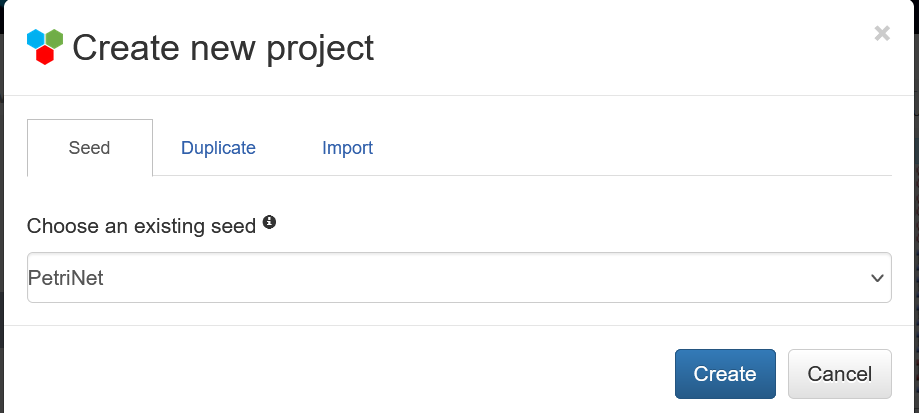
To begin the creation of a petri net on WebGME, create a project with the existing seed named "PetriNet"
From the WebGME console, select the Composition tab where you will find several example models.
Example1 is a generic named petri net to get a look and feel of the composed petri net.
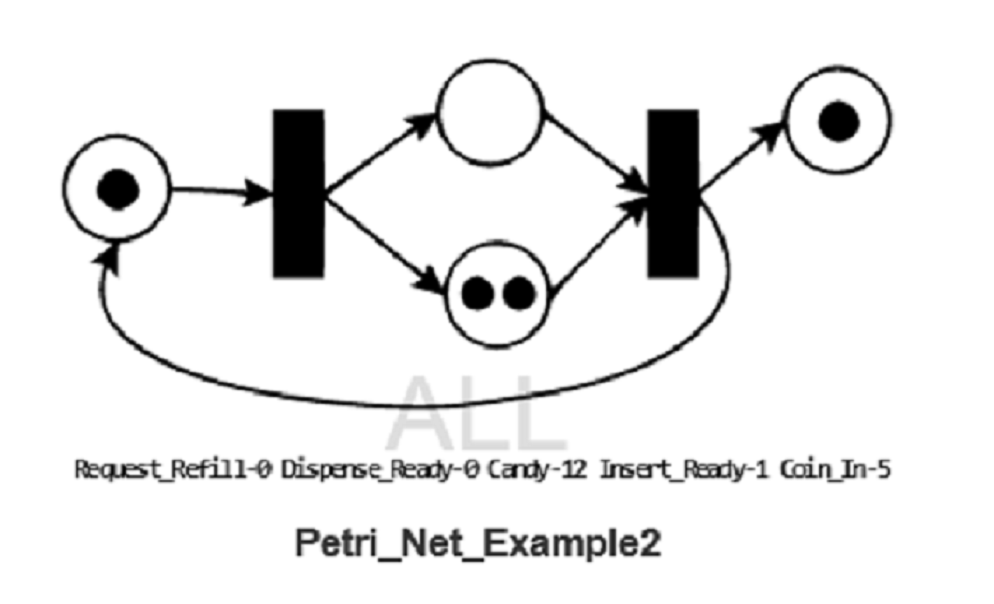
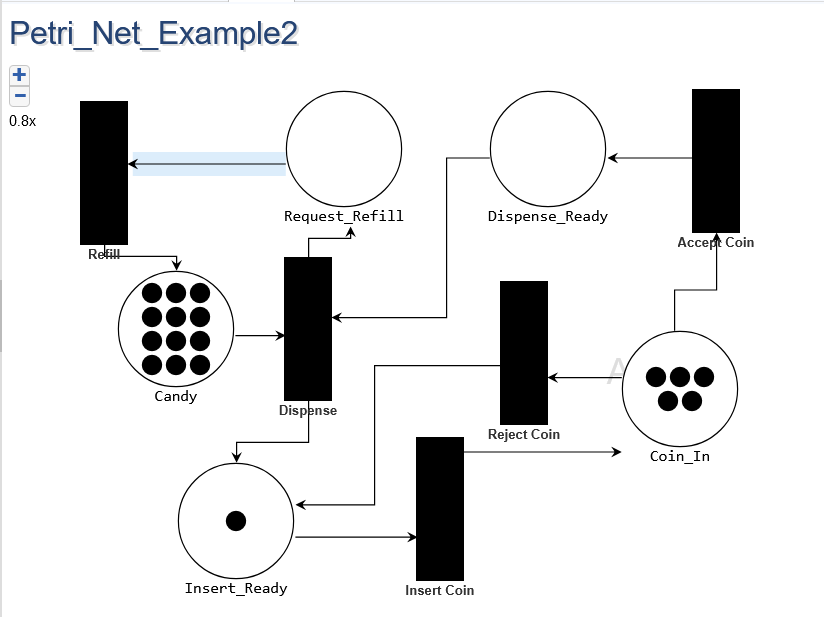
Example2 offers a real life example of a simple candy vending machine.
Example3 offers another real life use case of chemical compounds tranitions.
You can drag and drop a Petri_Net instace to creat your very own. The decoration offers a dynamic insight of the current places with their total markings.
Clicking on a petri net instance will allow you to drag and drop places and transitions onto the page. You can connect a trasition to a place or vice versa. You will find places offer an attribute that will represent the number of markings it currently holds.
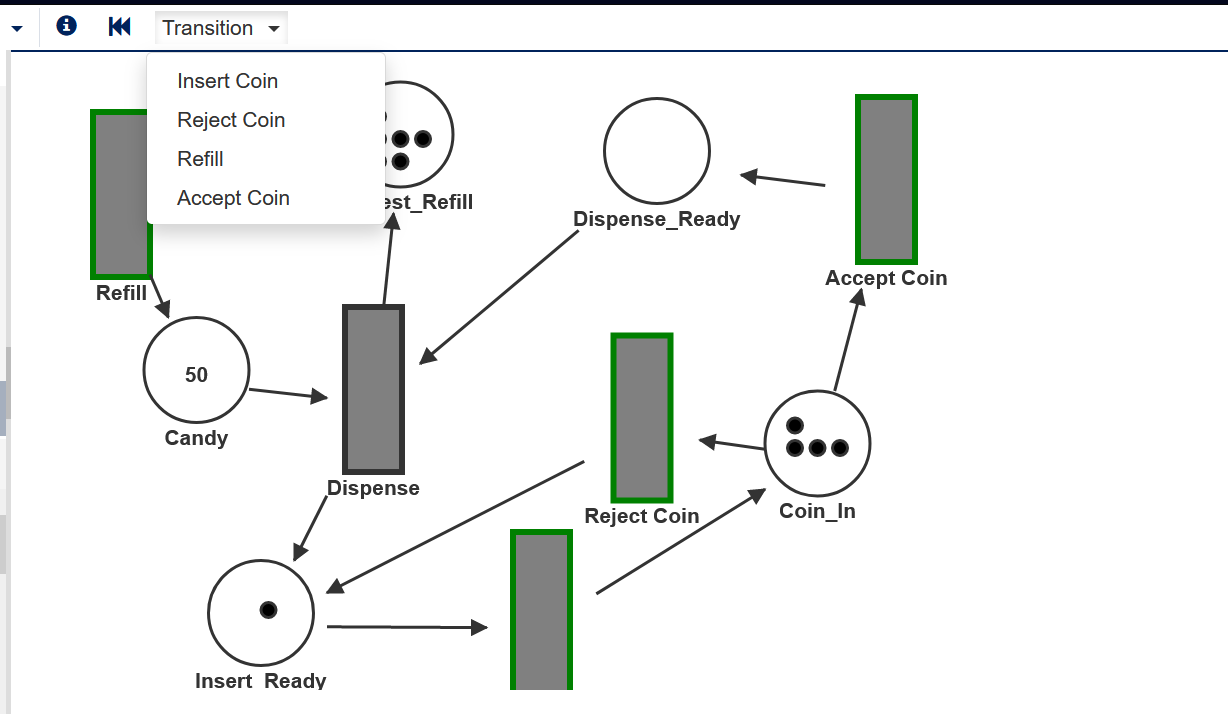
Simulation of the selected created petri net instance is visualized in the SimSM tab. Here you will be able to see your design petri net in action. As tranisions are triggered, places will send their markings to then travel to the designated places. This is done step by step upon your instruction.
All transition that meet the requirement to fire will be highlight in green. To trigger the transition to fire, there are two options:
- click on green highlight transition.
- from the toolbar, a drop bar menu will appear with all eligible transitions, if only 1 is eligible then a play button will appear.
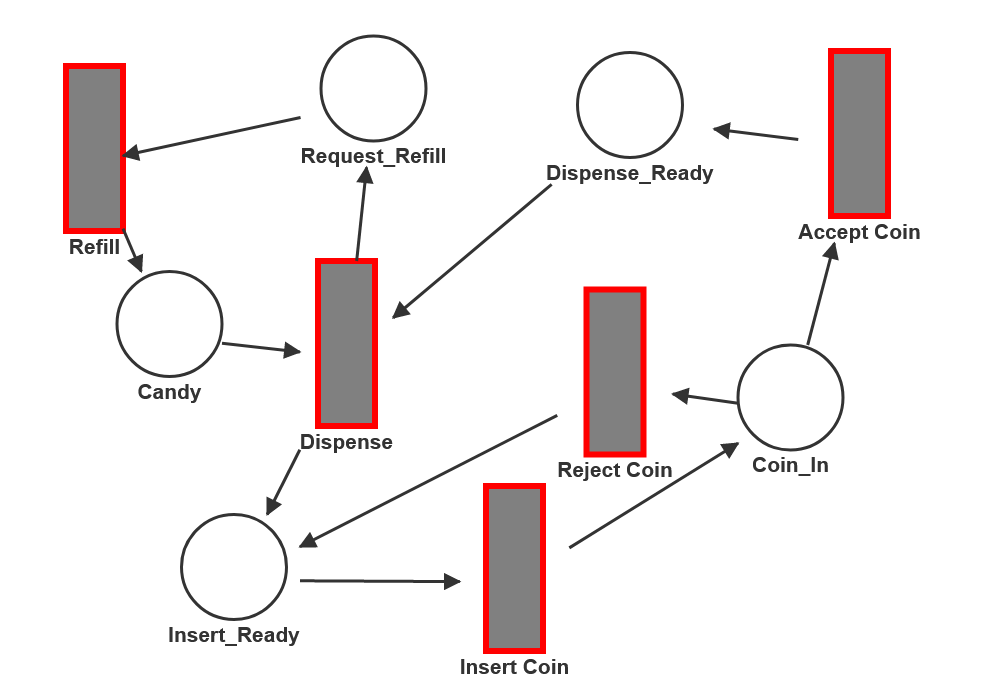
If no transitions are eligible to fire than all transitions will be highlighted in red and will no longer be clickable. You can reset the petri net to its orginal state by clicking on the reversing toolbar button.
Classification of the petri net is offered in the info toolbar button which with execute a notification of all qualifying classifications.
These include:
State Machine - The petri net consists of all transitions having only one inplace and one outplace.
Marked Graph = All places have exactly one incoming transition and one outgoing transition.
Free Choice - All transitions have a unique set of inplaces. In other words each place only points to one transition.
Workflow - The petrinet has only one source place and one sink place in which all other places are connected through transitions in between.