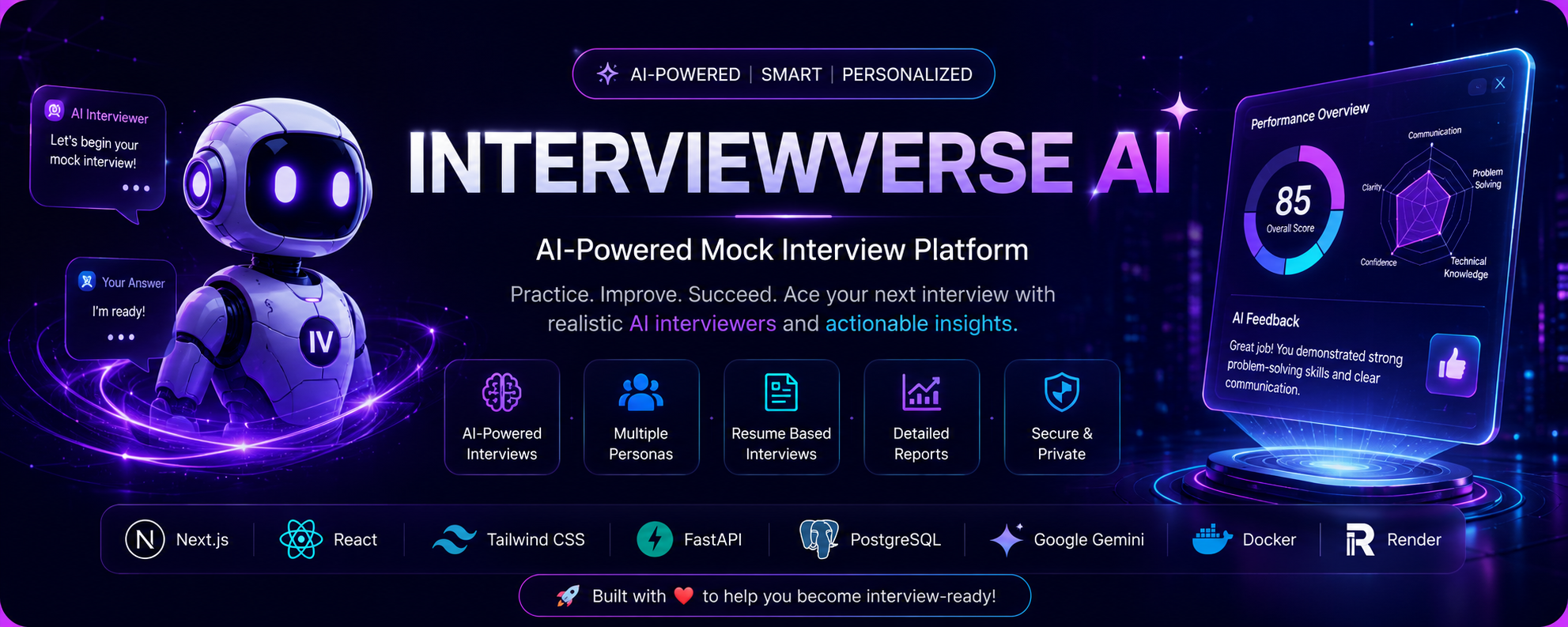

An Intelligent, Multi-Persona Technical Interview Simulation Engine powered by Gemini AI.
- 📖 About
- ⚡ Features
- 📐 Architecture
- 🛠️ Tech Stack
- 📂 Folder Structure
- 🖼️ Screenshots
- 🚀 Installation
- 🧬 API Endpoints
- ⚙️ Environment Variables
- 🌀 Workflow
- 🔮 Future Improvements
- 👥 Contributors
- 📄 License
InterviewVerse AI is a professional, production-grade technical interview simulation platform designed to prepare engineers for high-stakes technical assessments. The platform uses Google's Gemini Large Language Model (LLM) to power realistic mock interviews led by distinct, custom-designed personas.
Every session is persisted in a database, allowing users to pause, resume, and review their history. Upon completing a session, the simulation engine generates granular scores (Communication, Technical, Confidence), highlights specific strengths/weaknesses, and maps out a personalized learning roadmap.
- 🎙️ AI Mock Interviews: Adaptive, real-time conversation flows driven by state-of-the-art Gemini LLM.
- 👥 Multiple Interview Personas: Experience diverse interview styles (e.g., HR representative, CS Professor, Tech Investor).
- 📄 Resume-Based Interviews: Custom interview adjustments driven by parsed candidate resume highlights.
- 💬 Real-time Conversation: Seamless message streaming and instant AI follow-ups.
- 🧠 Gemini AI: Deep context retention and multi-turn prompt engineering.
- 🔑 JWT Authentication: Secure user registration, sign-in, and state mapping.
- 🔒 Secure Login: Session tokens verified under industry-standard cryptographic algorithms.
- 💾 PostgreSQL Database: Persistent data storage for user accounts, persona metadata, and histories.
- 📂 Interview History: Chronological storage of user interview lists, complete with resume features.
- 📊 AI Evaluation: Automatic scoring of technical and behavioral answers.
- 📝 Detailed Reports: Highly readable, downloadable performance summaries.
- 📈 Dashboard Analytics: High-level telemetry of overall scores and completed milestones.
- 📱 Responsive UI: Fully optimized layout for desktop, tablet, and mobile browsers.
- 🐳 Docker Deployment: Clean, multi-stage production container setups.
Below is a clean visualization of the system components and data layout:
graph TD
    subgraph Client ["Next.js SPA Client (Hydrated Out)"]
        UI["React components"]
        Query["React Query state"]
        Storage["LocalStorage (Session State)"]
    end

    subgraph Service ["FastAPI Application (WS / HTTP)"]
        Router["HTTP Router / Endpoints"]
        AI["AI services (Interview & evaluation)"]
        ORM["SQLAlchemy Models"]
    end

    subgraph Database ["PostgreSQL Instance (Neon / Cloud)"]
        UserTable["users"]
        SessionTable["interview_sessions"]
        PersonaTable["personas"]
        EvalTable["evaluations"]
        ReportTable["reports"]
    end

    subgraph Models ["External Upstream Models"]
        Gemini["Google Gemini LLM"]
    end

    UI <--> Query
    Query <--> |REST API| Router
    Router <--> AI
    AI <--> ORM
    ORM <--> Database
    AI <--> |gRPC / REST| Gemini
    UI <--> Storage











interviewverse-ai/
├── backend/                  # FastAPI Application Code
│   ├── alembic/              # DB Migrations and Schema Alignments
│   ├── app/                  # Main FastAPI Application
│   │   ├── api/              # API Endpoints (Auth, Interviews, Personas, Reports)
│   │   ├── core/             # Configuration and Security Defaults
│   │   ├── db/               # SQLAlchemy Session and Seeding logic
│   │   ├── models/           # SQLAlchemy Declarative Models
│   │   ├── schemas/          # Pydantic Schemas
│   │   └── services/         # Business Logic (User, AI Orchestration, Gemini)
│   ├── tests/                # Pytest Suite (146 passing tests)
│   ├── alembic.ini           # Alembic Database Migrations Config
│   └── requirements.txt      # Python Dependencies
├── frontend/                 # Next.js Application Code
│   ├── app/                  # Next.js App Router Structure
│   ├── components/           # Common Shared UI Elements (shadcn/ui)
│   ├── features/             # Feature-grouped Client Mappings (Auth, Dashboard, Interviews)
│   ├── lib/                  # State management, Http instances, Query keys
│   ├── next.config.mjs       # Static Export Configurations
│   └── tsconfig.json         # TypeScript Paths Map
├── Dockerfile                # Multi-stage production-grade single container serving
├── docker-compose.yml        # Development environment runner
├── render.yaml               # Render Blueprint Specification
└── README.md                 # Project Documentation
|
1. Landing Page 
|
2. User Login 
|
|
3. Dashboard Overview 
|
4. Persona Selector 
|
|
5. Active Chat Session 
|
6. Performance Evaluation 
|
|
7. Comprehensive Report 
|
8. Interview History 
|
- Install Python 3.12+
- Install Node.js v20+
- Install Docker Desktop (Optional)
Activate a virtual environment and load required dependencies:
cd backend
python -m venv venv

# Windows PowerShell:
.\venv\Scripts\Activate.ps1
# Mac/Linux:
source venv/bin/activate

pip install -r requirements.txt
cp .env.example .envInstall npm packages:
cd ../frontend
npm install# Run database migrations and seed default personas
cd ../backend
alembic upgrade head
python app/db/seed.py
# Boot FastAPI server (Listens on port 8000)
uvicorn app.main:app --reload
# In a separate terminal, launch Next.js client
cd ../frontend
npm run devTo run the entire ecosystem locally inside a single production container layout:
# Start Docker compose
docker-compose up --build🔑 Authentication
| Method | Path | Authentication Required | Description |
|---|---|---|---|
POST |
/api/v1/auth/register |
No | Registers a new candidate account. |
POST |
/api/v1/auth/login |
No | Verifies credentials and returns access JWT. |
👥 Personas
| Method | Path | Authentication Required | Description |
|---|---|---|---|
GET |
/api/v1/personas |
Yes | Lists available interviewer personas. |
POST |
/api/v1/personas |
Yes | Creates a custom, user-defined persona. |
🎙️ Interviews
| Method | Path | Authentication Required | Description |
|---|---|---|---|
POST |
/api/v1/interviews/start |
Yes | Initiates a session and yields the opening question. |
POST |
/api/v1/interviews/{id}/message |
Yes | Appends candidate answer and returns AI follow-up. |
POST |
/api/v1/interviews/{id}/complete |
Yes | Completes session and locks further messages. |
GET |
/api/v1/interviews |
Yes | Lists all past interview sessions for the logged user. |
GET |
/api/v1/interviews/{id} |
Yes | Fetches metadata and message turns for the session ID. |
📊 Evaluations & Reports
| Method | Path | Authentication Required | Description |
|---|---|---|---|
POST |
/api/v1/interviews/{id}/evaluate |
Yes | Calculates feedback scores. Persists to database. |
GET |
/api/v1/interviews/{id}/evaluation |
Yes | Fetches evaluation dashboard details. |
GET |
/api/v1/interviews/{id}/report |
Yes | Compiles downloadable markdown performance report. |
Copy backend/.env.example to backend/.env:
| Parameter | Purpose | Default / Sample |
|---|---|---|
DATABASE_URL |
SQLAlchemy Connection URL | postgresql+psycopg://user:pass@host/dbname |
GEMINI_API_KEY |
Upstream Gemini AI API Token | AIzaSyD-your-api-key-here |
JWT_SECRET |
Secret key used to sign JWT tokens | secure-cryptographic-secret |
JWT_ALGORITHM |
Token encryption algorithm | HS256 |
ACCESS_TOKEN_EXPIRE_MINUTES |
Session validity duration (minutes) | 60 |
NEXT_PUBLIC_API_URL |
Frontend endpoint mapper | /api/v1 |
The following flowchart outlines the path candidates take during a mock technical interview:
flowchart TD
    Start([1. User landing page]) --> Register[2. Registration / Account Setup]
    Register --> Login[3. JWT Authentication Login]
    Login --> Persona[4. Choose Interview Persona]
    Persona --> StartInterview[5. POST /interviews/start]
    StartInterview --> Conversation{6. Conversation Loop}
    Conversation --> |Candidate Types Answer| SendMessage[7. POST /message]
    SendMessage --> |AI Generates follow-up| Conversation
    Conversation --> |Time limit or candidate clicks End| Complete[8. POST /complete]
    Complete --> Evaluate[9. POST /evaluate]
    Evaluate --> Report[10. GET /report]
    Report --> History[11. Stored in history page]
- 🎙️ Speech-to-Text Integration: Allow users to speak their answers using audio recording streaming.
- 👥 Community Personas: Enable shared public user-created interviewer personas.
- 💻 Interactive Code Sandbox: Code editor panel for real-time coding simulations.
|
Soumili Saha 💻 Project Architect |
Rupsha Debnath ⚙️ DevOps & SRE |
This project is licensed under the InterviewVerse AI Proprietary License.
No permission is granted to copy, modify, redistribute, or commercially use this software without prior written consent from the copyright holders.
See the LICENSE file for details.