

ATM_Project
(InfoTech Academy Class-3-TEAM 3)
We developped an Atm program.
The first steps of this project were as follows:
-At first we created a project page on github that we can work on together.

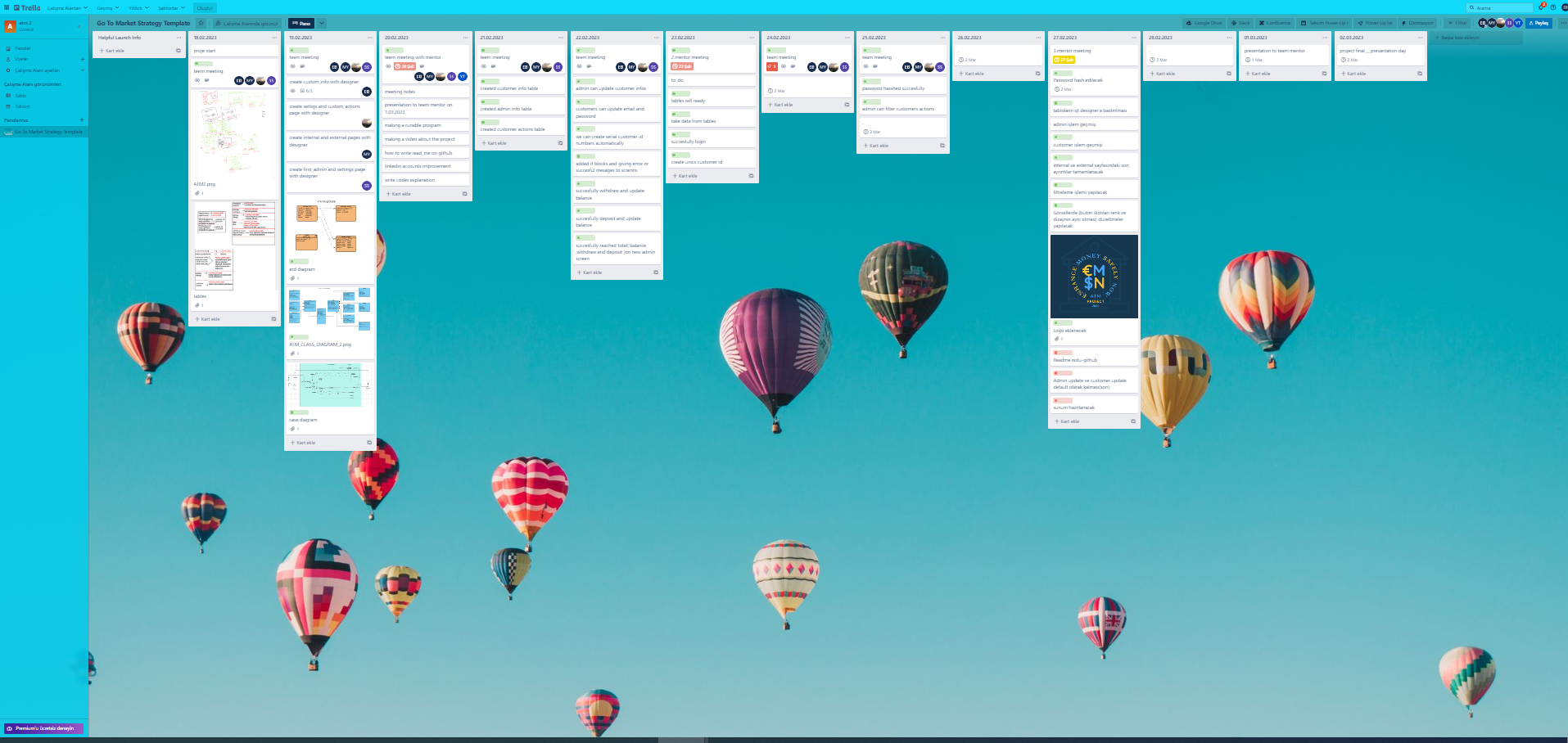
-We created a worksheet in Trello to plan what we will do throughout the project and to distribute tasks.
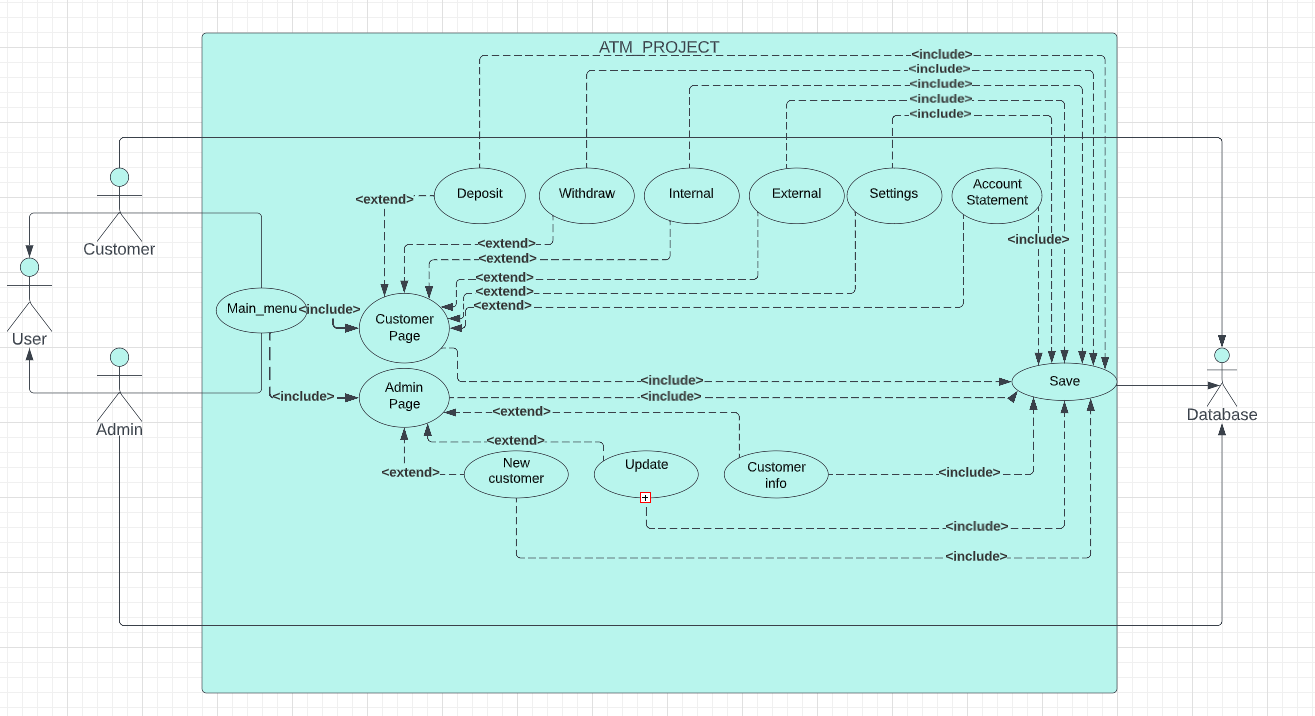
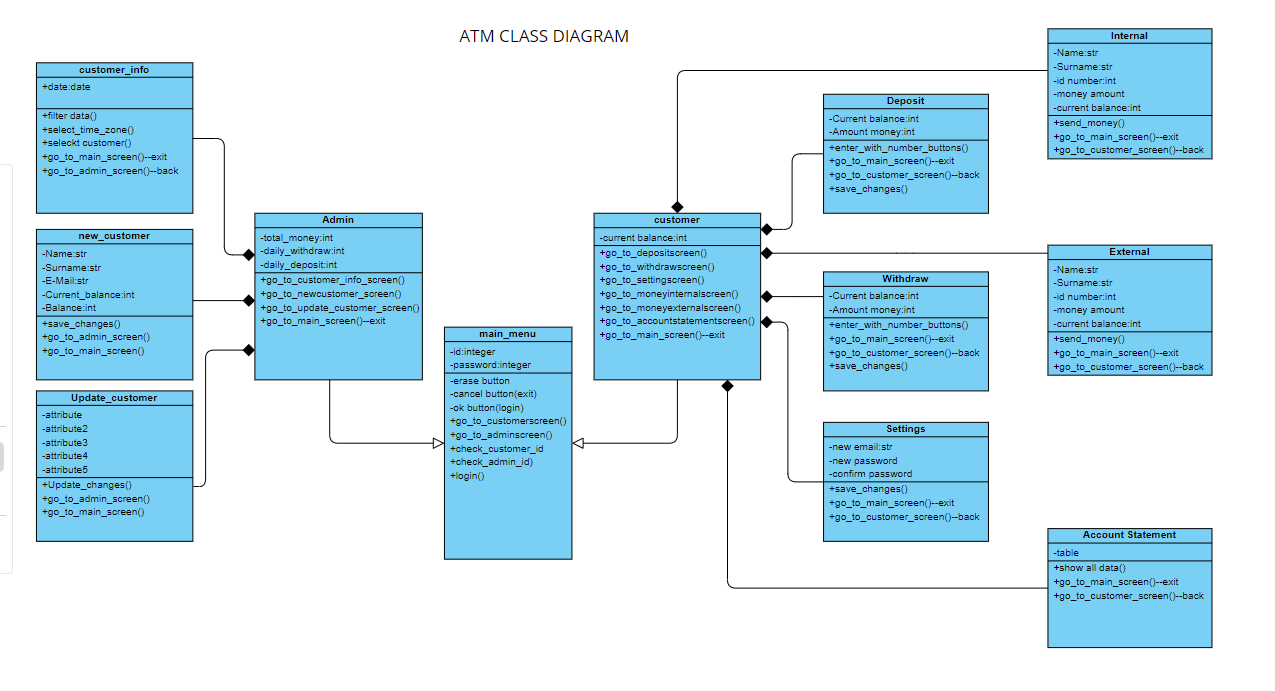
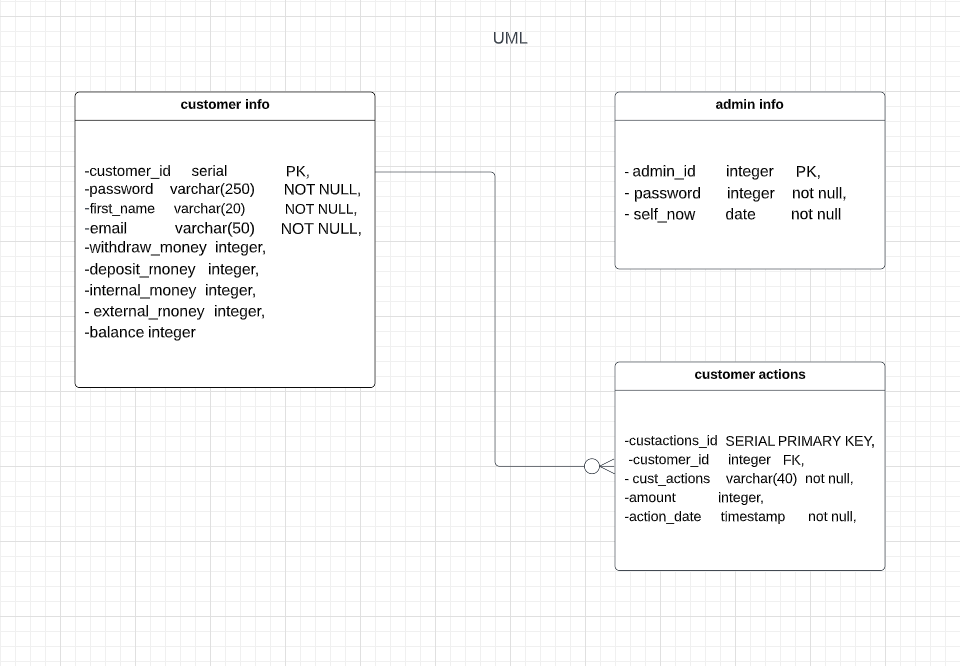
-We created diagrams that will make our work easier while creating our program (case, class, erd)
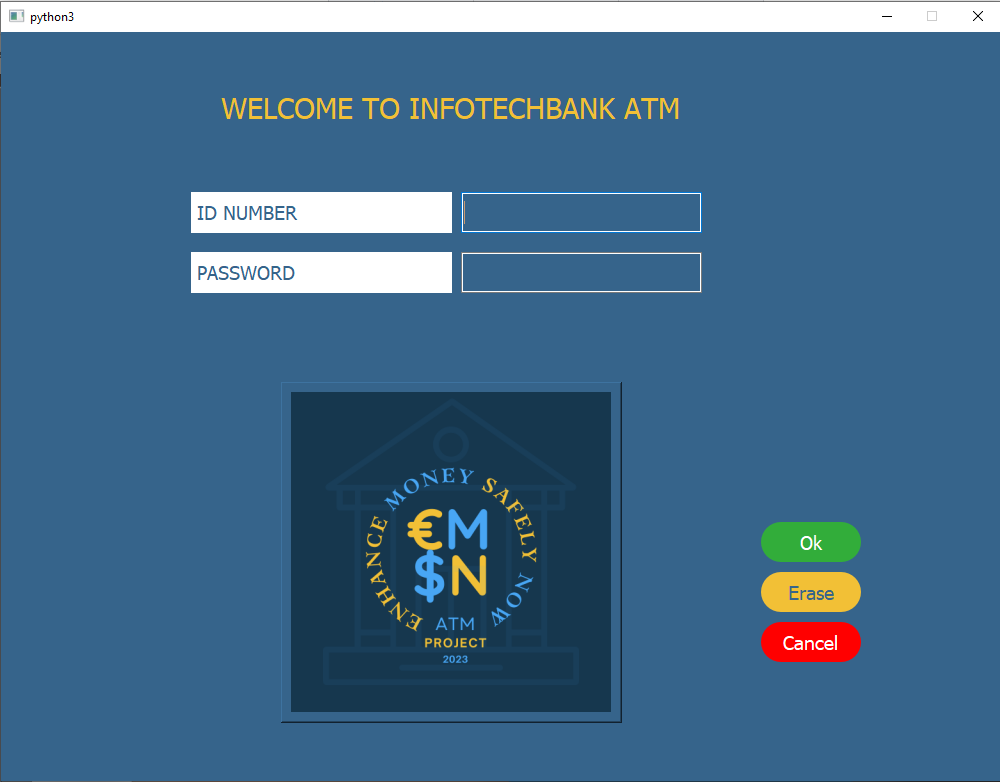
-We designed our interface vith GUI(PyQt5)
-We used Python programming language in our project
-we communicated on slack
-We had our daily meetings with zoom
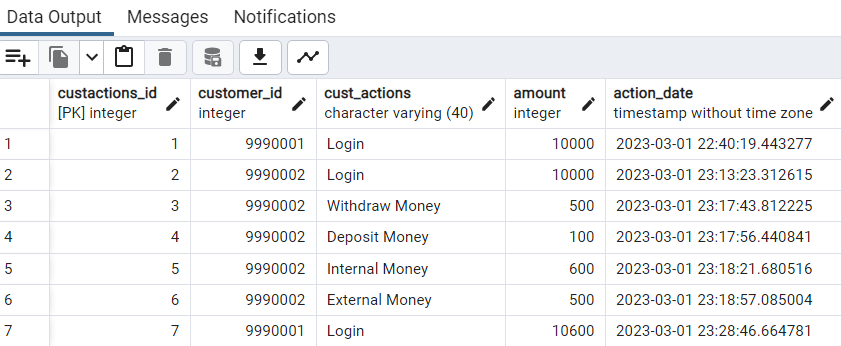
-We saved our data in the form of tables over sql
GO TO THE DETAILS OF OUR PROJECT NOW
What can you do with our ATM program?
-You can login to the system as admin or customer
A) If you login as admin:
- you can see the money movements in the bank
2.You can create a new customer.
While doing this, unique customer ids are automatically given to new customers.
In addition, the passwords are kept in the system as hashed.

3.You can update an existing customer's information
B) If you LOGON the system as a customer, you can do:
-
deposit money (cahange and save the balances automaically)
-
withdraw money (cahange and save the balances automaically)
3.internal money (cahange and save the balances (yours and who you send money) automaically)
4.external money (cahange and save the balances automaically)
5.change password and email (save the changes automaically)
6 see account statements (you can filter what you want to see)
If you want, you can watch the videos about our linkedin accounts .
Nuseybe Karakurt
https://github.com/Nueseybe/Project-ATM
SEma Sari
https://github.com/semasar/Project
Melih Orhan Yilmaz
https://github.com/melihorhanyilmaz/Project
Ebubekir Baktir