Welcome to AI Dev Tasks! This repository provides a collection of markdown files designed to supercharge your feature development workflow with AI-powered IDEs and CLIs. Originally built for Cursor, these tools work with any AI coding assistant including Claude Code, Windsurf, and others.
✨ Enhanced for Claude Sonnet 4.5 with parallel orchestration capabilities, intelligent task analysis, and dual execution modes for optimal speed and control.
Stop wrestling with monolithic AI requests and start guiding your AI collaborator step-by-step—now with the option to coordinate multiple AI agents working in parallel!
This enhanced version builds on the original ai-dev-tasks with significant improvements for Claude Sonnet 4.5:
- Coordinate multiple AI sub-agents working simultaneously on independent tasks
- 2-3x faster development for features with clear boundaries
- Automatic integration review ensures compatibility across work streams
- Intelligent work stream analysis identifies parallelization opportunities
- Contextual PRD generation - AI analyzes your codebase before asking questions
- Two-phase task generation - Review parent tasks before detailed breakdown
- Parallelization analysis - Automatic assessment with time estimates
- Smart mode selection - Guidance on when to use sequential vs parallel
- Sequential Mode: One task at a time, high visibility, great for learning
- Parallel Mode: Coordinated sub-agents, faster execution, integrated results
Building complex features with AI can sometimes feel like a black box. This workflow aims to bring structure, clarity, and control to the process by:
- Defining Scope: Clearly outlining what needs to be built with a Product Requirement Document (PRD).
- Detailed Planning: Breaking down the PRD into a granular, actionable task list with parallelization analysis.
- Flexible Execution: Choose between sequential (step-by-step) or parallel (coordinated sub-agents) implementation.
- Quality Assurance: Built-in testing, integration review, and git discipline.
This structured approach helps ensure the AI stays on track, makes it easier to debug issues, and gives you confidence in the generated code.
Here's the step-by-step process using the .md files in this repository:
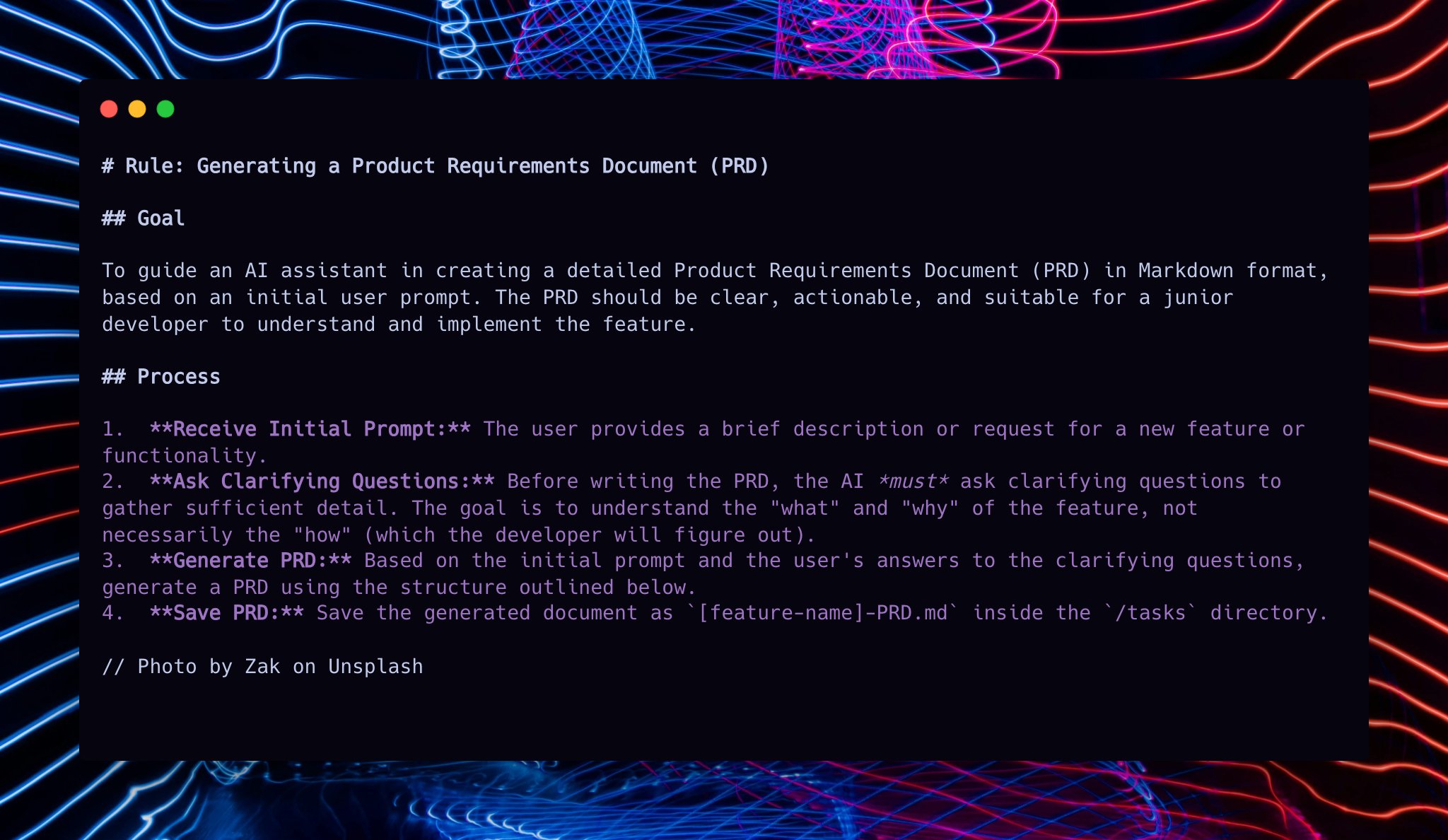
First, lay out the blueprint for your feature. A PRD clarifies what you're building, for whom, and why.
-
Ensure you have the
create-prd.mdfile from this repository accessible. -
In your AI tool, initiate PRD creation:
Use @create-prd.md
Here's the feature I want to build: [Describe your feature in detail]
Reference these files to help you: [Optional: @file1.py @file2.ts]
✨ NEW: The AI will now analyze your codebase first, then ask more targeted, informed questions based on existing patterns, frameworks, and conventions.
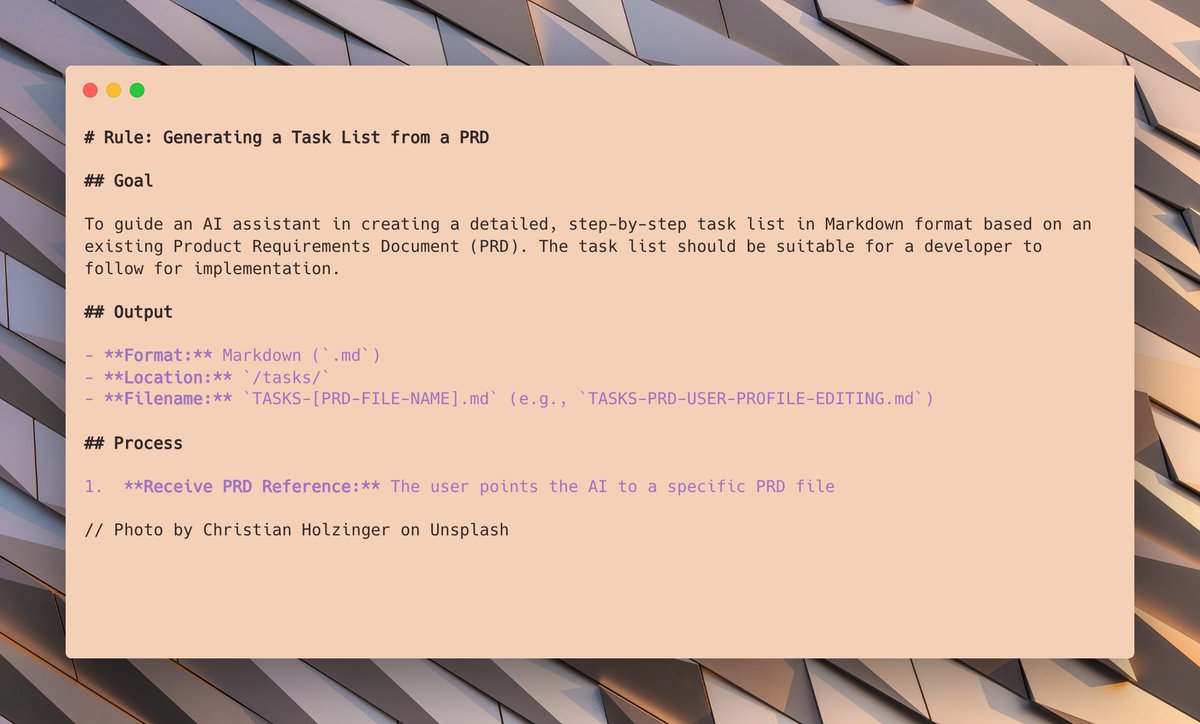
With your PRD drafted (e.g., 0001-prd-myfeature.md), generate a detailed implementation plan.
-
Ensure you have
generate-tasks.mdaccessible. -
In your AI tool, use the PRD to create tasks:
Now take @0001-prd-myfeature.md and create tasks using @generate-tasks.md
✨ NEW: Two-phase generation process:
- Phase 1: AI generates parent tasks and waits for your approval
- Phase 2: After you say "Go", AI generates detailed sub-tasks
- Phase 3: Parallelization analysis with time estimates and recommendations
✨ NEW: The AI will analyze whether your feature is suitable for parallel execution:
Task analysis complete:

Total sub-tasks: 12
Sequential execution estimate: ~50 minutes
Parallel execution estimate: ~20 minutes (if parallelized)
Potential time savings: ~30 minutes (60%)

Parallel-eligible work streams identified: 3
  Stream A: UI Components (Sub-tasks 1.1, 1.2, 1.3)
  Stream B: API Layer (Sub-tasks 2.1, 2.2, 2.3)
  Stream C: Utilities (Sub-tasks 3.1, 3.2)

Enable parallel orchestration for this feature? (y/n)
Or respond 'sequential' to proceed with standard workflow.
Sequential Mode (Original workflow):
You: "sequential" or "n"
AI: [Implements one sub-task at a time, waits for approval between tasks]
✨ NEW - Parallel Mode:
You: "parallel" or "y"
AI: [Spawns multiple sub-agents, coordinates work, integrates results]
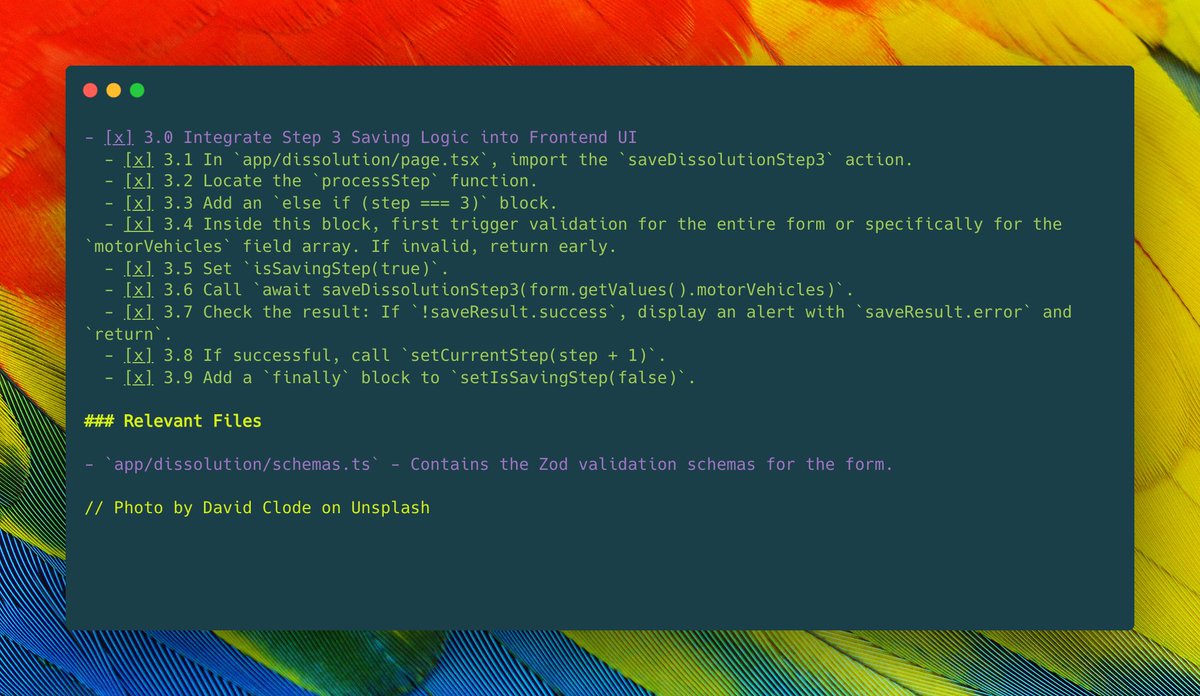
Sequential Mode:
- AI implements one sub-task at a time
- You review and approve each step
- High visibility, great for learning
✨ NEW - Parallel Mode:
- AI spawns sub-agents for independent work streams
- Progress tracked across all streams
- Comprehensive integration review performed
- 2-3x faster for suitable features
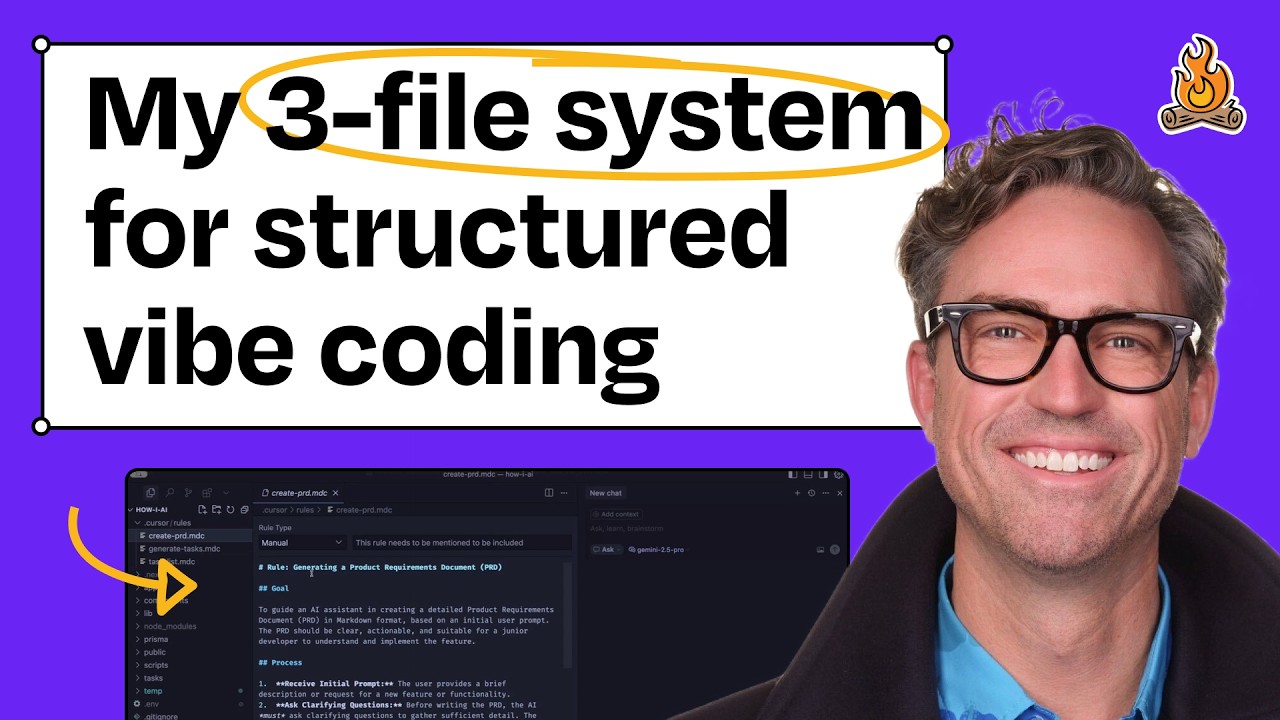
See the original workflow on Claire Vo's "How I AI" podcast.
create-prd.md: PRD generation with contextual codebase analysisgenerate-tasks.md: Task list creation with two-phase generation and parallelization analysisprocess-task-list.md: Sequential and parallel execution modes with quality gatesorchestrate-parallel.md: ✨ NEW - Detailed parallel orchestration guidequick-start-guide.md: ✨ NEW - Comprehensive quick reference with examples
- Structured Development: Clear process from idea to code
- Flexible Speed: Choose sequential (thorough) or parallel (fast) execution
- ✨ Intelligent Analysis: Contextual codebase understanding and smart recommendations
- Step-by-Step Verification: Review code at each step or after integration
- ✨ Parallel Orchestration: 2-3x faster for independent components
- Manages Complexity: Breaks down large features into digestible tasks
- ✨ Integration Quality: Automatic compatibility checks and testing
- Clear Progress Tracking: Visual representation of completed tasks
Best for:
- Learning new codebases
- Complex architectural changes
- Experimental features
- Security-critical work
- High visibility needs
Best for:
- Well-defined features
- 3+ independent work streams
- Clear component boundaries
- Time-sensitive work
-
40% potential time savings
- Clone or Download:
git clone https://github.com/YOUR-FORK/ai-dev-tasks.git
- Follow the Workflow: Use the
.mdfiles in your AI assistant as described above - Choose Your Mode: Sequential for control, Parallel for speed
- Adapt and Iterate: Modify prompts to suit your needs
- Ensure files are accessible
- Reference with
@(e.g.,@create-prd.md) - Follow the workflow
- Choose "sequential" or "parallel" when prompted
-
Copy files: Copy to
/ai-dev-tasksin your project -
Reference in CLAUDE.md:
# AI Dev Tasks /ai-dev-tasks/create-prd.md /ai-dev-tasks/generate-tasks.md /ai-dev-tasks/process-task-list.md /ai-dev-tasks/orchestrate-parallel.md /ai-dev-tasks/quick-start-guide.md -
Create custom commands (optional in
.claude/commands/):create-prd.md: Use /ai-dev-tasks/create-prd.md workflowgenerate-tasks.md: Generate tasks from PRDprocess-tasks.md: Process task list with mode selection
Restart Claude Code (
/exit), then use/create-prdetc.
- Copy files to your project
- Reference per tool's documentation
- Follow workflow principles
- Be Specific: Provide clear context and instructions
- Use Capable Models: Claude Sonnet 4.5+ recommended for parallel mode
- Start Sequential: Learn the process first
- Try Parallel: Experience the speed boost on well-defined features
- Trust Integration: Parallel mode includes comprehensive checks
- Iterate: Guide, correct, and refine as needed
Testing with Claude Sonnet 4.5:
| Complexity | Sequential | Parallel | Savings |
|---|---|---|---|
| Simple (6-8 tasks) | ~30 min | ~25 min | ~17% |
| Medium (10-15) | ~50 min | ~20 min | ~60% |
| Complex (18-25) | ~85 min | ~35 min | ~59% |
Results vary based on feature characteristics
Contributions welcome! Open issues or submit pull requests.
- Original Repository: snarktank/ai-dev-tasks
- Quick Start Guide: See
quick-start-guide.md - Parallel Deep Dive: See
orchestrate-parallel.md
Enhanced version built on @snarktank's original ai-dev-tasks.
Enhancements for Claude Sonnet 4.5:
- Parallel orchestration system
- Contextual codebase analysis
- Two-phase task generation
- Integration review process
- Dual execution modes
Happy AI-assisted developing! 🚀