
Support for this repository and all its mods has ended and will no longer receive updates.
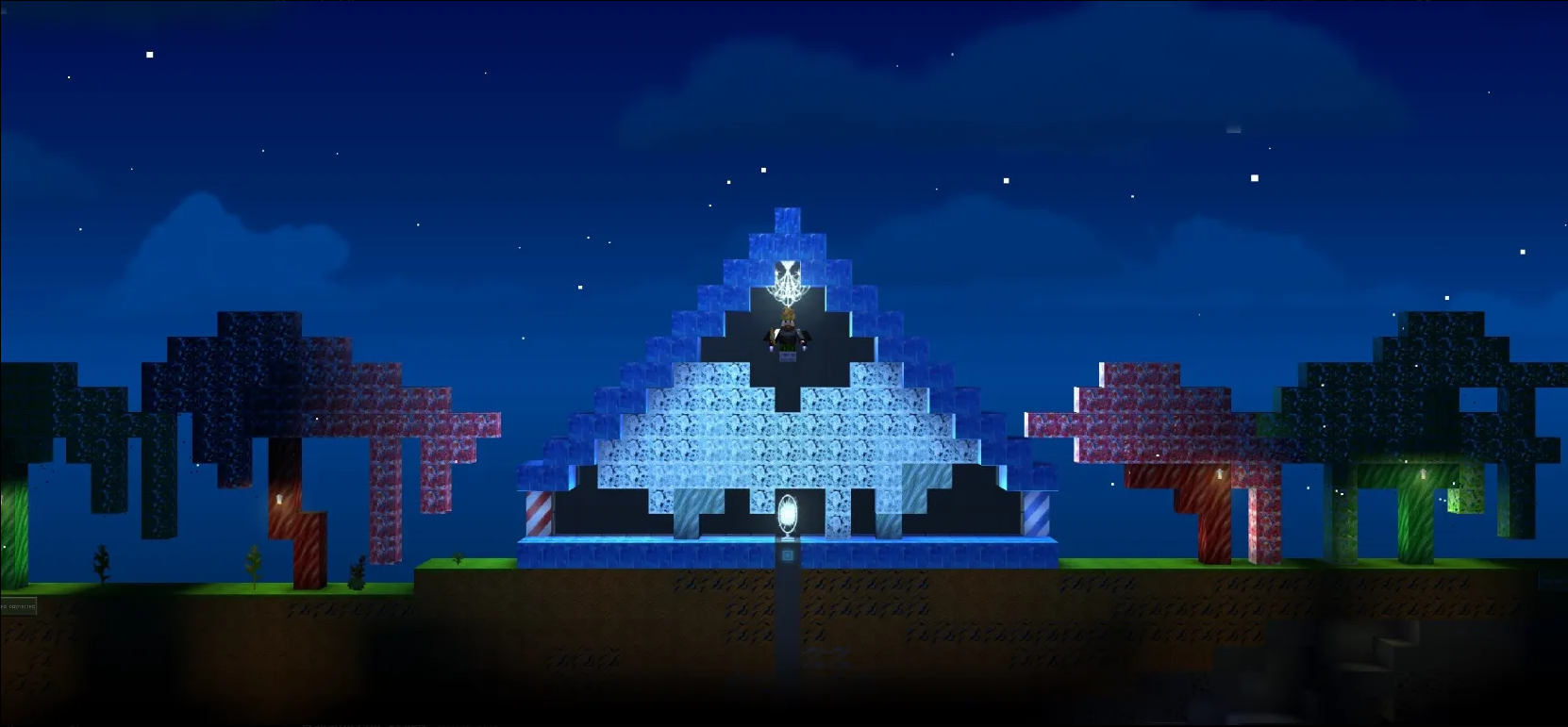
This repository provides a complete, automated, and production-ready setup for running a The Blockheads dedicated server with native and most stable patches & mods.
The goal of this project is to make server deployment simple, stable, and extensible, even for users with minimal Linux or server administration experience.
All critical steps — dependency installation, binary setup, patch compilation, and server management are handled automatically.
Whether you want to:
- Host a private world for friends
- Run a public community server
- Experiment with native C-based mods and patches
this setup gives you a solid, well-documented foundation to build on.
Before starting, make sure your system meets the following requirements:
-
Operating System:
- Ubuntu 22.04 recommended
-
Access:
- Root or sudo privileges are required
-
Required Tools:
curl(used to download the installer)
-
RAM:
- Minimum: 2 GB
- Recommended: 4 GB or more (especially when using mods)
-
Disk Space:
- At least 25 GB of free space
Follow these steps in order.
If you are using a remote server (VPS or dedicated server), connect via SSH:
ssh your_user@SERVER_IP_ADDRESSSkip this step if you are already working locally.
Check if curl is available:
curl --versionIf the command is not found, install it.
Debian / Ubuntu:
sudo apt update
sudo apt install curl -yThis command downloads and executes the full installer:
curl -sSL https://raw.githubusercontent.com/noxthewildshadow/The-Blockheads-Server-BETA/main/installer.sh | sudo bash-
Installs all required dependencies (
clang,make,screen, standard libraries, etc.) -
Downloads the official BlockHeads server binary and fixes library compatibility issues
-
Compiles all patches and mods
- Raw
.csource files are compiled into.soshared libraries - These are dynamically loaded at runtime
- Raw
-
Organizes everything into a clear structure:
patches/
├── critical/
├── optional/
└── mods/
Critical patches are always loaded. Optional mods are selected interactively at startup.
After installation, create a world using the server binary:
./blockheads_server171 -nFollow the on-screen prompts to configure the world.
When finished, press CTRL + C to exit back to the terminal.
To list existing worlds:
./blockheads_server171 -lStart your world using the server manager:
./server_manager.sh start YourWorldID 12153- Replace
YourWorldIDwith your actual world name 12153is the default port (you may change it)
During startup, you will be prompted for:
-
Rank Manager (Security & Authentication)
y: Enable password-based authentication and ranksn: Run without external authentication (vanilla behavior)
-
Optional patches and mods
- Each available module is listed
- You can enable or disable them individually
- Critical security patches are always enabled automatically
Open The BlockHeads and connect using:
- IP: Your server’s IP address
- Port:
12153(or the port you selected)
This server supports native C-based runtime patches.
All patches are stored in the patches/ directory and loaded as .so modules.
name_exploitPrevents invalid player names, empty names, and known exploit strings.
These patches are mandatory and cannot be disabled.
You can enable these per session:
-
ban_all_new_dropsPrevents newly spawned items from dropping on the ground (anti-lag / anti-grief) -
chest_dupe_plus_any_itemModifies chest behavior for specific duplication mechanics -
fill_chest_with_any_idAdmin tool to fill chests with specific item IDs -
mob_spawnerAdds custom mob spawning mechanics -
pause_server_worldAllows freezing the world state -
place_banned_blocksAllows admins to place normally restricted blocks -
spawn_any_treeCustom tree generation utilities -
freight_car_patch/portal_chest_patchFixes or modifies item behavior to prevent crashes or exploits
All server control is handled via server_manager.sh.
./server_manager.sh start YourWorldID 12153Stops the server, rank manager, and frees the port:
./server_manager.sh stop 12153Stop all running servers:
./server_manager.sh stop./server_manager.sh status 12153Displays whether the server and rank manager are running.
screen -r blockheads_server_12153Detach without stopping the server:
CTRL + A, then D
If enabled during startup, rank_manager.sh runs in the background.
- IP-based player verification
- Mandatory password registration
- Auto-kick for unverified players
- Protection against identity spoofing
-
Register password:
!psw YOUR_PASSWORD YOUR_PASSWORD -
Change password:
!change_psw OLD_PASSWORD NEW_PASSWORD -
Verify after IP change:
!ip_change YOUR_PASSWORD
./server_manager.sh stop PORTOr choose another port (e.g. 12154).
chmod +x server_manager.sh rank_manager.sh installer.sh-
Ensure dependencies are installed:
./server_manager.sh install-deps
-
Verify that
.sofiles exist insidepatches/ -
Check compilation output during installer execution
Official Discord for updates and support:
https://discord.gg/9GfcnqUxx8