







Buttler automates CI/CD workflows using Docker and GitHub webhooks
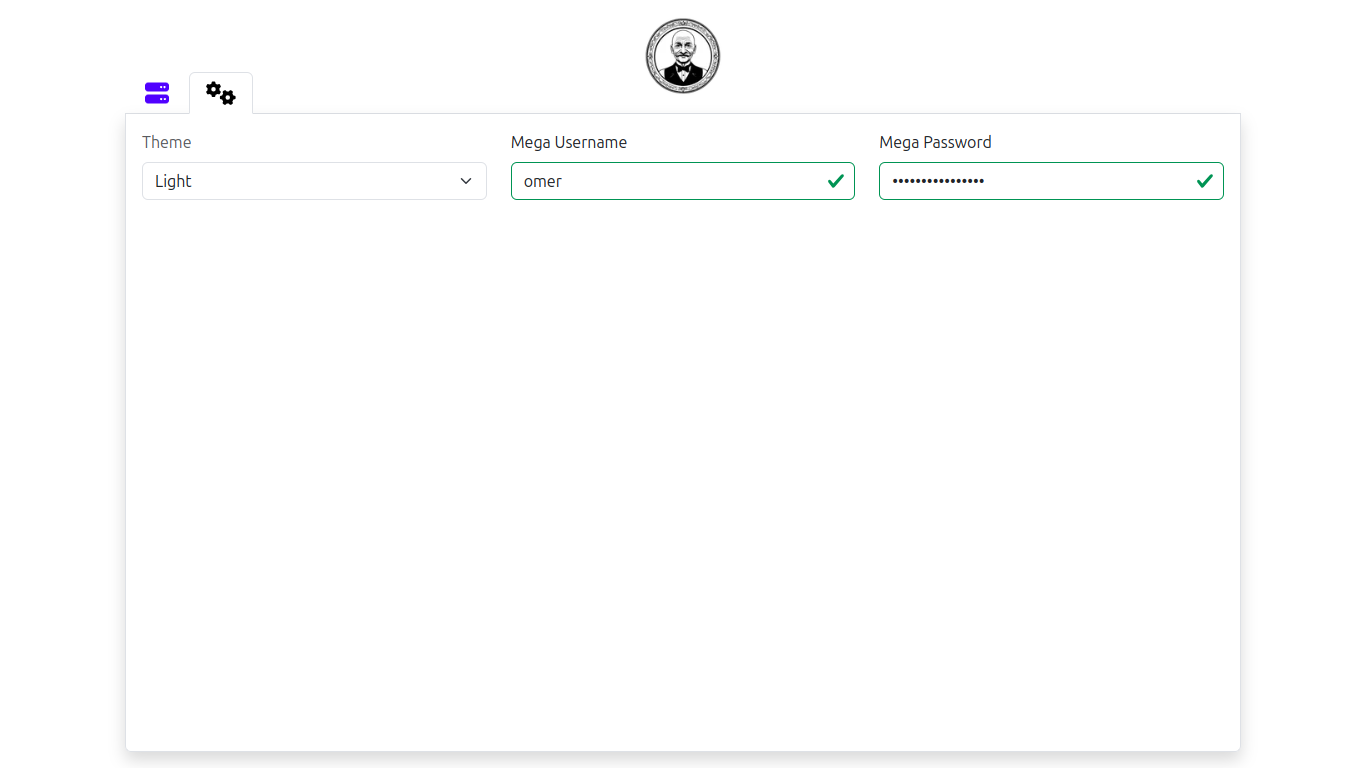
- Dark Mode (see screenshots)
- Mega.io integration to save database backups (see screenshots)
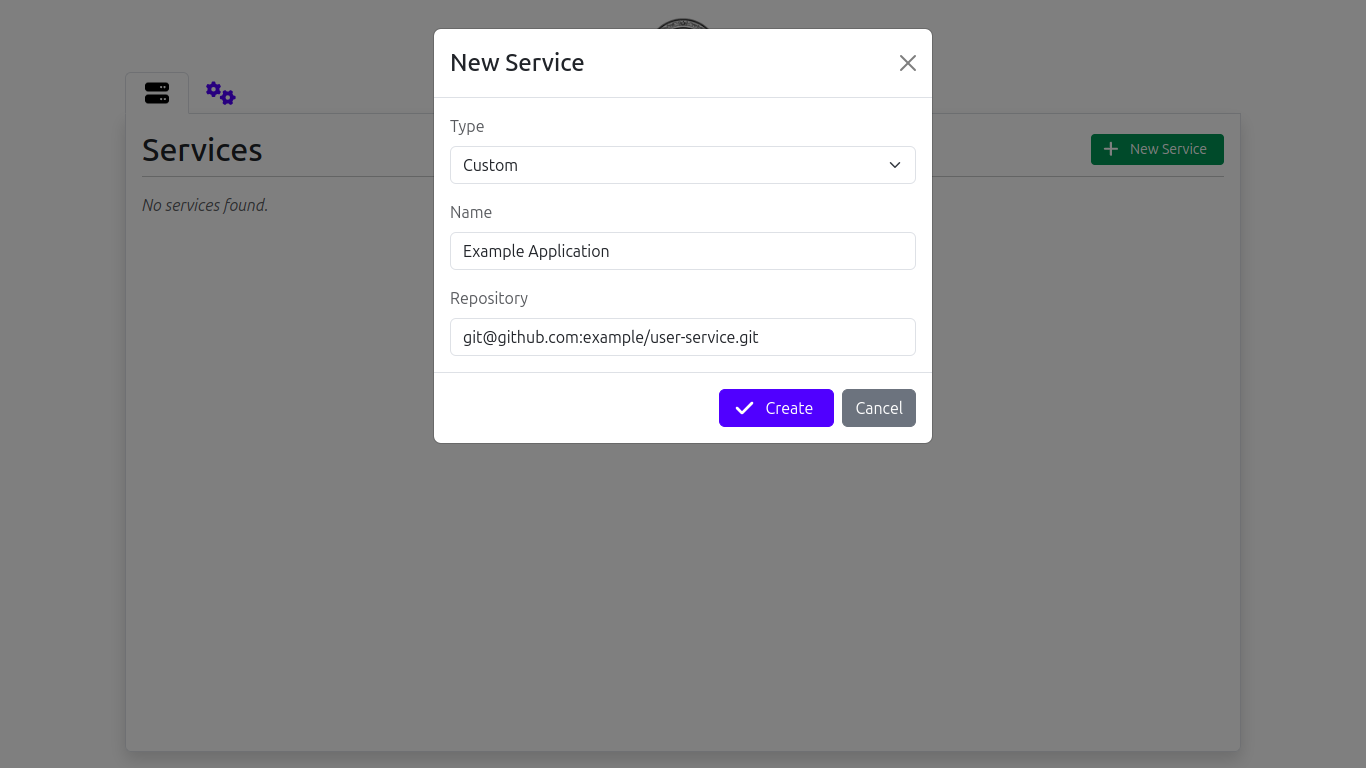
- Hosting applications from a GitHub repository (see screenshots)
- must have a
Dockerfilein its root directory - can be a private repo, but ssh key of the hosting machine must be added to Deploy keys
- Creates a new build image automatically via GitHub webhooks and deploys it
- must have a
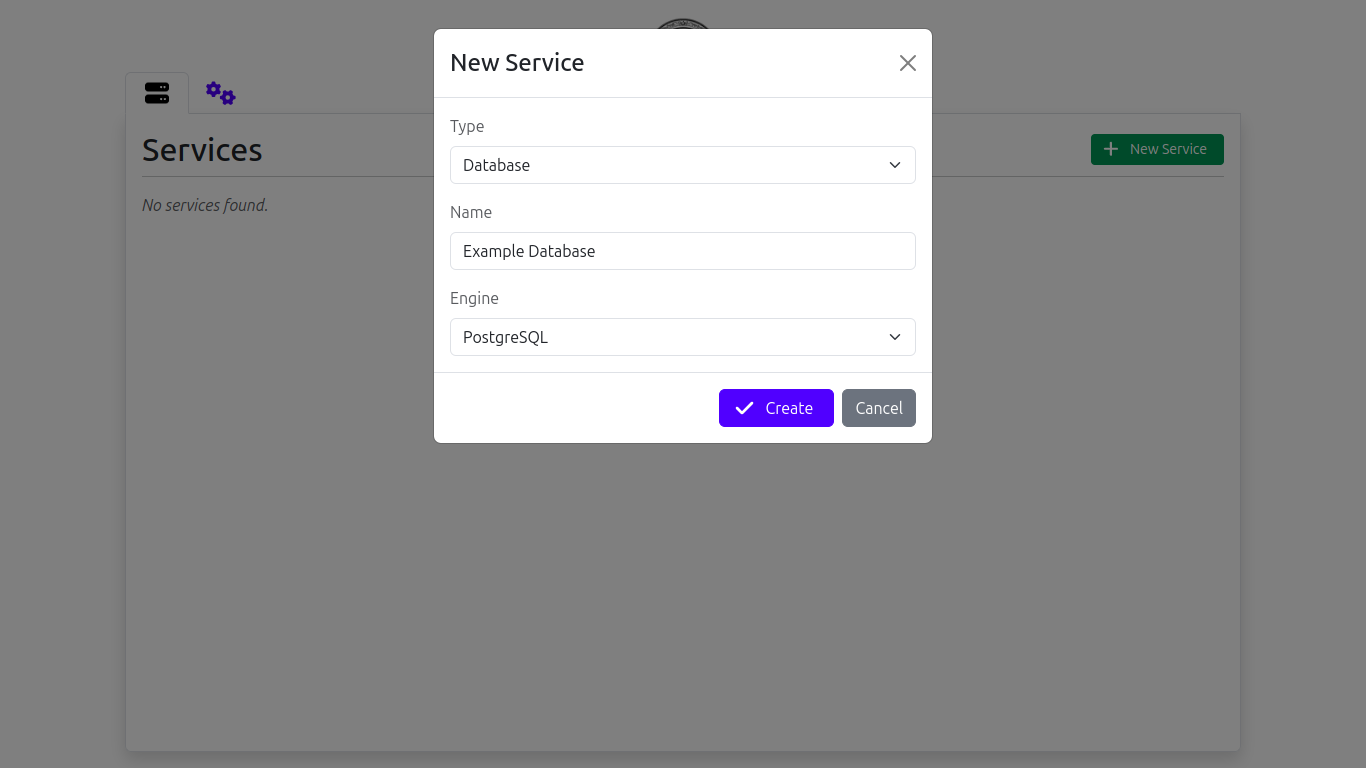
- Database services (see screenshots)
- Engines:
- PostgreSQL
- MySQL (not implemented yet)
- MongoDB (not implemented yet)
- Redis
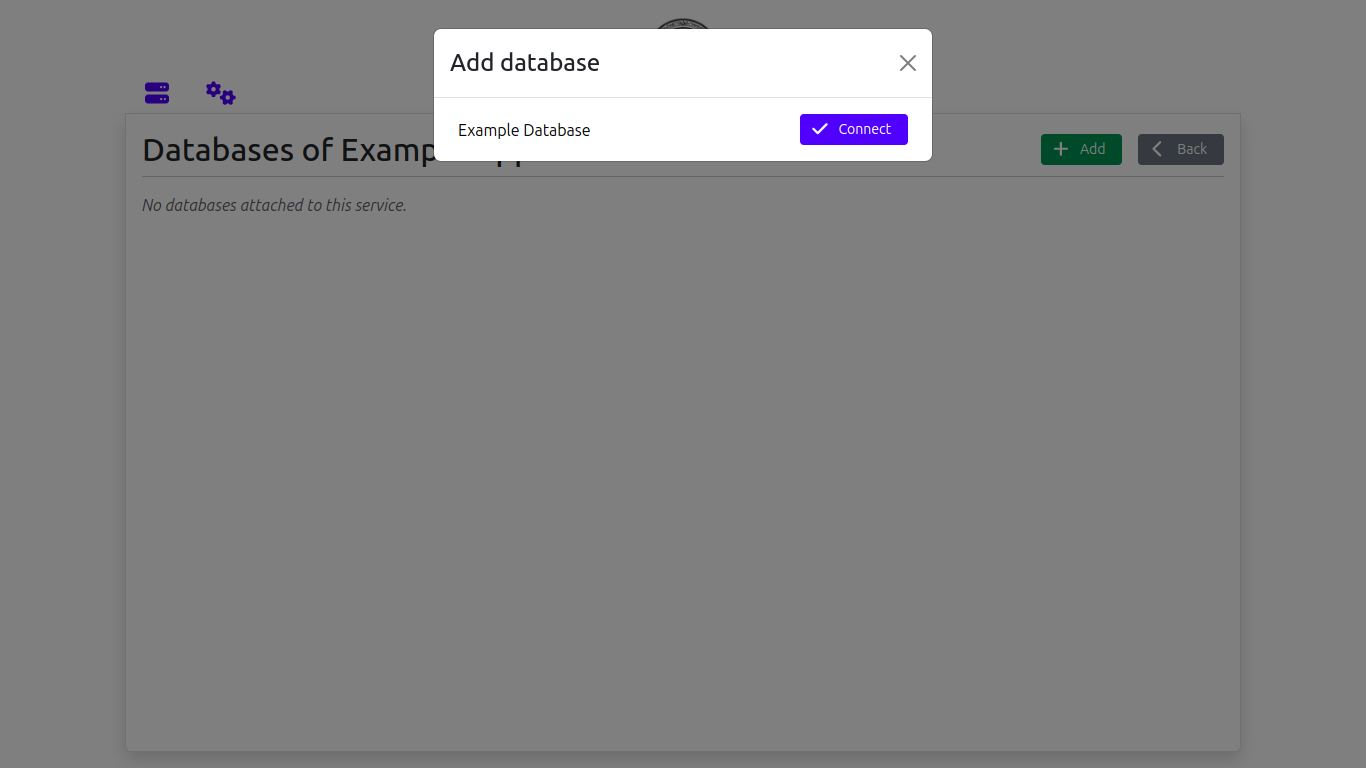
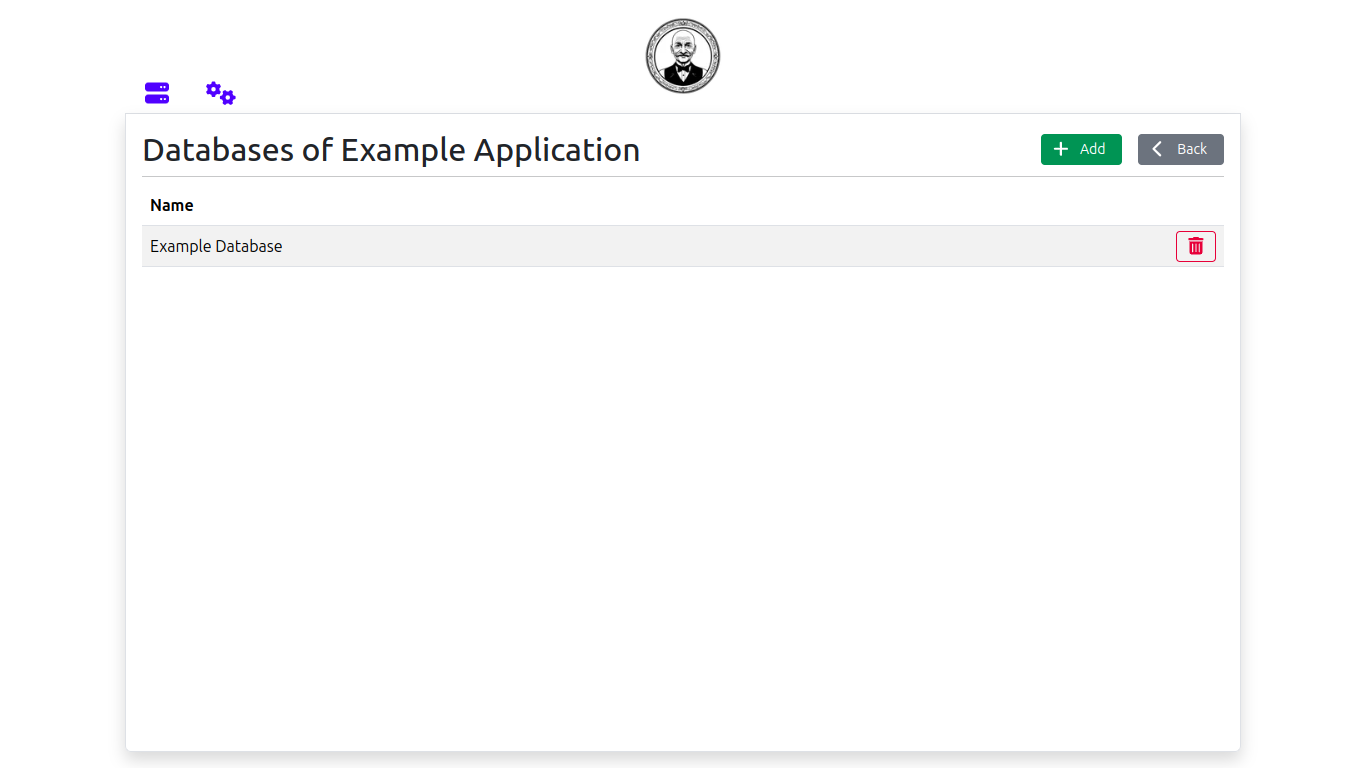
- can be linked to other services (see screenshots)
- Engines:
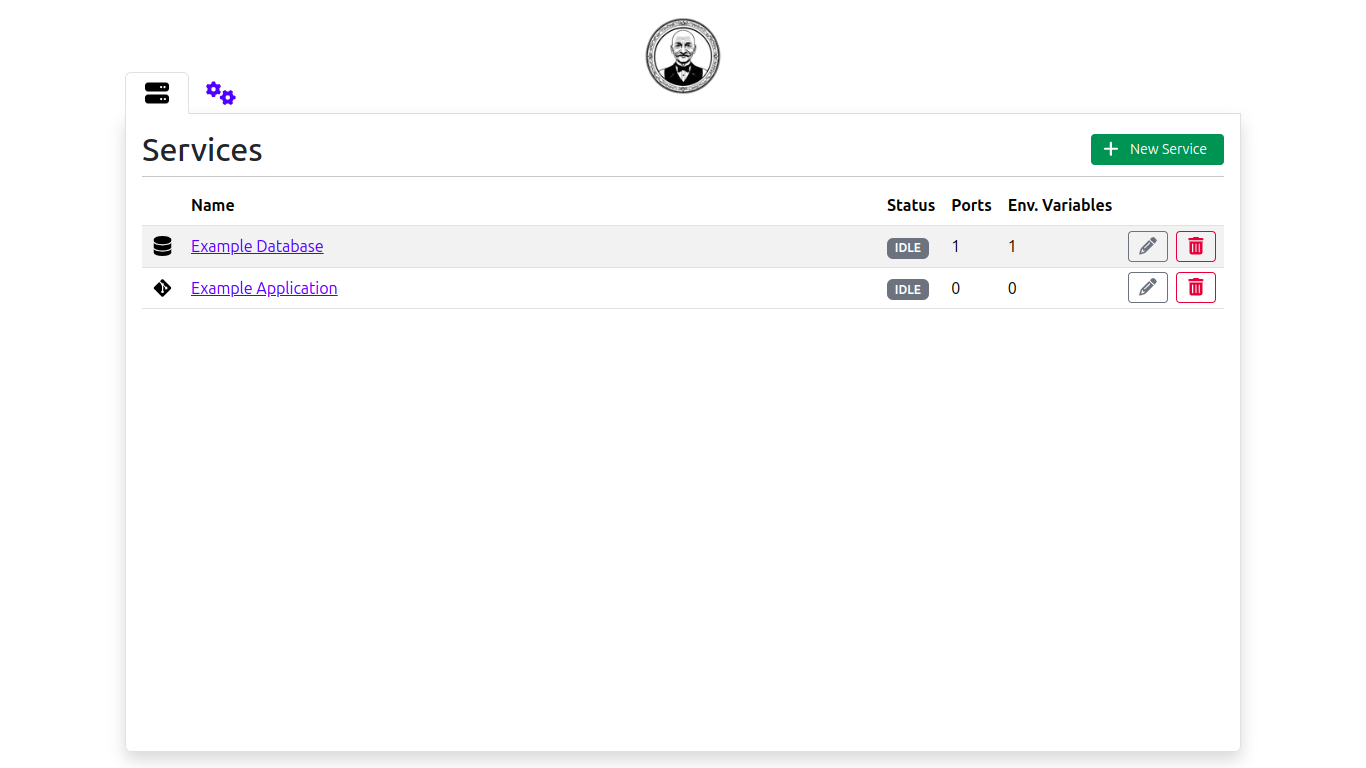
- Services dashboard (see screenshots)
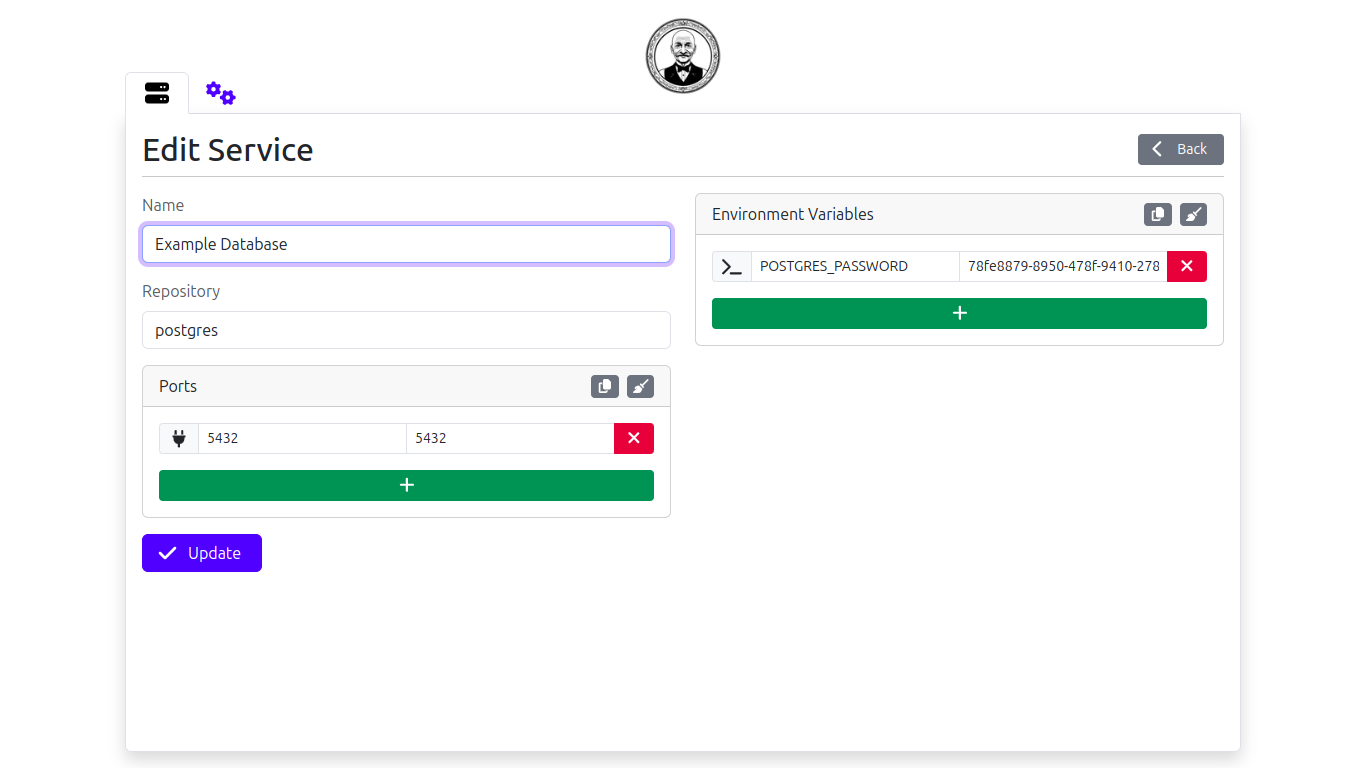
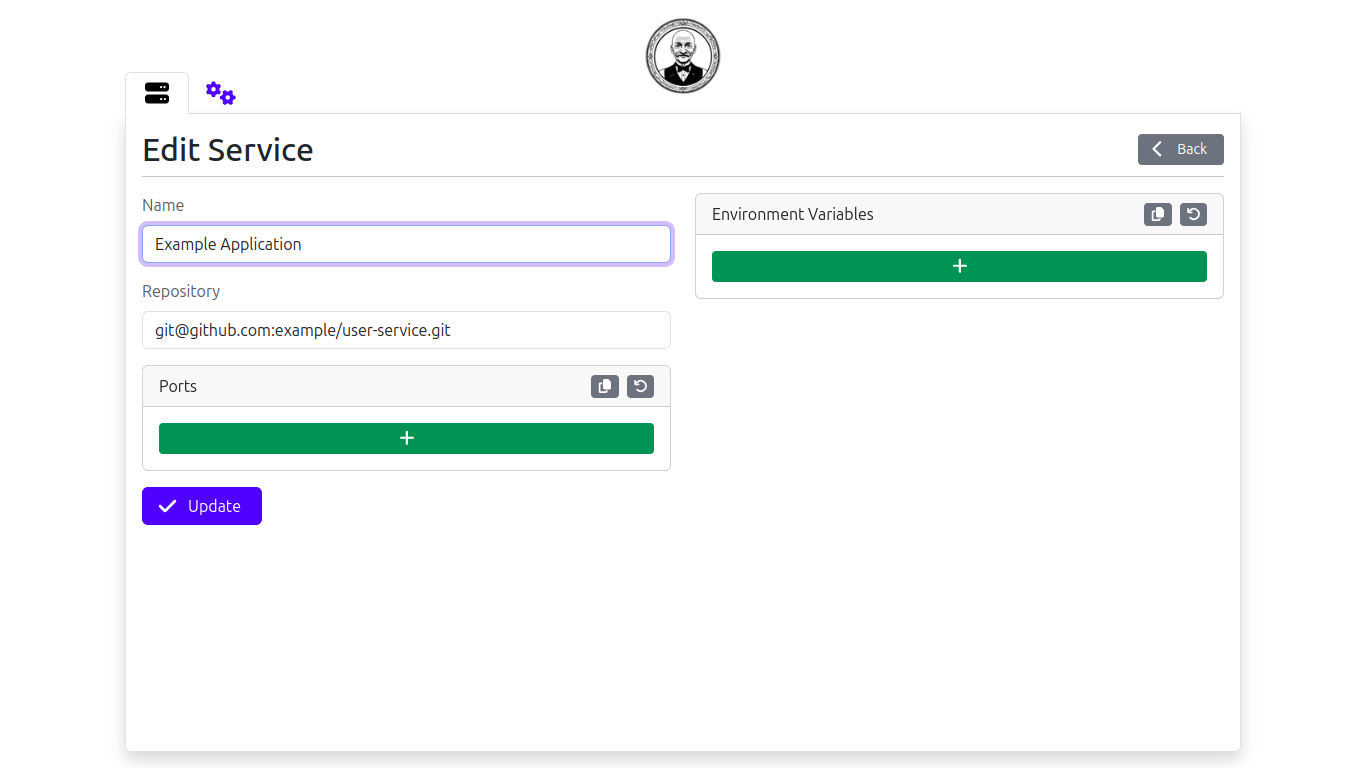
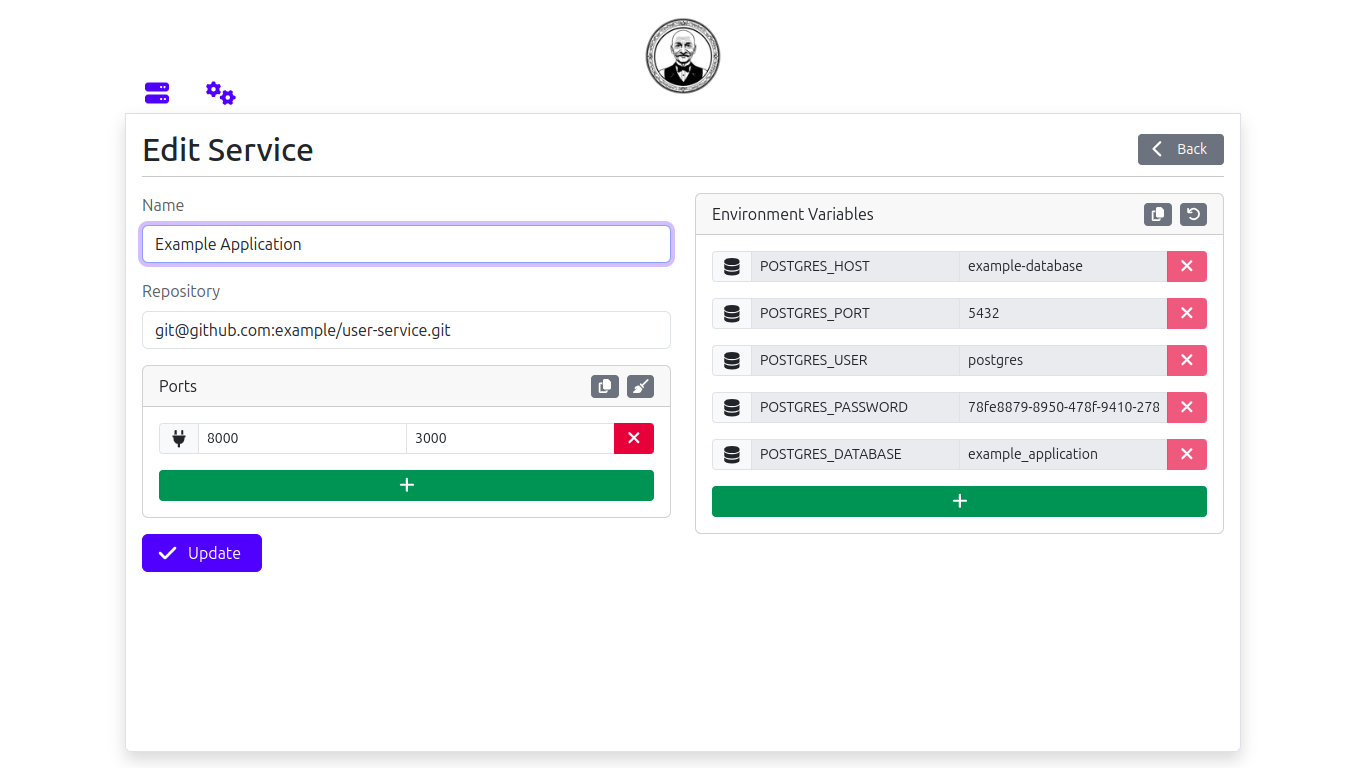
- Edit service page (see screenshots)
- Manage service ports
- Manage environment variables
- Copy-paste env variables easily
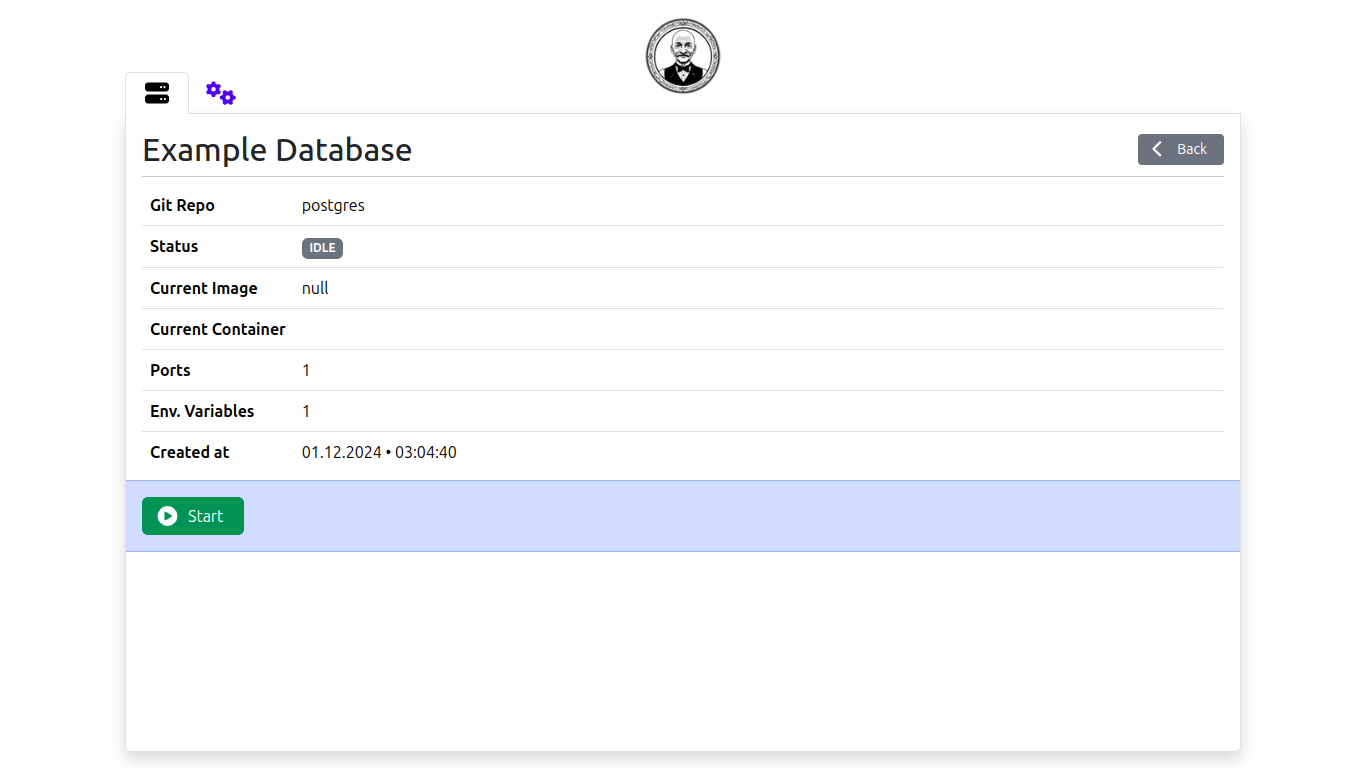
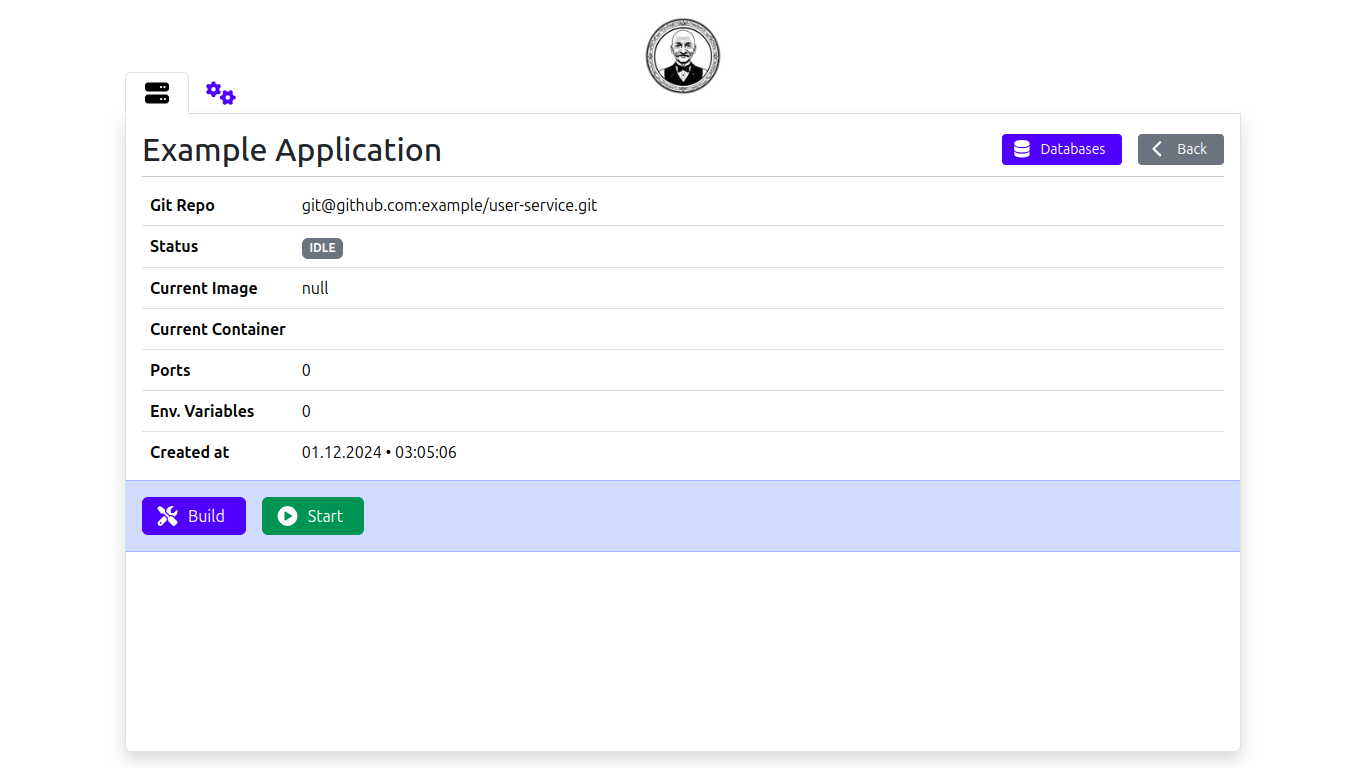
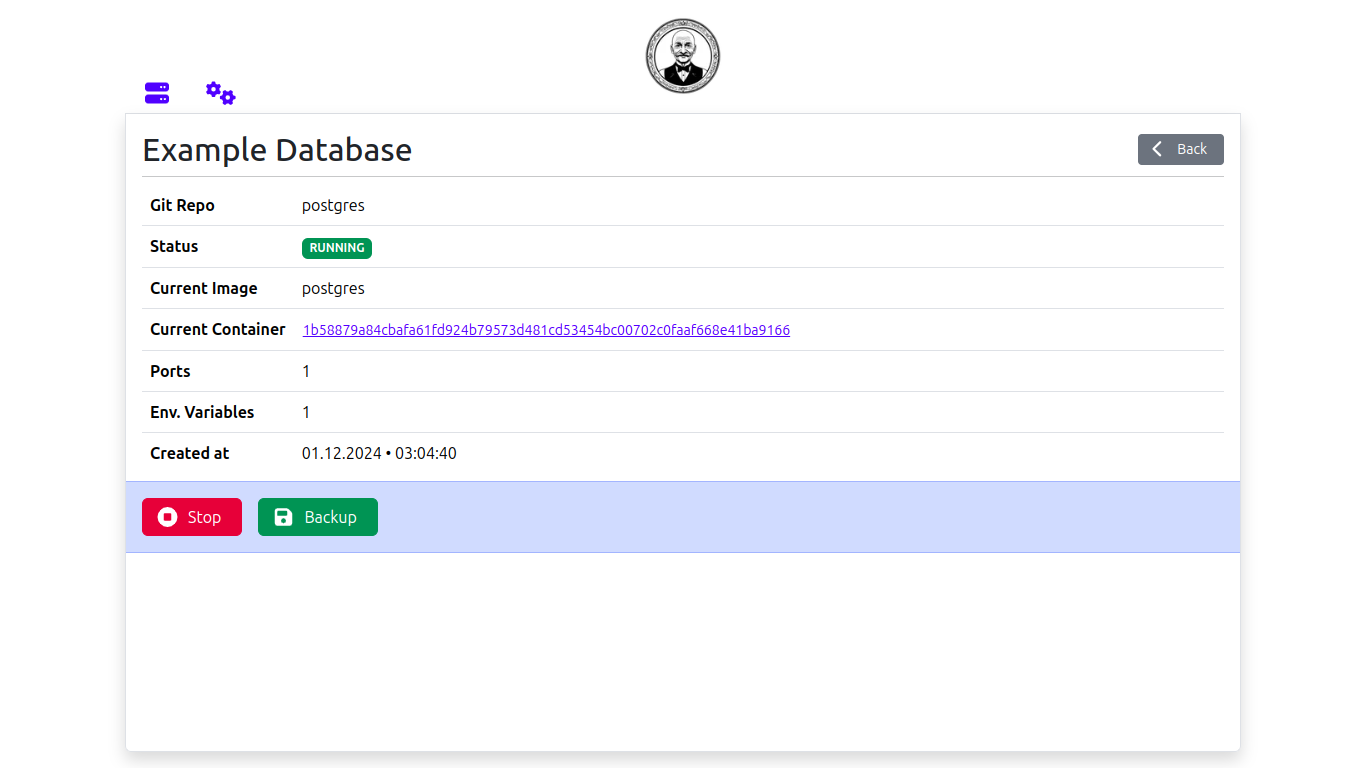
- Service details page (see screenshots)
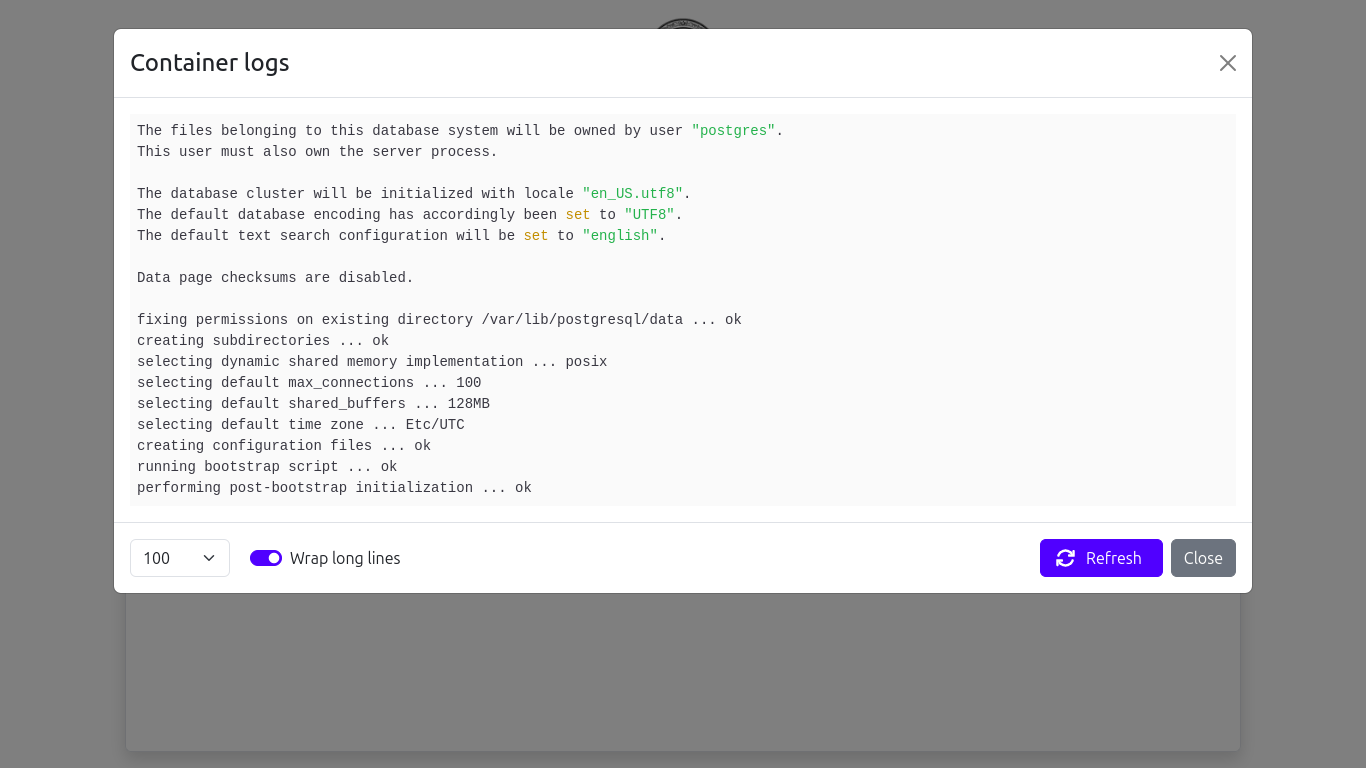
- Container logs (see screenshots)
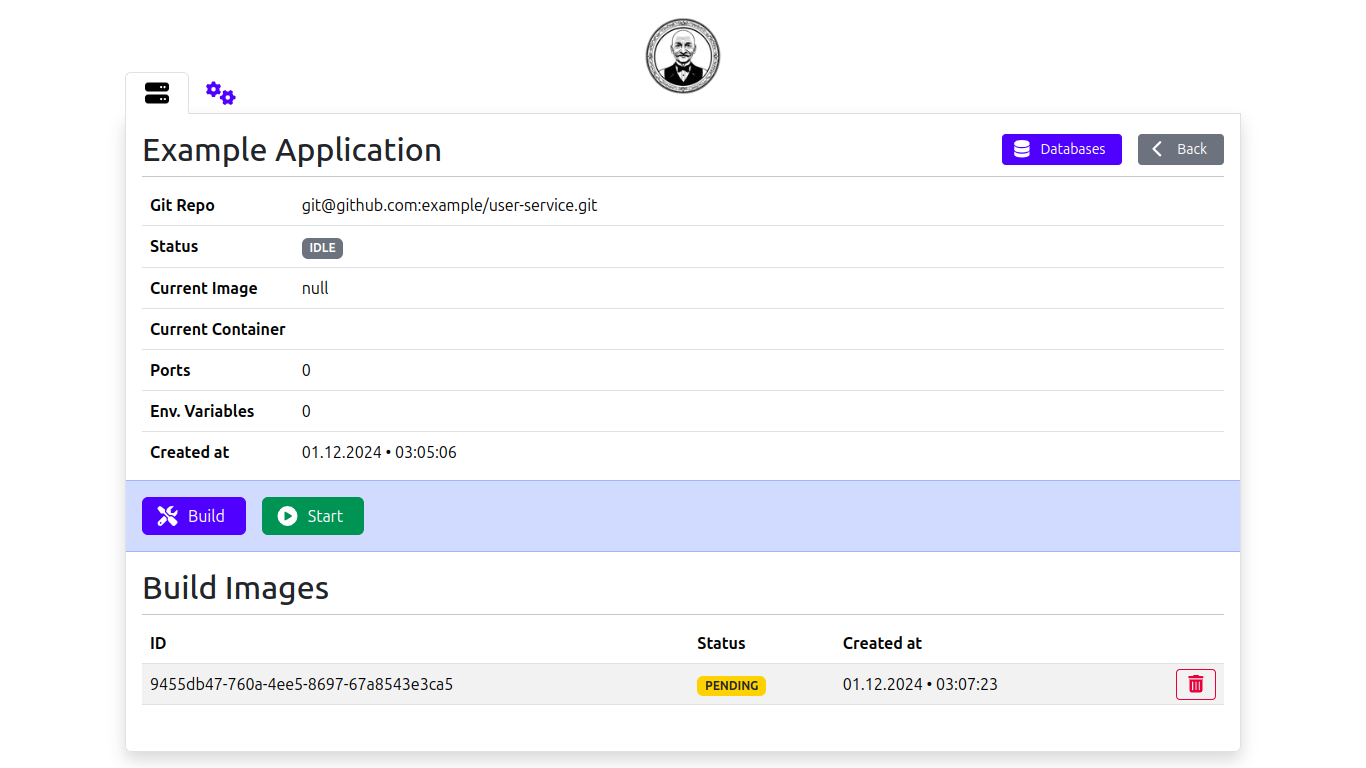
- List of build images (see screenshots)
- Button fir triggering a manual build for custom services (see screenshots)
- Button for triggering a manual backup for database services (see screenshots)
- Linking services (see screenshots)
- Creates private network between service containers
- Custom service inherits necessary env variables automatically for the database (see screenshots)
You can find the planned features here
You can see the known bugs here
To use Buttler, you'll need the following dependencies installed in your machine:
Install Buttler globally using npm:
npm i -g @omer-x/buttlerTo launch the application
buttler startThen open your browser and navigate to:
http://localhost:2083
To terminate the application
buttler stopTo relaunch the application
buttler restart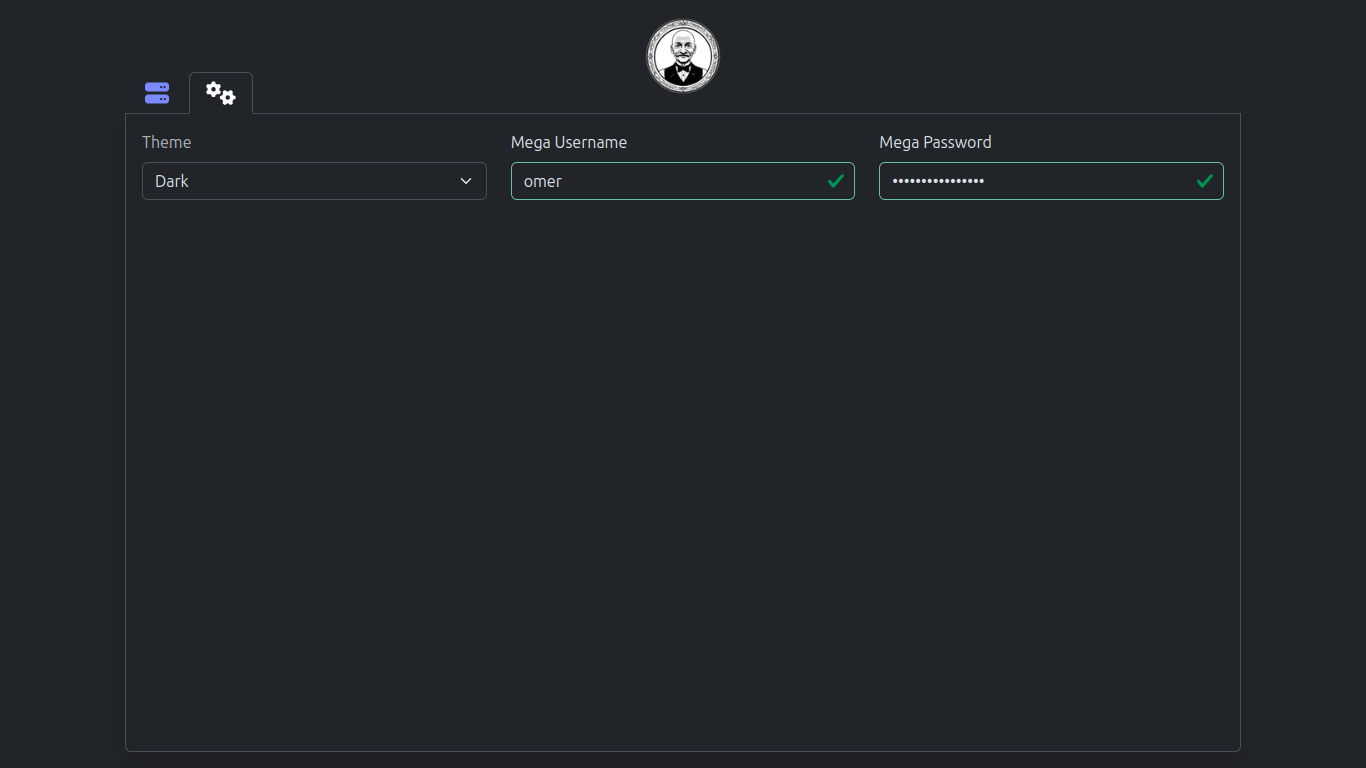
Contributions are welcome! Please open an issue or submit a pull request for any feature requests or bug fixes.
This project is licensed under the MIT License. See the LICENSE file for details.