A full stack application which allows users to search, find information and add reviews for movies.
-
Requirements (with links to download)
- Node.js: https://nodejs.org/en/
- PostgreSQL: https://www.enterprisedb.com/downloads/postgres-postgresql-downloads
- Your favorite code editor. I use Visual Studio Code: https://code.visualstudio.com/download
- You will need an API key to connect to the movie database API I used: https://rapidapi.com/rapidapi/api/movie-database-imdb-alternative
-
Database Setup
-
Once PostgreSQL is installed, we need to connect to the database. This link will give you directions on connecting via psql or pgAdmin: https://www.enterprisedb.com/postgres-tutorials/connecting-postgresql-using-psql-and-pgadmin
-
Once you are connected, run this command in the SQL Shell to create the database and tables for this app:
CREATE DATABASE moviereviews;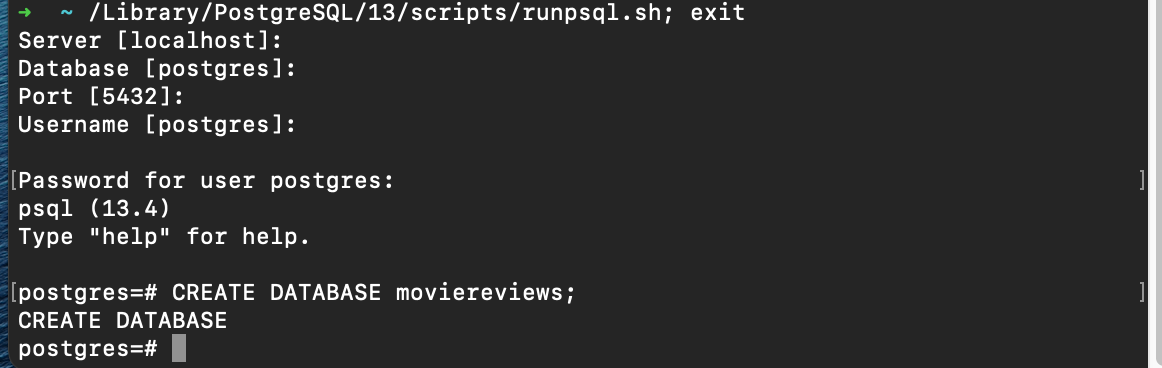
-
Now we need to connect to the the new moviesreview database:
\c moviereviews;
-
Our tables will be created in the app using Sequelize's sync() method.
-
-
App Setup (in Terminal)
-
Now in your chosen directory, run this command:
git clone git@github.com:pakawaka1/YearOneMovieList.git -
Next, run the following two commands:
cd YearOneMovieListnpm install -
Then, in the config directory of the app, create a new file called
config.env. In that file, insert your password for Postgres as well as the RAPID_API key: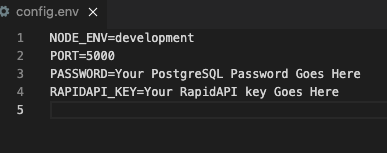
-
Using Sequelize's sync() method, I was not able to use a variable for my password, so you may need to manually insert it as
config/db.js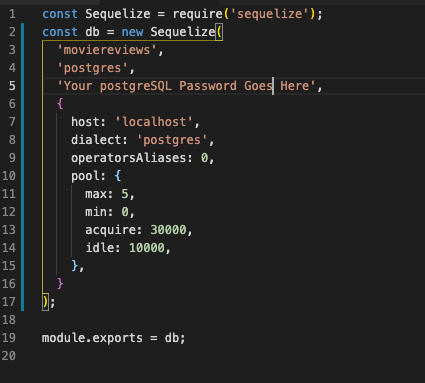
-
Now run the command
nodemonto start the server at http://localhost:5000/.
-
-
App Usage
-
Here is the homepage:

-
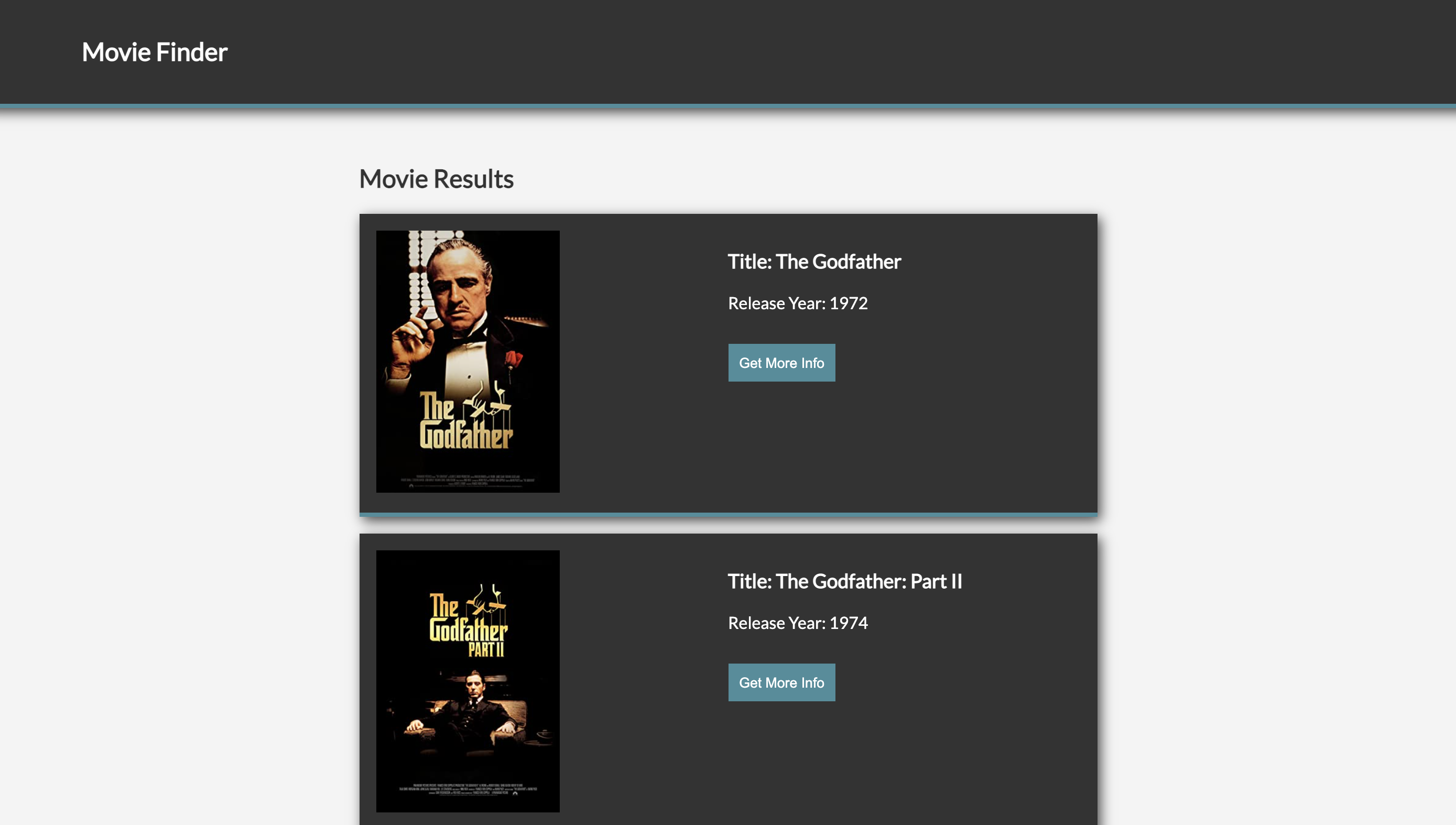
In the search bar, I entered "godfather", hit the search button, and received many results, including:
-
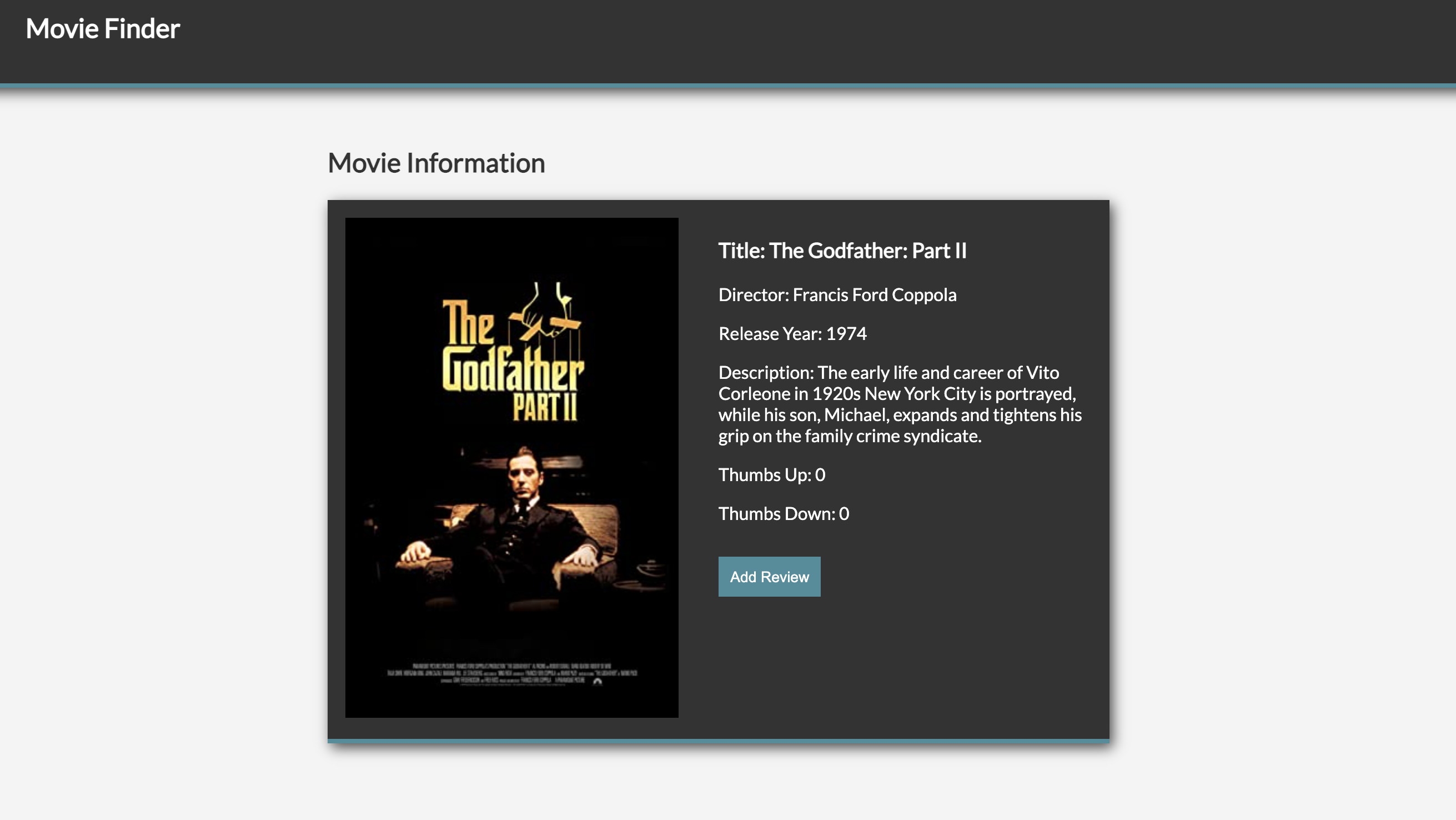
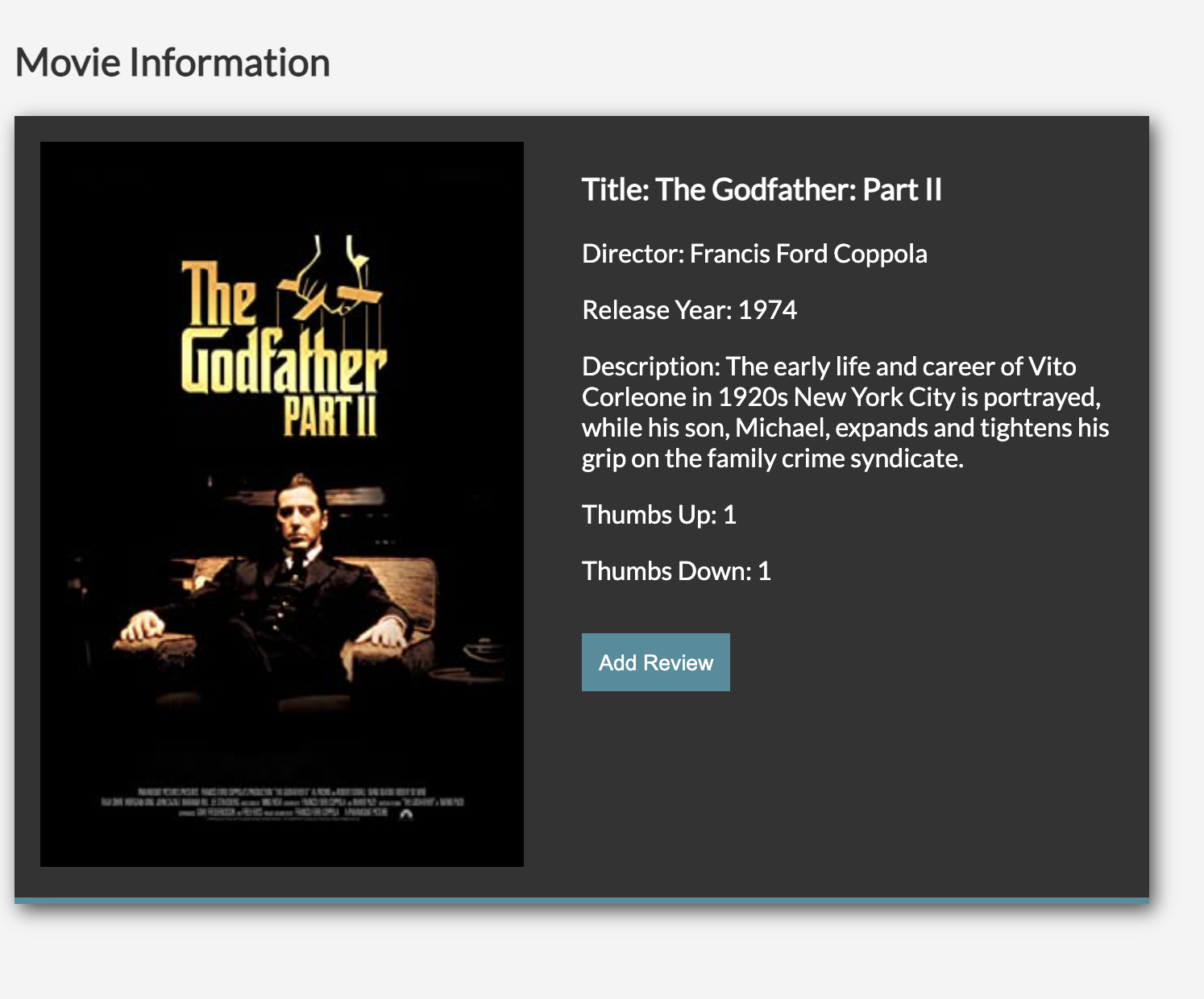
When I clicked on the "Get Info" button for "The Godfather: Part II", I received:
-
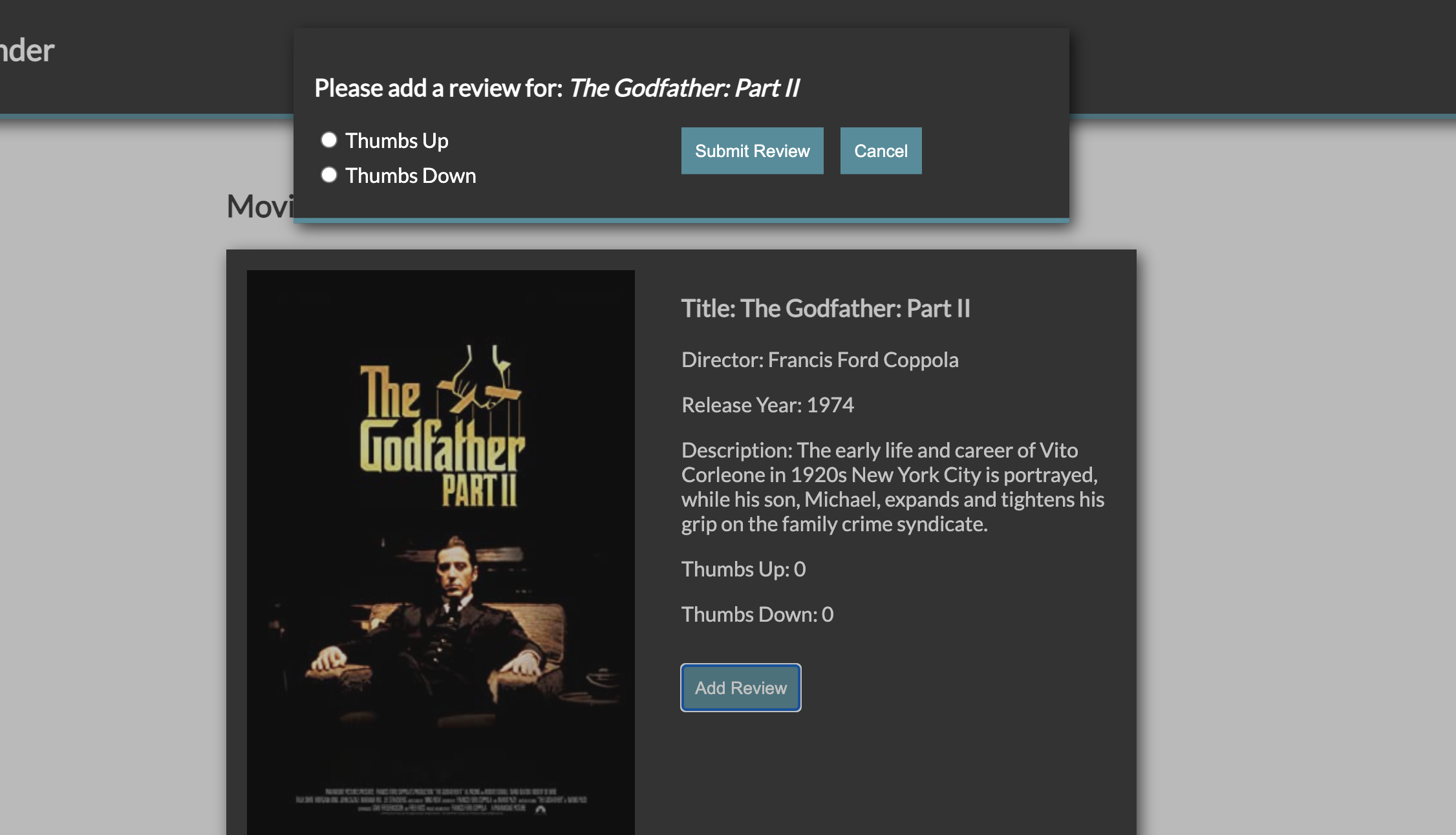
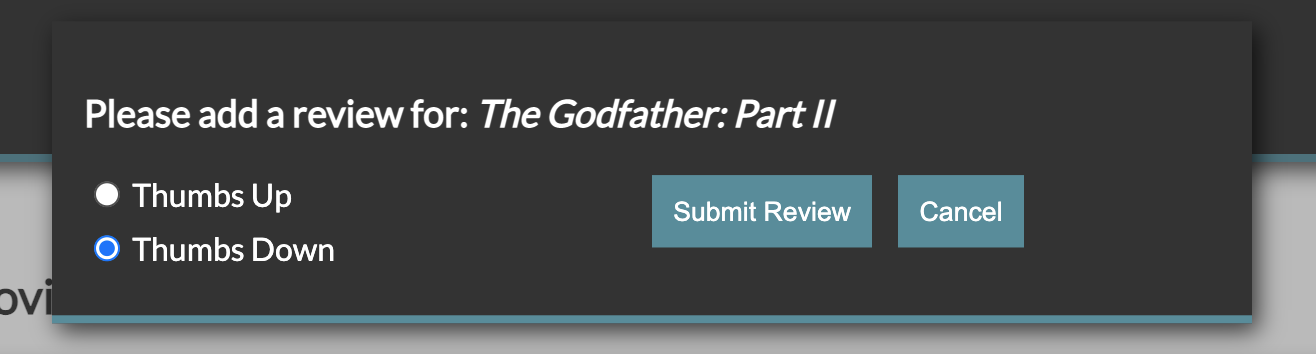
Then, when I clicked on the "Add Review" button:
-
When I clicked on the "Get Info" button for "The Godfather: Part II", I received:
-
Then, when I clicked on the "Add Review" button:
-
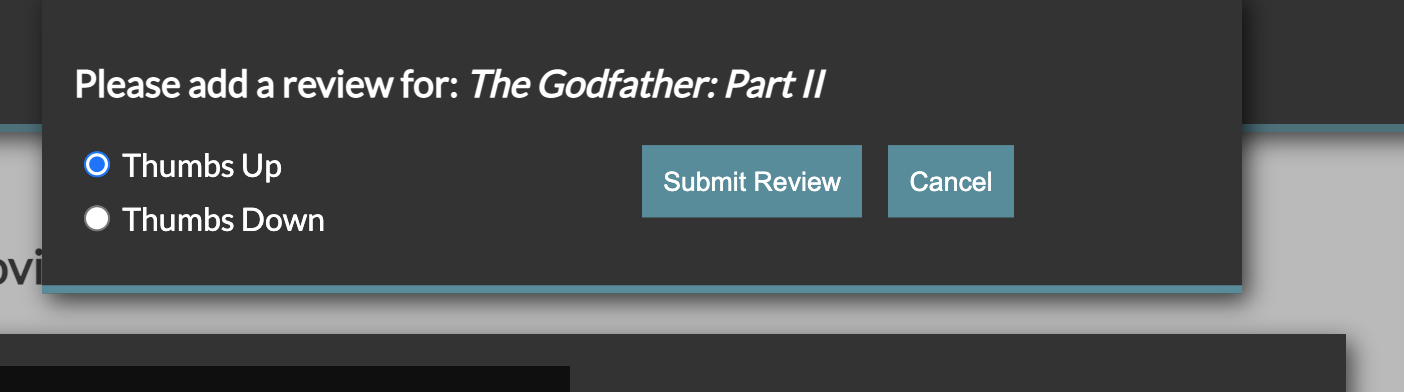
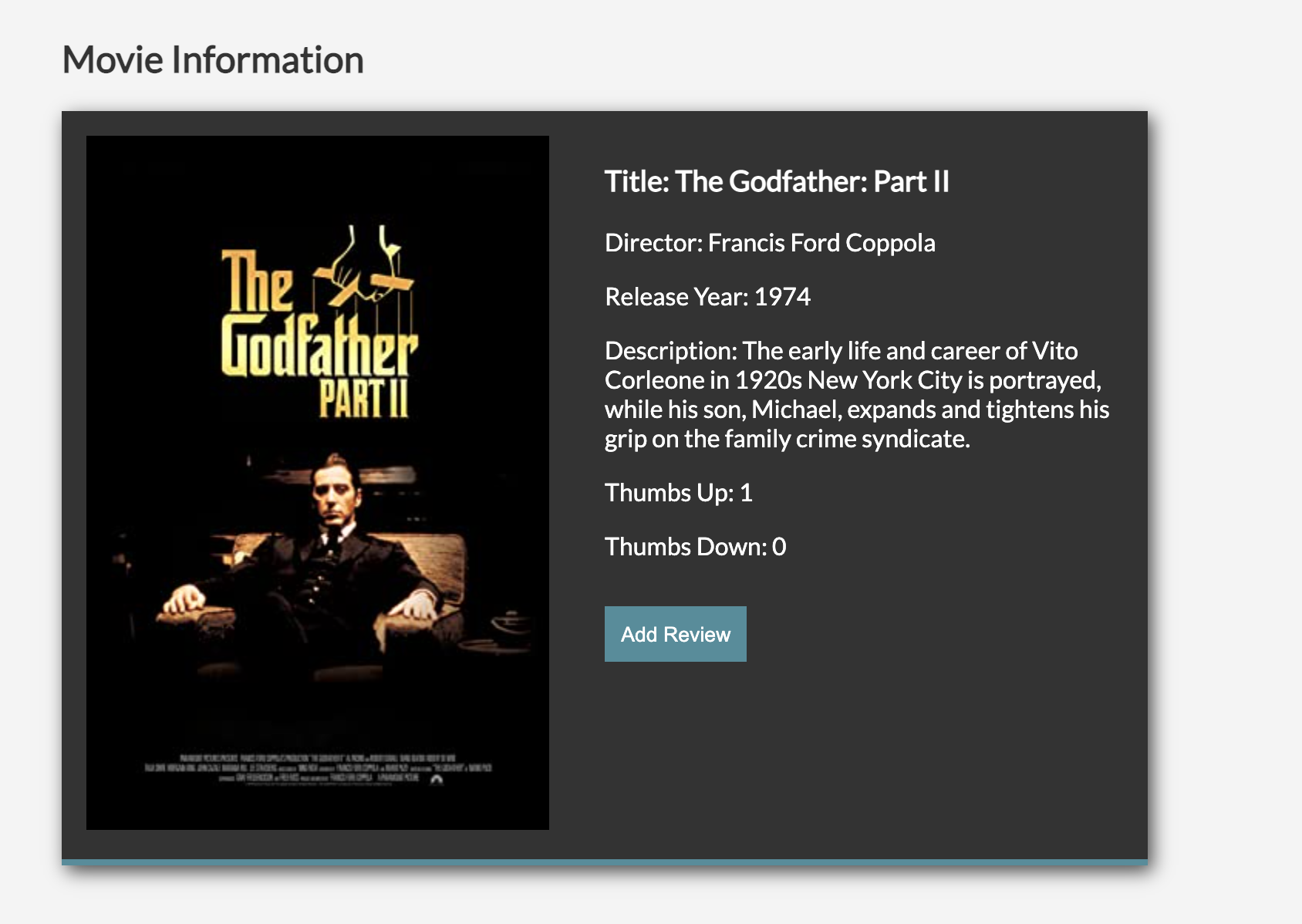
When I select "Thumbs Up" and click the "Submit Review" button:
-
When I select "Thumbs Down" and click the "Submit Review" button:
-
Anytime I need to return to search click on "Movie Finder":

-