The purpose of the PTSource X86-DOS-OS-Builder is to preserve and study the Microsoft DOS open-source codebase while making it practical and relevant for modern retro-computing, education or research. This project exists to safeguard an important piece of computing history by maintaining compatibility with the original DOS architecture, behavior, and design principles, while carefully and occasionally extending it with optional improvements, fixes or components.

PTSource X86-DOS-OS-Builder is a flexible system creation toolkit designed to help you build minimal custom DOS-compatible operating systems for x86 hardware, based on the Microsoft DOS open-source codebase. It allows developers, educators, and retro-computing enthusiasts to assemble tailored DOS systems by selecting, configuring, and integrating core OS components, device drivers, and utilities. The builder supports customization of the kernel, command interpreter, memory managers, and startup configuration, making it possible to create minimal DOS systems. With a focus on clarity, modularity, and compatibility, the PTSource X86-DOS-OS-Builder is ideal for experimentation, learning operating system internals, preserving legacy software, and developing specialized DOS distributions for real hardware, emulators, or virtual machines.
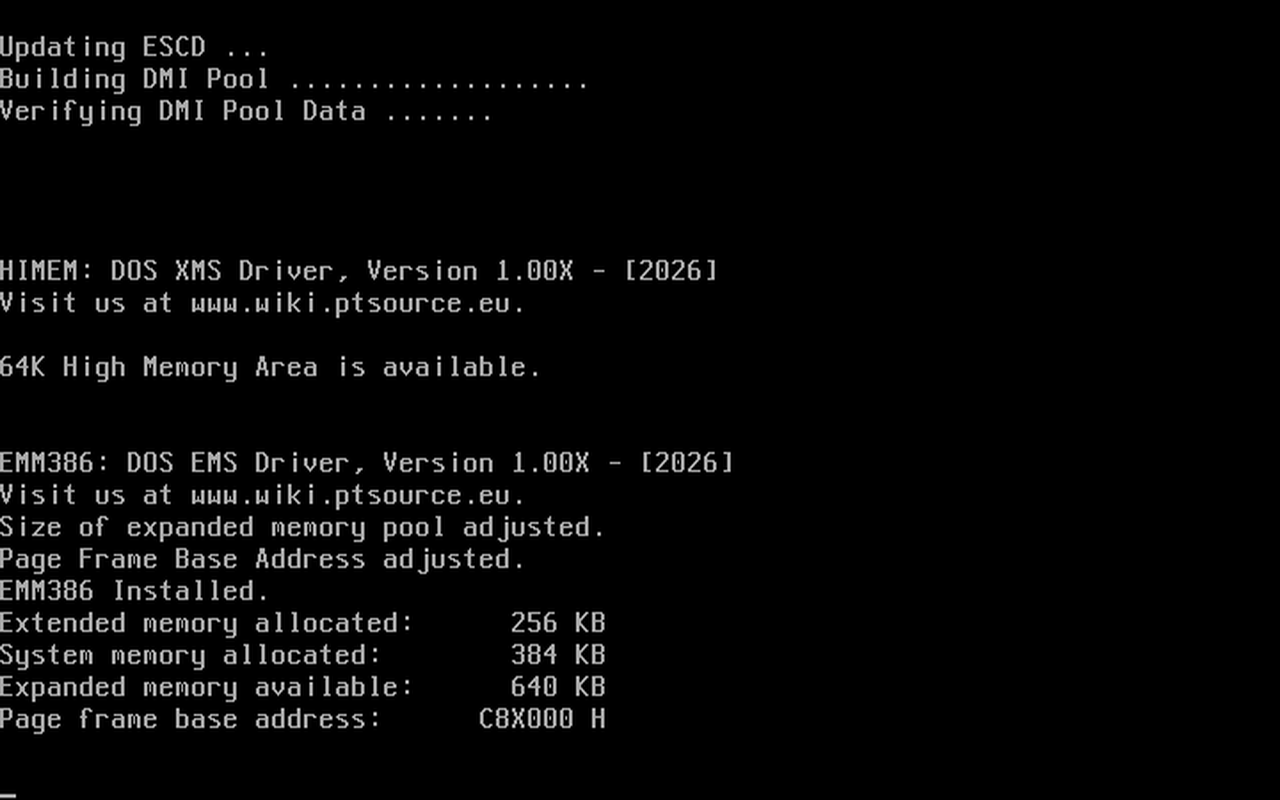
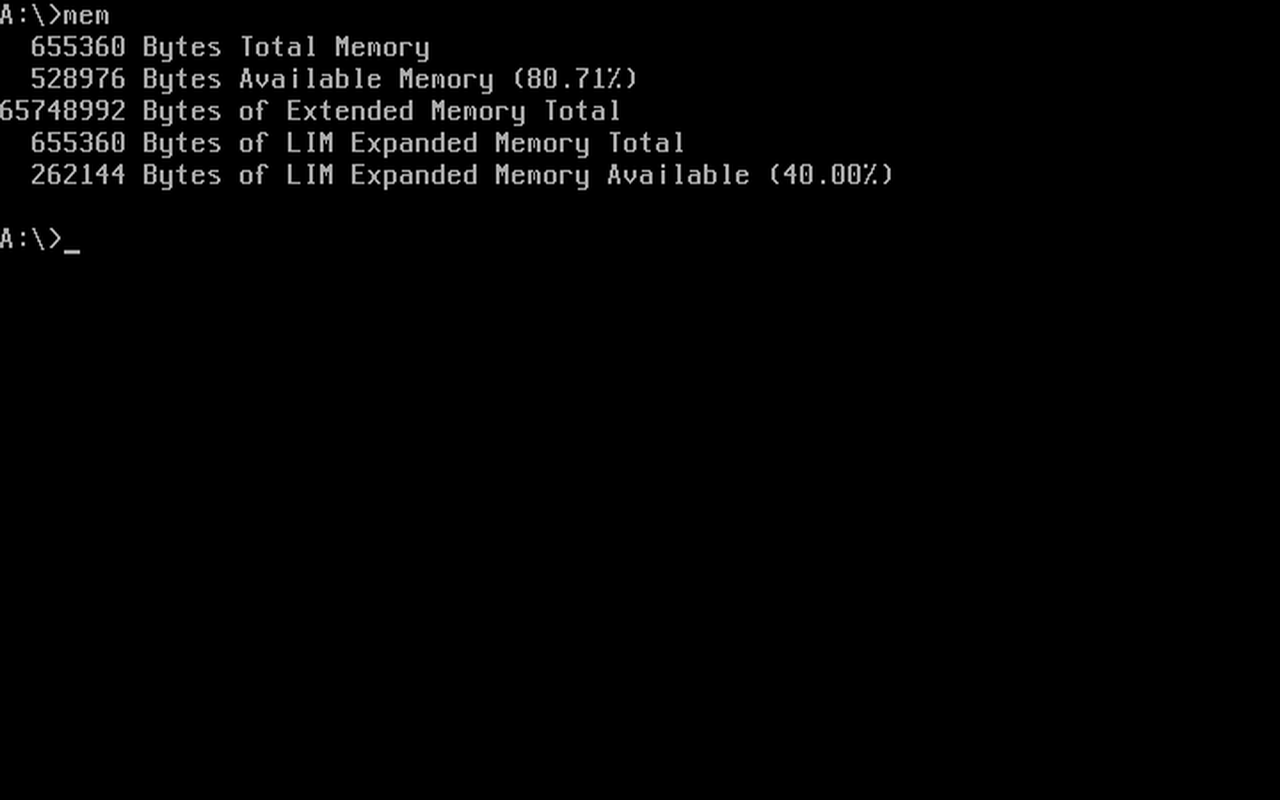
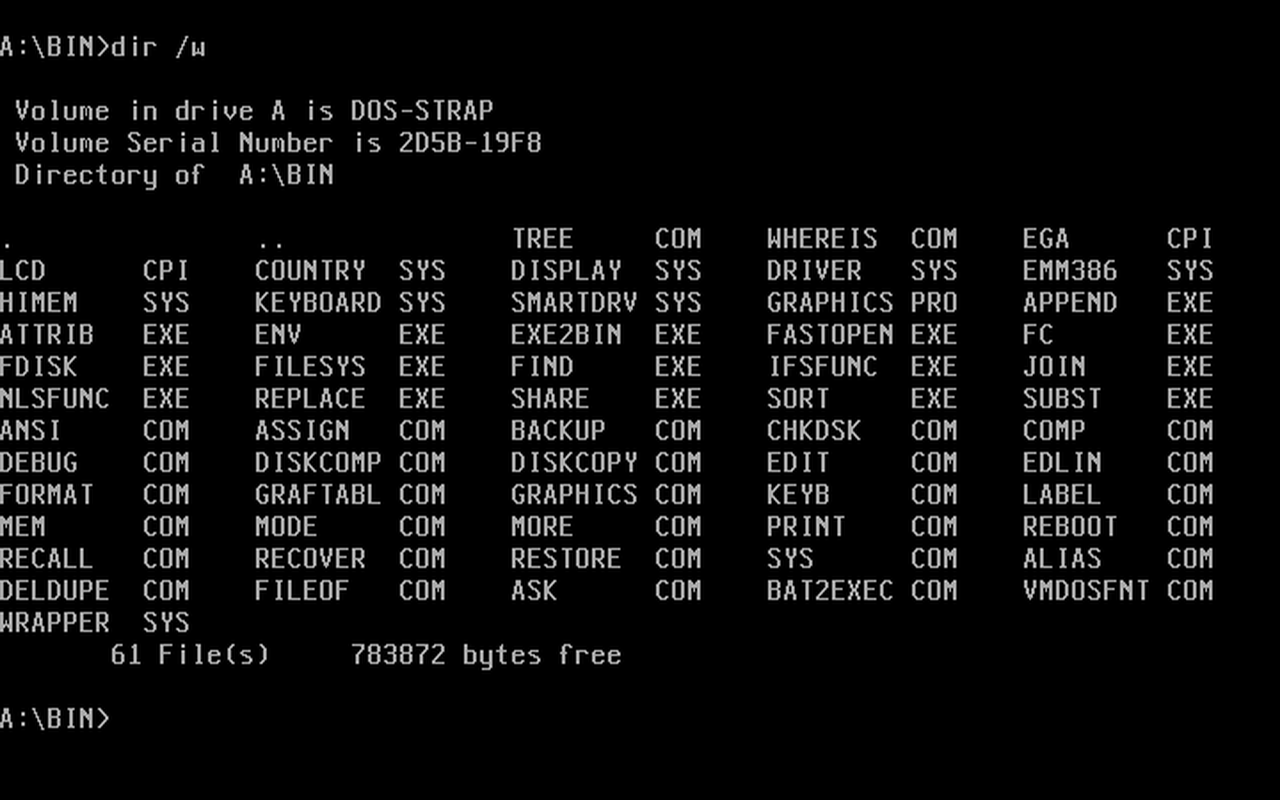
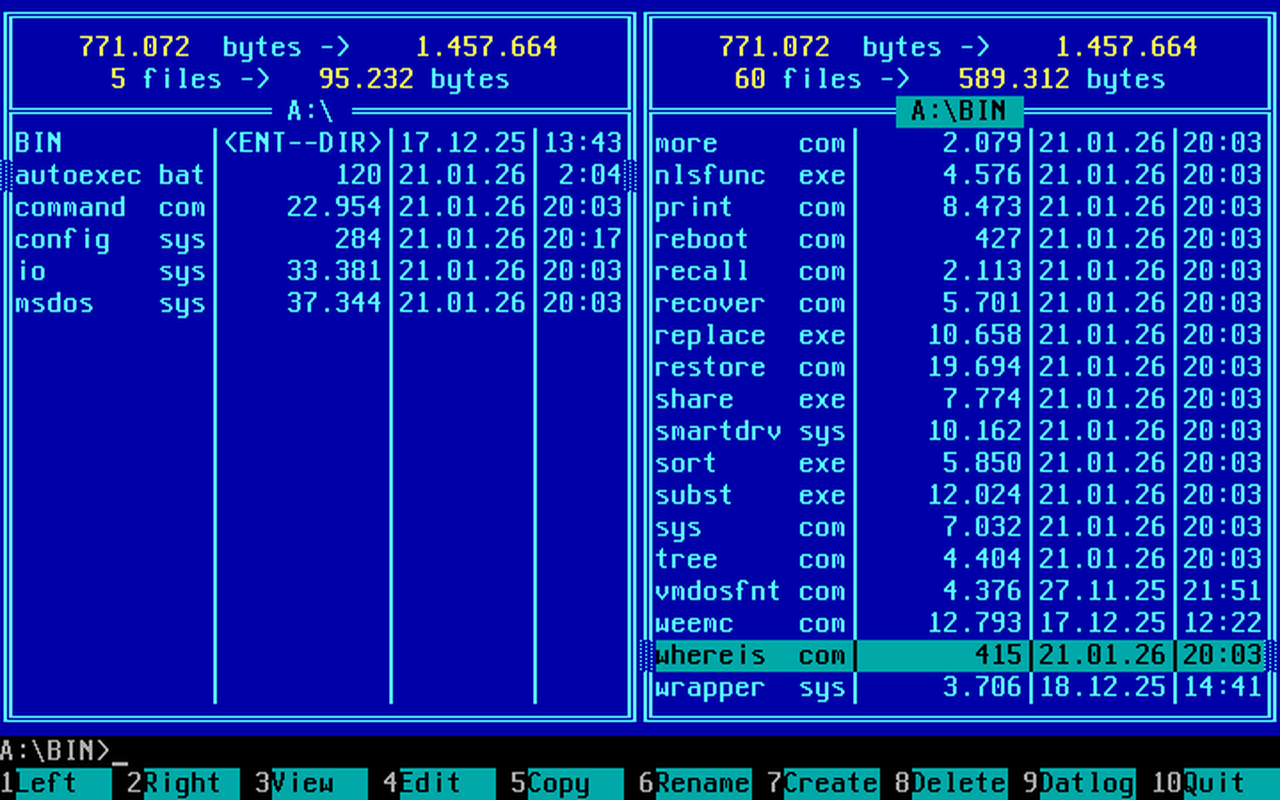
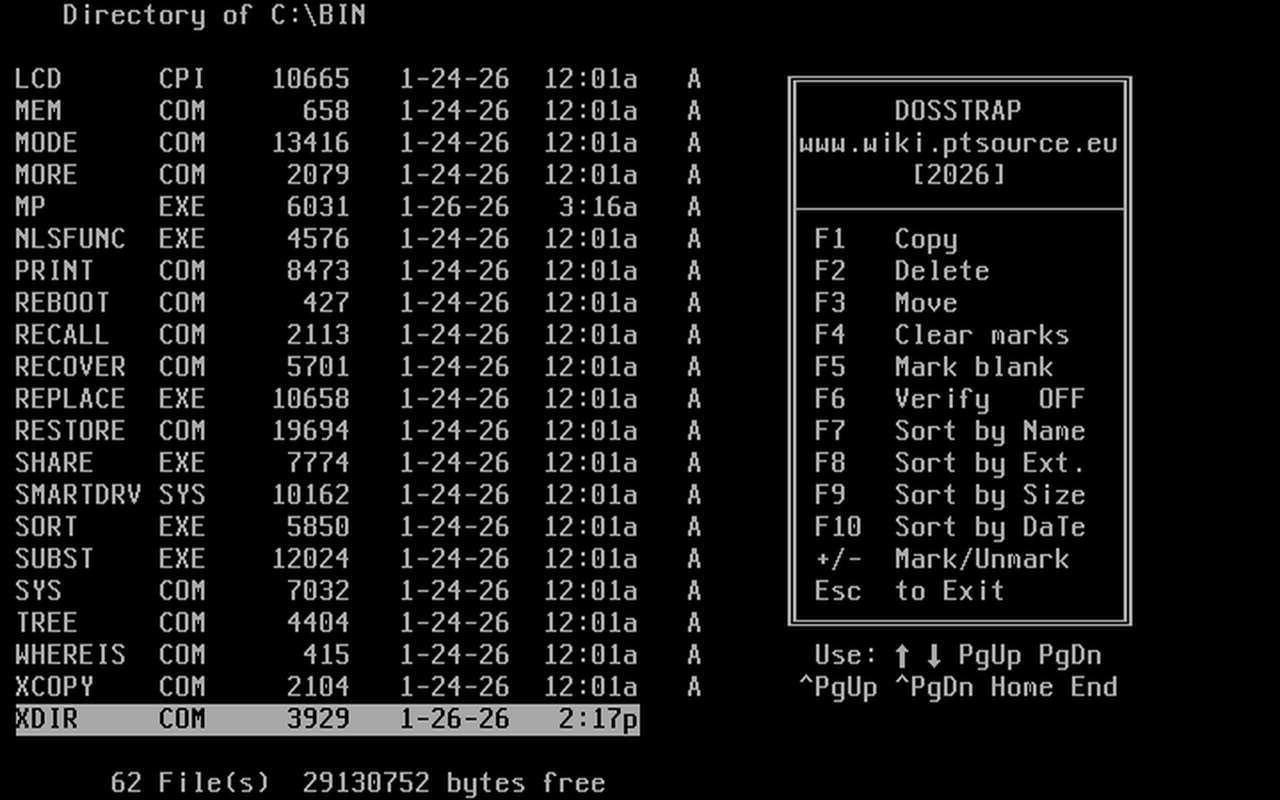
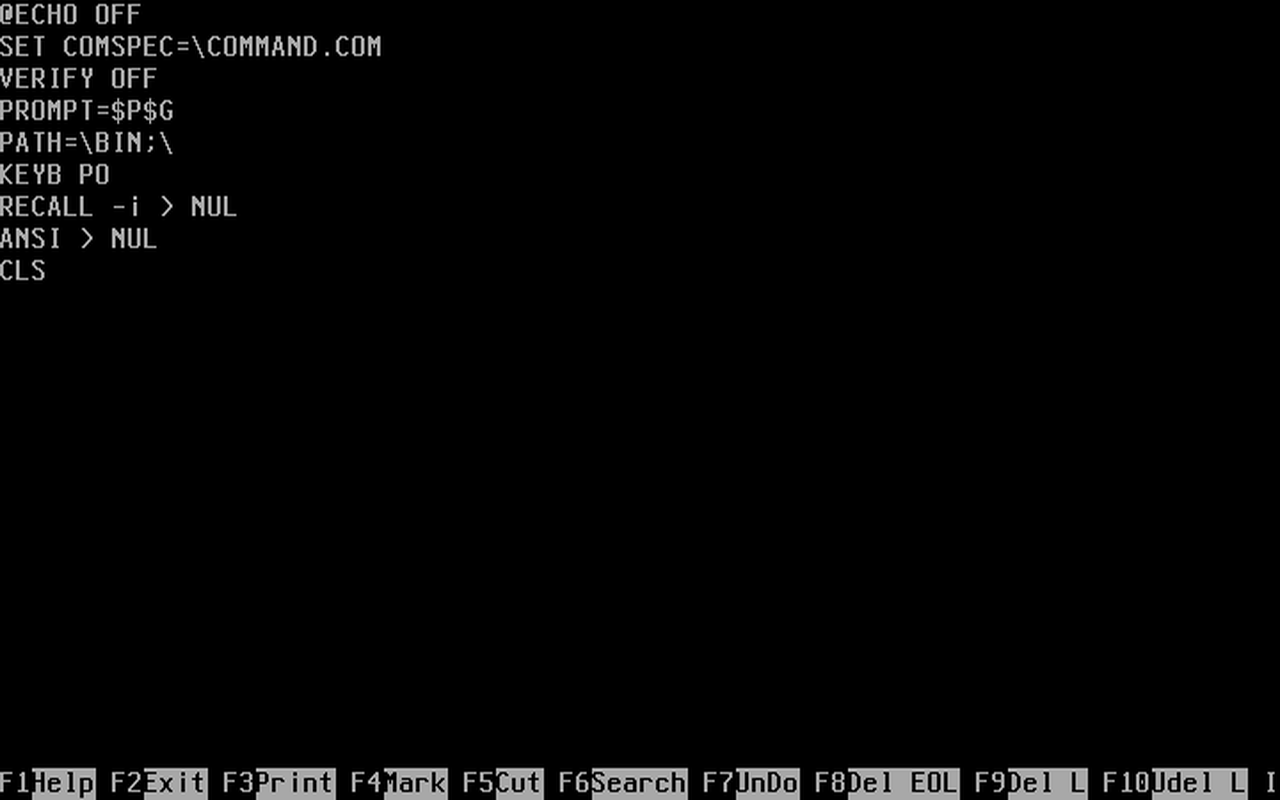
PTSource X86-DOS-OS-Builder uses the Microsoft DOS open-source codebase wich is based on MS-DOS 4.0, although some fixes to this code were applied PTSource X86-DOS-OS-Builder is ment to be used for minimal systems or tailored bootdisks. If you want a multitasking, multiuser professional operating DOS system 100% compatible with MS-DOS, PC-DOS, DR-DOS and with Windows 3.11 enhanced mode support you should consider our PTSource MiniVMDOS
PTSource X86-DOS-OS-Builder builds in any DOS environment, even in DOSBox. A DOSBox portable distribution is provided here in this repository for that effect.
- Download this repository.
- Extract the contents of the repository and move it maintaining the directory structure inside the DOSBox folder C->DOSSTRAP.
- Verify that the CONFIG.BAT points to C->DOSSTRAP.
- Start DOSBox and dir to C:\DOSSTRAP.
- Run BUILD and wait.
- A complete distribution will be avaliable in the DISTRO folder.
A Boot Image is provided in the repository BOOT.IMG, this image contains the complete distribution in the distro folder and it can be edited to suite your needs. Here is how to do it.
- Open the image with a RAW image mounter.(DO NOT USE WINIMAGE, IT WILL BREAK THE BOOT RECORD). There are many RAW image mounters avaliable, there is also one from PTSource here.
- Edit the image to suite your needs and unmount the image.
PTSource X86-DOS-OS-Builder uses the Microsoft DOS open-source codebase wich is based on MS-DOS 4.0 despite that almost all not too complex DOS applications will run with no hassle, its up to you to make a test and see. Applications can be added to the image using the above method. If you want a Norton Commander style shell occupying just 13KB of memory (the one used on the preview) you can get Wee Commander here.
If you are a PTSource MiniVM user you need to set the floppies to 1.44 to boot. You can do this by adding --f140 to the command line and then enter the BIOS and change the drives to 1.44.
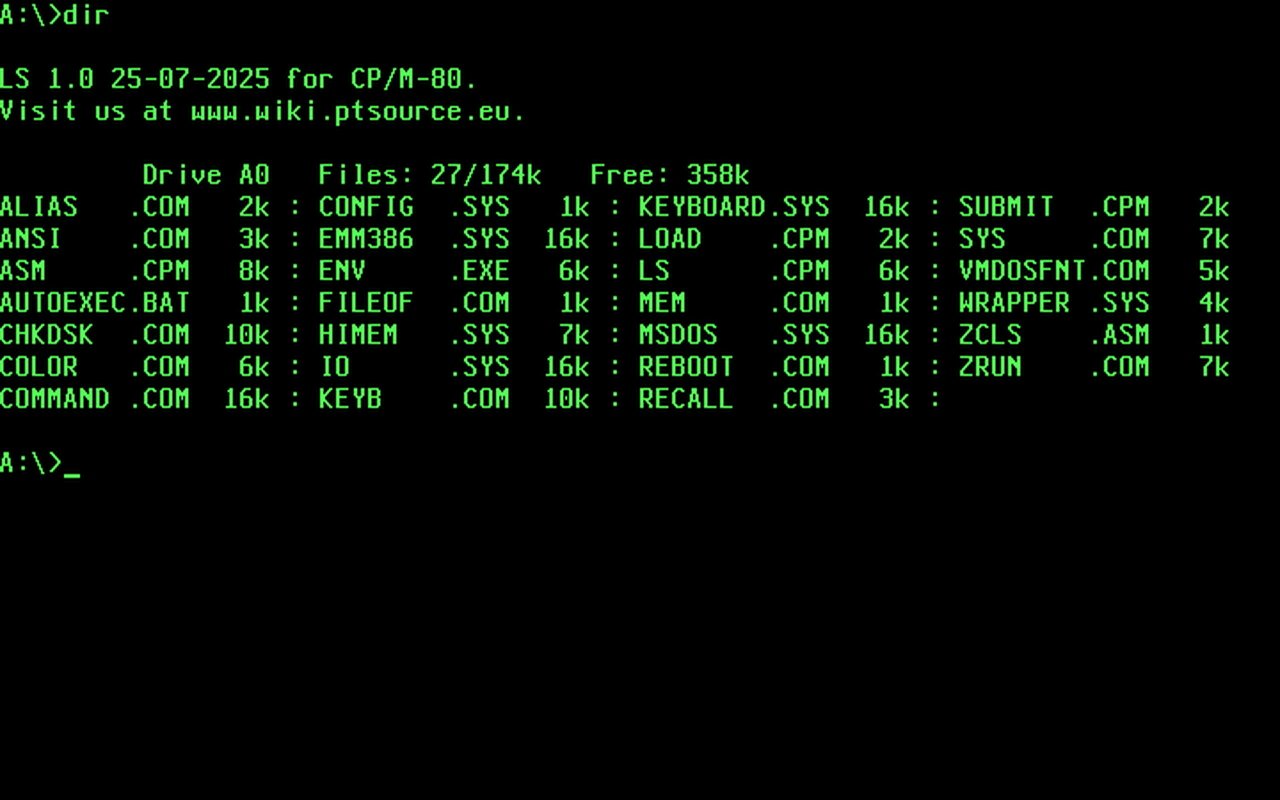
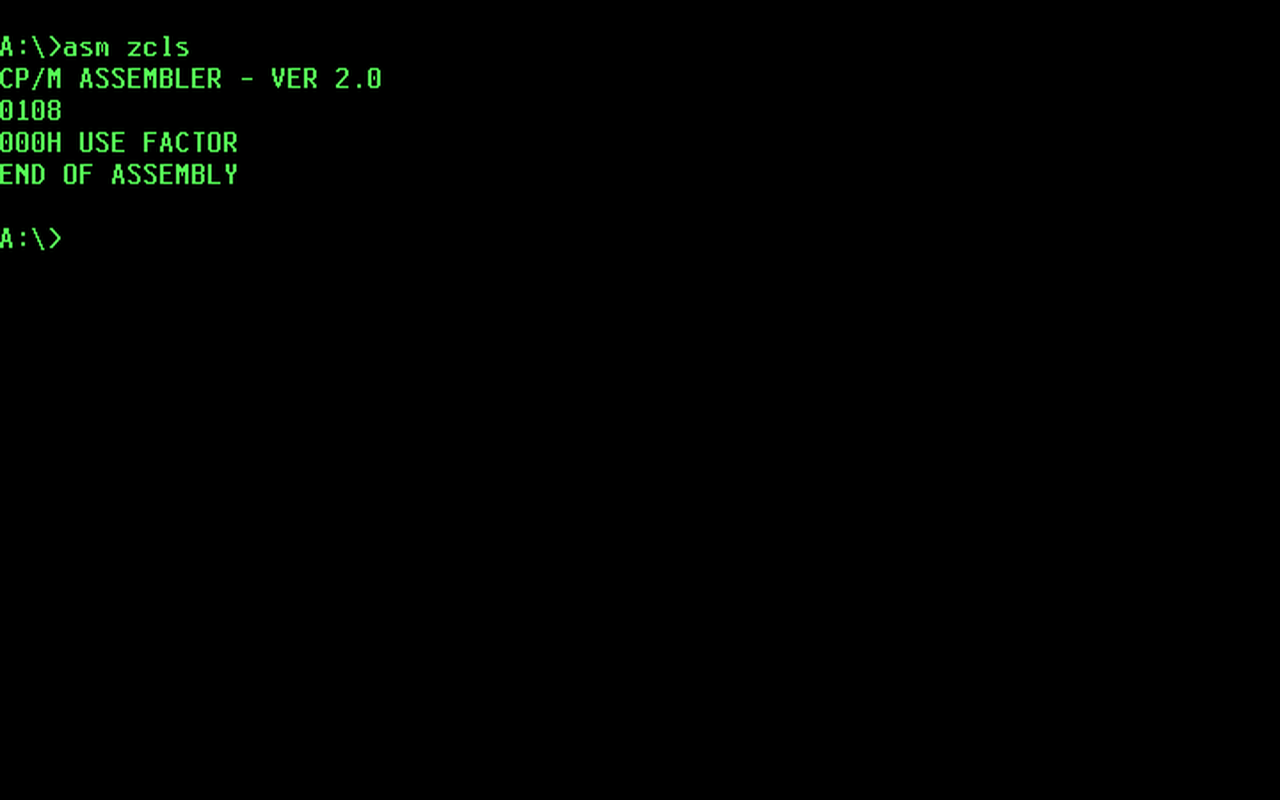
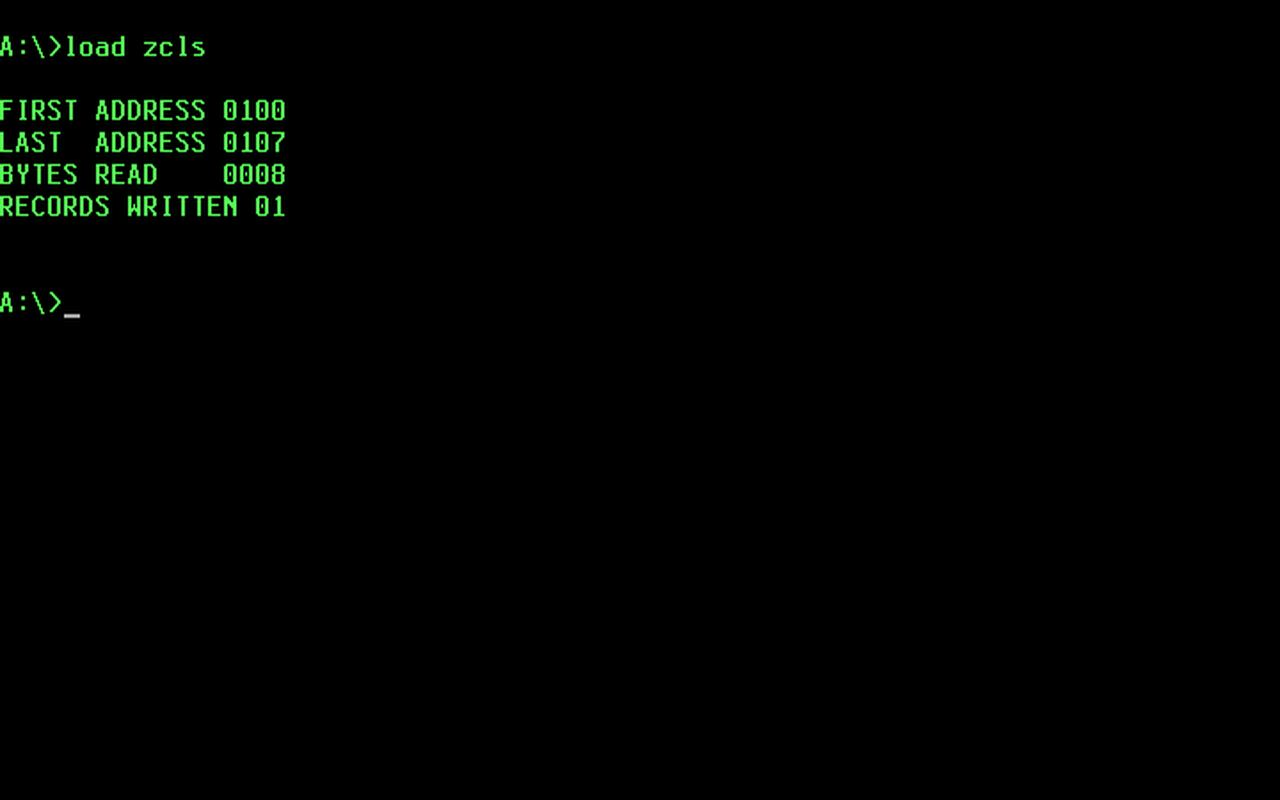 This use case allows you to have a CP/M-80 System using only ALIAS, ZRUN and COLOR. The example is in the ZRUNCPM.IMG and it builds under the folder DISTROC.
- Open ZRUNCPM.IMG with a RAW image mounter.You can find one from PTSource here.
- Download ZRUN from here.
- Download COLOR from here.
- Add ZRUN and COLOR to the ZRUNCPM.IMG.
- Add the CPM programs you like changing the extension from .COM to .CPM.
- Edit AUTOEXEC.BAT and use ALIAS to prepare your commands.
- Close the image, boot and issue your ALIAS defined commands.
