


This is a simple django api developed as an assignment. The objective of the api is to store user data along with their monthly activity periods using POST calls and retrieve data using GET calls.
Note : The production version of this assignment is live on heroku. Please refer the below link to check that out.
Live version : https://useractivitydjango.herokuapp.com/users
The application uses two models, User model and ActivityPeriod model to store data. User model and ActivityPeriod model are in one-to-many relationship.
It stores user information.
class User(models.Model):
    """ User model class to store user id, real name , timezone."""
    # Every user record must have a id which acts as a primary key and is unique
    # Real name is optional and can be updated later
    # If time zone is not given by the user then it is set to UTC.

    id = models.CharField(max_length=100, primary_key=True, null=False)
    real_name = models.CharField(max_length=100)
    tz = models.CharField(max_length=50)

    def __str__(self):
        return f"User ID : {self.id} | Real Name : {self.real_name}"
It stores activity information of each user. Each activity has one start date time and end date time. Each user can have multiple activities.
class ActivityPeriod(models.Model):
    """
    ActivityPeriod model class to store start time and end time of different activities of each user.
    """
    # ActivityPeriod is in one to many relationship with User.
    # i.e. One user can be related with many ActivityPeriod records.

    user = models.ForeignKey(User, on_delete=models.CASCADE, related_name='activity_period')
    start_time = models.DateTimeField(null=True)
    end_time = models.DateTimeField(null=True)

    def __str__(self):
        return f"User ID : {self.id} | Start Time : {self.start_time} - End Time : {self.end_time}"
$ mkdir useractivity (optional)
$ cd useractivity (optional)
$ git clone https://github.com/rakeswain/useractivity-django.git
$ pip install --user virtualenv
$ python3 -m venv env
$ source env/bin/activate
$ .\env\Scripts\activate
$ pip install -r requirements.txt
- Note : We are using sqlite3 for devlopement but in production (on heroku) this is replaced by PostgreSQL automatically by the python library django-heroku
Once all the required libs are installed run the below command to migrate the database
$ python manage.py migrate
If the above step runs all ok then database is all set up. If it doesn't
- Delete the migrations directory inside the userapi directory (userapi/migrations)
$ python manage.py makemigrations$ python manage.py migrate
$ python manage.py runserver
The output should look like this :
Watching for file changes with StatReloader
Performing system checks...

System check identified no issues (0 silenced).
August 02, 2020 - 02:51:19
Django version 3.0.8, using settings 'useractivity.settings'
Starting development server at http://127.0.0.1:8000/
Quit the server with CTRL-BREAK.
Navigate to http://localhost:8000
An API endpoint is created using django rest framework. The API end point serves the user data along with their activity periods across months in JSON.
{
    "ok": true,
    "members": [
        {
            "id": "SM1COB",
            "real_name": "Rakesh Swain",
            "tz": "Asia/Kolkata",
            "activity_periods": [
                {
                    "start_time": "Oct 10 2020 04:41 AM",
                    "end_time": "Oct 30 2020 14:37 PM"
                },
                {
                    "start_time": "Jan 30 2020 06:41 AM",
                    "end_time": "Jan 30 2020 06:41 AM"
                },
                {
                    "start_time": "Jan 30 2020 06:41 AM",
                    "end_time": "Jan 30 2020 06:41 AM"
                }
            ]
        }
    ]
}
Navigate to http://localhost:8000/users
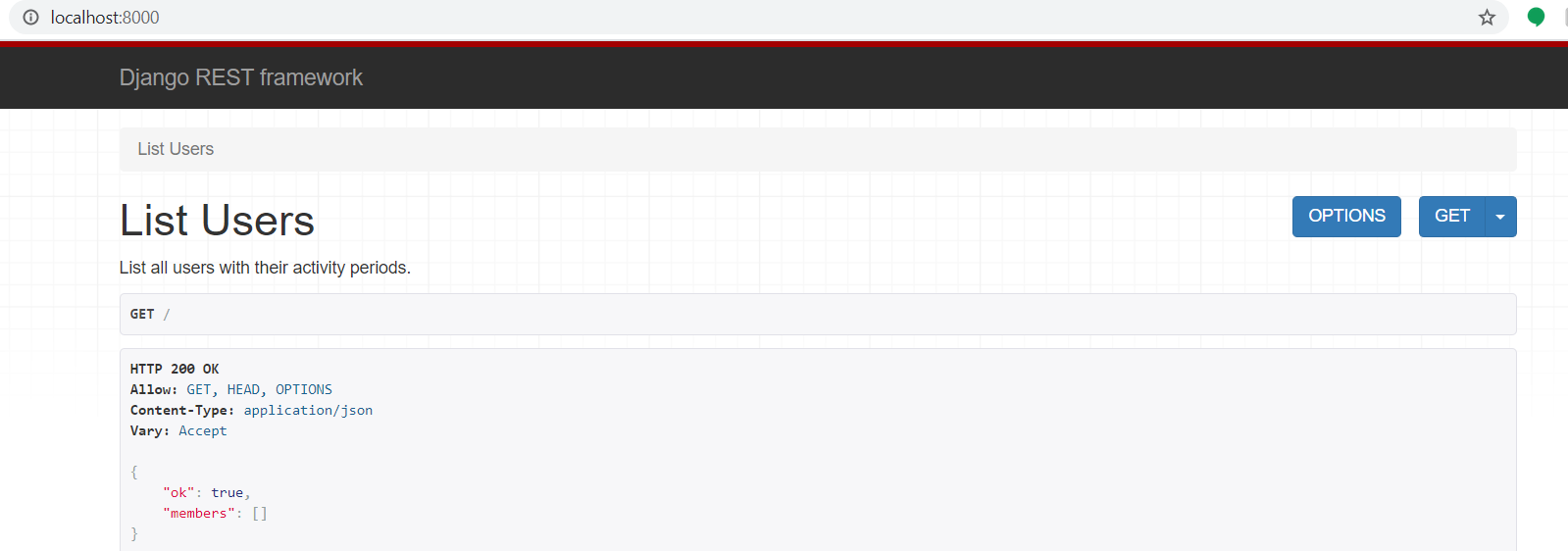
Members array should be empty as you have not populated the database. You can do so using the custom database management commands.
We have 2 custom management commands to manage the database
populatedbaddactivity
This command is used to populate user information in the database. It populates the User table.
$ python manage.py populatedb -uid/--userid <USERID> \
                            [-fn/--firstname] <FIRSTNAME> \
                            [-ln/--lastname] <LASTNAME> \
                            [-tz/--timezone] <TIMEZONE> \
Example
$ python manage.py populatedb -uid JCO1COB -fn John -ln Doe -tz Us/Pacific
Firstname , Lastname and Timezone are optional arguments.
This command is used to add activty periods of a user. It populates the ActityPeriod table.
$ python manage.py addactivity -uid/--userid <USERID> \
                               [-st/--starttime] <YY-mm-dd.HH:MM> \
                               [-et/--endtime] <YY-mm-dd.HH:MM>
Example
$ python manage.py addactivity -uid JCO1COB -st 2020-10-01.10:34 -et 2020-10-30.12:30
All done. 👍
Now navigate to http://localhost:8000/users
You should see output like this
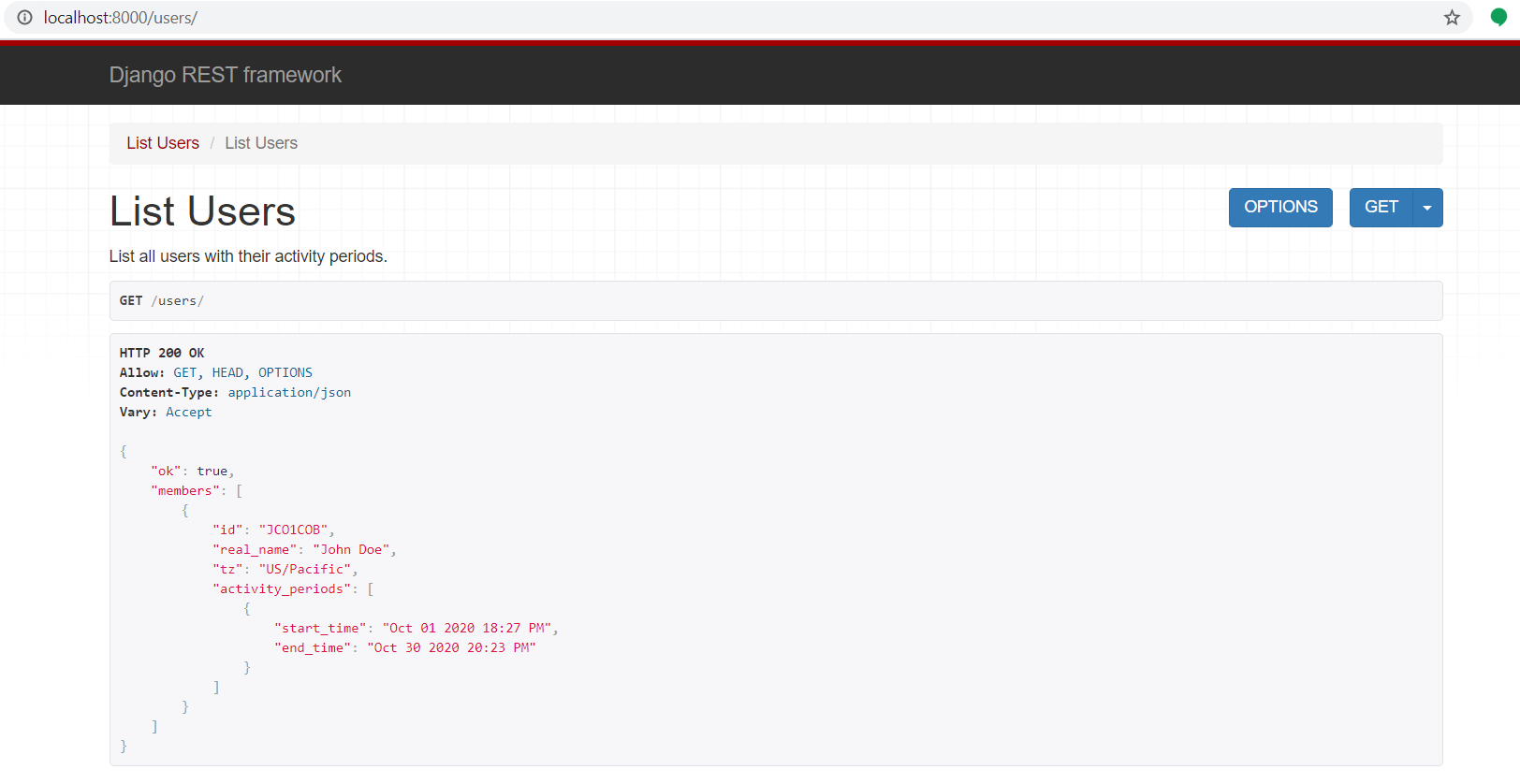
Or Send a GET request in postman
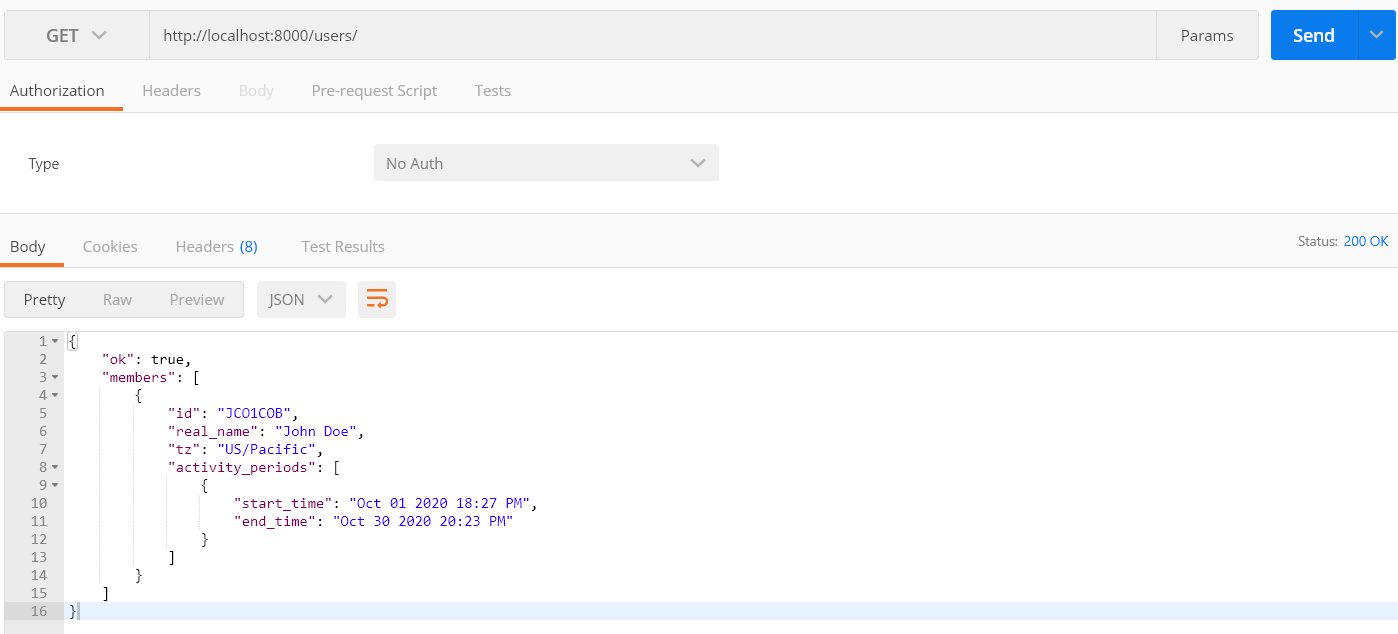
This was a fun little assignment. Future enhancement may include improving the API documentation using packages like SwaggerUI. This was the development version of the app. There is a production version live on heroku server.
Live version : https://useractivitydjango.herokuapp.com/users