Video tutorial link:
-
Clone this repo
-
Install Conda if not already installed (Python 3.6 version)
-
Download and extract Udacity's Self-Driving Car Simulator
-
Run Udacity's driving simulator in training mode
When prompted where to store recorded data, create a folder called "data" in this cloned repo folder and save there.
-
Create conda environment
Non-GPU users:
conda env create -f cpu.yml
GPU users:conda env create -f gpu.yml -
Run model_tf.py to train. models are output to this repo folder
python model_tf.py -N [A model name of your choosing]
Runpython model_tf.py --helpfor more options -
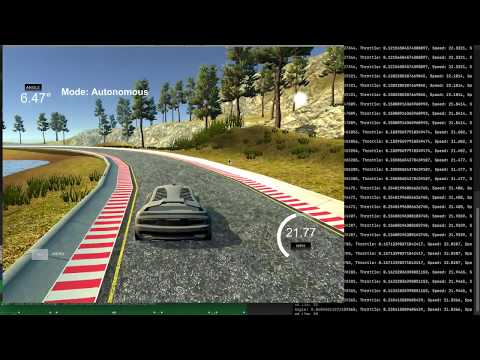
Start Udacity's driving simulator and enter autonomous mode
-
Run
python drive_tf.py [model_name]to connect model to Udacity's driving simulatorNote: model name is xy...z.meta without ".meta"