Available now in the Chrome store!
https://chromewebstore.google.com/detail/fontimize/fioaacbmhengeinmdagahkkkgjemimbp
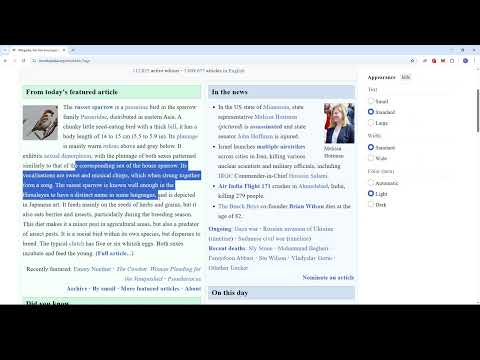
This extension allows users to customize the font styles of any website to their preference, including font type, size, and letter spacing. It also features a highlighting tool that lets you mark important text. Your data is saved automatically, so even after closing the browser, you can access your settings and highlights by simply opening the extension on any webpage.
- Download the folder
- Open the browser's settings, locate the extensions section, and then select "Manage extensions"
- Select "Load Unpacked" and upload the folder
- Now head over to any webpage and open the extension!