Skip to content

sarthakdixit/Financial-Text-Analyzer

Folders and files

NameName
Last commit message
Last commit date

Latest commit


History

9 Commits


Repository files navigation

Financial-Text-Analyzer

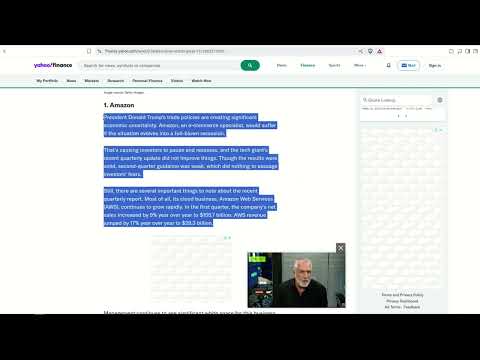
Demo

Watch the demo

📦 Models

Add your models to the financial-text-analyzer-backend/app/models directory.

  • You can use my models (e.g., myModels)
  • Or you can create your own models.

🔥 Flask Starter App

1. Create virtual environment and activate it

python -m venv venv
# On Windows
venv\Scripts\activate
# On macOS/Linux
source venv/bin/activate

2. Install dependencies

pip install -r requirements.txt

3. Run app

uvicorn app.main:app --reload

🧩 Browser Extension

1. Open Chrome and go to chrome://extensions/

2. Enable Developer Mode (top-right toggle)

3. Click "Load unpacked"

4. Select the folder containing the extension (e.g., financial-text-analyzer-client/dist/)

5. If dist/ folder is not available than build the react app.

About

No description, website, or topics provided.

Resources

License

Stars

Watchers

Forks

Releases

No releases published

Packages


Contributors