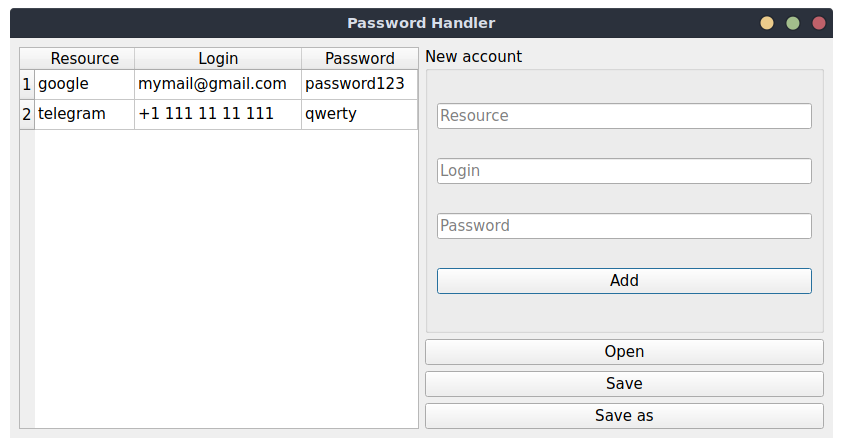
App to manage and store your accounts secured with a password.
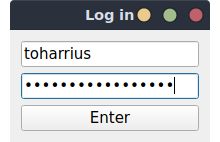
Come up with a master password (the longer it is the harder it is to be hacked). It is used to protect your account pack from viewing outside this app.
You can use multiple logins for multiple account packs.
Enter new account info and press Add button to insert it into the table.
Select a cell and press Alt key or double-click to edit text, Enter to save changes.
Press Delete or Backspace key from a cell to erase the whole row (and the corresponding account).
Save button to save the whole table into a file (by default into packs/<login>.pw-pack).
Save as button to choose a different file for saving. The app will remember your choice.
Open button to import a table from a different file. That file must have been encrypted with the same master password.