
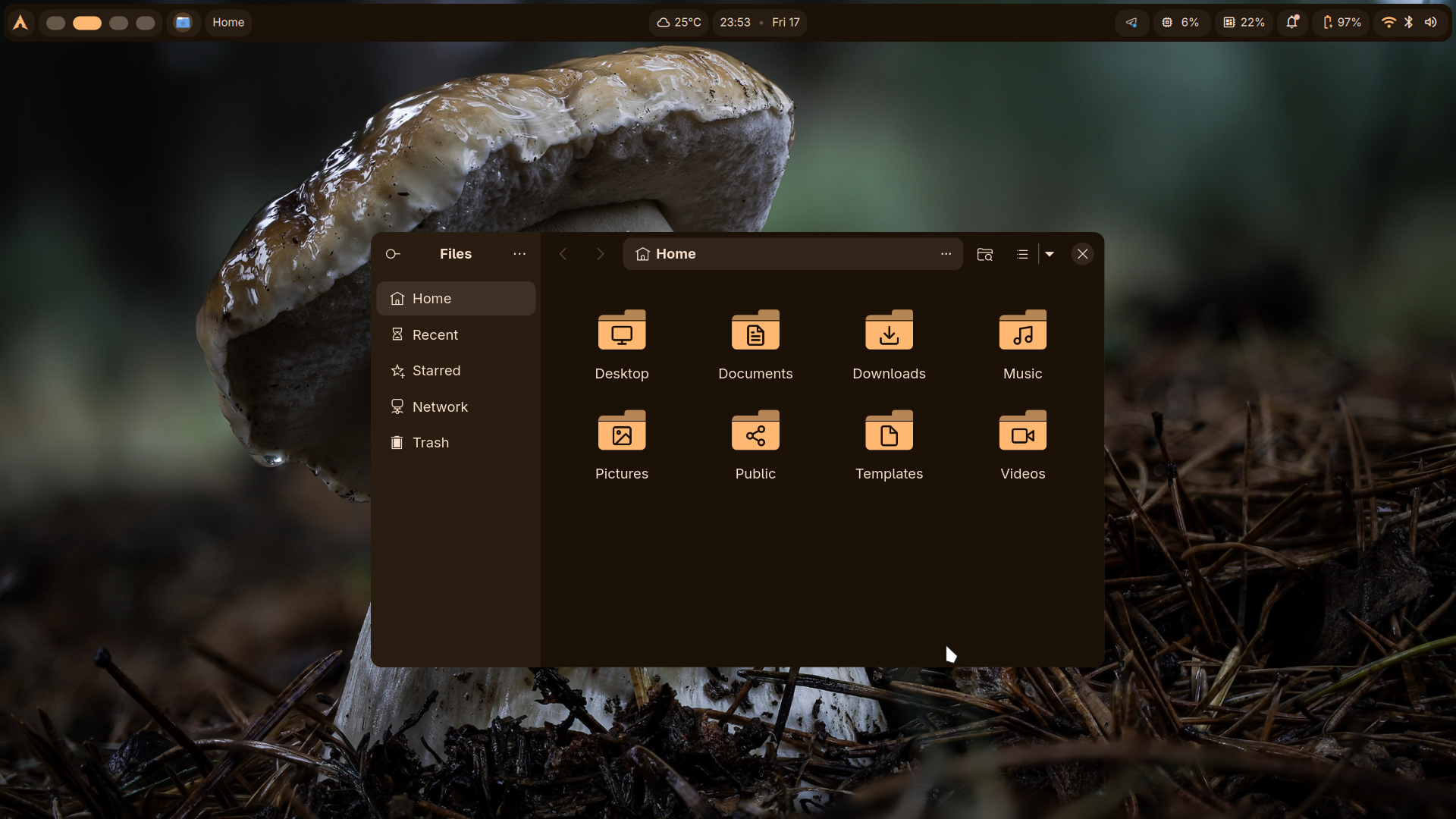
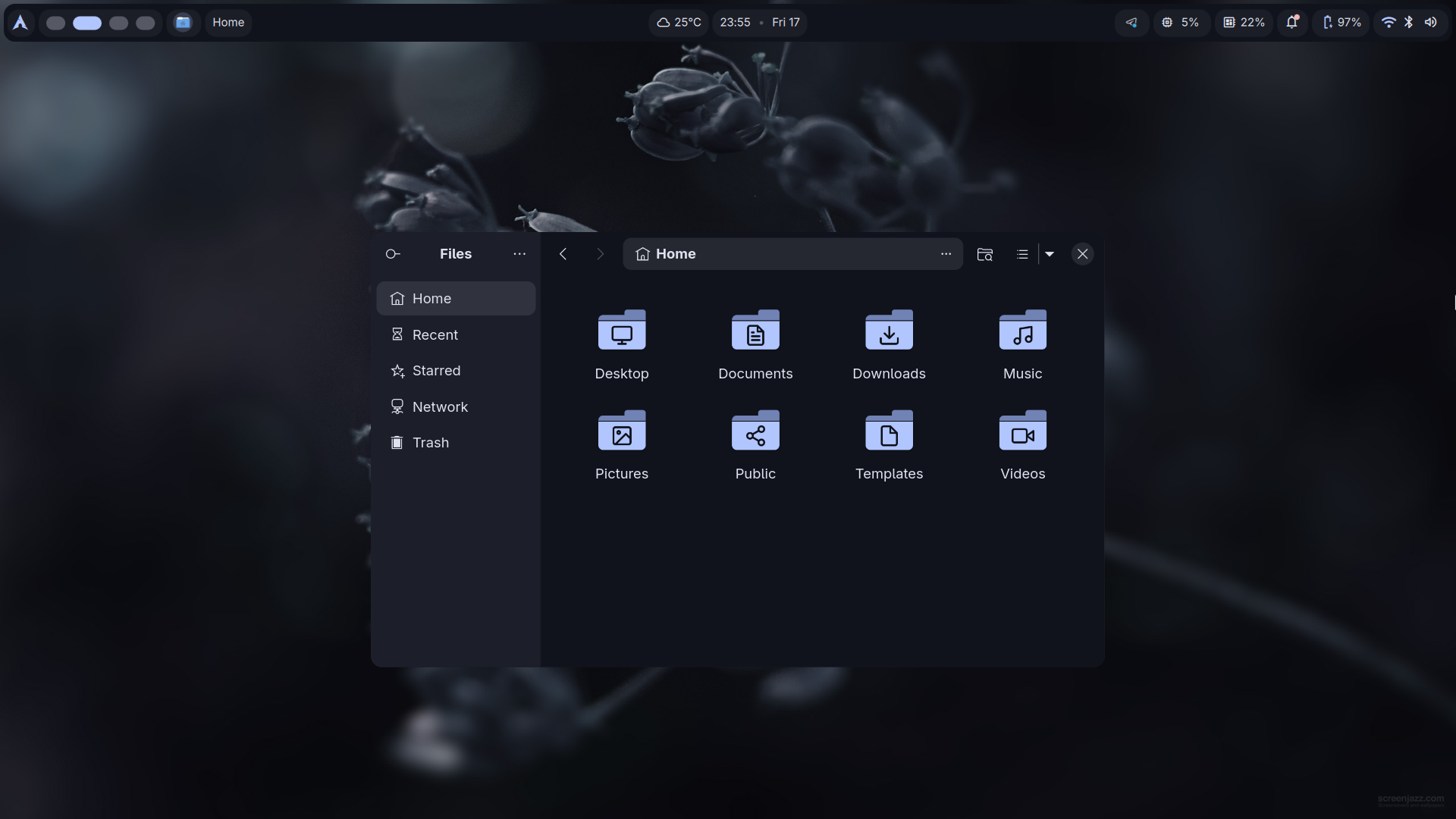
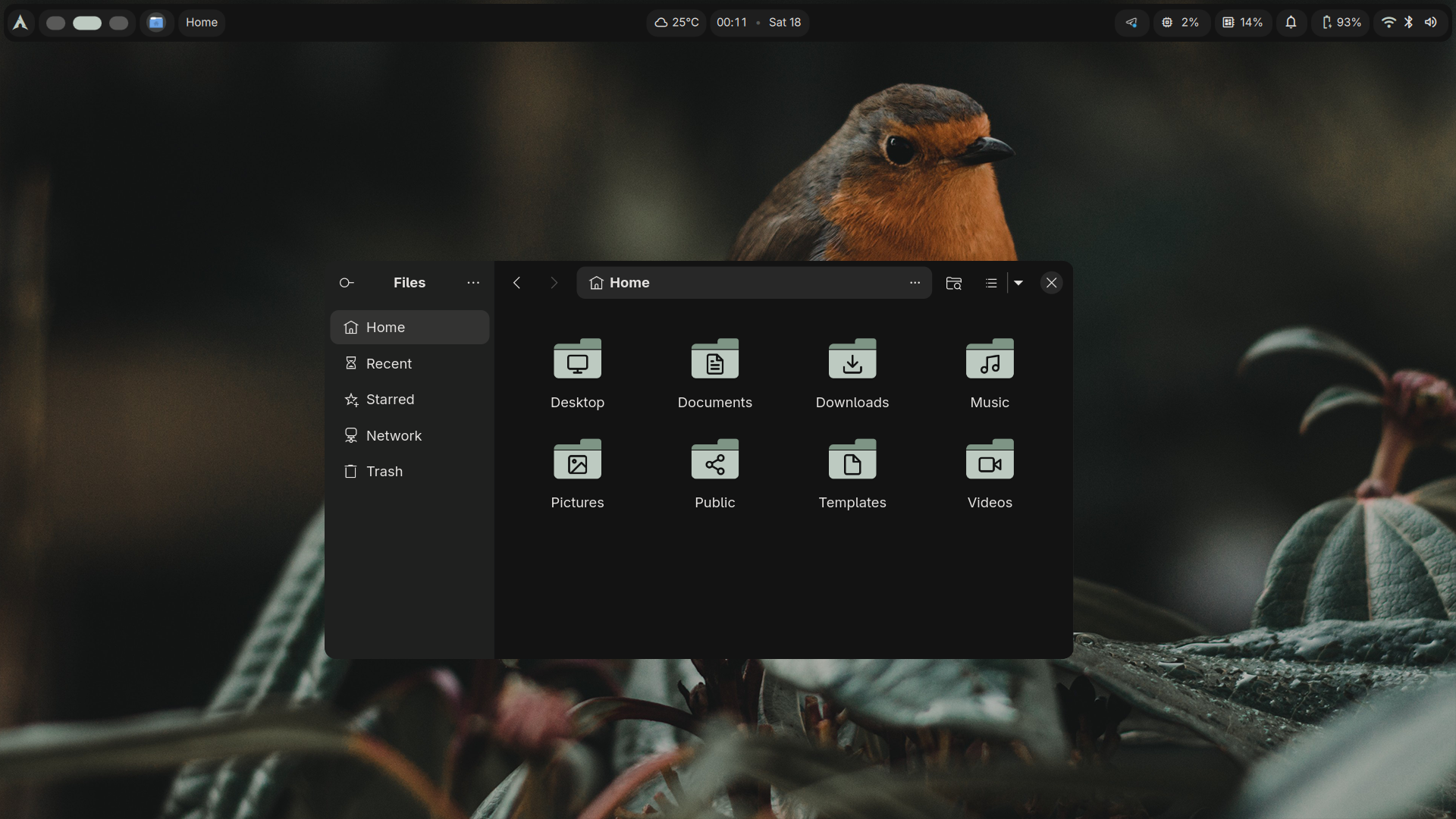
After install minimal arch with archinstall
sudo pacman -S xdg-user-dirs && xdg-user-dirs-update
sudo pacman -S --needed base-devel git
git clone https://aur.archlinux.org/paru.git && cd paru
makepkg -si
paru -S fish \
  nano \
  brightnessctl \
  quickshell-git \
  cava \
  cliphist \
  wl-clipboard \
  dgop \
  dsearch \
  matugen \
  niri \
  qt6-multimedia \
  polkit-gnome \
  dms-shell-niri \
  greetd-dms-greeter-git \
  kitty \
  totem \
  loupe \
  wf-recorder \
  gst-plugins-good \
  gst-plugins-bad \
  gst-plugins-ugly \
  gst-libav \
  ffmpegthumbnailer \
  samba \
  freerdp \
  podman-compose
chsh -s /usr/bin/fish
dms setup
Then add this line to ~/.config/niri/config.kdl
spawn-at-startup "sh" "-c" "dms run &"
sudo nano /etc/greetd/config.toml
Just like this
[terminal]
vt = 1

[default_session]
user = "greeter"
# Perintah ini akan menjalankan DMS greeter di atas niri
command = "dms-greeter --command niri"
sudo dms greeter enable
dms greeter sync
sudo systemctl enable --now greetd
reboot
Setup your DMS with Meta + ,
paru -S noto-fonts noto-fonts-emoji noto-fonts-cjk ttf-font-awesome
sudo chfn -f "My Full Name" username
paru -S krita gimp inkscape google-chrome visual-studio-code-bin jamesdsp
git clone https://github.com/mylinuxforwork/wallpaper Pictures/Wallpapers
Copy All dir & file exactly the same path
Open xorg based apps we must install this
sudo pacman -S xwayland-satellite
nano /etc/samba/smb.conf
Put this config
[global]
   workgroup = WORKGROUP
   server string = Arch Samba
   security = user
   map to guest = Bad User

[Public]
   path = /home/YourUsername/Public
   writable = yes
   guest ok = yes
   guest only = yes
   force user = YourUsername
Add user
sudo smbpasswd -a YourUsername
Activate user
sudo smbpasswd -e YourUsername
Allow port
sudo ufw allow 137,138/udp
sudo ufw allow 139,445/tcp
sudo ufw reload
Share Public dir
share-on
Stop share Public dir
share-off
Copy windows11.iso to ~/Documents/iso
cd Documents/windows11/ && podman-compose up -d && podman-compose logs -f
Wait installation finish, debloat it!!!
Press meta + space search Start Win to start windows and freerdp. Use Stop Win to stop the service.
Icon location here .config/Vara
Need to install Qogir Icon Theme (fallback)
paru -S qogir-icon-theme