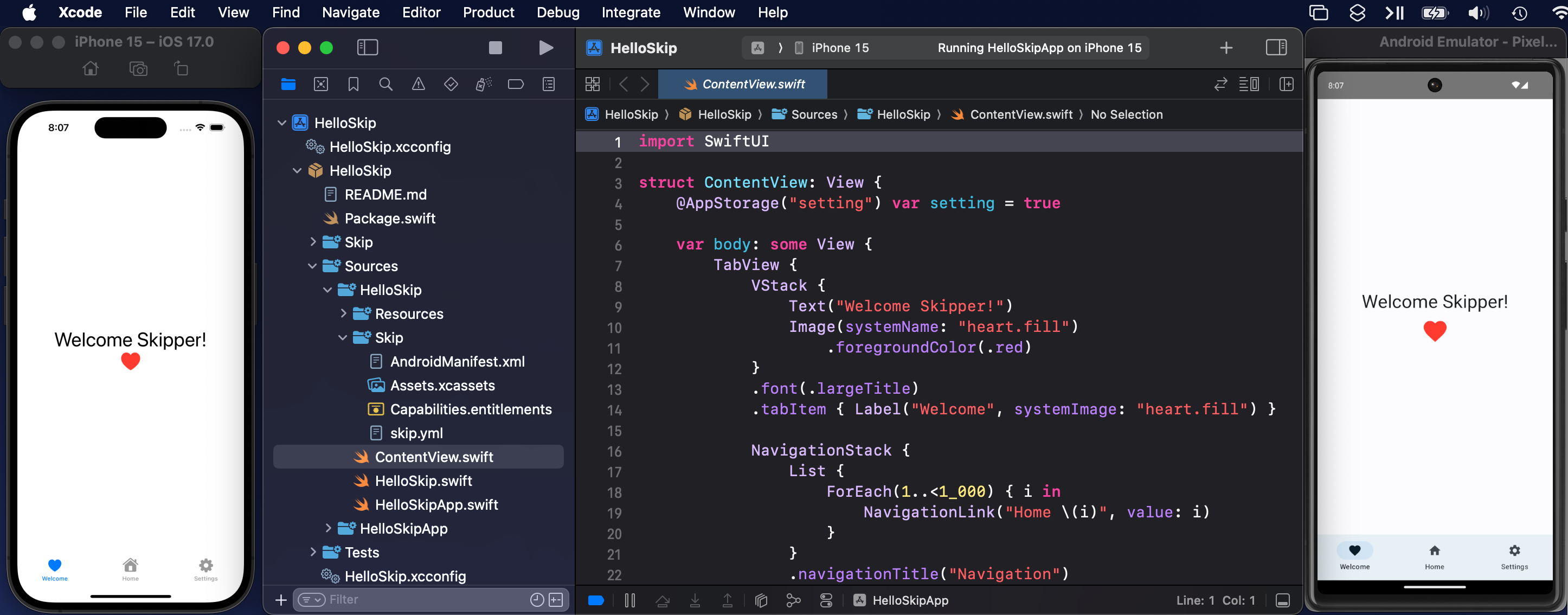
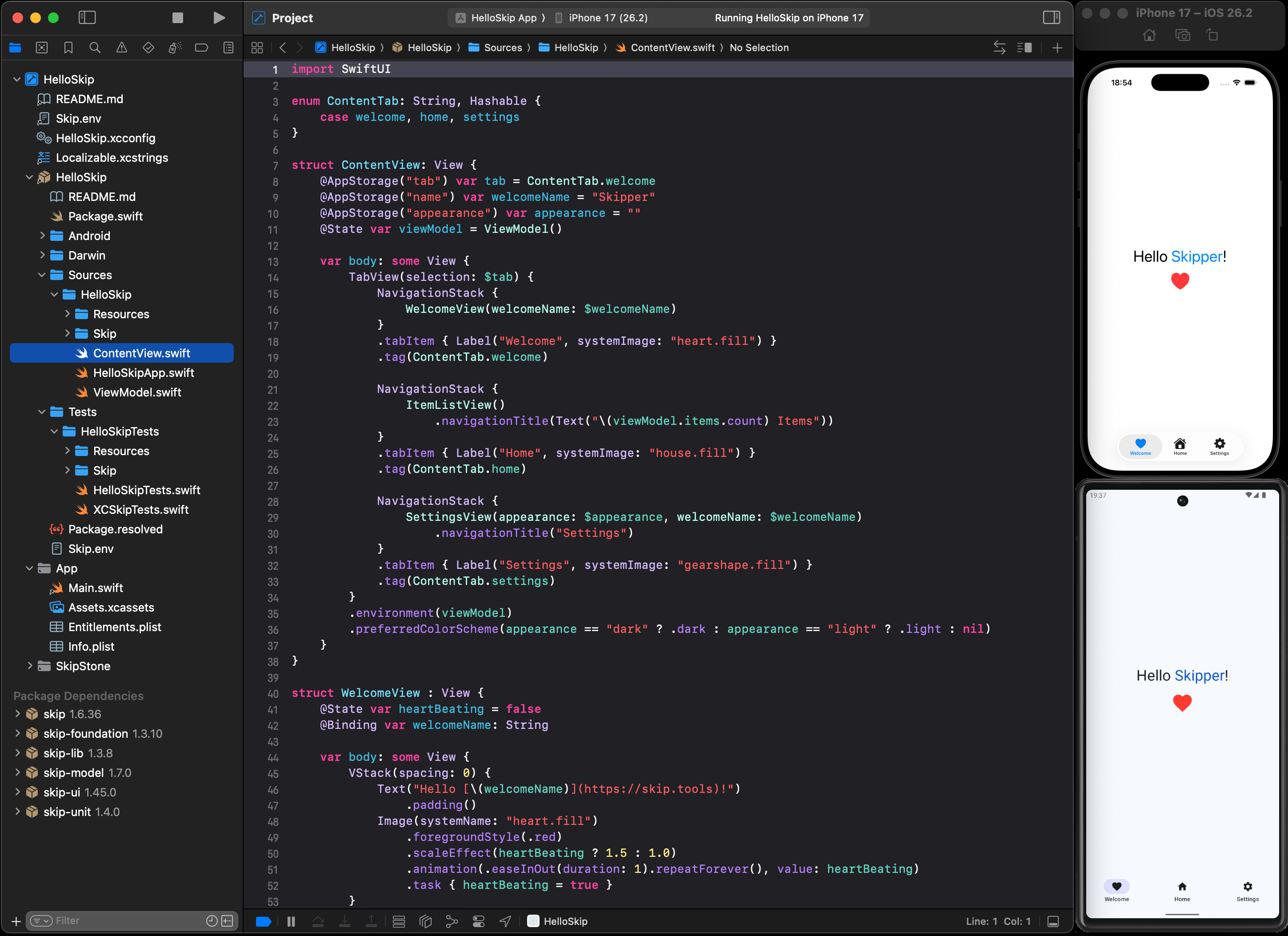
This is the source for the skip.dev home page for the Skip information, blog, and documentation. It is implemented with Astro and Starlight.
We appreciate contributions to the documentation in the form of PRs. The simplest way to make a contribution for a particular page you see on the site is to scroll to the bottom of the page and click the "Edit this page" link, which will automatically bring you into this repository's editor for that page. Larger edits that span multiple pages might instead warrant forking this repository and checking it out locally to make changes.
Some notes about contribution:
- We do not yet have a good system for contributing language translations. In the future we may use a service like https://weblate.org.
- Please do not add images to this repository, as they bloat the size and slow down the page build time. Image and video assets should be instead added to https://github.com/skiptools/assets.skip.tools/, which can be referenced with a redirect link to
https://assets.skip.dev. For example, https://assets.skip.tools/intro/skip_xcode.png redirects to https://raw.githubusercontent.com/skiptools/assets.skip.tools/main/intro/skip_xcode.png. - The individual modules (https://skip.dev/docs/modules/) and sample app (https://skip.dev/docs/samples) documentation is derived from the individual README.md in the corresponding Skip repository. The "Edit this page" link should take you to the appropriate repository. For example, https://skip.dev/docs/modules/skip-web/ is automatically derived from the https://github.com/skiptools/skip-web/blob/main/README.md file.
For large-scale changes that you want to be able to preview before contributing, you can run this site locally. The site uses Astro and Starlight as a static site generator, which is then distributed through GitHub Pages.
See the Starlight docs and Astro documentation to learn more, but in general to preview changes locally, you should be able to just run:
npm run devBefore contributing, be sure to run a full production build, which will run the link checker and other validations:
npm run buildAll commands are run from the root of the project, from a terminal:
| Command | Action |
|---|---|
npm install |
Installs dependencies |
npm run dev |
Starts local dev server at localhost:4321 |
npm run build |
Build your production site to ./dist/ |
npm run preview |
Preview your build locally, before deploying |
npm run astro ... |
Run CLI commands like astro add, astro check |
npm run astro -- --help |
Get help using the Astro CLI |
Following is an abbreviated outline of the structure of the documentation folders and files:
.
├── astro.config.mjs
├── LICENSE.txt
├── package-lock.json
├── package.json
├── public
│   └── favicon.svg
├── README.md
├── src
│   ├── assets
│   │   └── skipicon.svg
│   ├── components
│   │   └── CustomHeader.astro
│   ├── content
│   │   ├── docs
│   │   │   ├── blog
│   │   │   ├── docs
│   │   │   ├── index.mdx
│   │   │   ├── sponsor
│   │   │   └── tour
│   │   ├── i18n
│   │   │   ├── fr.json
│   │   │   └── zh-cn.json
│   │   └── tour-collection
│   │       ├── introduction.mdx
│   │       ├── skip-showreel.mdx
│   │       └── teaser.mdx
│   ├── content.config.ts
│   ├── pages
│   │   └── example.astro
│   ├── routeData.ts
│   └── styles
│       └── custom.css
└── tsconfig.json
Starlight looks for .md or .mdx files in the src/content/docs/ directory. Each file is exposed as a route based on its file name.
Images can be added to src/assets/ and embedded in Markdown with a relative link.
Static assets, like favicons, can be placed in the public/ directory.
Skip © 2026 by the Skip project is licensed under CC BY-SA 4.0