
Official Homebrew tap for the Starcat CLI and MCP bridge.
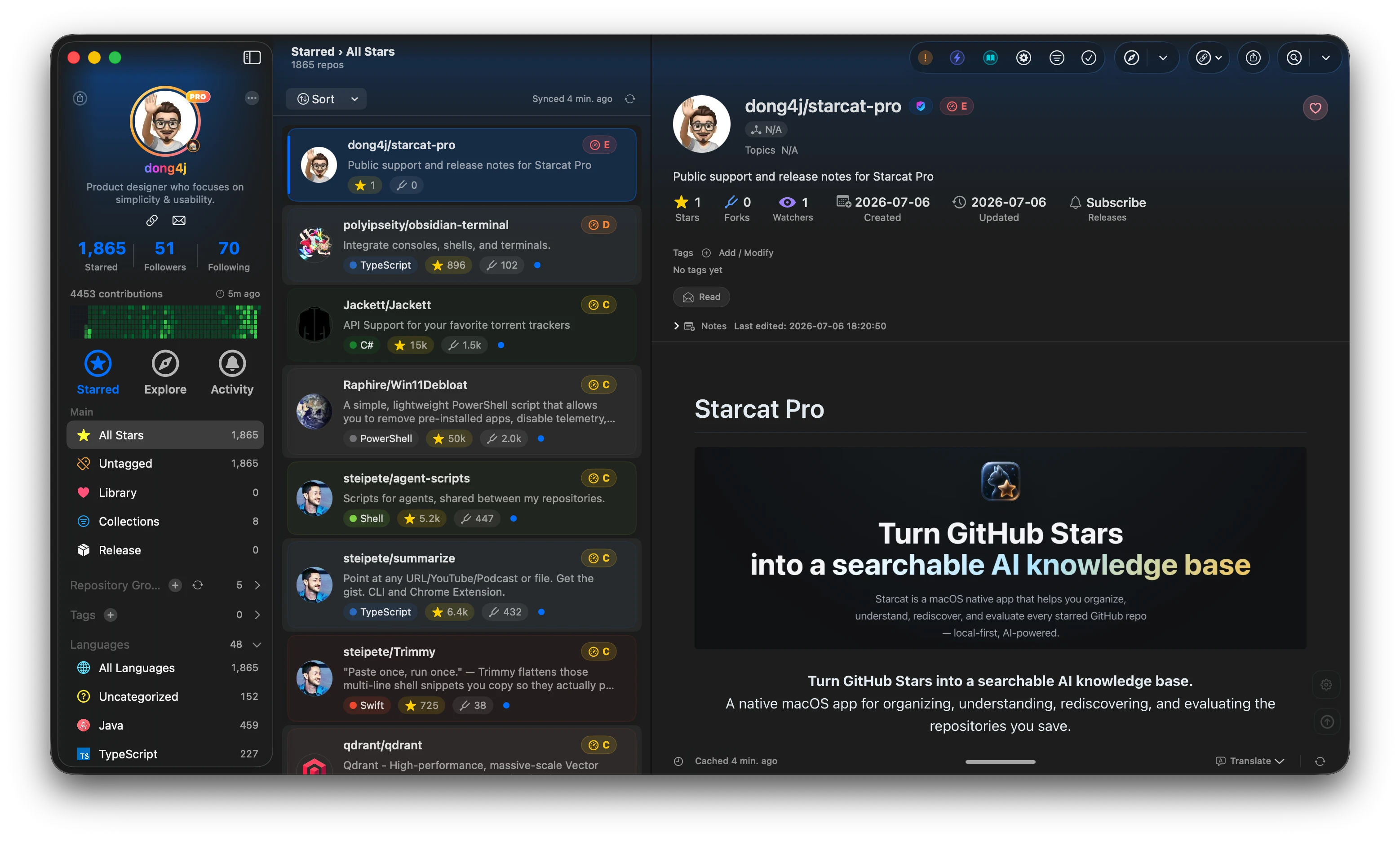
Starcat is a native macOS app that turns GitHub Stars into a searchable, organized and AI-assisted knowledge base. It supports README rendering, tags, private notes, release tracking, repository health signals, AI summaries, semantic search, browser plugin workflows and self-hostable support APIs.



Preferred install method:
brew tap starcat-app/starcat
brew trust starcat-app/starcat
brew install --cask starcat
Useful links:
- Home and downloads: https://starcat.ink
- Public support and release notes: https://github.com/starcat-app/starcat-pro
- Starcat App Homebrew tap: https://github.com/starcat-app/homebrew-starcat
- CLI / MCP: starcat-cli / Homebrew tap
- AI Agent Skill: https://github.com/starcat-app/starcat-skill
- Browser plugins: Chrome / Safari
- Localization: https://github.com/starcat-app/starcat-localization
Self-hostable support APIs:
- starcat-sharing-api
- starcat-trending-api
- starcat-weekly-api
- starcat-wiki-api
- starcat-recommend-api
- starcat-discovery-api
Official Homebrew tap for the open-source Starcat CLI and MCP bridge.
brew tap starcat-app/starcat-cli
brew install starcat
The tap repository is named homebrew-starcat-cli according to Homebrew conventions. The Formula and installed command are both named starcat.
brew update
brew upgrade starcat
Homebrew owns binaries installed through this Formula. starcat update will therefore ask Homebrew users to run the commands above instead of modifying files inside the Cellar.
Formula/starcat.rb is generated and committed by the starcat-app/starcat-cli Release workflow after each published version. The Formula references immutable GitHub Release archives and their SHA-256 checksums.
The first Formula appears after the first Starcat CLI release is published.
MIT