Chrome/Chromium companion extension that brings Starcat context to GitHub pages.
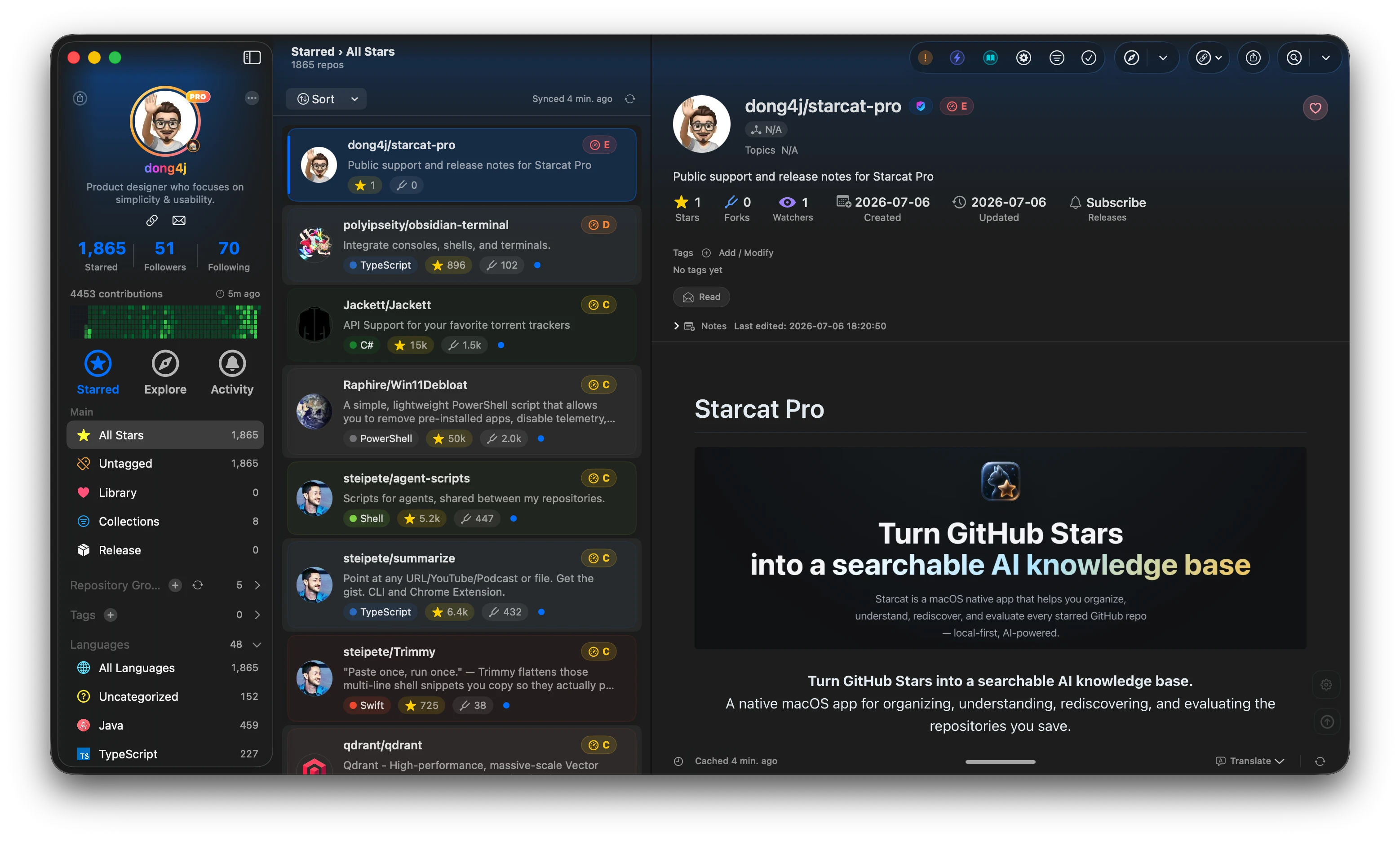
Starcat is a native macOS app that turns GitHub Stars into a searchable, organized and AI-assisted knowledge base. It supports README rendering, tags, private notes, release tracking, repository health signals, AI summaries, semantic search, browser plugin workflows and self-hostable support APIs.



Preferred install method:
brew tap starcat-app/starcat
brew trust starcat-app/starcat
brew install --cask starcat
Useful links:
- Home and downloads: https://starcat.ink
- Public support and release notes: https://github.com/starcat-app/starcat-pro
- Starcat App Homebrew tap: https://github.com/starcat-app/homebrew-starcat
- CLI / MCP: starcat-cli / Homebrew tap
- AI Agent Skill: https://github.com/starcat-app/starcat-skill
- Browser plugins: Chrome / Safari
- Localization: https://github.com/starcat-app/starcat-localization
Self-hostable support APIs:
- starcat-sharing-api
- starcat-trending-api
- starcat-weekly-api
- starcat-wiki-api
- starcat-recommend-api
- starcat-discovery-api
Starcat Chrome Plugin enhances GitHub repository pages and Google search results with context already stored in Starcat. It can show local Starcat entry points and Health information for starred GitHub repositories without directly accessing the GitHub API, Starcat backends, OpenSSF, or an AI provider.
- Show similar repository recommendations on GitHub repository pages.
- Link to known Wiki providers.
- Read and save private Starcat notes.
- Display Health and OpenSSF scores cached by Starcat.
- Trigger CodeFlow and Codebase actions in the Starcat app.
- Add
Open in Starcatand Health badges to starred GitHub repositories in Google search results.
- Open
chrome://extensions/in Chrome. - Enable Developer mode.
- Click Load unpacked.
- Select
supports/extensions/starcat-chrome-plugin. - In Starcat, open Settings → Integrations → Browser Plugin and enable the service. Then open Settings → Integrations → Local API Key and copy the key.
- Left-click the Starcat toolbar icon and enter the endpoint port and Local API Key in the popup.
- Click Test.
The full configuration page remains available through Open full options in the popup.
The extension communicates only with the local HTTP service exposed by the Starcat app:
http://127.0.0.1:{port}/plugin/v1
Every business request requires:
Authorization: Bearer <local-api-key>
The Starcat Local API Key authorizes only the local loopback interface. It is not a GitHub token, AI key, or Starcat backend API key.
| Path | Purpose |
|---|---|
manifest.json |
Chrome MV3 entry manifest. |
LICENSE |
Open-source license. |
PRIVACY.md |
Privacy and data-boundary documentation. |
SECURITY.md |
Security boundaries and vulnerability reporting. |
CONTRIBUTING.md |
Local development and contribution guidelines. |
CHANGELOG.md |
Version history. |
src/shared/shared.js |
Configuration storage, GitHub repository URL parsing, and local API client. |
src/popup/ |
Quick-pairing popup shown when the toolbar icon is left-clicked. |
src/options/ |
Endpoint port, Local API Key, and connection testing. |
src/content/ |
Page injection and rendering for GitHub repositories and Google search results. |
docs/ |
Store submission materials, privacy disclosures, review notes, and asset requirements. |
Read docs/README.md before preparing a store release. The documents follow the current source behavior, especially the permissions used on Google search pages, Local API Key pairing, and the local Companion API data boundary.
python3 -m json.tool supports/extensions/starcat-chrome-plugin/manifest.json >/dev/null
node --check supports/extensions/starcat-chrome-plugin/src/shared/shared.js
node --check supports/extensions/starcat-chrome-plugin/src/popup/popup.js
node --check supports/extensions/starcat-chrome-plugin/src/options/options.js
node --check supports/extensions/starcat-chrome-plugin/src/content/content-script.js