Your AI generates the UI. You just pick the one you like.
Stop describing components to your AI and pasting code back and forth. myui generates 2–5 polished variants of any component, hot-reloads them into a floating dock inside your running app, and writes your pick directly to your source file — all from a single prompt.
Works with Claude Desktop and GitHub Copilot in VS Code.


Click the image above to watch the demo
myui.sh lets your AI assistant (Claude or GitHub Copilot) generate multiple UI variants and show them live in your browser — without reloading your app or touching your production code.
You just describe what you want. /myui your prompt:
- Asks your AI to generate 2–5 component variants
- Hot-reloads them into a floating dock inside your running app
- Lets you click between variants to preview them instantly
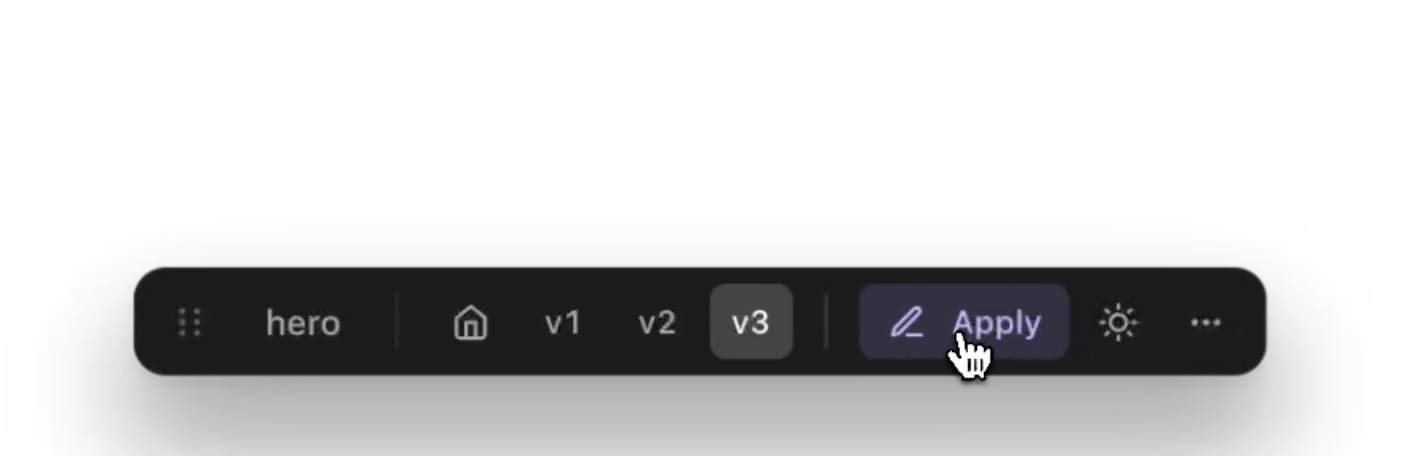
- Writes the one you pick directly to your source file
No copy-pasting code. No context switching. Just prompt → preview → apply.
| Step | What happens |
|---|---|
| 1. Install | Add myui-sh and run the scaffold script — your layout.tsx is configured automatically |
| 2. Wrap a slot | Wrap any component in <MyuiSlot id="my-section"> to mark it as a target |
| 3. Prompt your AI | Ask Claude or Copilot: "generate a pricing table with 3 variants" |
| 4. Preview live | A floating dock appears in your app — click between variants in real time |
| 5. Apply | Hit Apply on the variant you love — it's written to your source file instantly |
npm install -D myui-sh
# or
pnpm add -D myui-sh
What this does: Installs the React overlay components and automatically copies the AI skill files to
~/.claude/and~/.copilot/so your AI assistant knows how to use myui.
This one command wires up your layout.tsx and creates the .myui/ config folder:
Claude Desktop users:
node ~/.claude/skills/myui/scripts/scaffold-runtime.mjs .GitHub Copilot (VS Code) users:
node ~/.copilot/skills/myui/scripts/scaffold-runtime.mjs .// app/page.tsx
import { MyuiSlot } from "myui-sh";
import { HeroSection } from "@/components/HeroSection";
export default function HomePage() {
return (
<main>
{/* myui can now target this slot */}
<MyuiSlot id="hero">
<HeroSection />
</MyuiSlot>
</main>
);
}Note: In production builds,
<MyuiSlot>is a no-op — it simply renders its children. Nothing is shipped to your users.
Open Claude Desktop or GitHub Copilot and type:
generate a modern pricing table in app/components/prices.tsx with 3 variants
refine the hero section in app/page.tsx
/myui create a dashboard layout with a sidebar
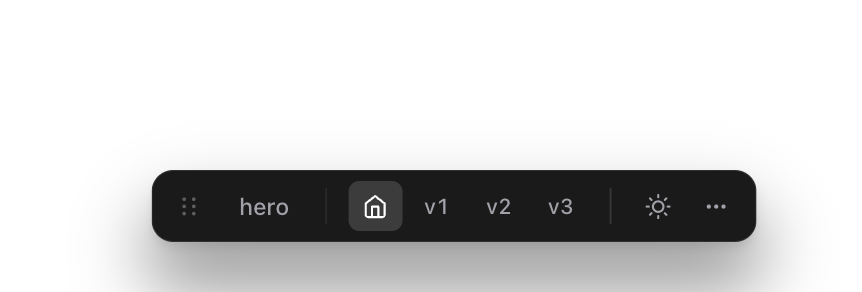
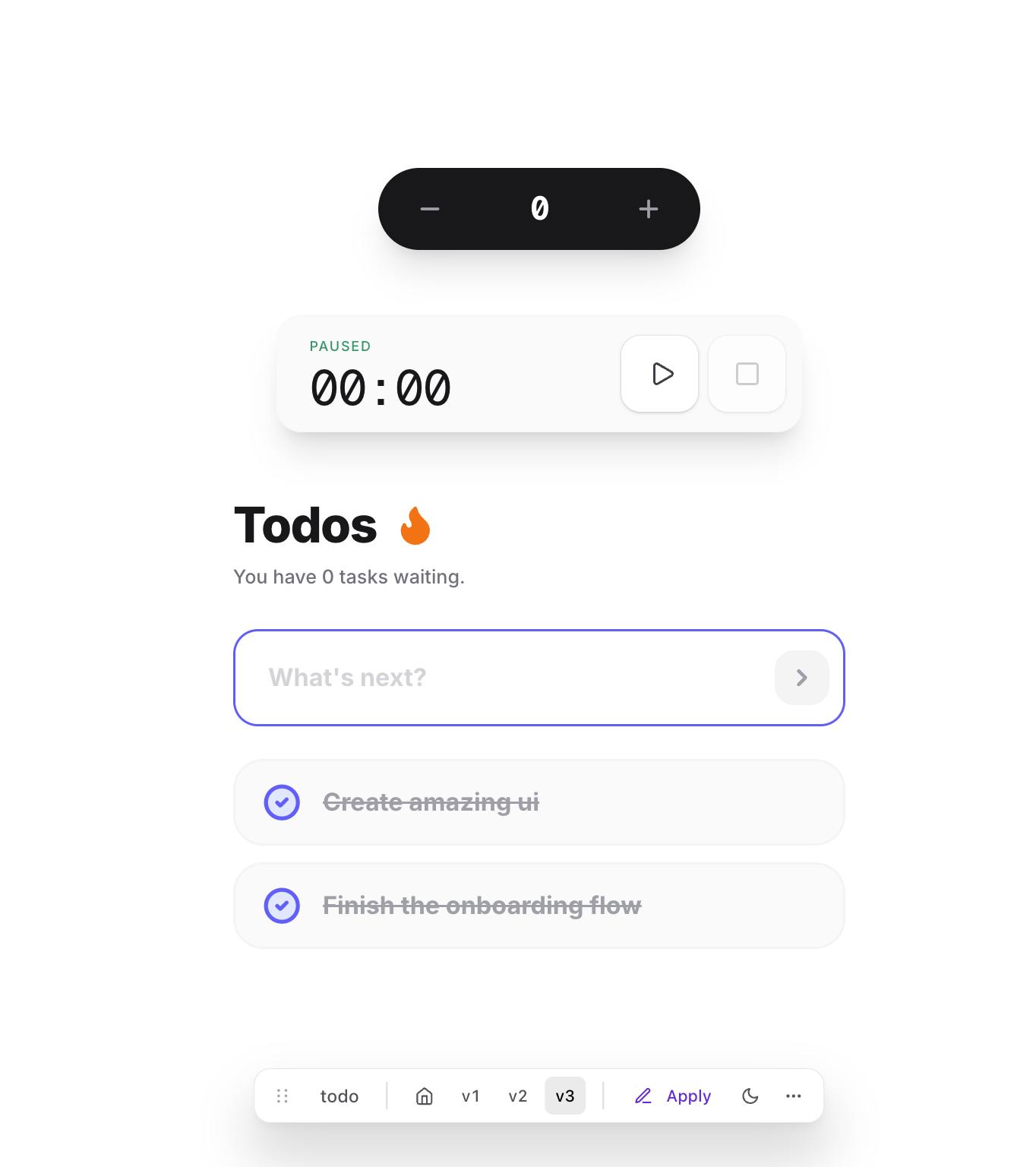
Your app's floating dock will appear with all the variants ready to preview.
Floating variant dock:
Generated variants:
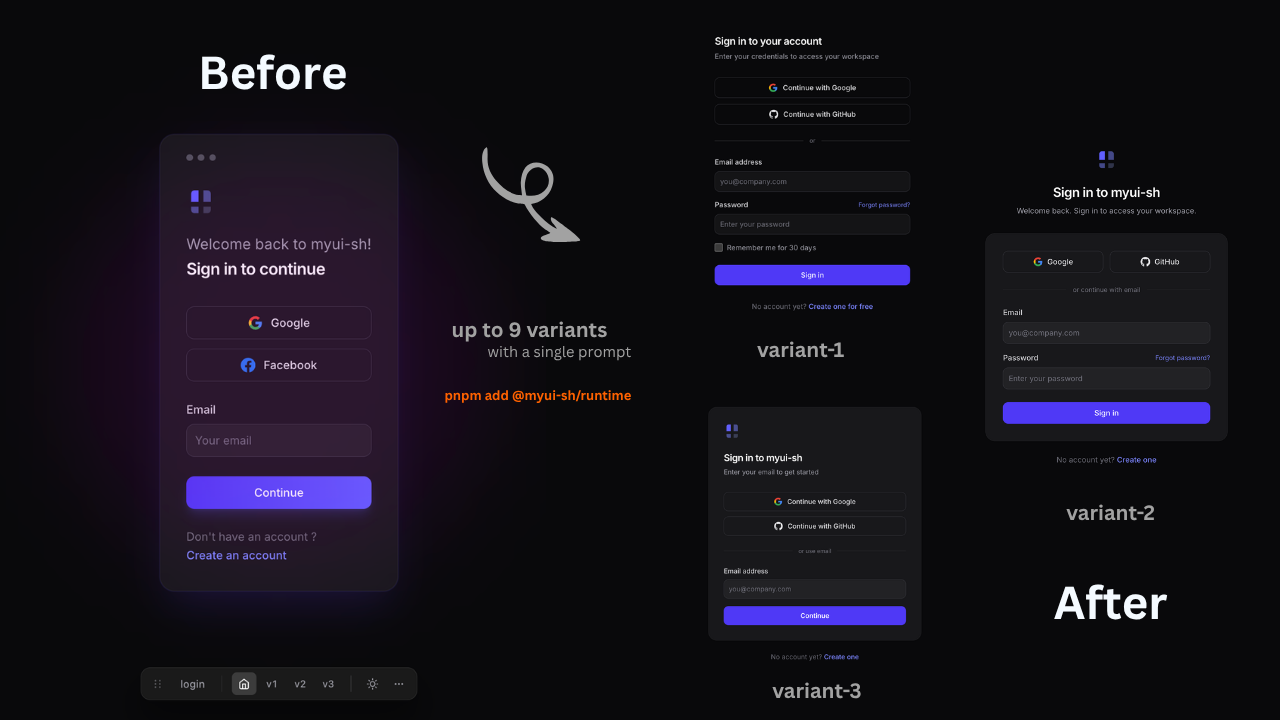
Applying a variant to source:
The scaffold script integrates with your tailwind.config.ts automatically.
Using Tailwind v4 (CSS-only config)?
Tailwind v4 ignores files listed in .gitignore by default. myui intentionally keeps myui-variants/ out of .gitignore so Tailwind scans the AI-generated variants and applies styles correctly during preview.
If you don't see Tailwind styles in your preview, check that your .gitignore doesn't explicitly exclude app/myui-variants/ or src/myui-variants/.
Your variant bootstrap is outdated. Update the runtime and re-run the scaffold:
npm update myui-sh@latest
node ~/.claude/skills/myui/scripts/scaffold-runtime.mjs .- Make sure your Next.js dev server is running
- Confirm
<MyuiOverlay />is mounted in yourlayout.tsx - Check that the slot
idin your component matches what the AI is targeting
Set this env variable before installing:
MYUI_SKIP_SKILL_BOOTSTRAP=1 npm install -D myui-shPRs and issues welcome — see the repo on GitHub.