


Unitlab.ai is an AI-driven data annotation platform that automates the collection of raw data, facilitating collaboration with human annotators to produce highly accurate labels for your machine learning models. With our service, you can optimize work efficiency, improve data quality, and reduce costs.
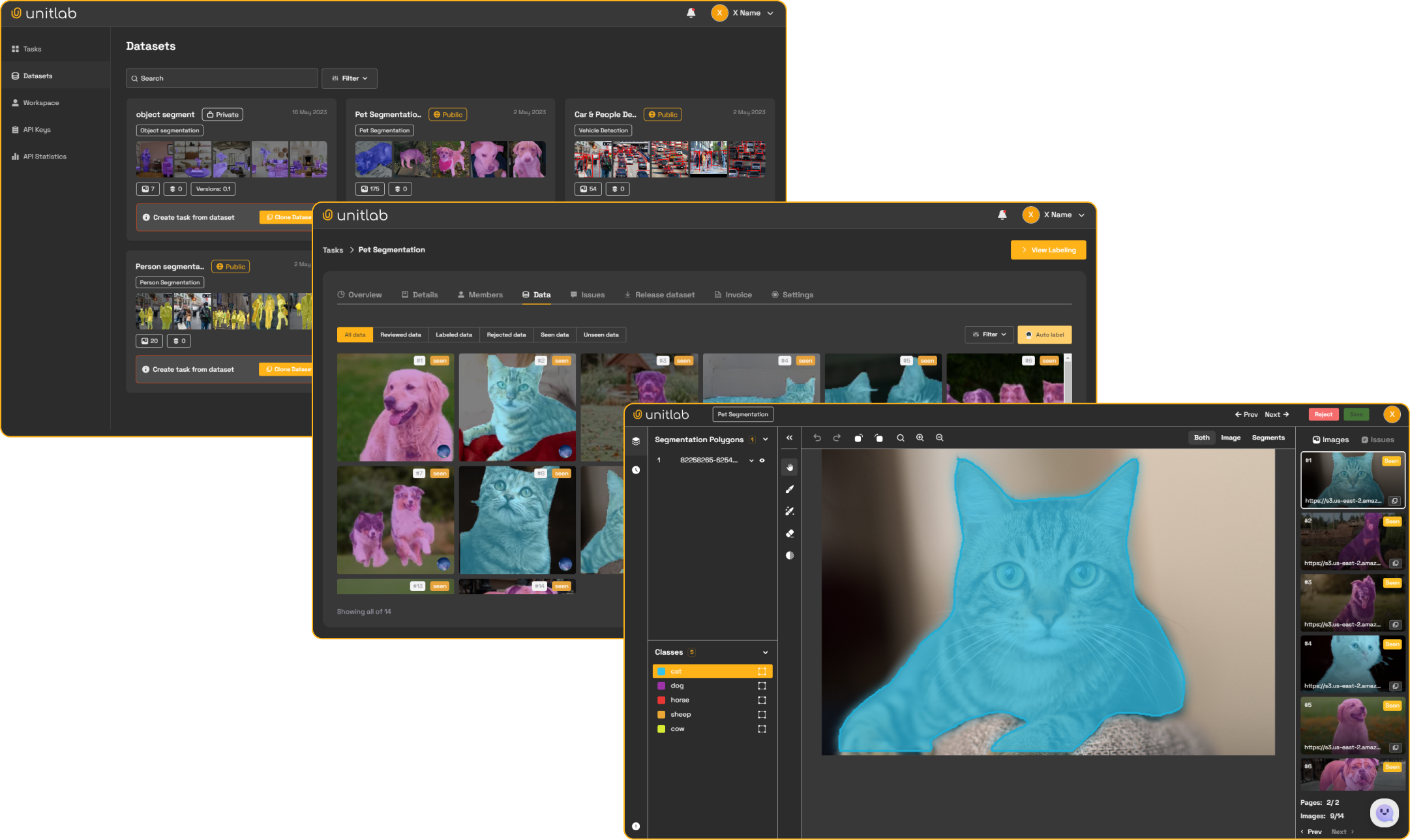
Python SDK and CLI for the Unitlab.ai data annotation platform. Manage projects, upload data, and download datasets programmatically or from the command line.
pip install --upgrade unitlabRequires Python 3.10+.
Get your API key from unitlab.ai and configure the CLI:
# Set API key
unitlab configure --api-key YOUR_API_KEY

# Set a custom API URL
unitlab configure --api-url https://api.unitlab.ai

# Set both at once
unitlab configure --api-key YOUR_API_KEY --api-url https://api.unitlab.ai
Or set environment variables:
export UNITLAB_API_KEY=YOUR_API_KEY

# Optional: point to a custom API server (e.g. self-hosted)
export UNITLAB_API_URL=https://api.unitlab.aifrom unitlab import UnitlabClient
# Initialize with an explicit key
client = UnitlabClient(api_key="YOUR_API_KEY")
# Or read from UNITLAB_API_KEY env var / config file
client = UnitlabClient()The client can also be used as a context manager:
with UnitlabClient() as client:
projects = client.projects()# List all projects
projects = client.projects()
# Get project details
project = client.project("PROJECT_ID")
# Get project members
members = client.project_members("PROJECT_ID")client.project_upload_data(
project_id="PROJECT_ID",
directory="./images",
)Additional options for specific project types:
# Text projects
client.project_upload_data("PROJECT_ID", "./docs", sentences_per_chunk=10)

# Video projects
client.project_upload_data("PROJECT_ID", "./videos", fps=30.0)# List all datasets
datasets = client.datasets()
# Download annotations (COCO, YOLOv8, YOLOv5, etc.)
path = client.dataset_download("DATASET_ID", export_type="COCO", split_type="train")
# Download raw files
folder = client.dataset_download_files("DATASET_ID")# List projects
unitlab project list
# Project details
unitlab project detail PROJECT_ID
# Project members
unitlab project members PROJECT_ID
# Upload data to a project
unitlab project upload PROJECT_ID --directory ./images# List datasets
unitlab dataset list
# Download annotations
unitlab dataset download DATASET_ID --export-type COCO --split-type train
# Download raw files
unitlab dataset download DATASET_ID --download-type filesSee the full documentation for detailed guides: