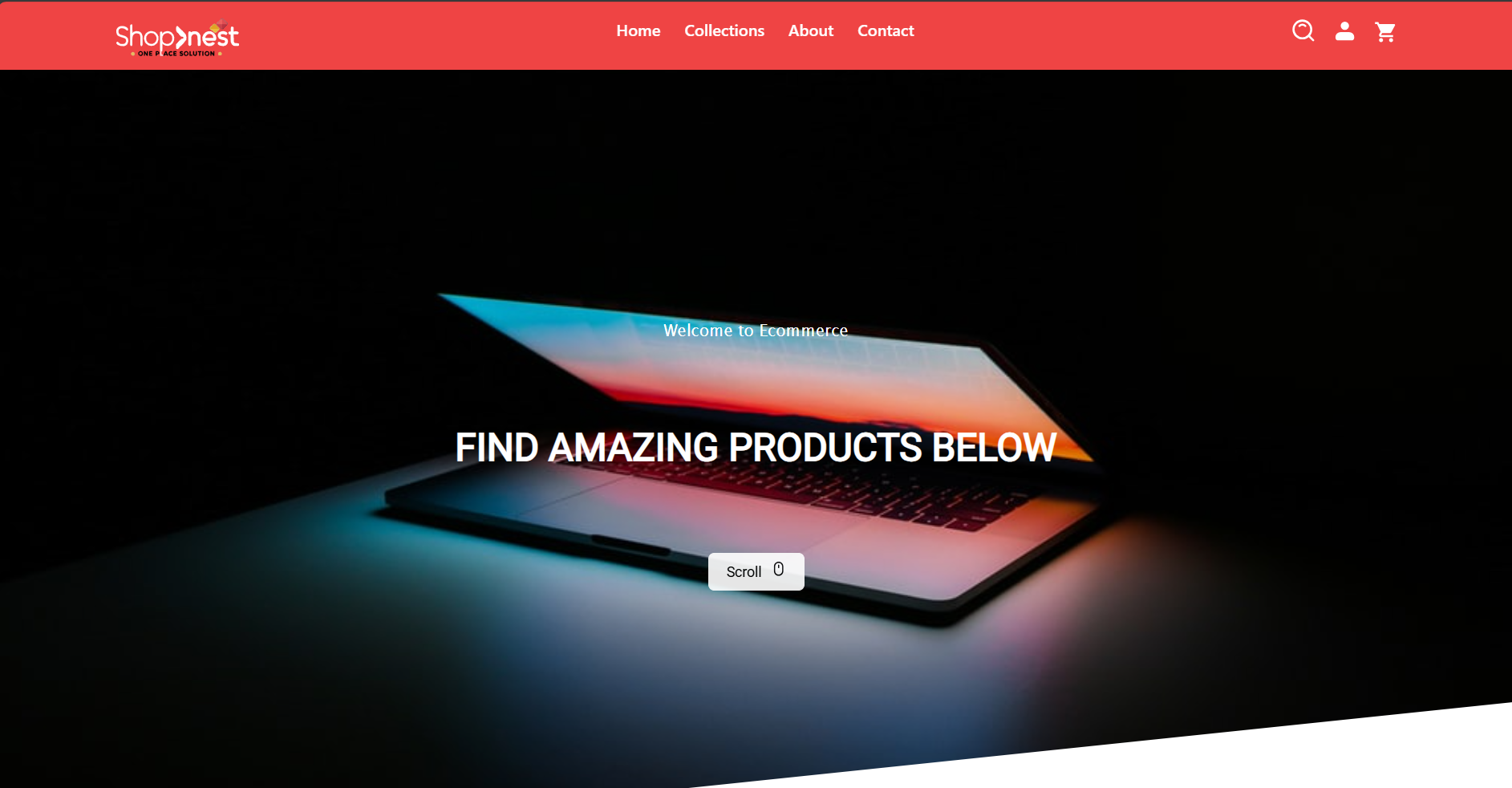
ShopNest is a feature-rich e-commerce web application designed to provide users with a seamless online shopping experience. The project includes functionalities for browsing products, managing a cart, and an admin dashboard for managing the store.
-
User Functionality:
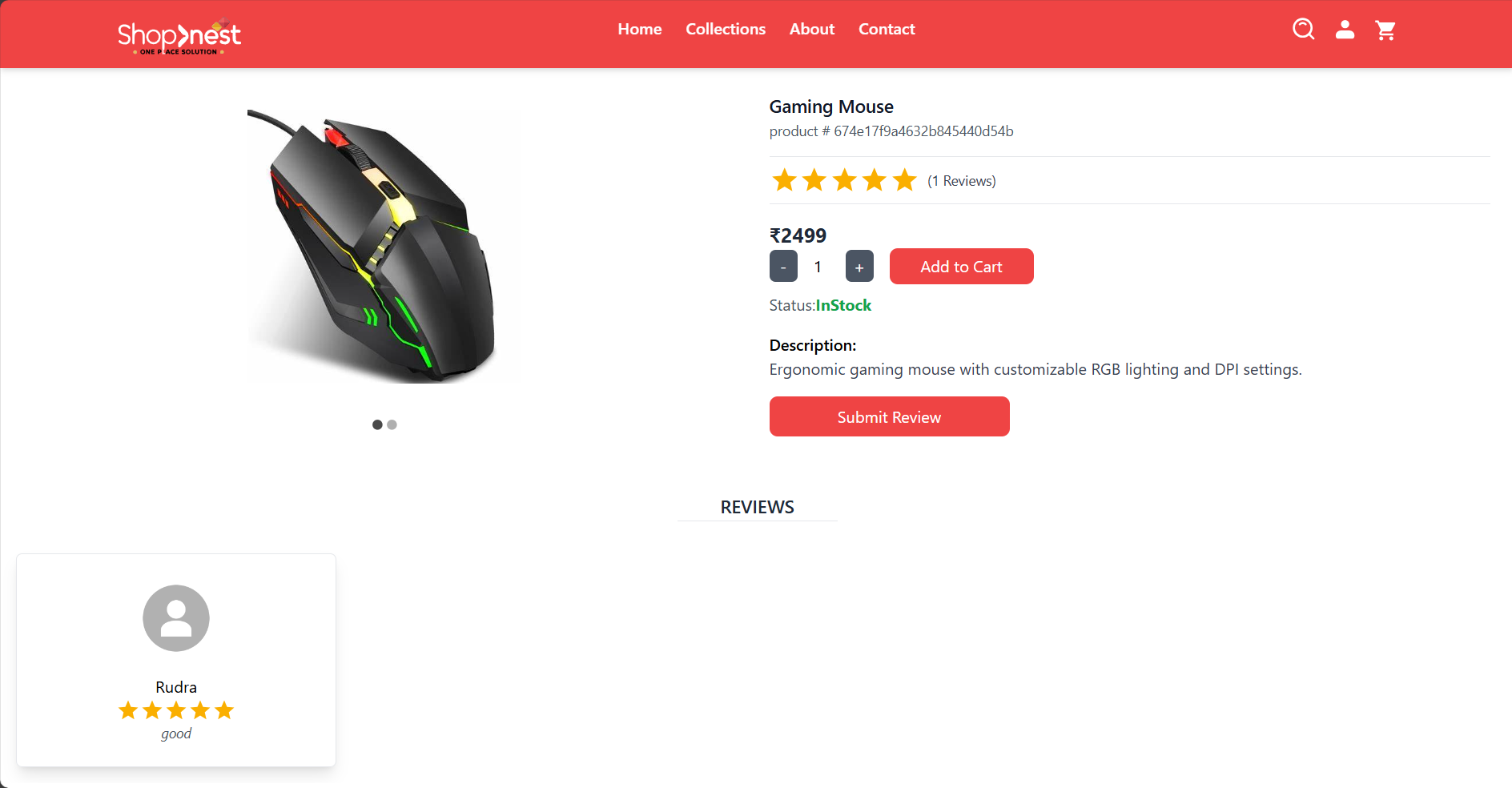
- Browse products with search and filter options
- Add products to cart and manage cart items
- Secure checkout process with payment integration
-
Admin Functionality:
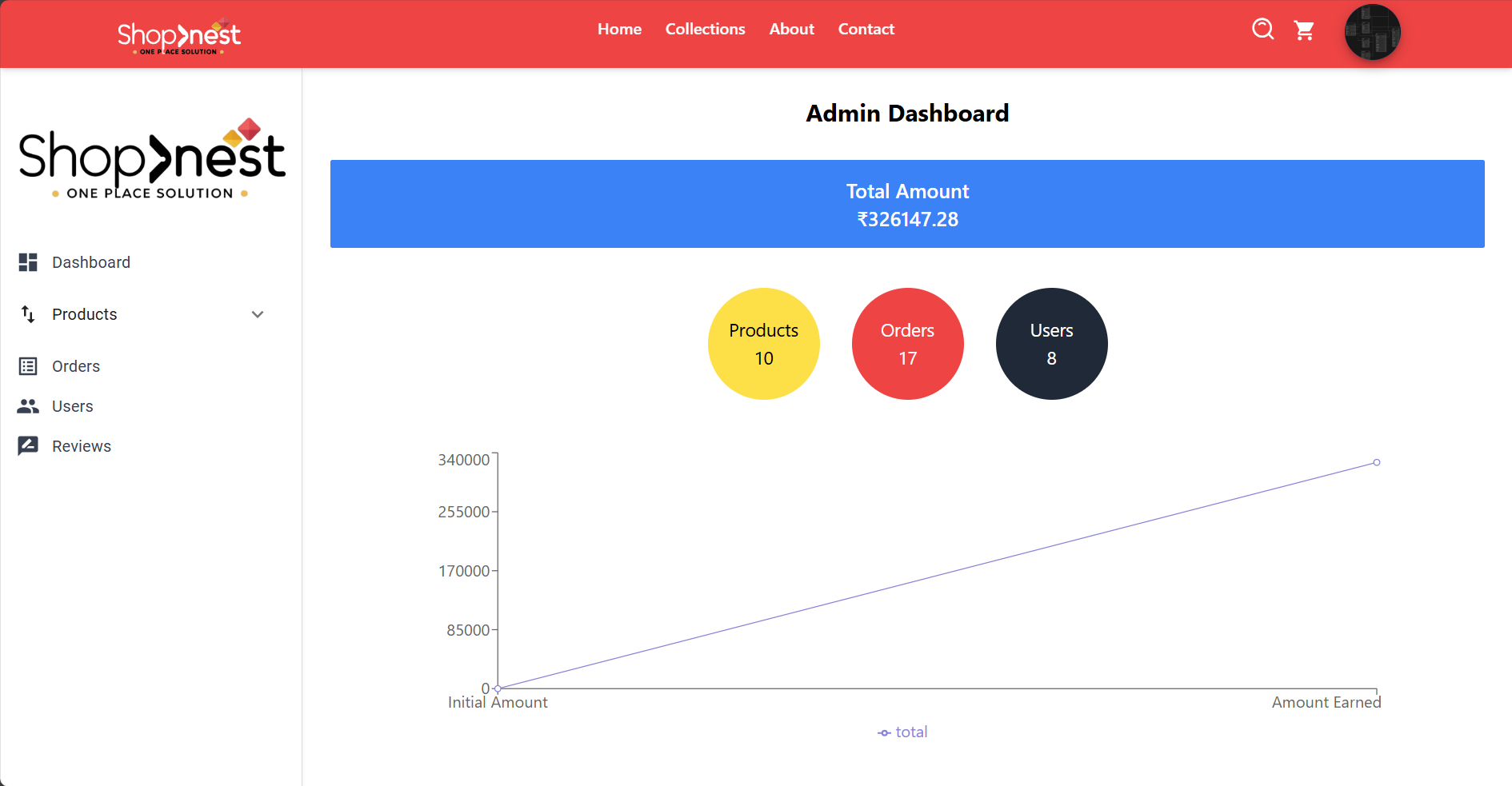
- Admin dashboard to manage products, categories, and users
- Order management
- Real-time updates and notifications for critical actions
-
Additional Features:
- Secure user authentication with JWT
- Email notifications using Nodemailer
- Responsive design optimized for all devices
- HTML
- CSS
- JavaScript
- React.js
- Redux Toolkit
- TailwindCSS
- Axios
- Vite (as the build tool)
- Node.js
- Express.js
- MongoDB
- JWT for Authentication
- Bcrypt.js for Password Hashing
- Nodemailer for Email Services
- Postman for API testing
- Helmet for enhanced security
Follow these steps to run the project locally:
-
Clone the repository:
git clone https://github.com/thakurRUDRA14/ShopNest.git
-
Navigate to the project directory:
cd ShopNest -
Install dependencies for both frontend and backend:
# Install frontend dependencies
cd frontend
npm install

# Install backend dependencies
cd ../backend
npm install
-
Set up environment variables:
-
Create a
.envfile in thebackenddirectory and include the necessary variables. -
Use the provided
.env.samplefile as a reference for required environment variables:PORT=4000 MONGODB_URI="your_mongodb_connection_string" CORS_ORIGIN=* JWT_SECRET="your_jwt_secret" JWT_EXPIRE=5d COOKIE_EXPIRE=5 SMPT_SERVICE=gmail SMPT_MAIL="your_email@example.com" SMPT_PASS="your_email_password" SMPT_HOST=smtp.gmail.com SMPT_PORT=587 CLOUDINARY_CLOUD_NAME="your_cloudinary_cloud_name" CLOUDINARY_API_KEY="your_cloudinary_api_key" CLOUDINARY_API_SECRET="your_cloudinary_api_secret"
-
-
Run the development servers:
# Start backend server
cd backend
npm run dev

# Start frontend server
cd ../frontend
npm run dev
-
Open your browser and visit
http://localhost:3000to view the application.
The backend includes a comprehensive REST API. Below are the major endpoints:
POST /api/auth/register: Register a new userPOST /api/auth/login: Login for usersGET /api/products: Fetch all products
POST /api/products: Add a new productPUT /api/products/:id: Update product detailsDELETE /api/products/:id: Delete a product
POST /api/orders: Place a new orderGET /api/orders/:userId: Get user-specific orders
For detailed API testing, use Postman with the provided endpoints.
Contributions are welcome! Please follow these steps:
- Fork the repository
- Create a new branch:
git checkout -b feature-name
- Commit your changes:
git commit -m 'Add feature-name' - Push to the branch:
git push origin feature-name
- Create a pull request
This project is licensed under the MIT License. See the LICENSE file for more details.
For queries or support, contact:
- Name: Rudra Pratap Singh
- Email: engrudra14@gmail.com
- LinkedIn: Rudra Pratap Singh
- GitHub: thakurRUDRA14
Happy Coding! 🎉