



Markdown files are built for AI agents. Markdown Explorer makes them pleasant for humans.
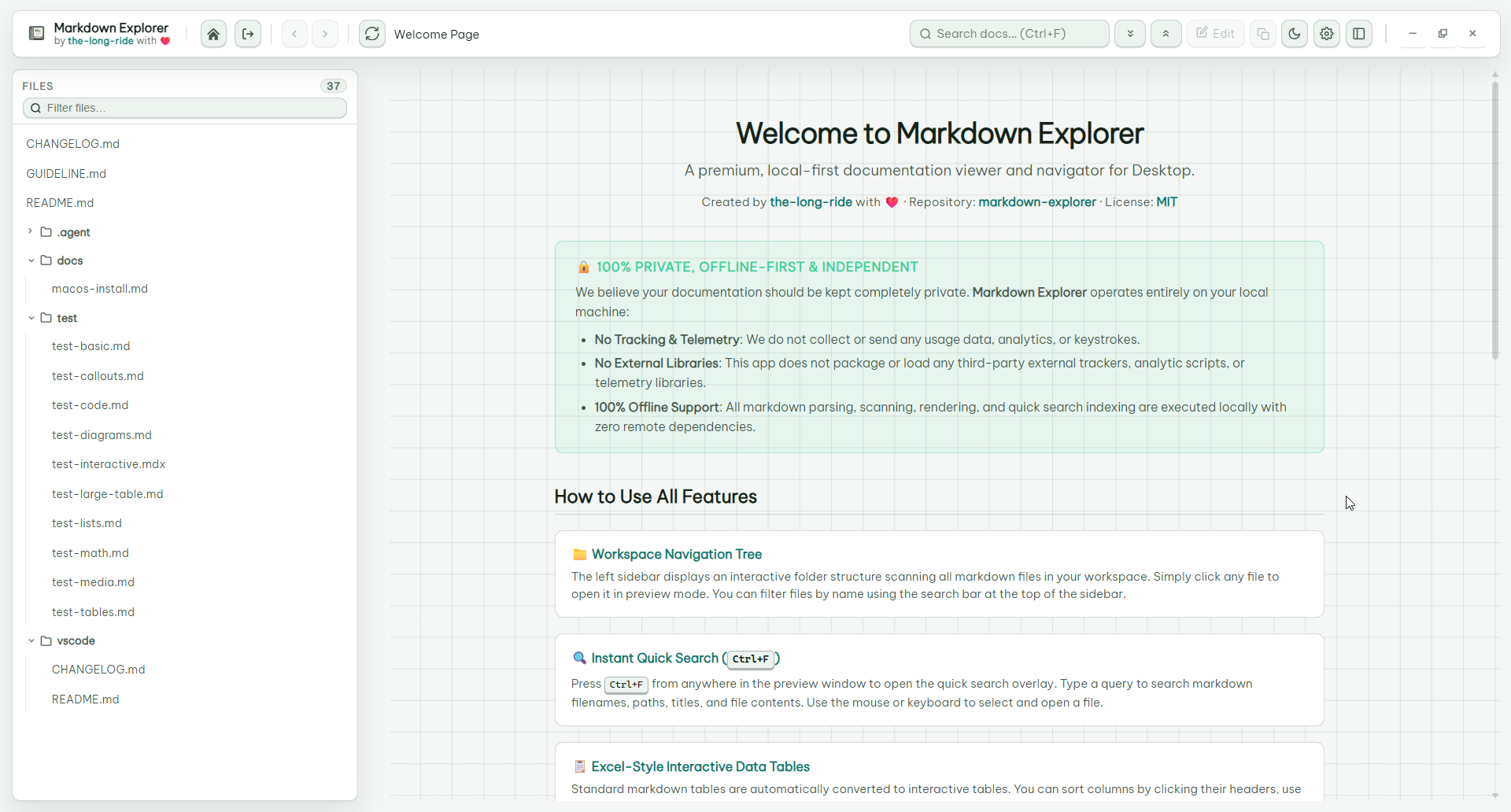
It turns .md and .mdx folders into a private, searchable documentation app with workspace navigation, rendered diagrams, math, videos, highlighted code, interactive tables, charts, tabs, and desktop support for Windows, Linux, and macOS.
Homepage: https://the-long-ride.github.io/markdown-explorer/
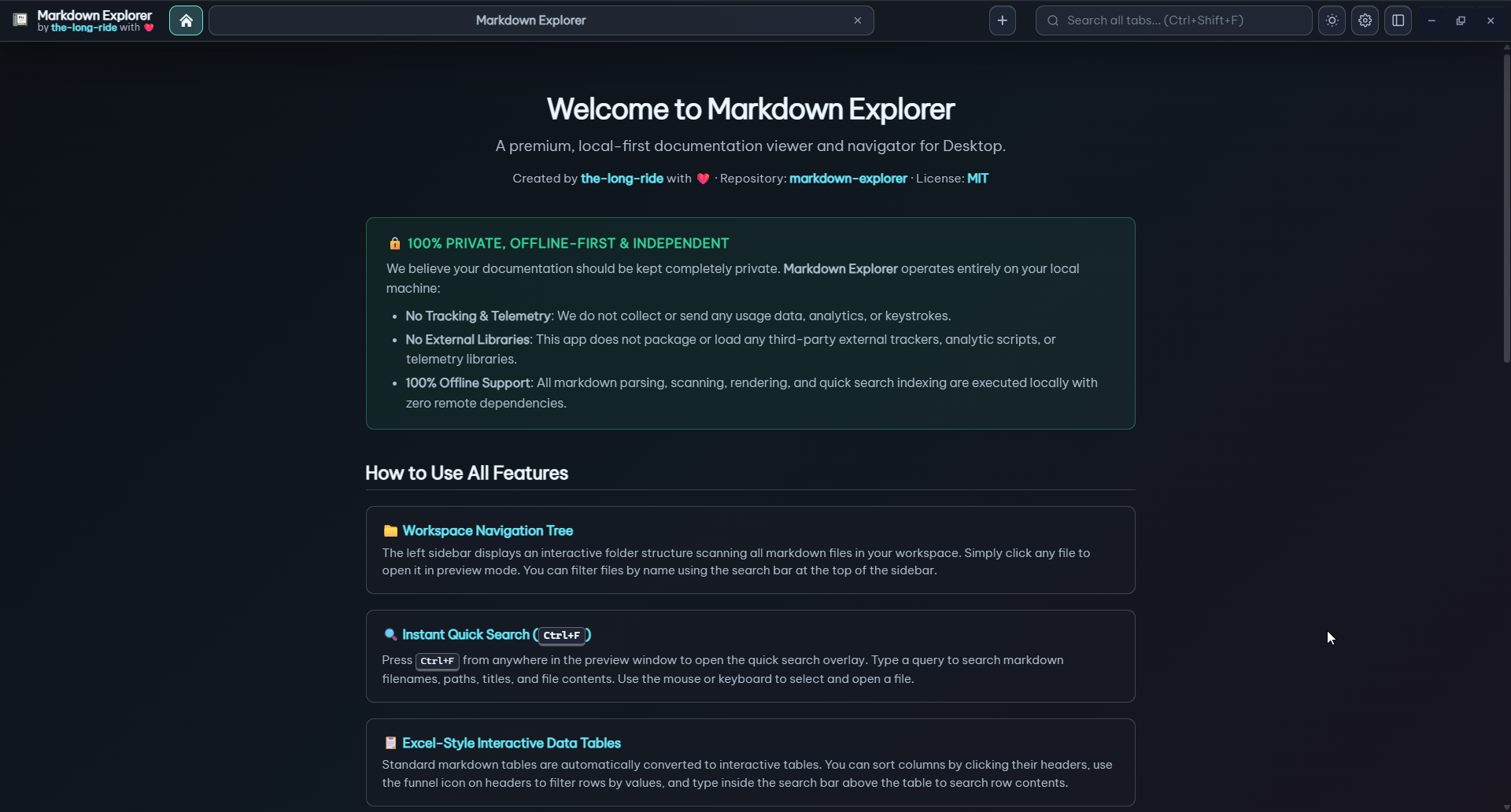
- Read workspaces, not loose files: file tree, table of contents, section cards, copy buttons, recent workspaces, and desktop tabs.
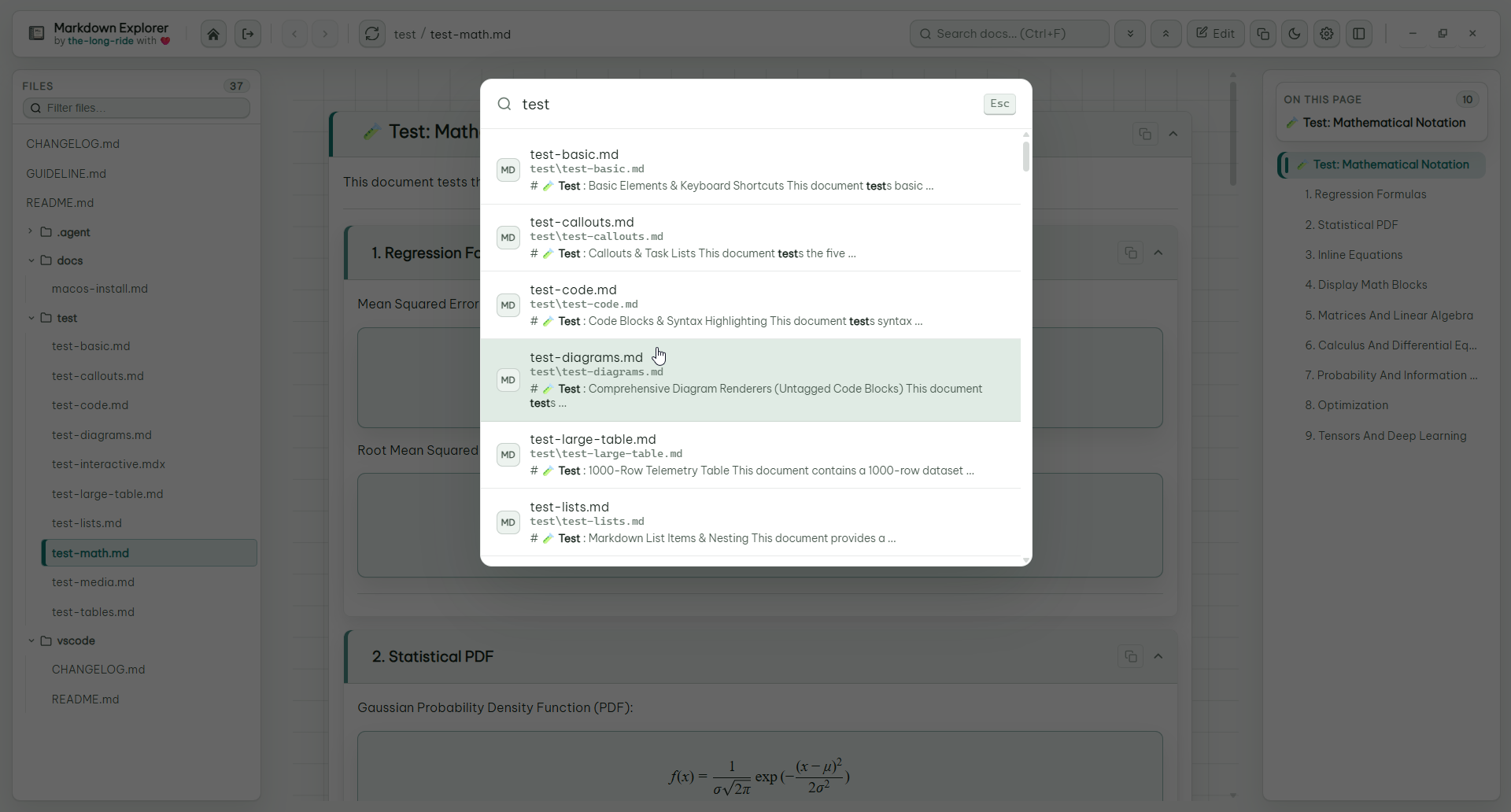
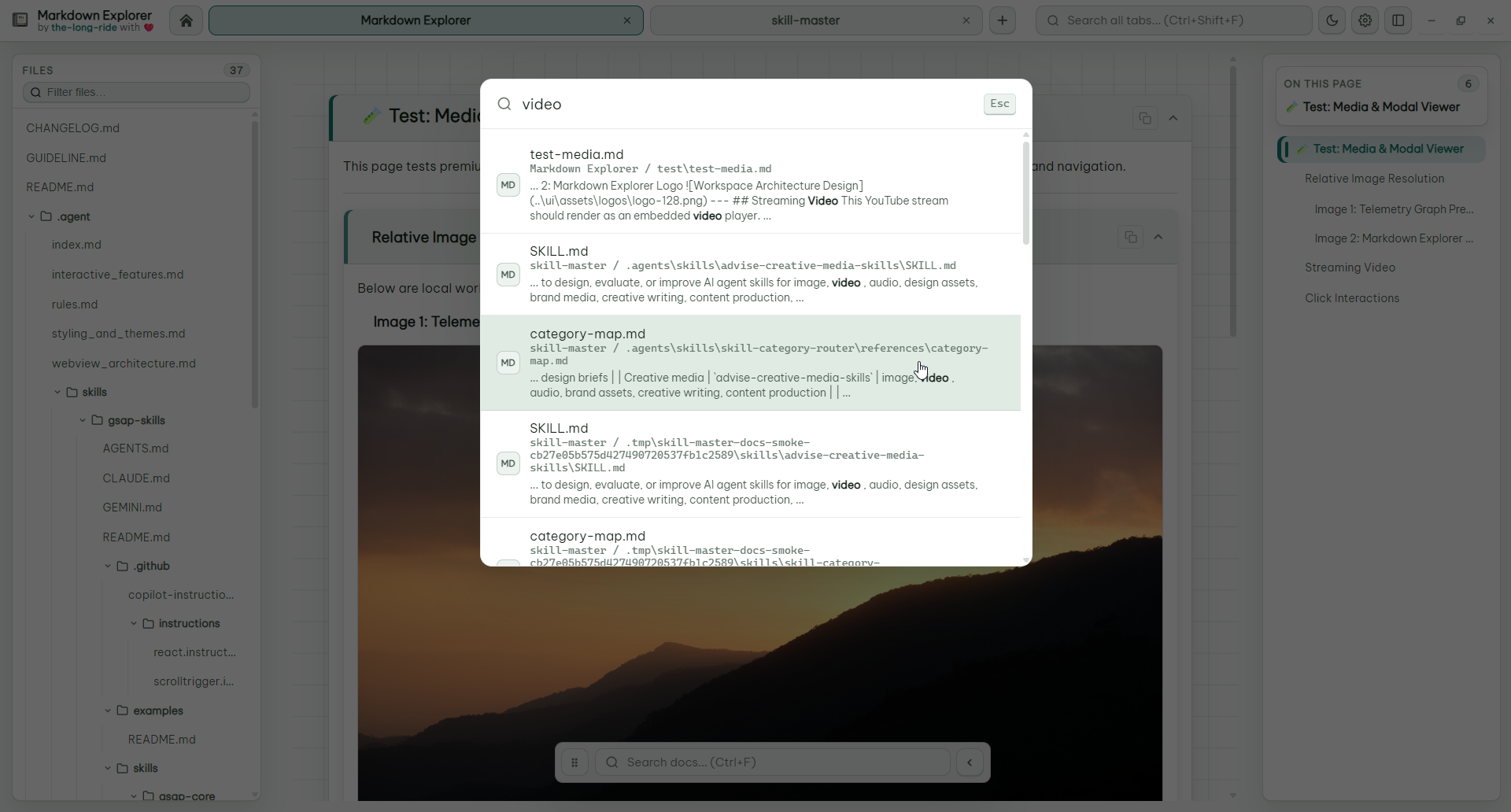
- Search where you need: current file, current workspace, or every open desktop tab, with content excerpts and exact jump-to-result behavior.
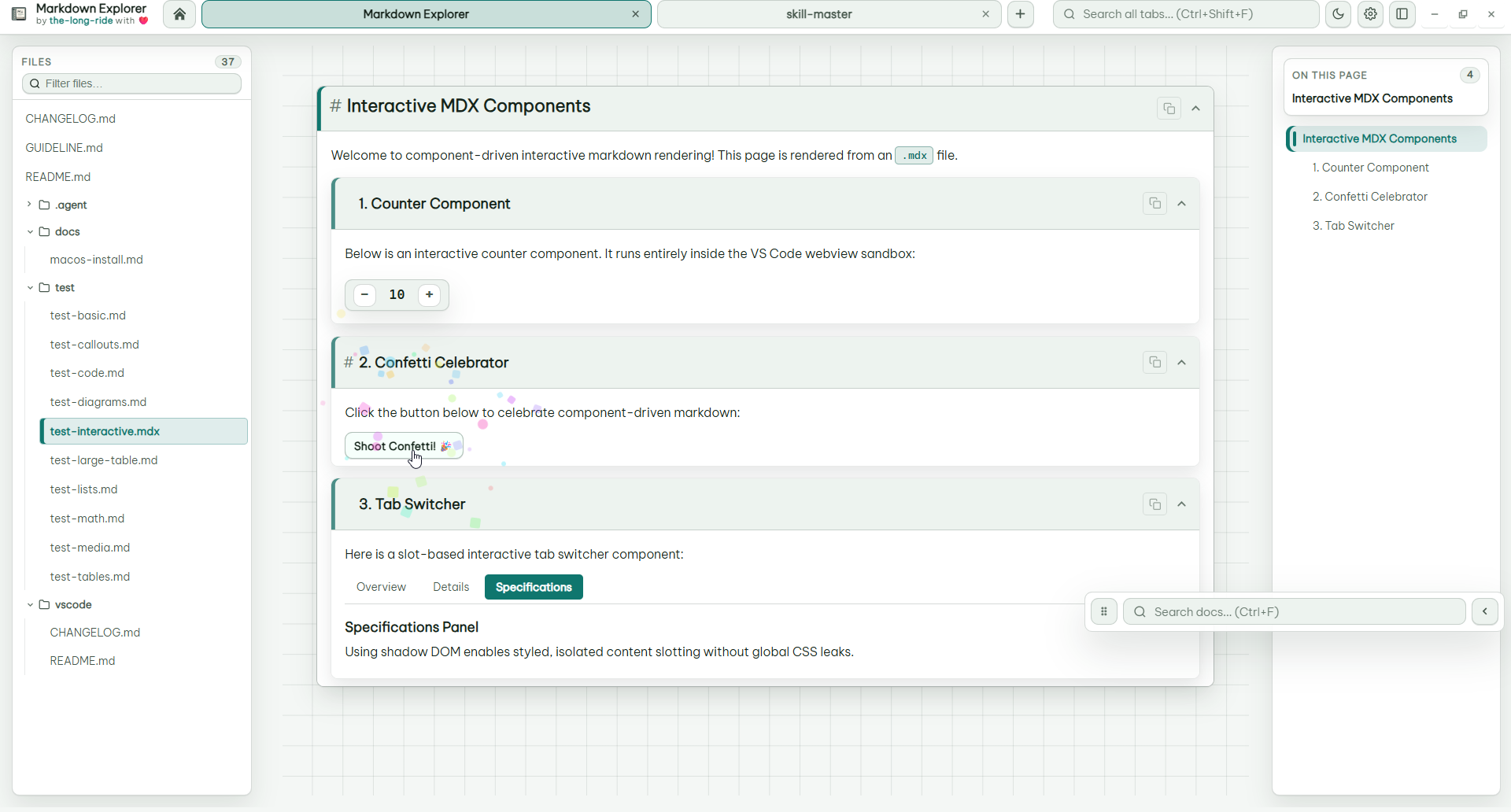
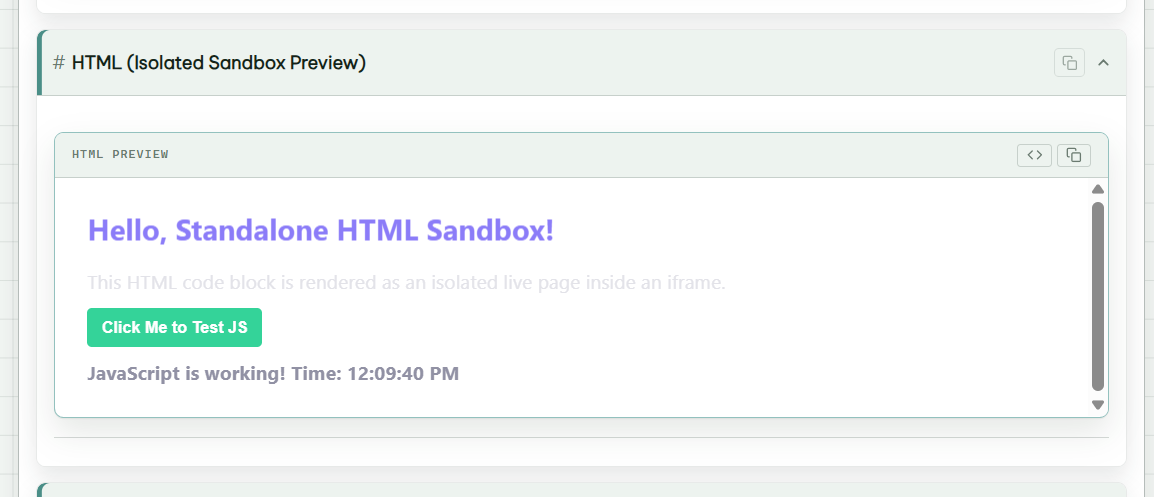
- Render rich Markdown: Mermaid, LaTeX math, images, streaming video, MDX, HTML sandboxes, callouts, frontmatter, and code blocks.
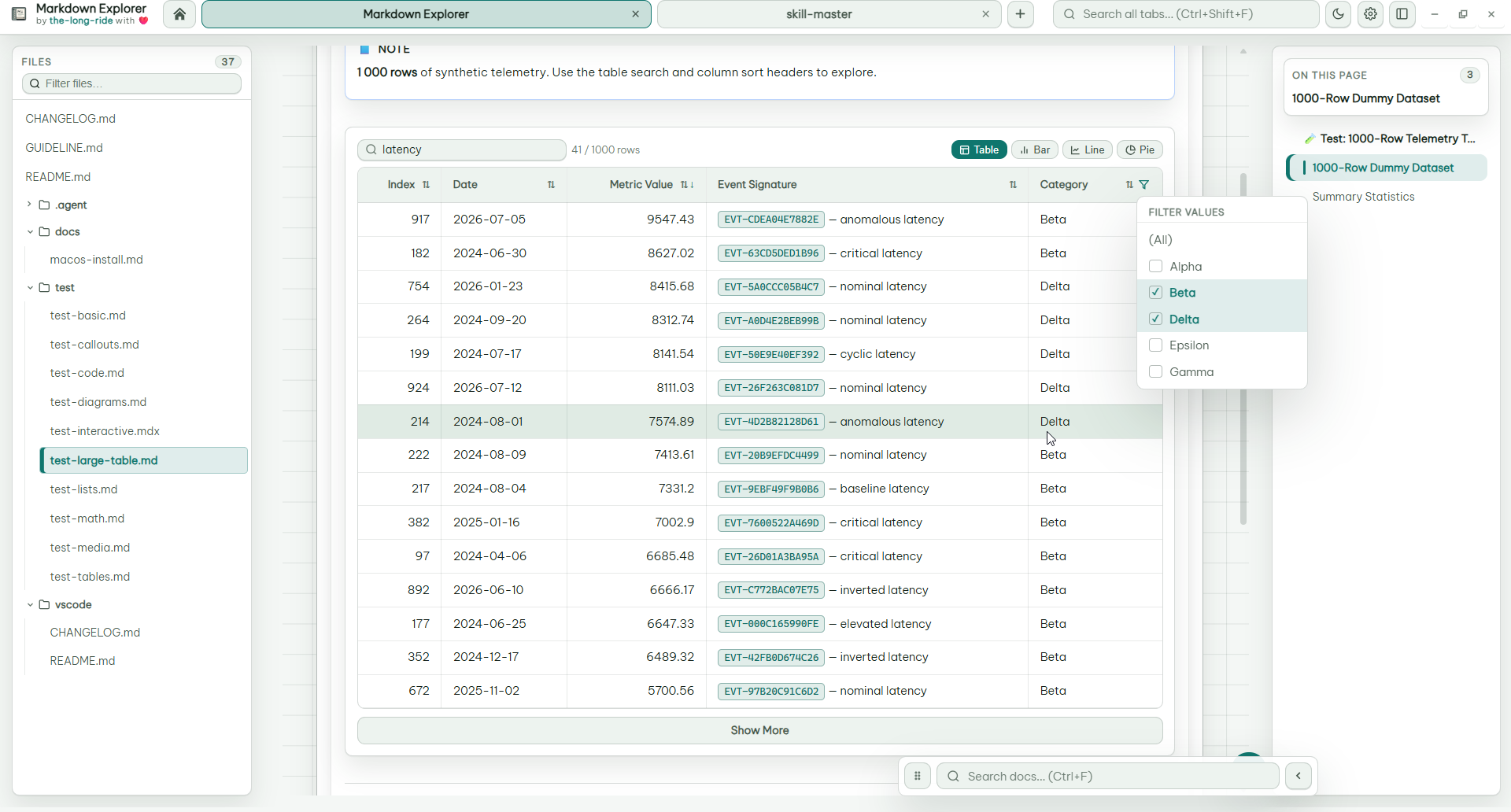
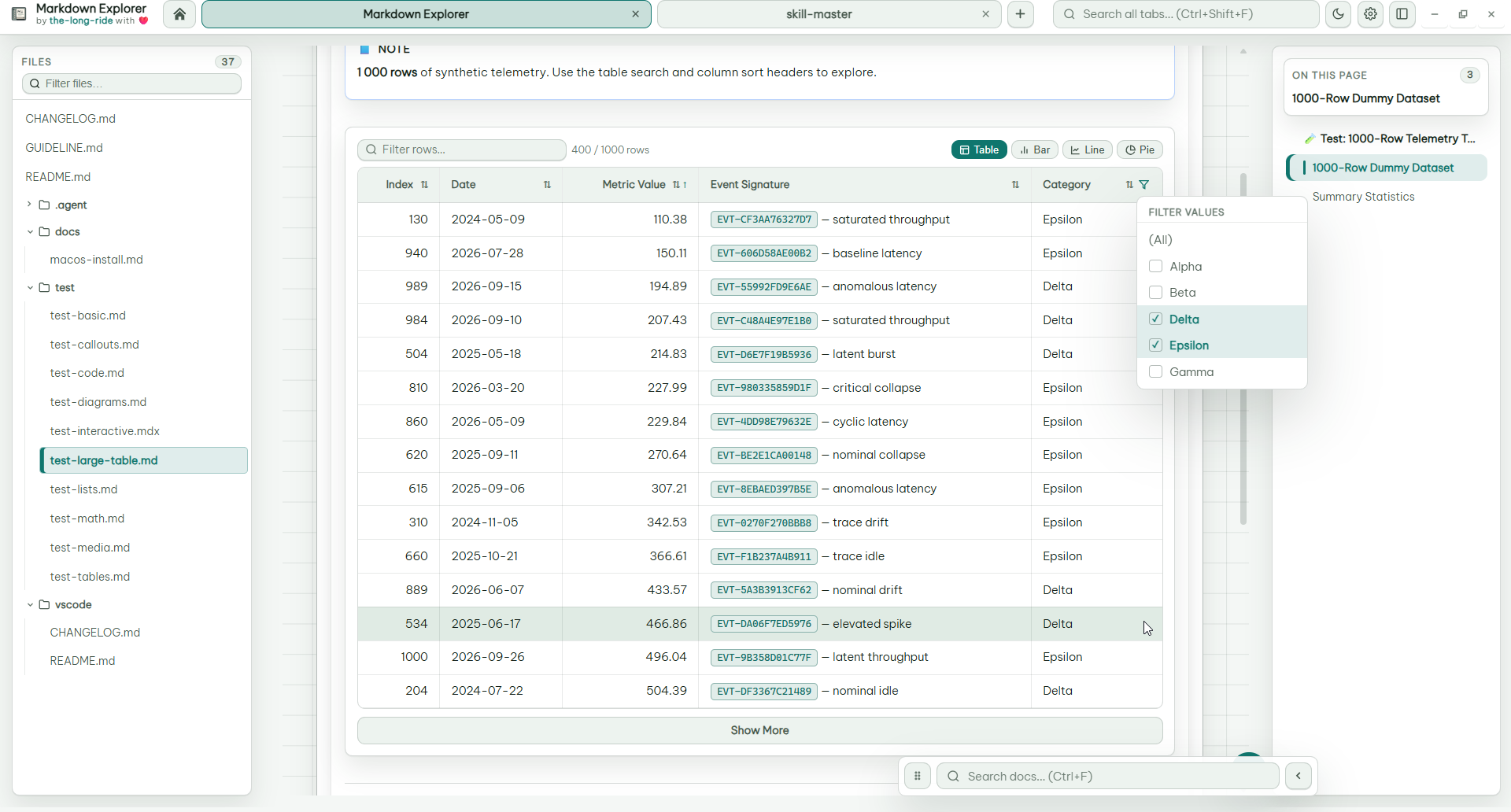
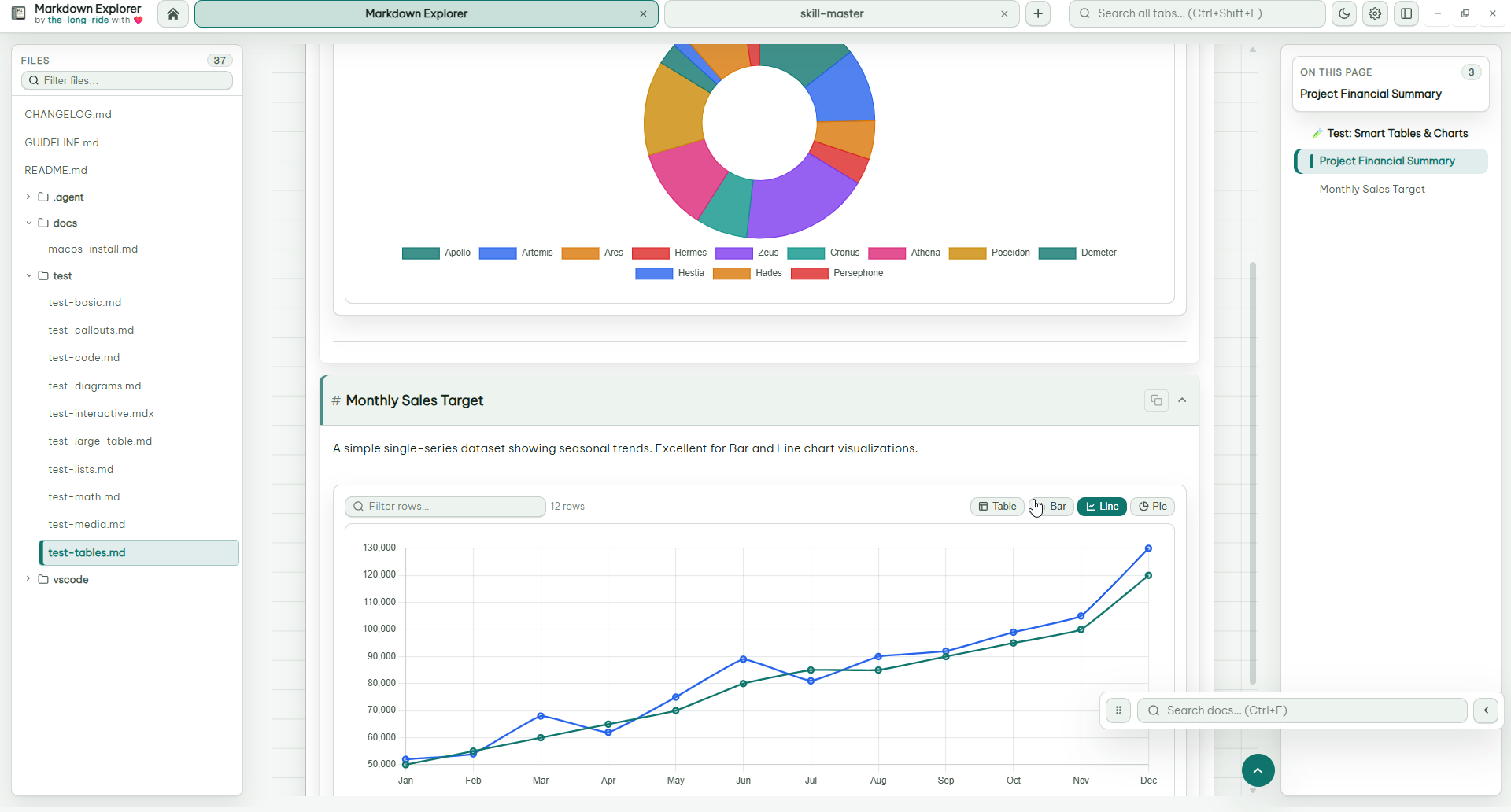
- Use data inside docs: sort, filter, multi-select table filters, collapse large tables, and switch tables into Bar, Line, or Pie charts.
- Stay private: rendering and indexing are local. No telemetry, no file uploads.
| Platform | Get It |
|---|---|
| VS Code | Install from VS Code Marketplace |
| Open VSX | Install from Open VSX |
| Windows desktop | Download the latest .exe |
| Linux desktop | Download .AppImage or .deb |
| macOS desktop | Download .dmg for arm64 or x64. First launch notes: macOS guide |
Find the exact content you need, then jump to the exact clicked match.
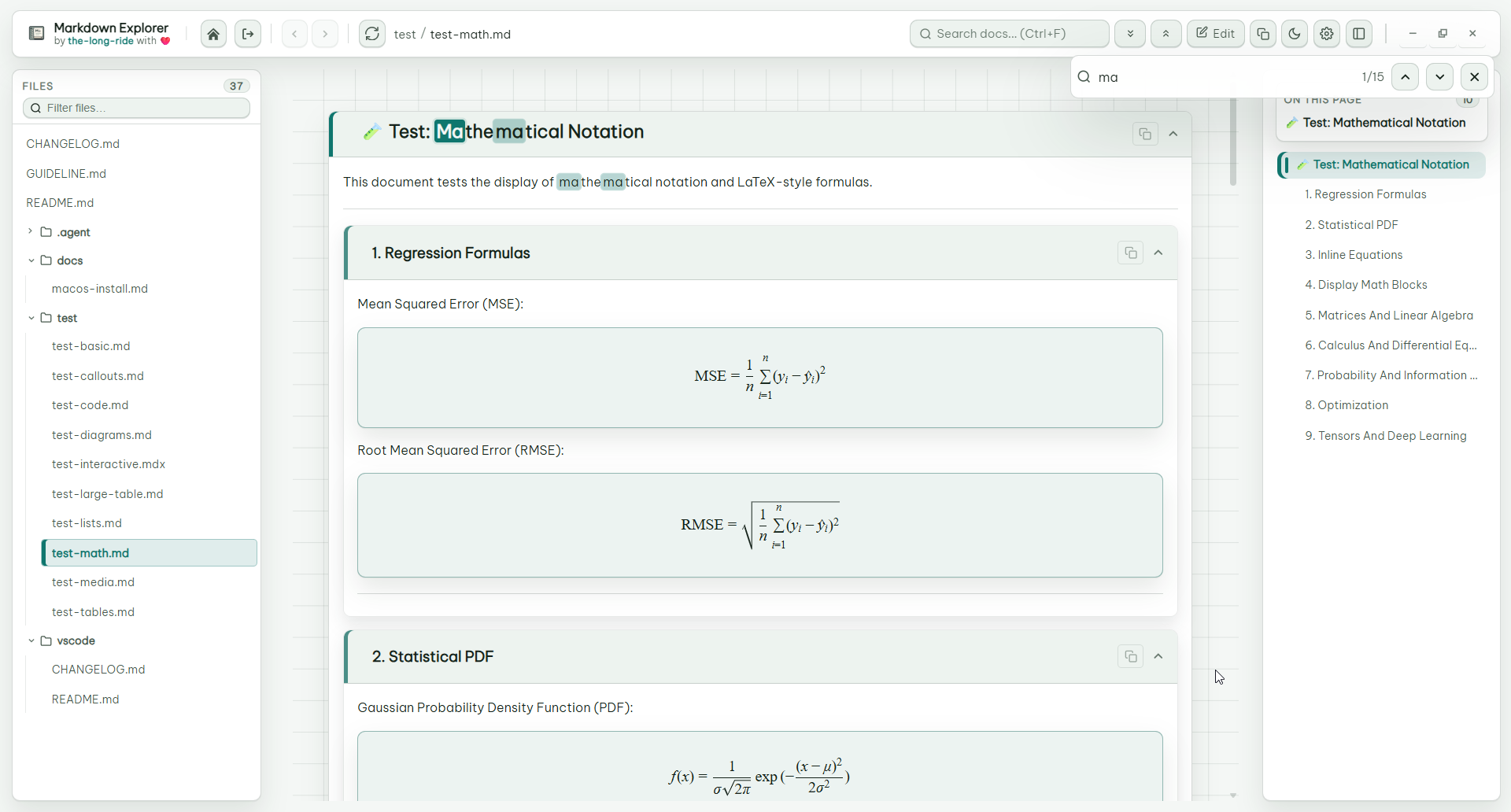
Markdown tables become real data views: search rows, sort columns, multi-select filter values, keep large datasets collapsed, and switch to charts when numeric data is detected.
Mermaid diagrams render offline, LaTeX math is readable, code blocks are highlighted, and Markdown can include local or streaming video.
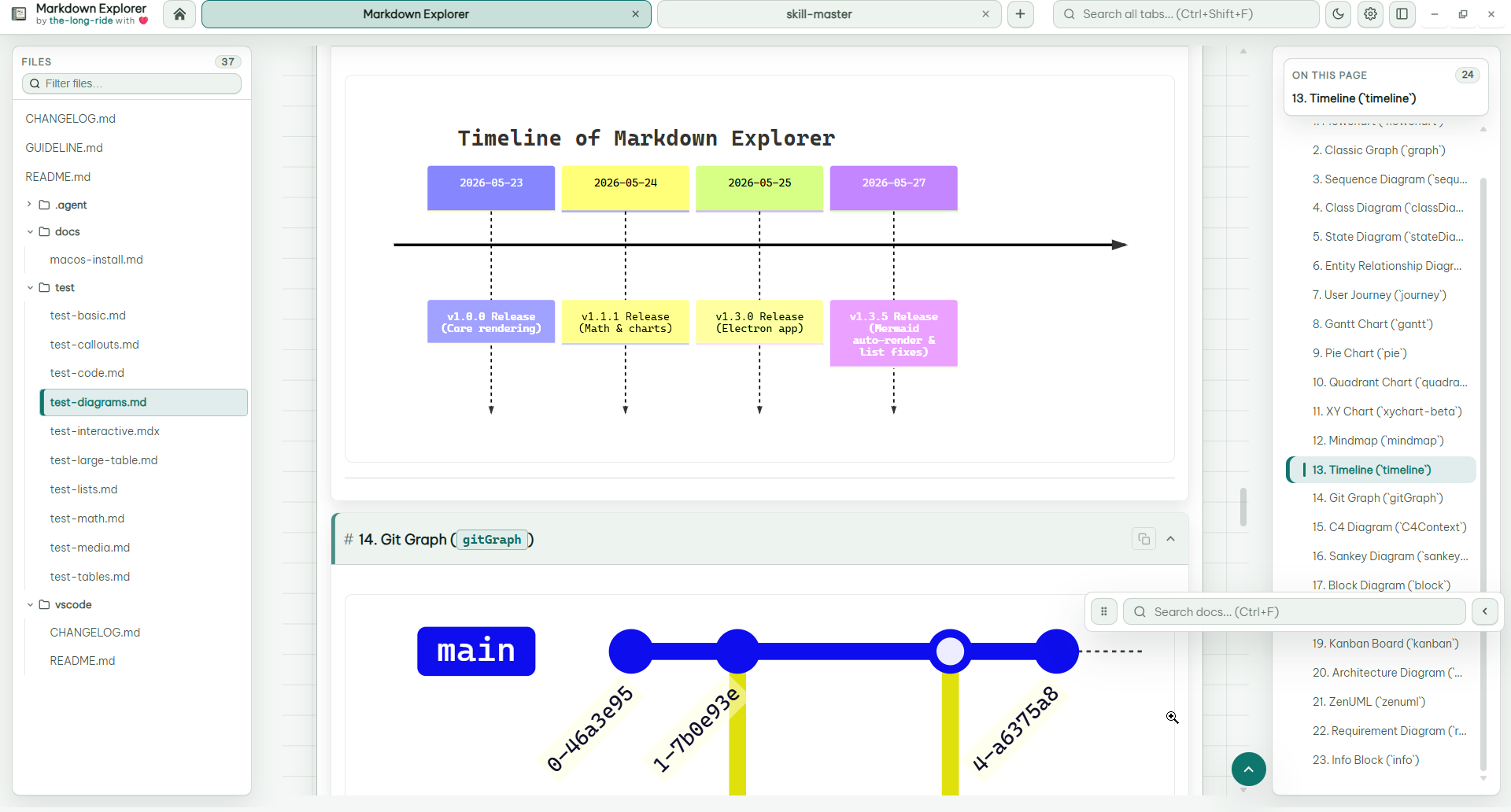
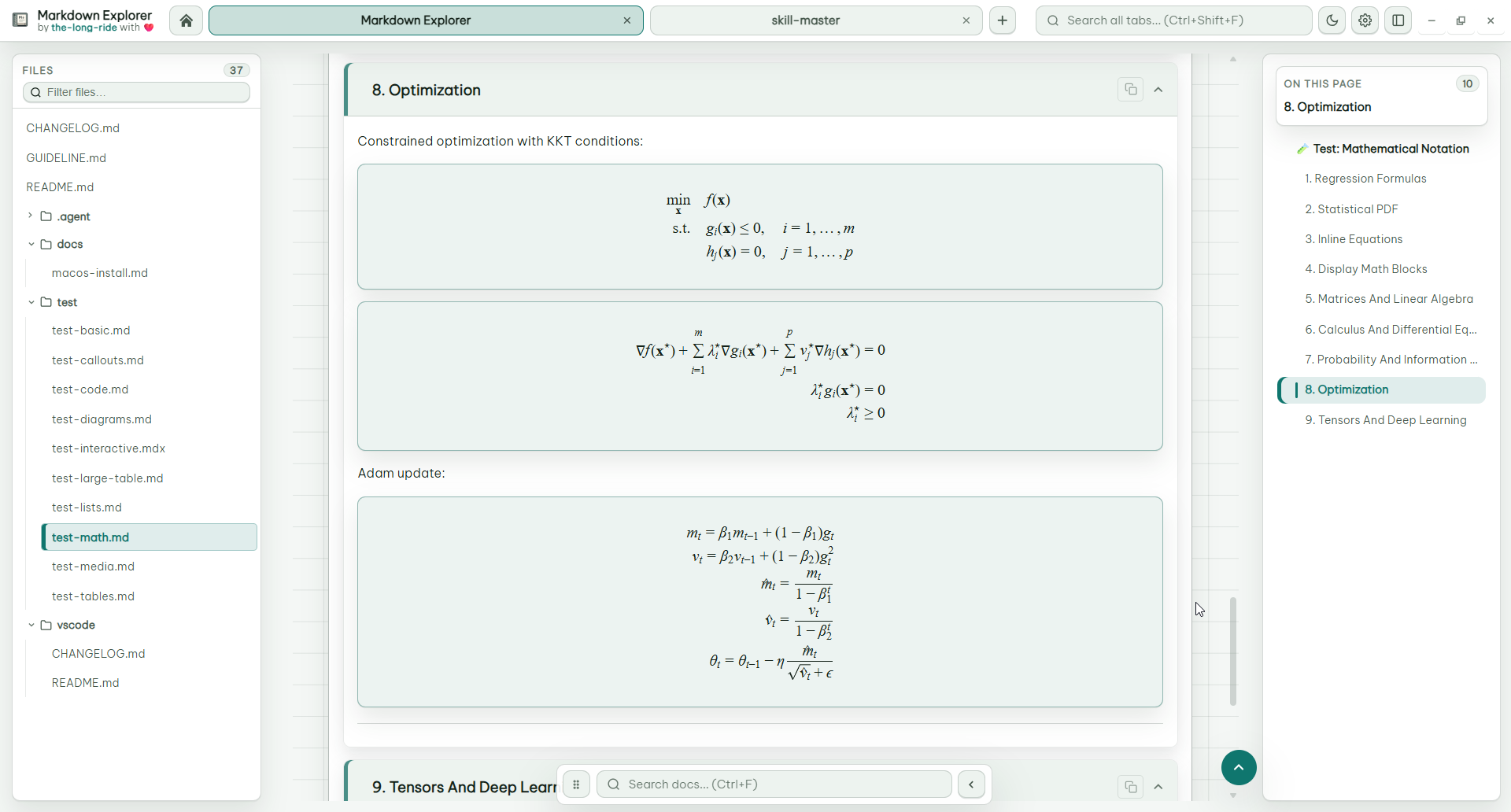
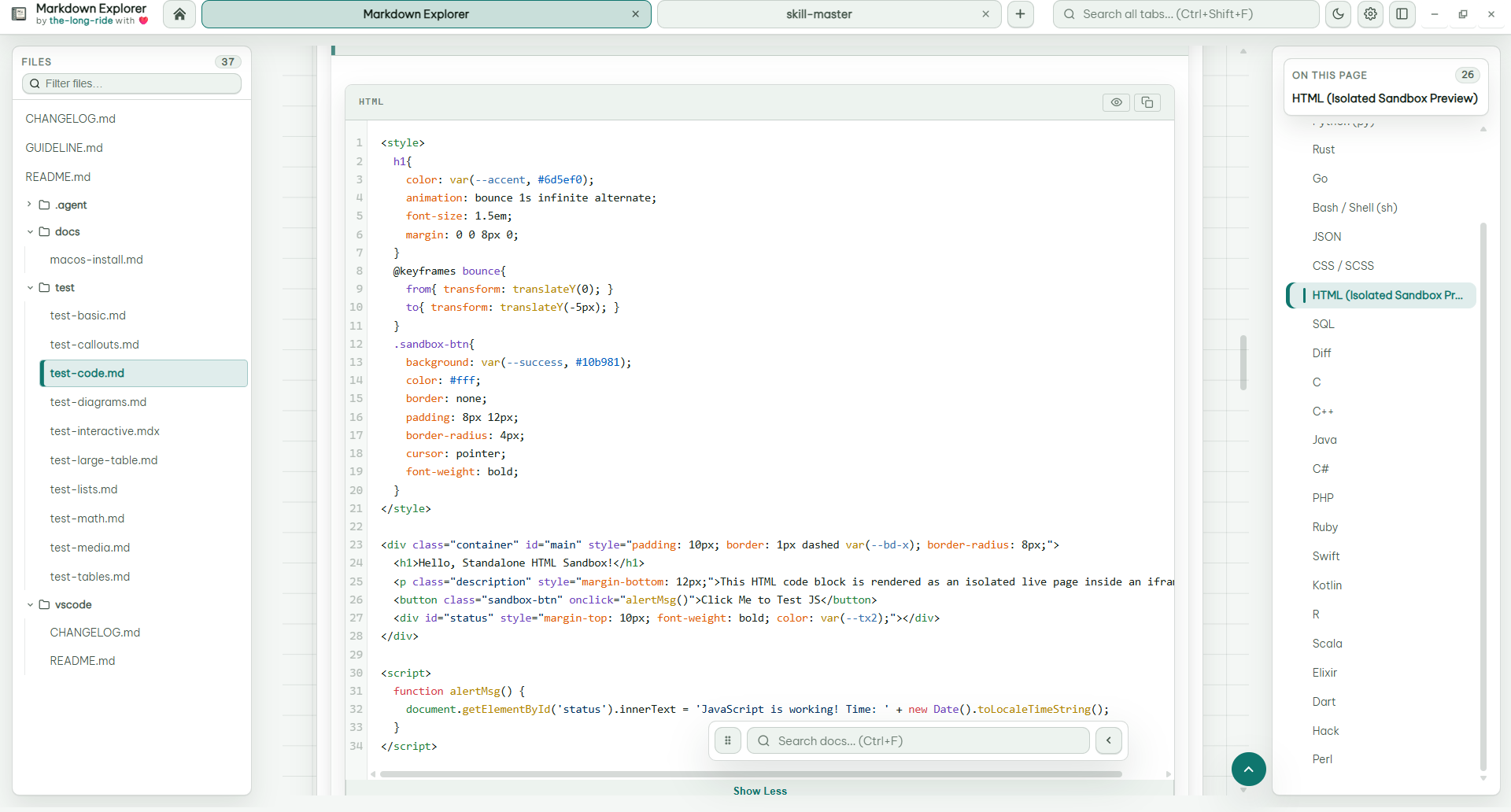
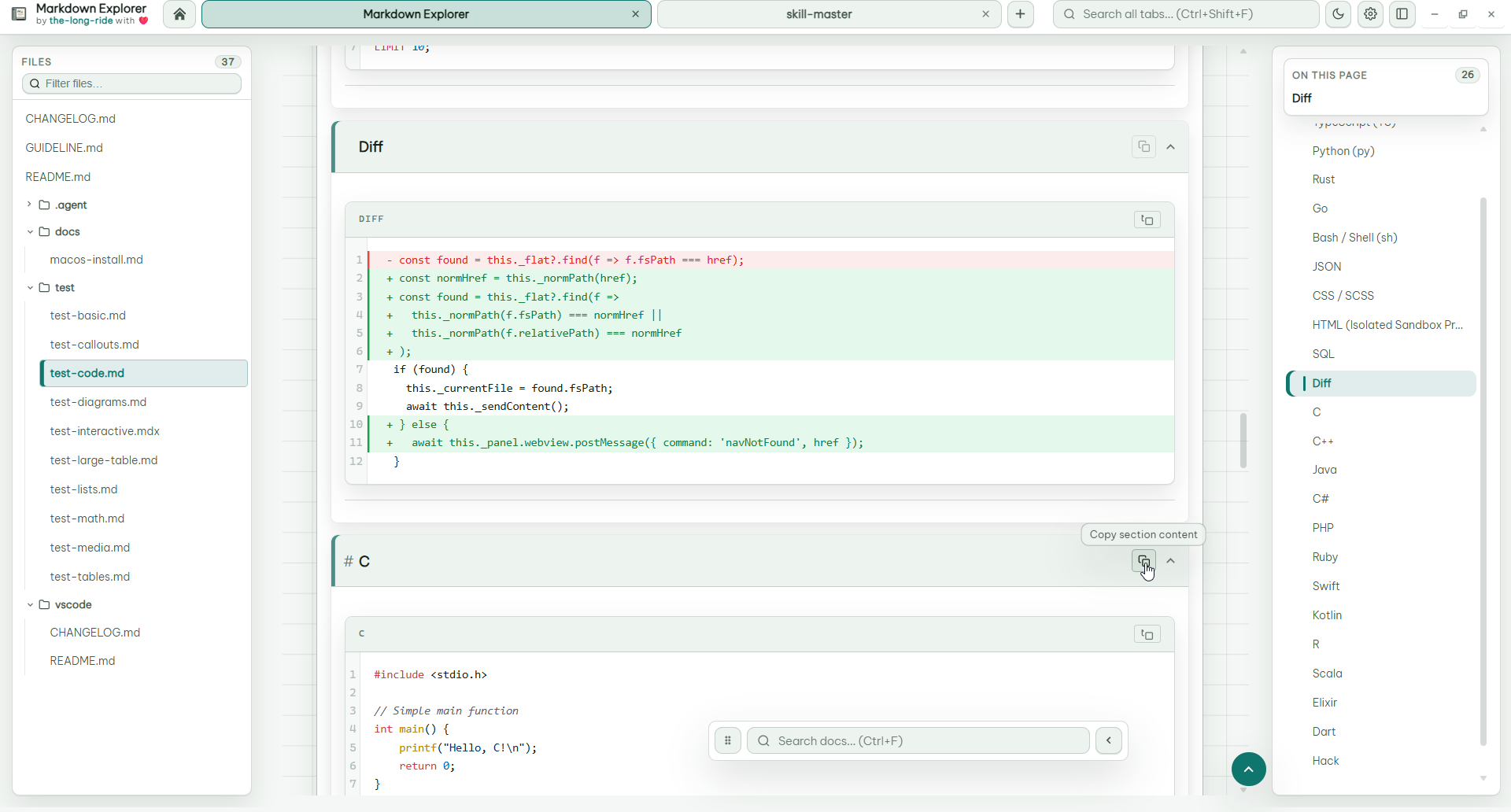
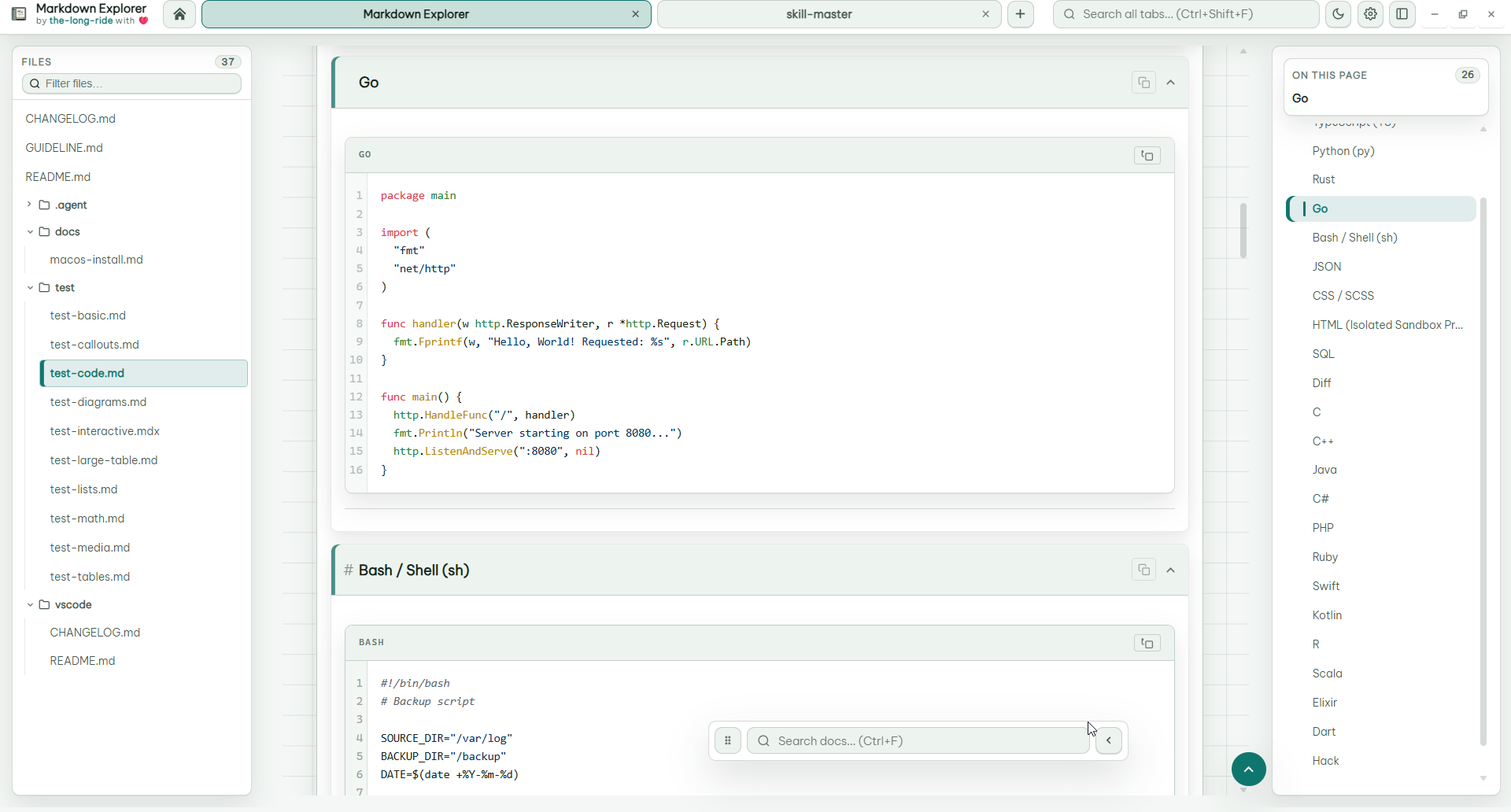
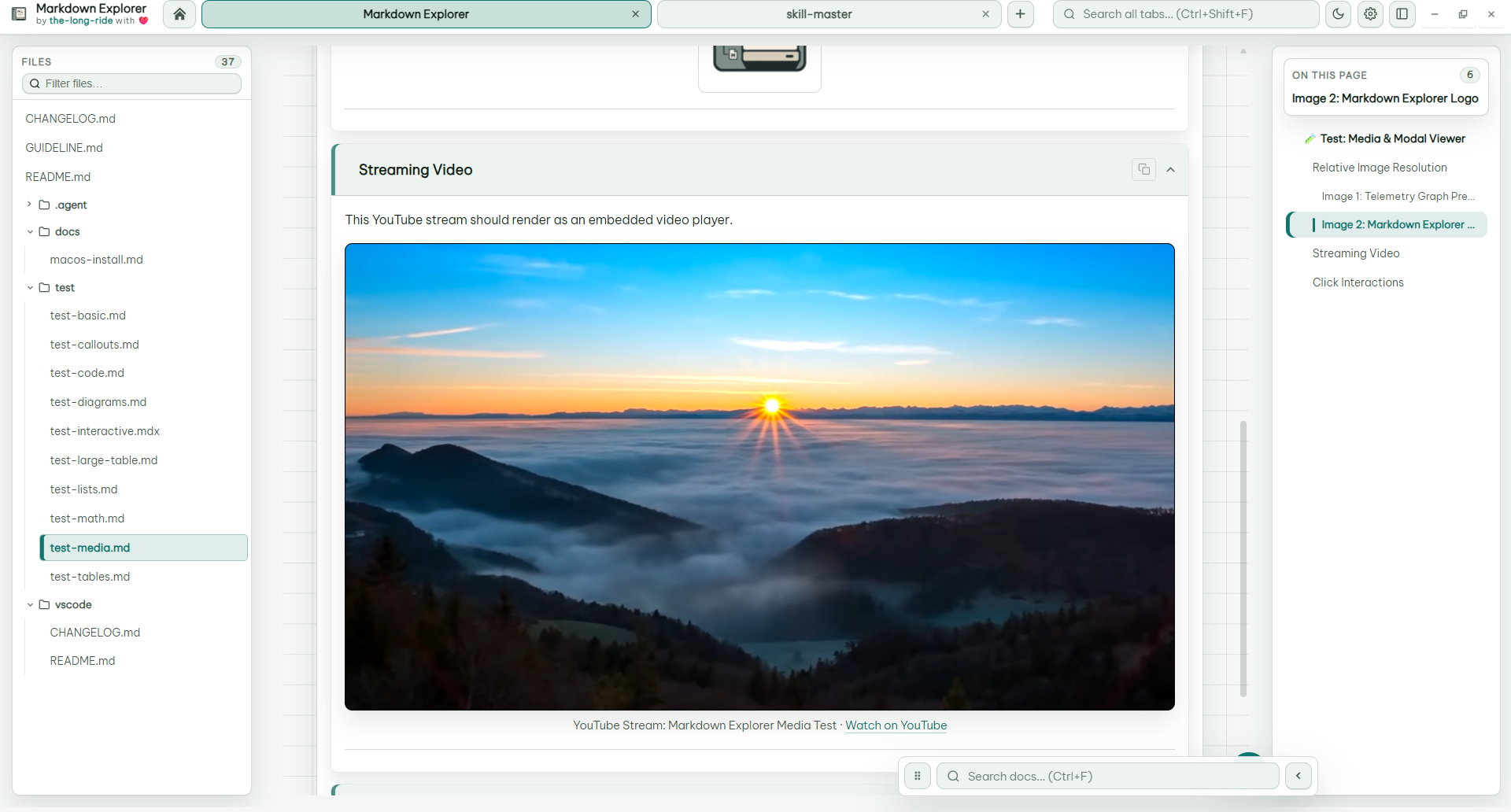
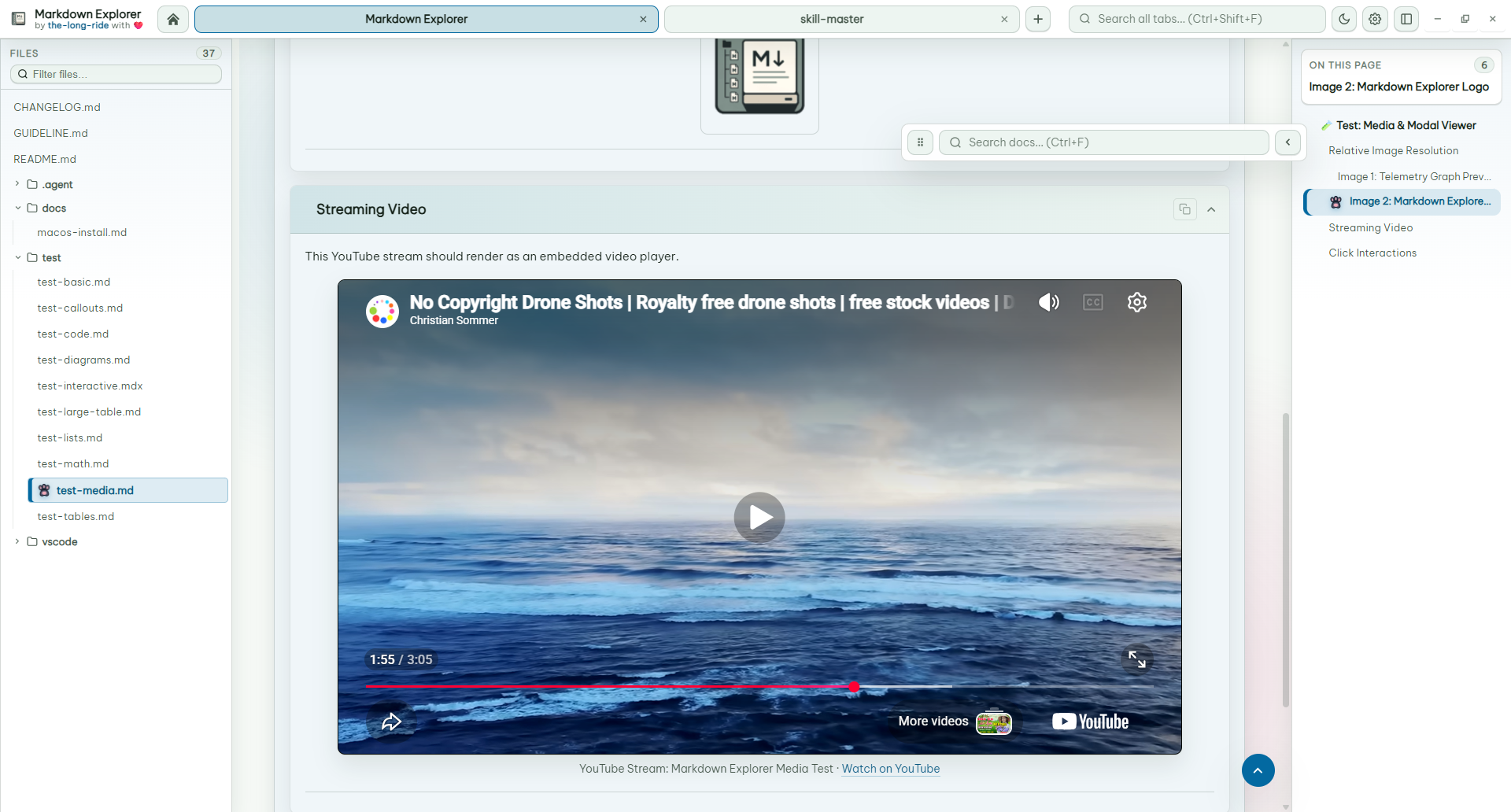
Use isolated HTML previews for interactive examples, and inspect images or diagrams in a zoomable media modal.
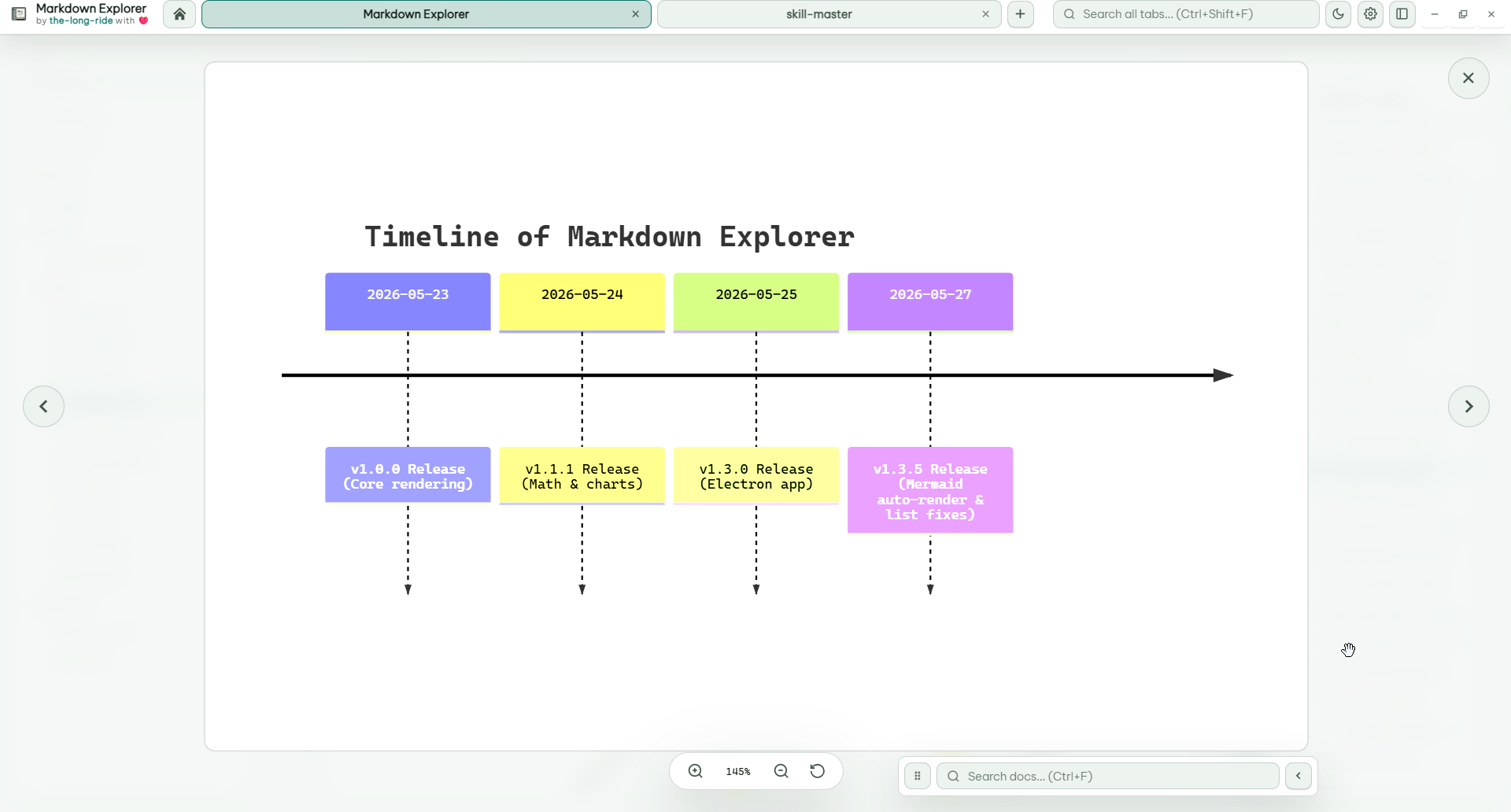
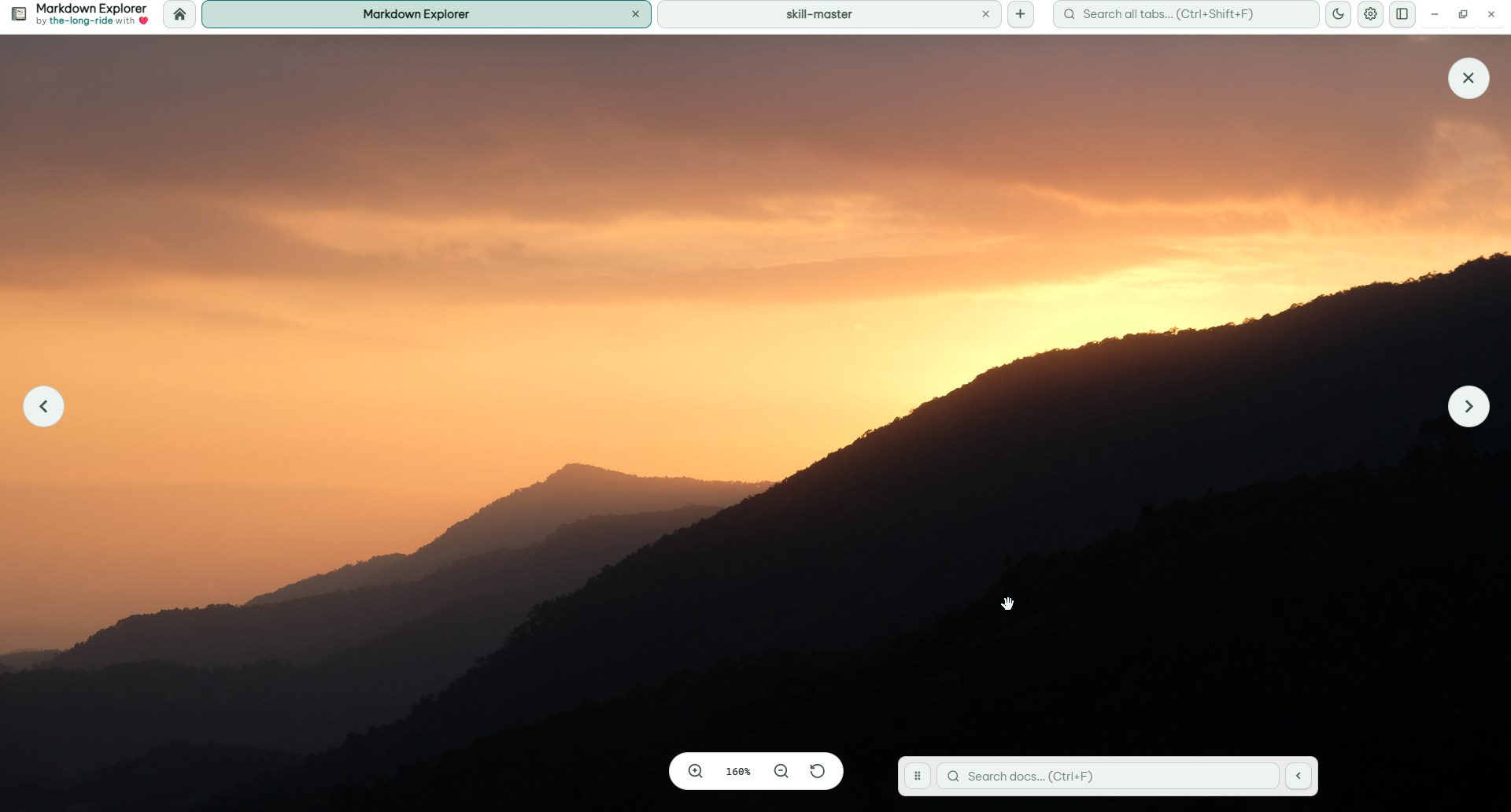
The desktop app opens recent folders quickly, supports drag-and-drop opening, and can keep multiple workspaces alive in tabs.
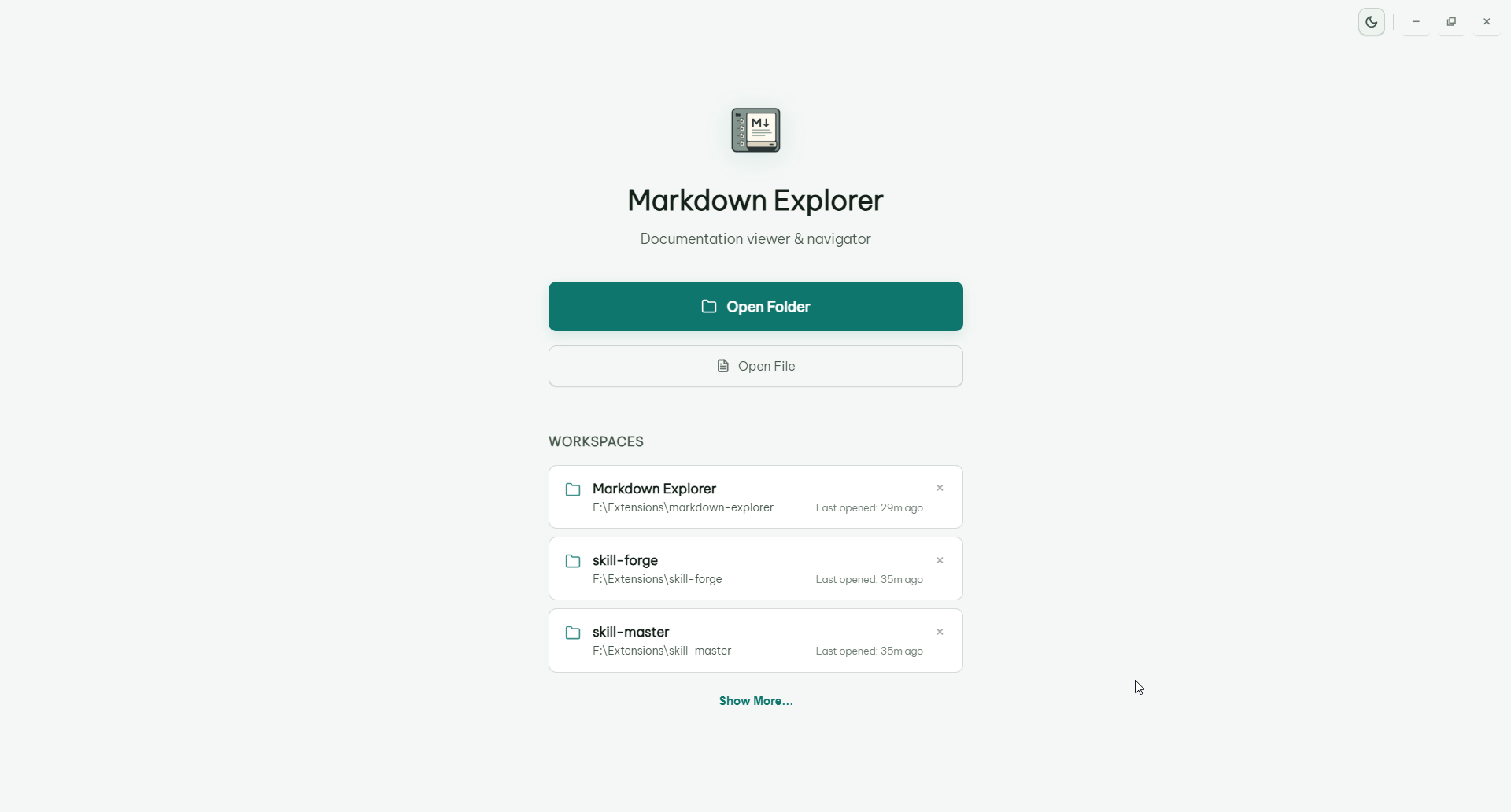
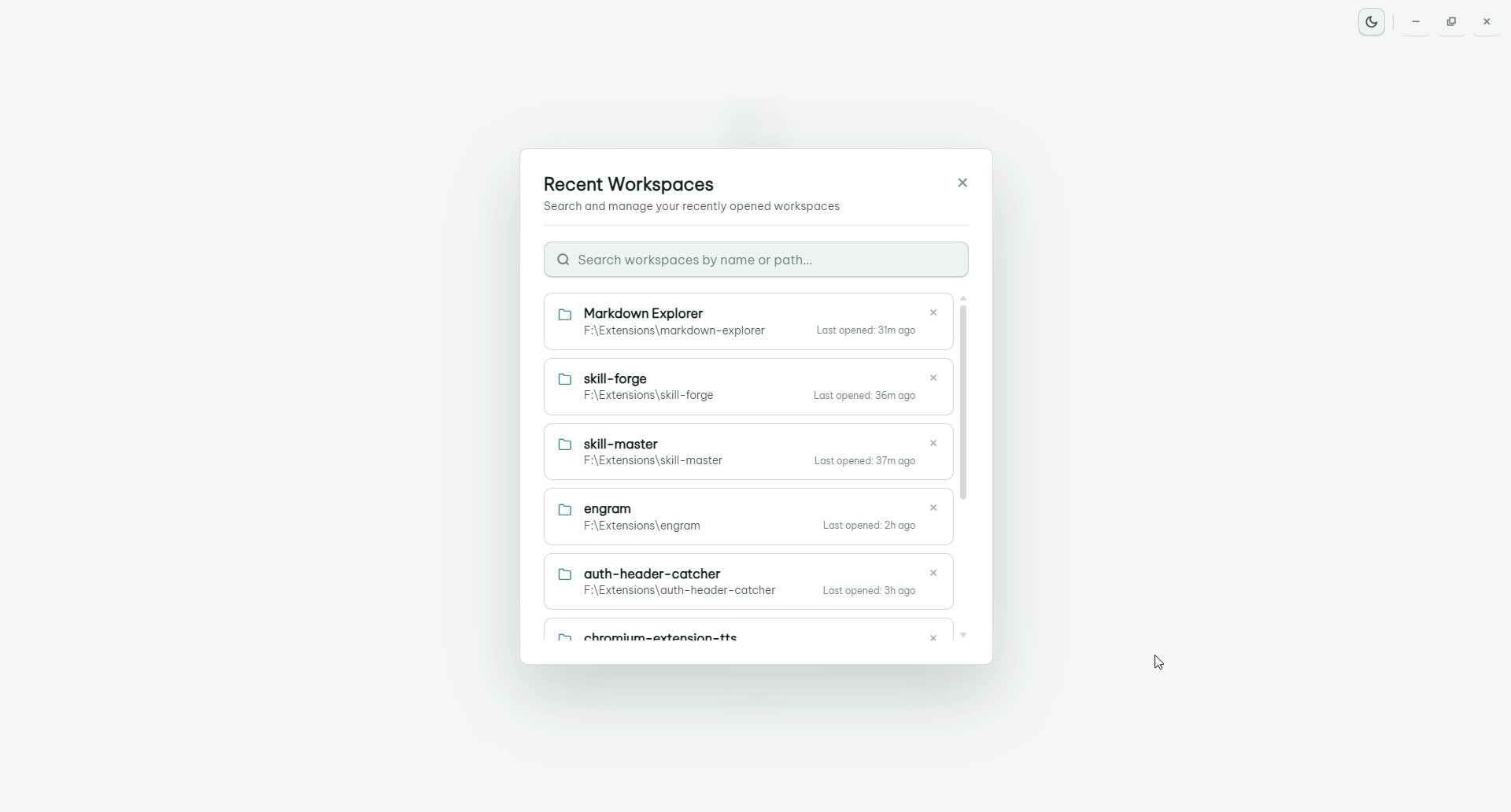
Desktop shortcuts can be customized in Settings. VS Code keeps editor-friendly defaults inside the webview.
| Action | Desktop app | VS Code |
|---|---|---|
| Open Markdown Explorer | N/A | Ctrl+Shift+M / Cmd+Shift+M |
| Toggle preview for current Markdown file | N/A | Ctrl+Alt+V / Cmd+Alt+V |
| Search current workspace | Ctrl+F |
Ctrl+K / Cmd+K |
| Search all open workspace tabs | Ctrl+Shift+F |
N/A |
| Find in current file | F |
K |
| Back to previous file | Ctrl+ArrowLeft or mouse back |
Ctrl+ArrowLeft / Cmd+ArrowLeft or mouse back |
| Go to next file | Ctrl+ArrowRight or mouse forward |
Ctrl+ArrowRight / Cmd+ArrowRight or mouse forward |
| Go to welcome page | Ctrl+H |
Ctrl+H / Cmd+H |
| Open settings | Ctrl+I |
Ctrl+I / Cmd+I |
| Toggle theme | Ctrl+L |
Ctrl+Shift+L / Cmd+Shift+L |
| Refresh workspace | F5 |
Use VS Code command or reload webview |
| Collapse all heading sections | Ctrl+Shift+X |
Ctrl+Shift+X / Cmd+Shift+X |
| Expand all heading sections | Ctrl+Shift+E |
Ctrl+Shift+E / Cmd+Shift+E |
| Go to workspace selection | Ctrl+Shift+H |
N/A |
| Toggle sidebar | Ctrl+Shift+P |
Ctrl+Shift+P / Cmd+Shift+P |
| Zoom in | Ctrl+=, Ctrl+Plus, or Ctrl+MouseWheelUp |
Use editor/webview zoom |
| Zoom out | Ctrl+- or Ctrl+MouseWheelDown |
Use editor/webview zoom |
- No telemetry.
- No file upload.
- Local parsing, indexing, rendering, and search.
- MIT licensed public source.
Bug reports and feature ideas are very welcome. Clear reports make fixes faster, and screenshots or tiny sample Markdown files are especially helpful.
Before opening a new issue, please take a quick look at the existing issues so we can keep related reports together.
When you open an issue, include what you can:
- Short title: one clear sentence, such as
Search result opens wrong match. - App surface: VS Code extension or desktop app.
- Version: app or extension version, plus OS.
- Steps to reproduce: the smallest click/key sequence that triggers the problem.
- Expected behavior: what you thought should happen.
- Actual behavior: what happened instead.
- Screenshot or screen recording: useful for layout, theme, zoom, and interaction bugs.
- Minimal Markdown sample: helpful for parser, Mermaid, math, table, video, or code-block issues.
- Console or log output: include errors from VS Code Developer Tools, Electron Developer Tools, or the terminal when available.
No need to make it perfect. A small reproducible example is already a huge gift to the project 💕.
This project is licensed under the MIT License. See the LICENSE file for details.
the-long-ride - passionate about making Markdown more enjoyable and useful for everyone. If you find this project helpful, consider starring the repository or sharing it with others who might benefit!