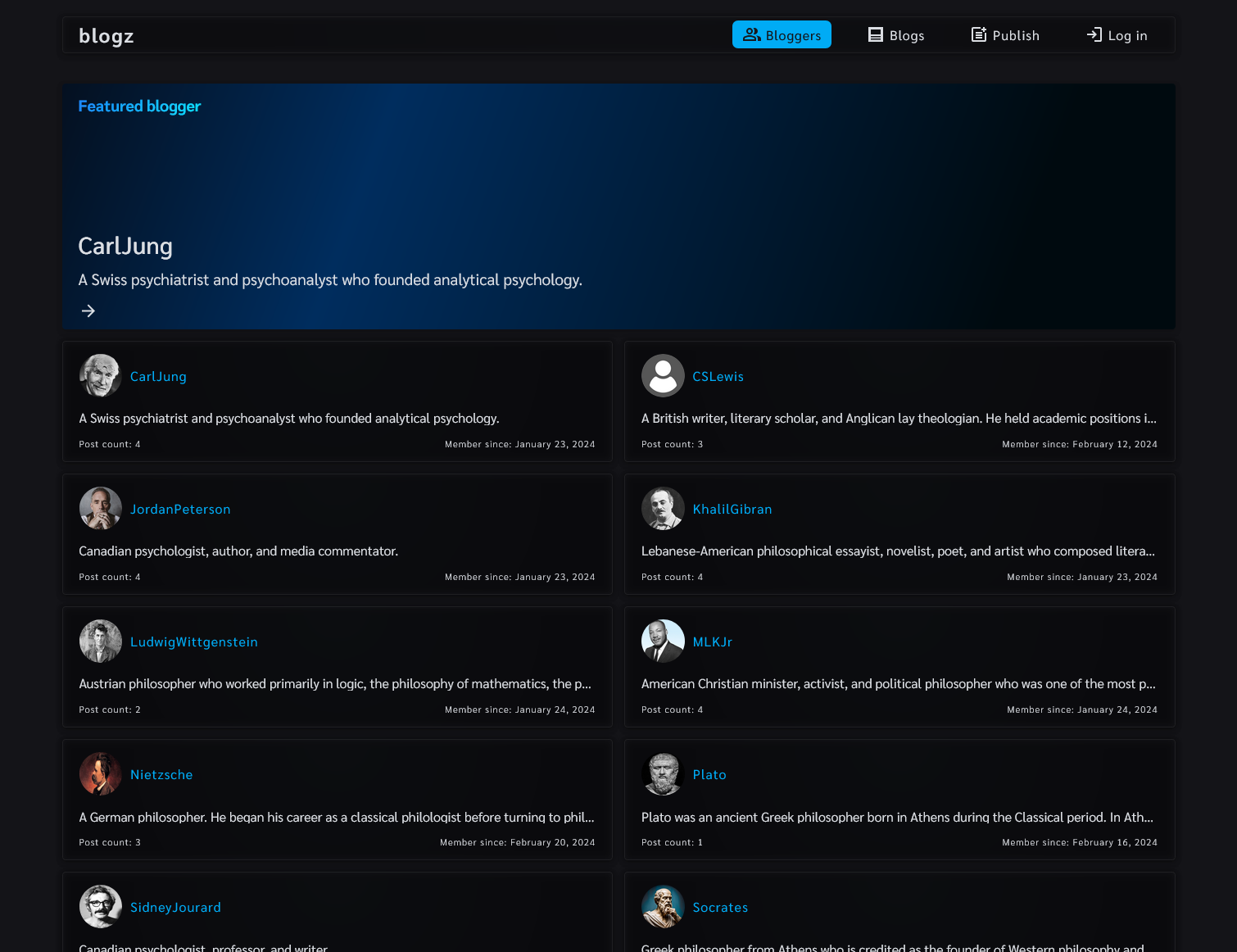
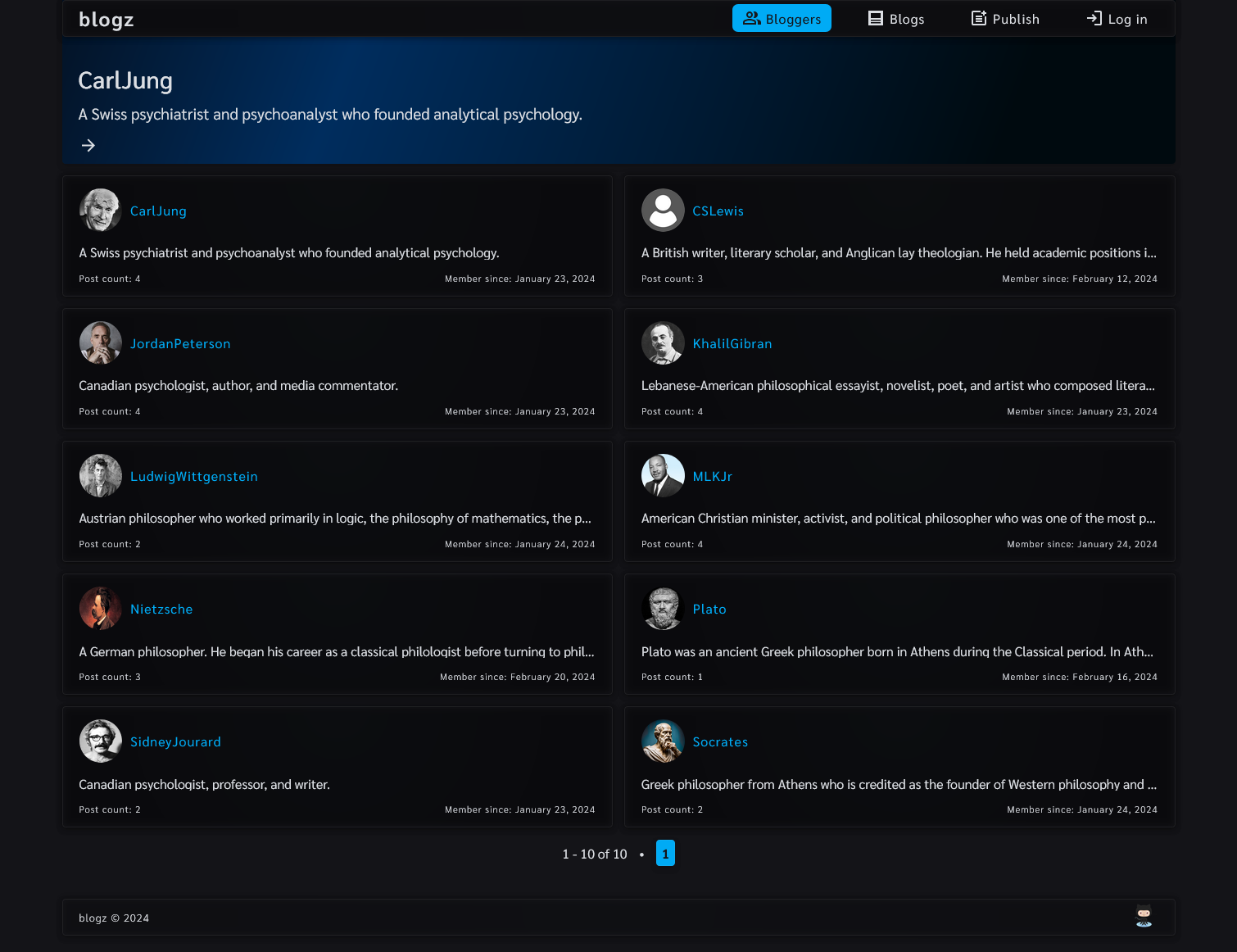
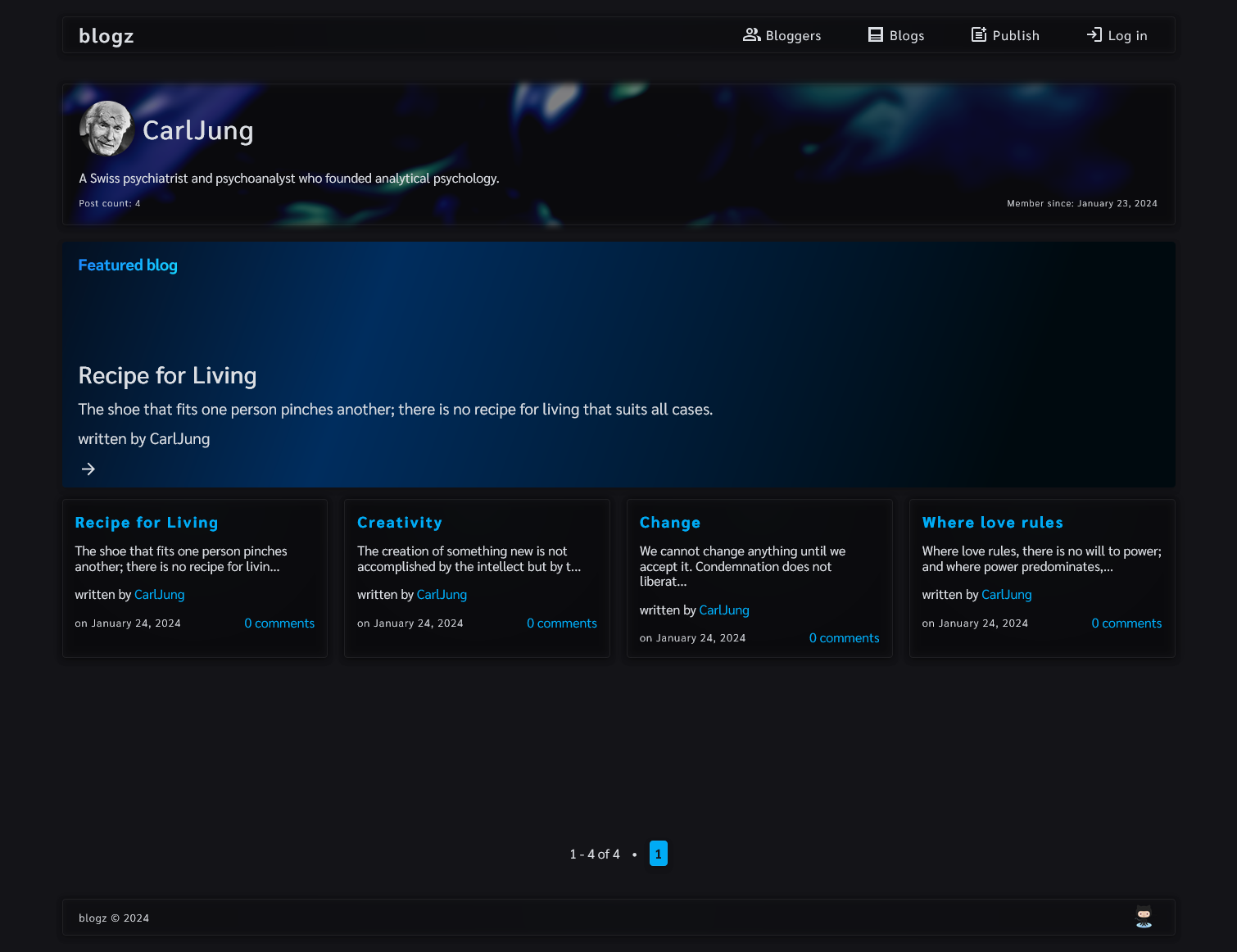
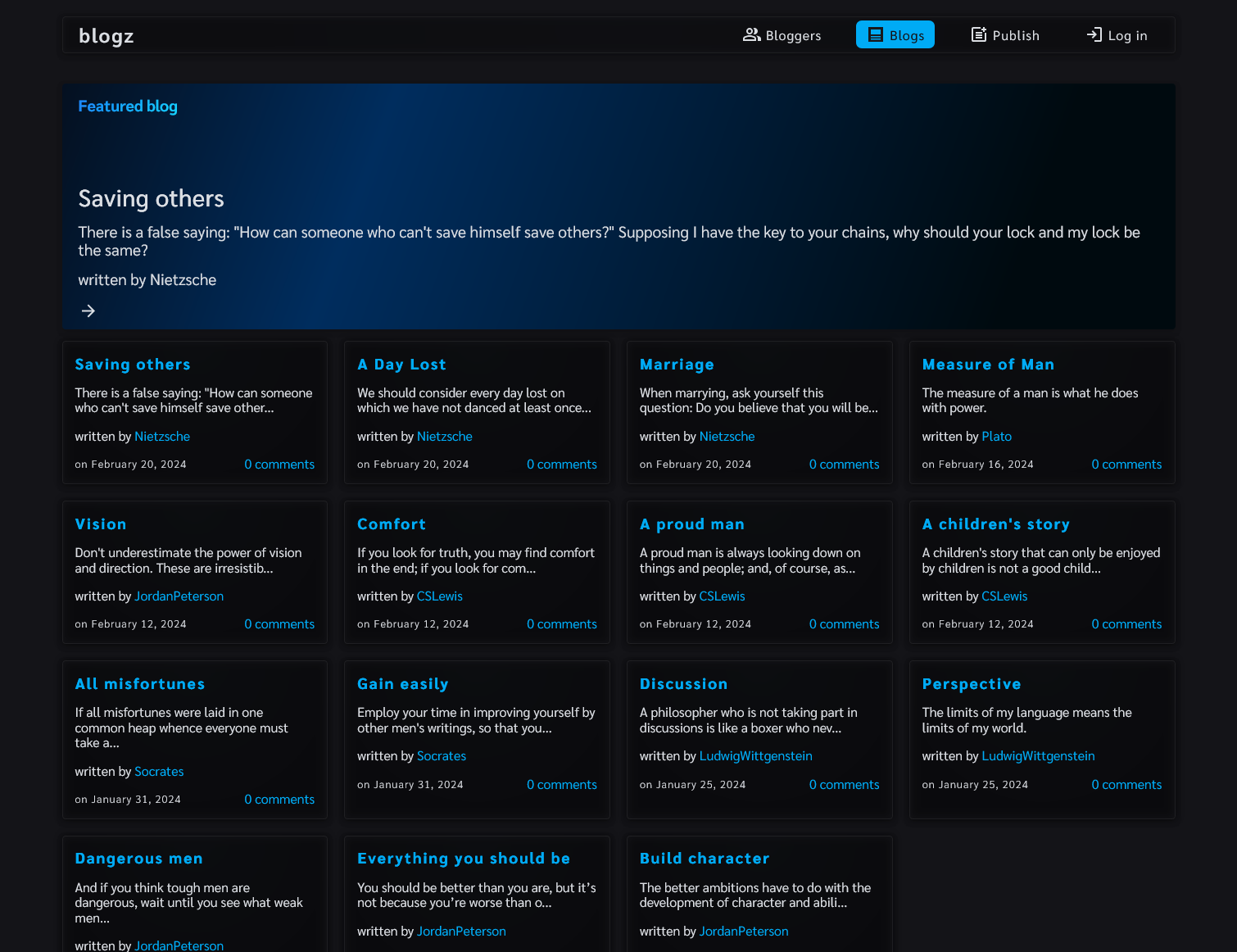
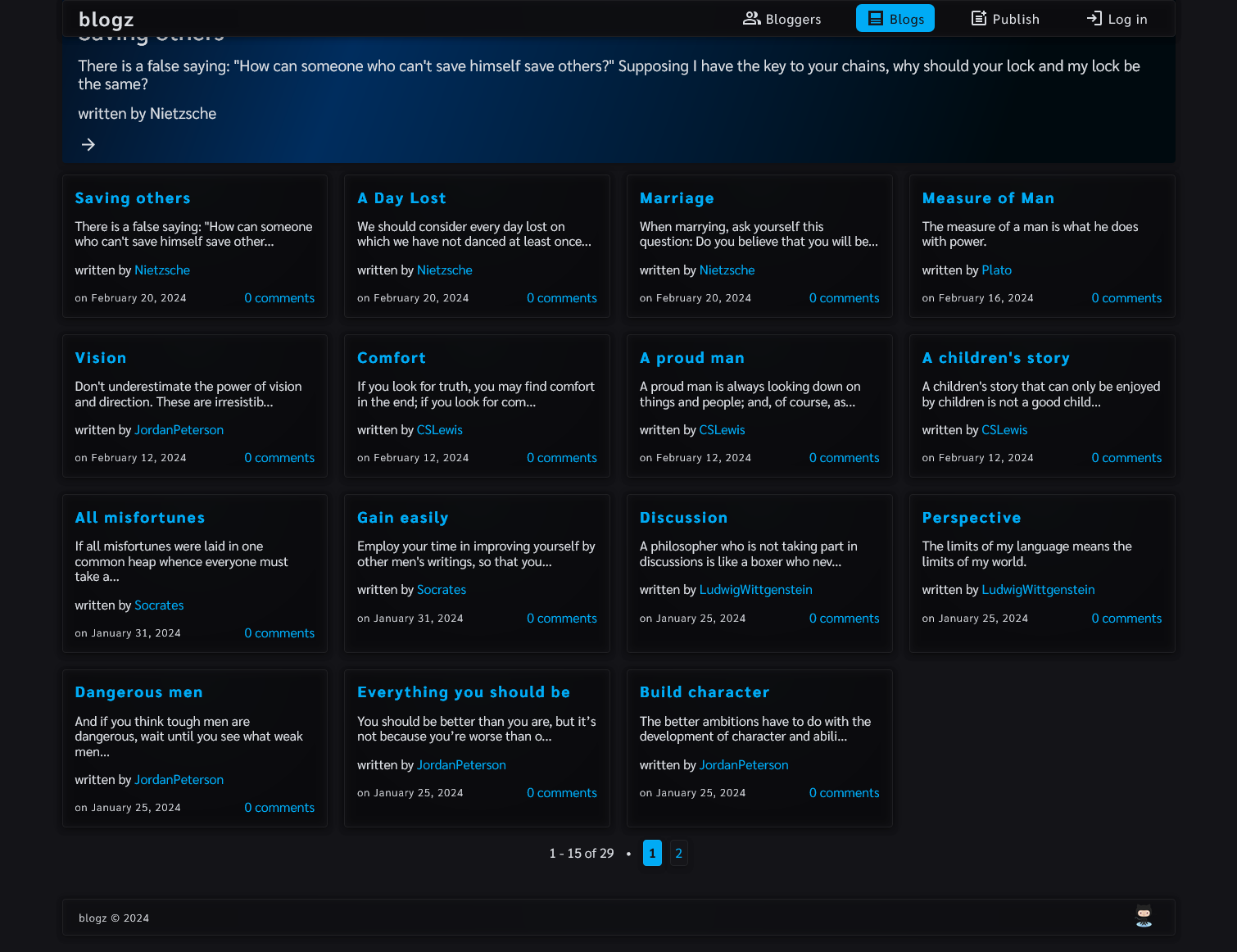
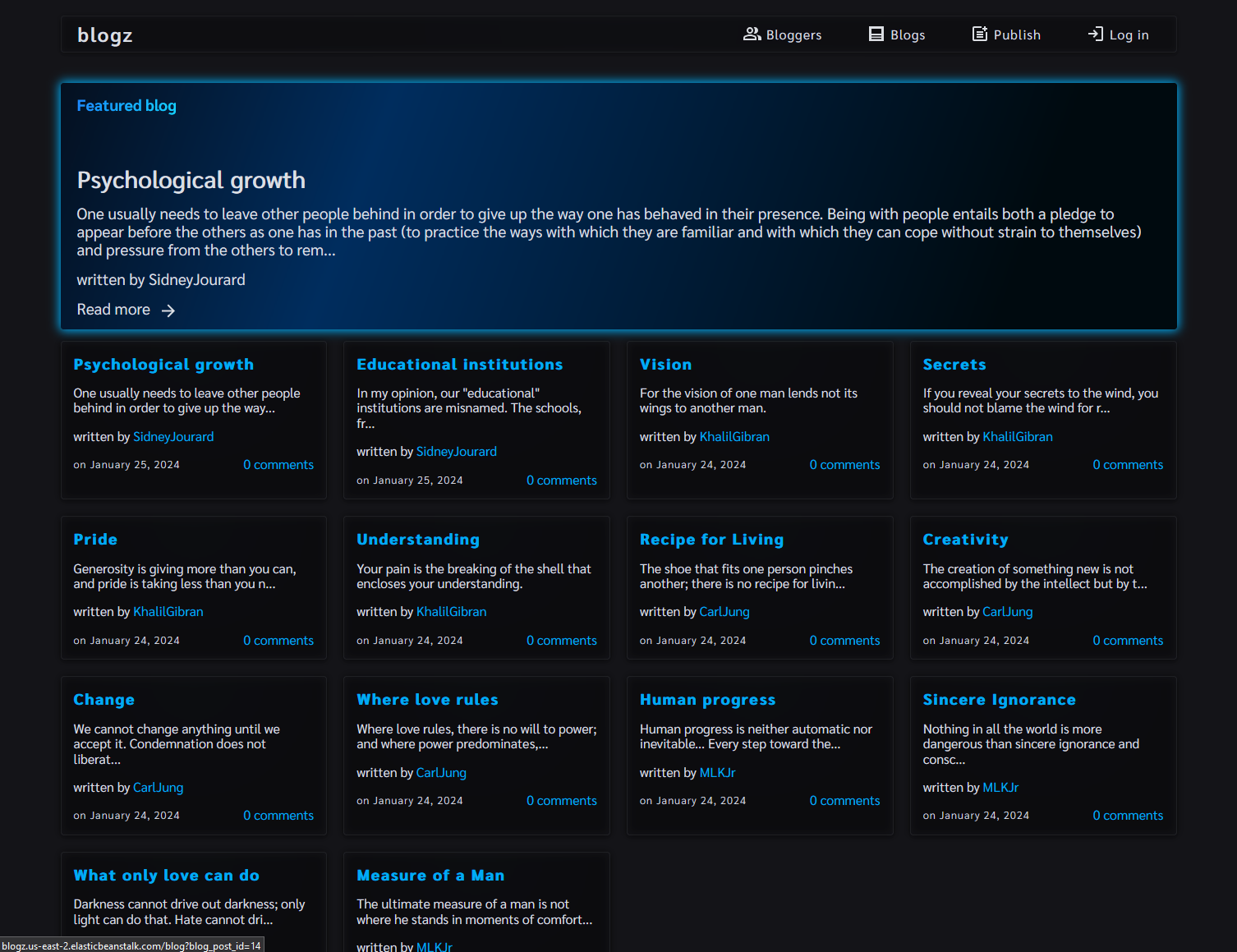
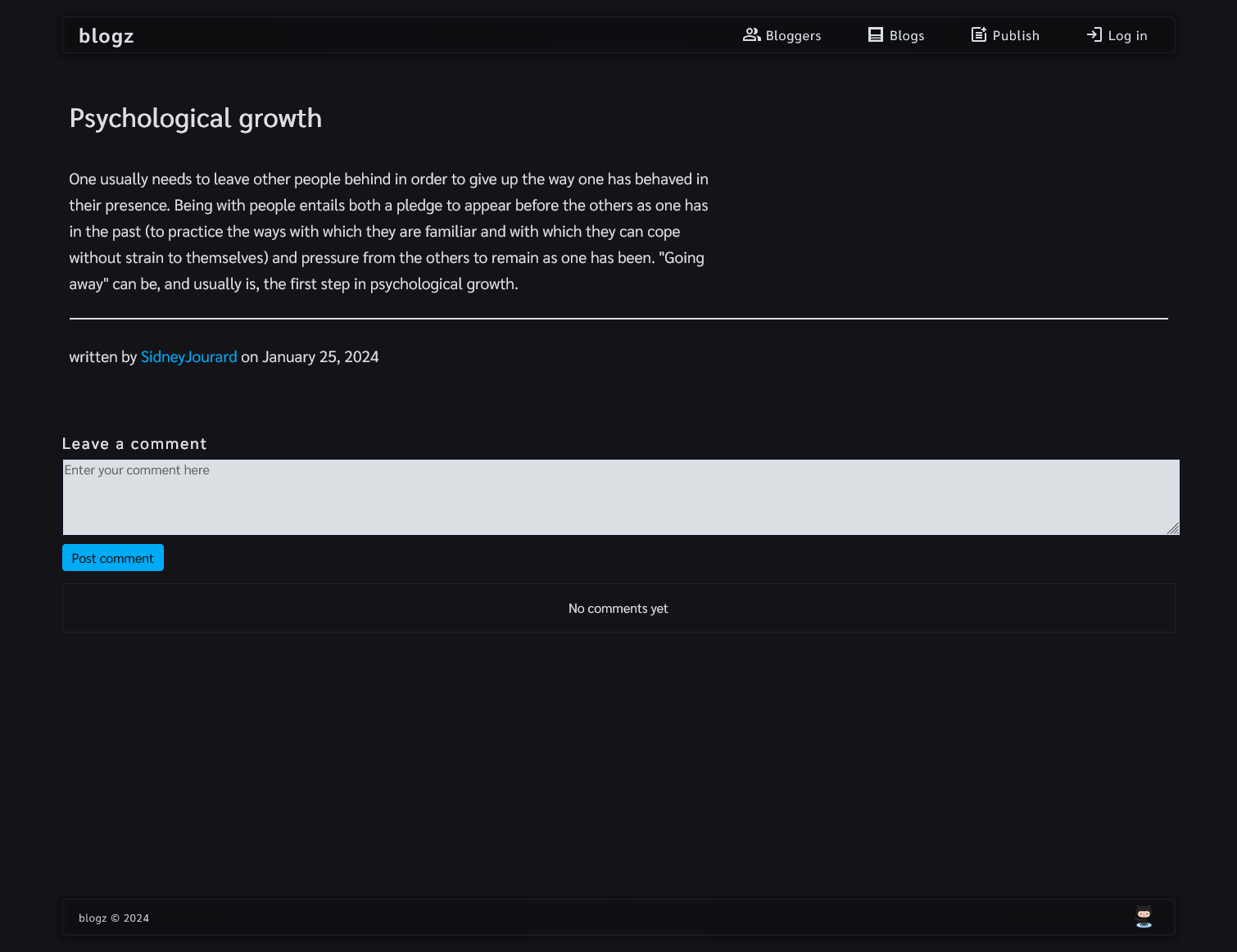
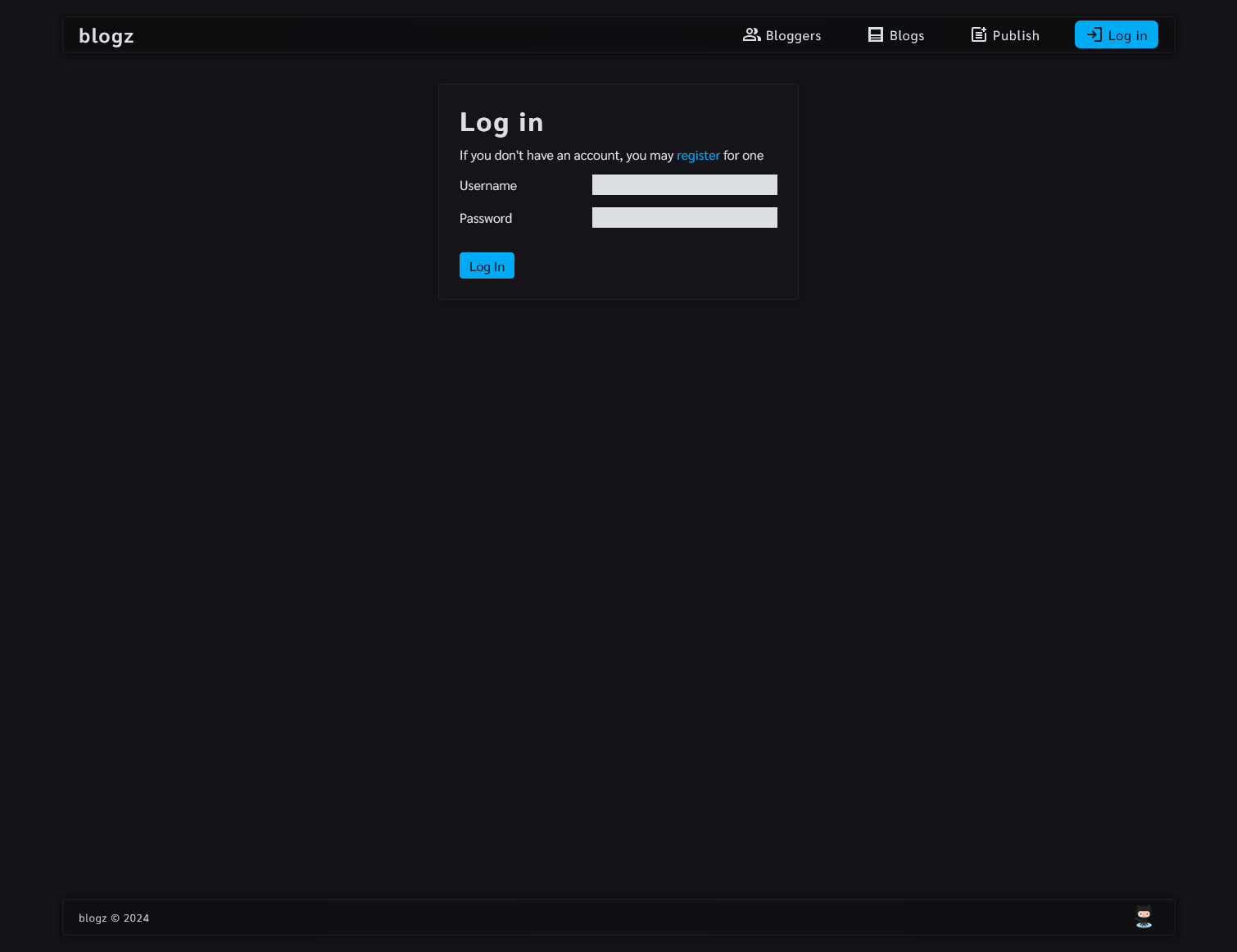
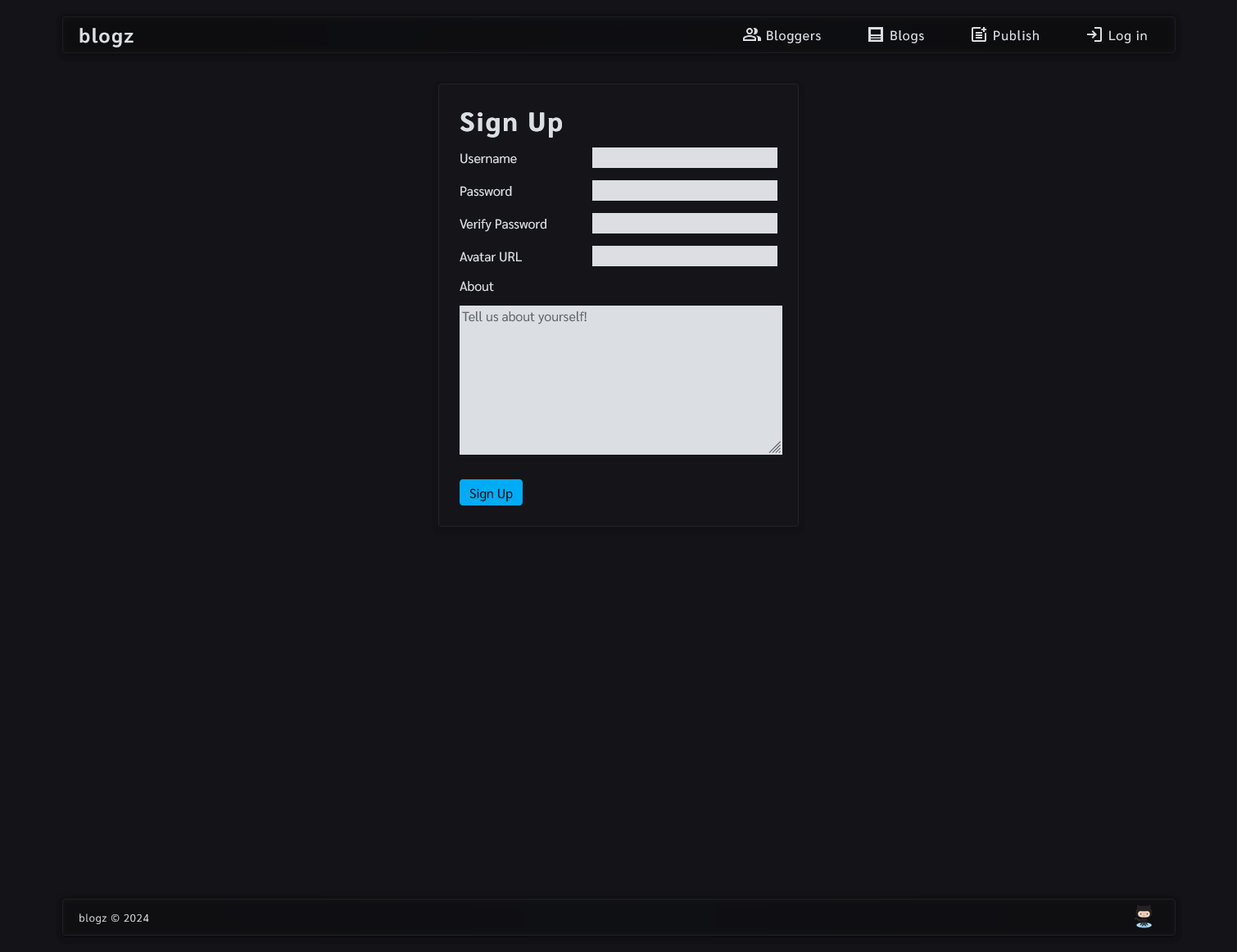
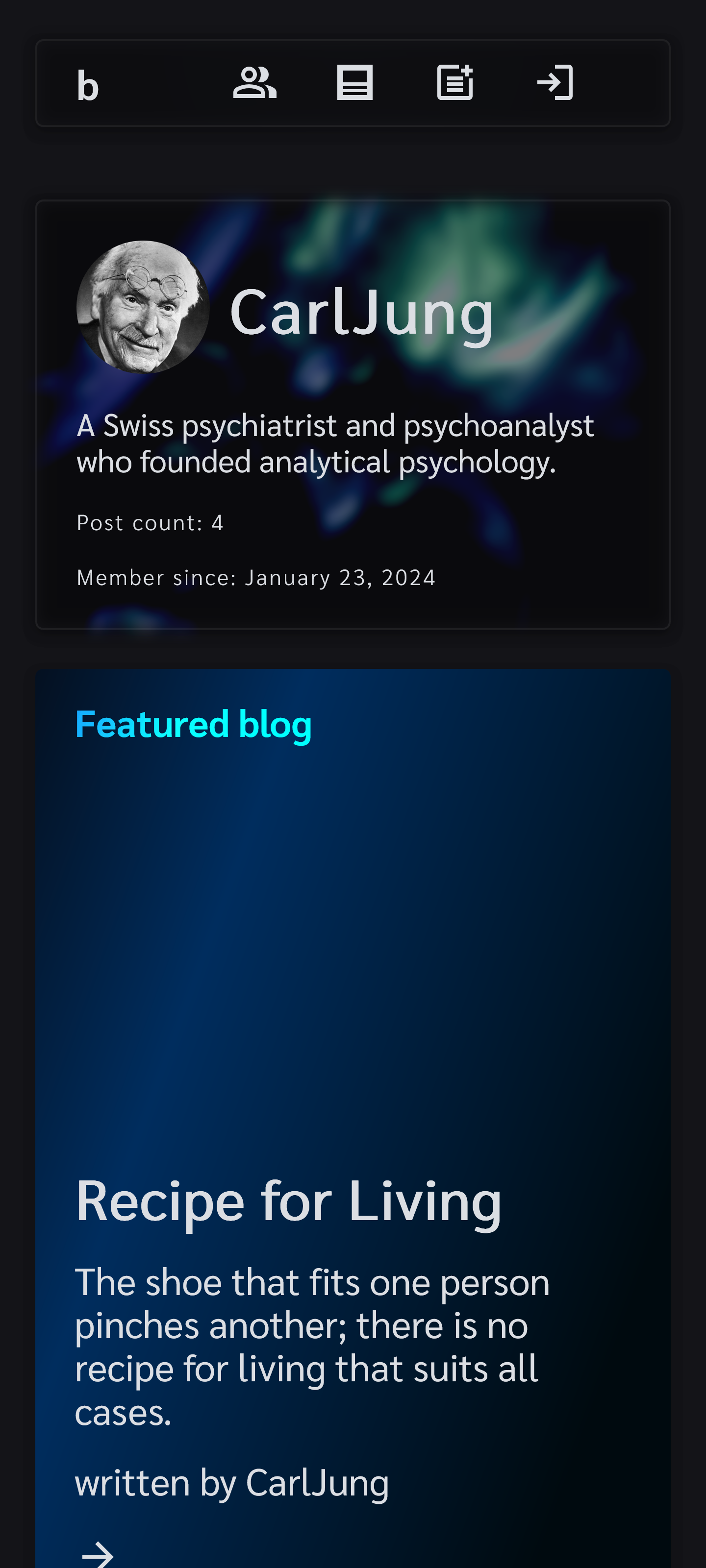
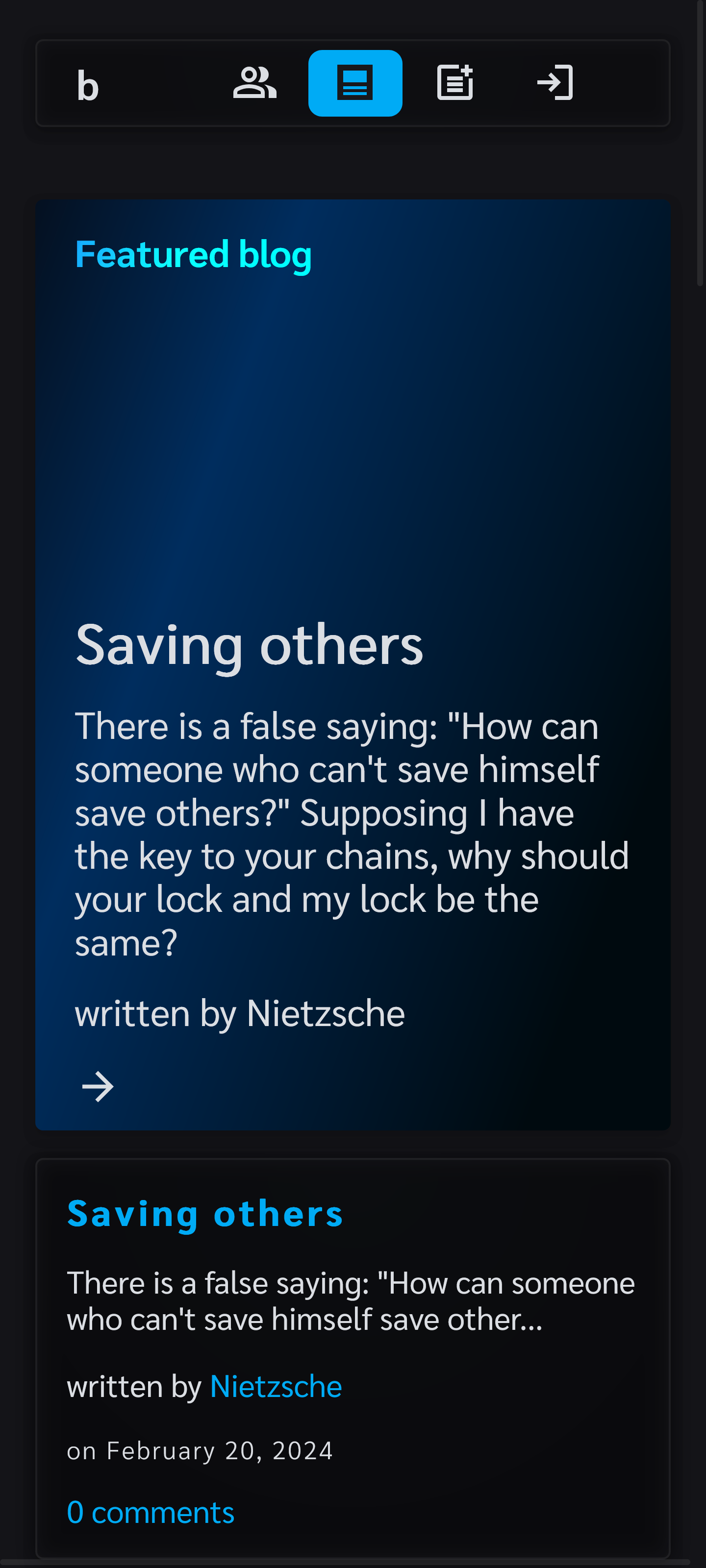
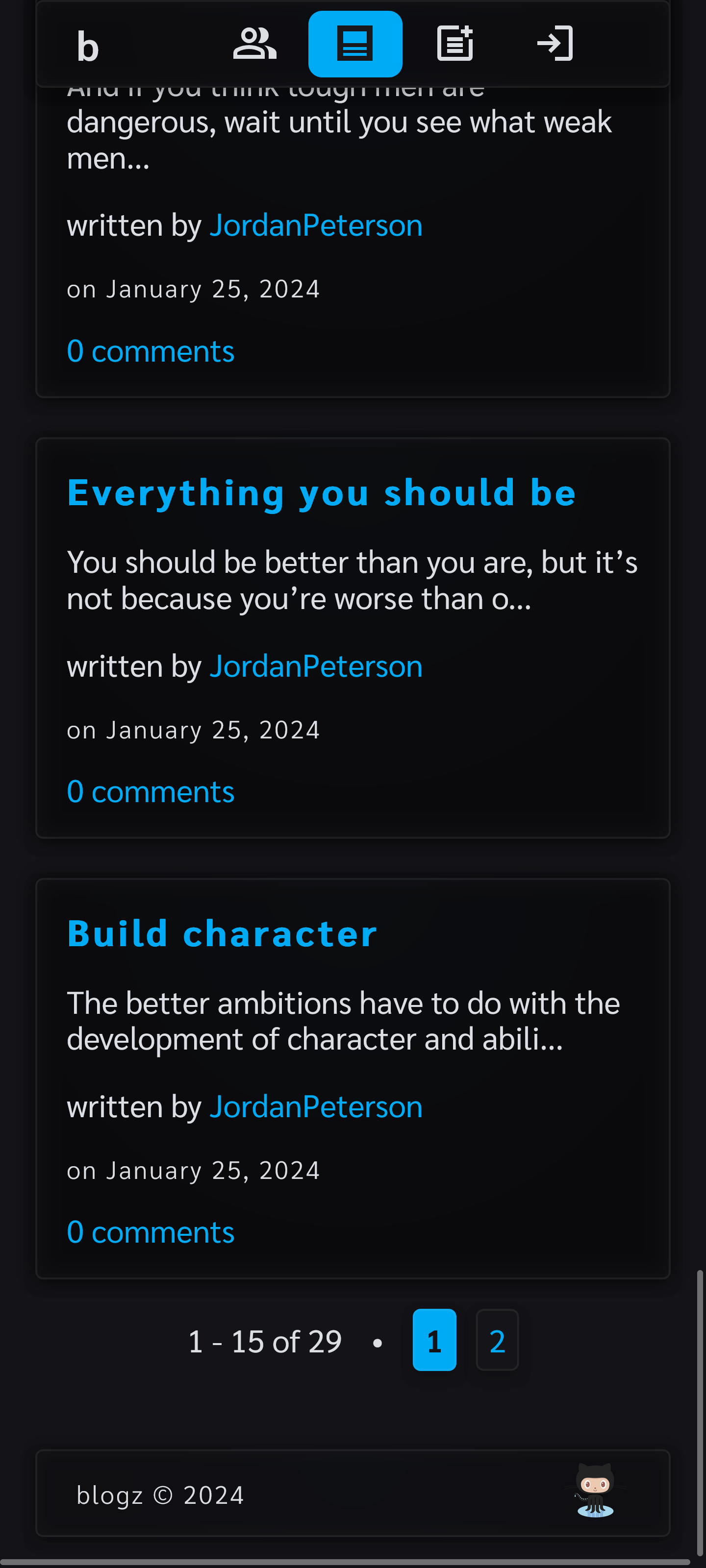
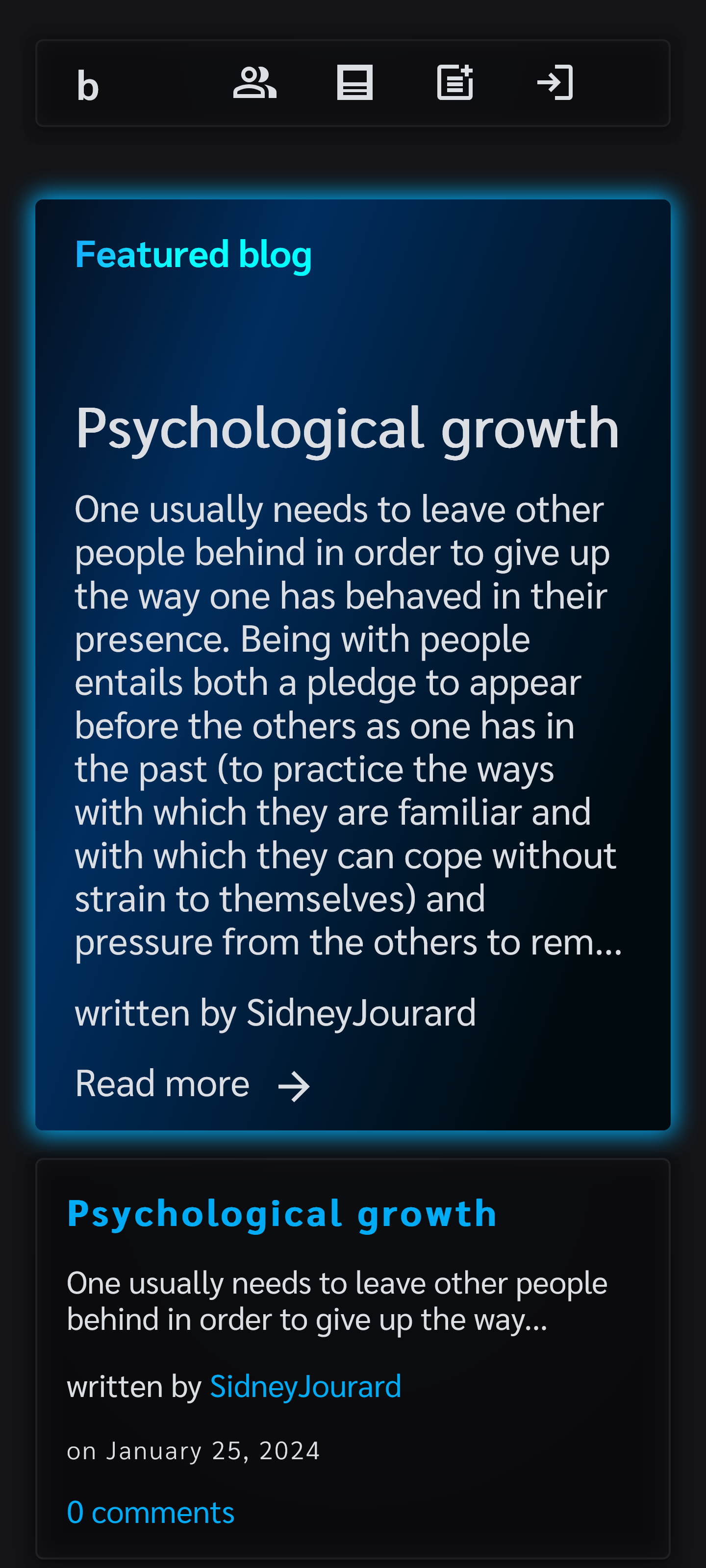
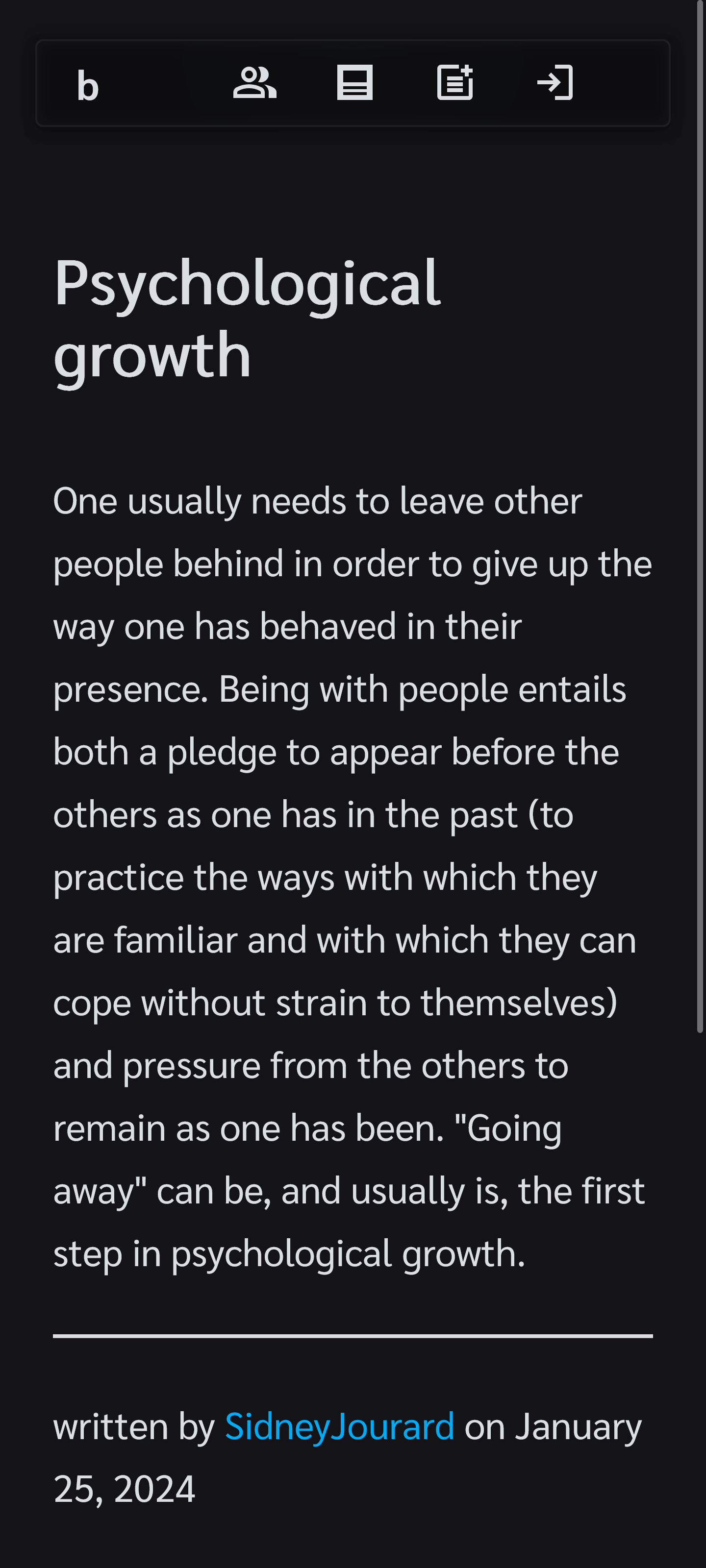
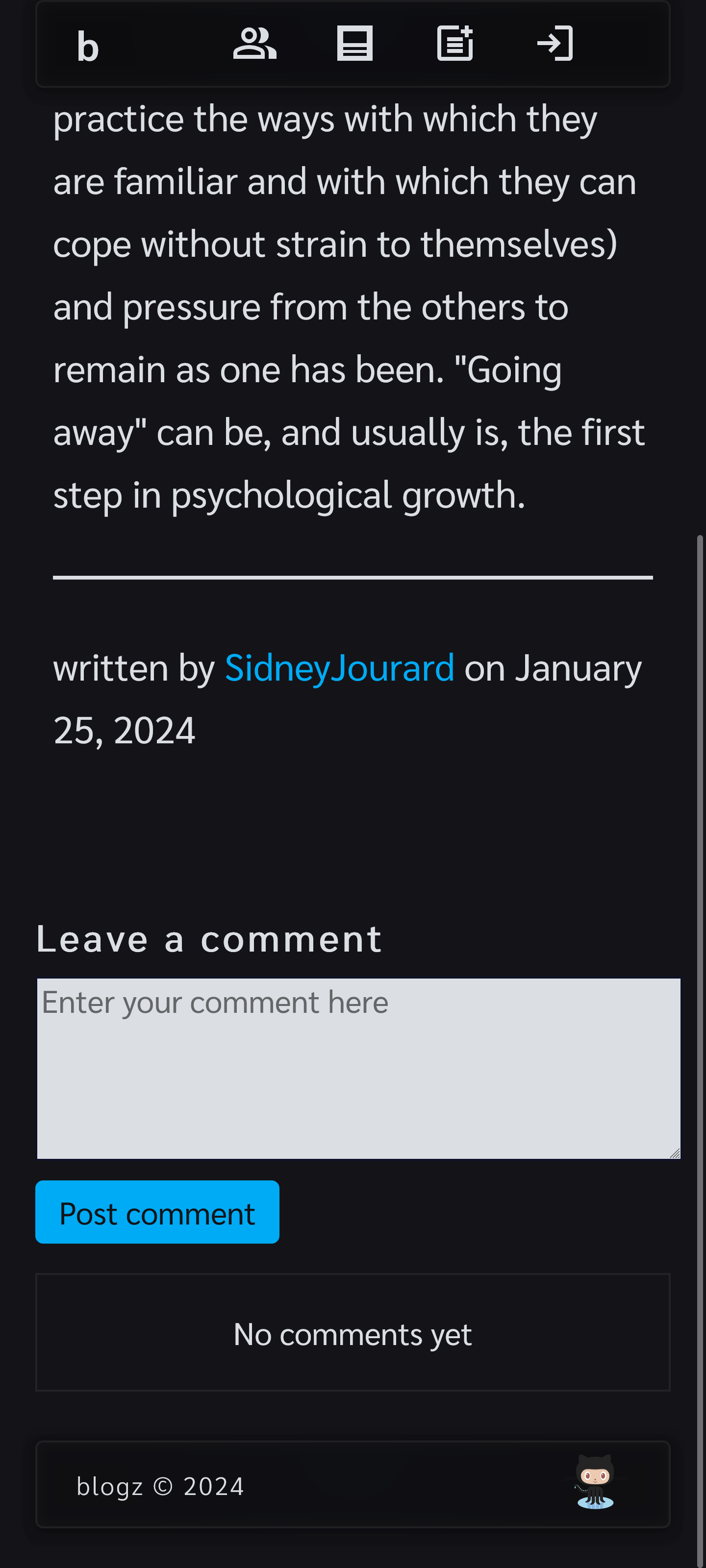
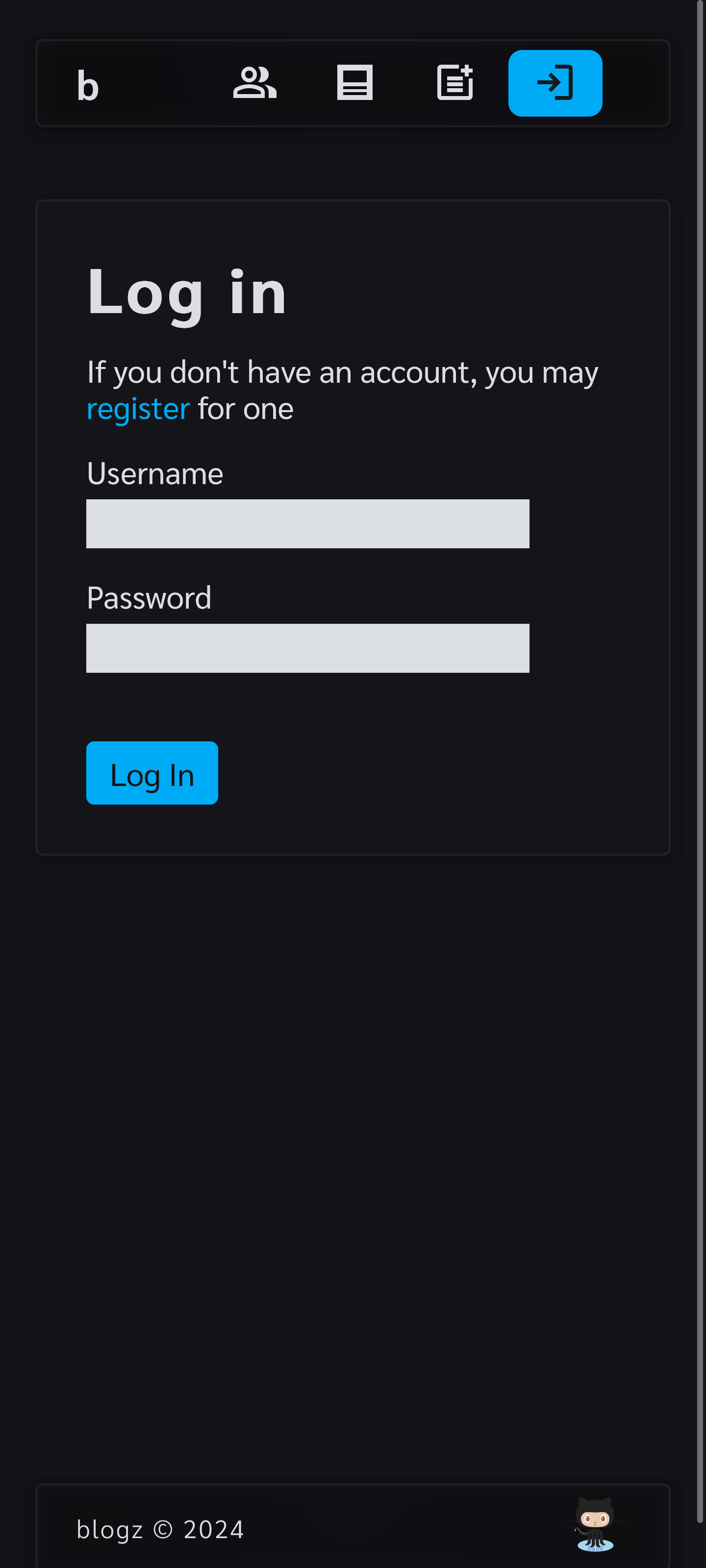
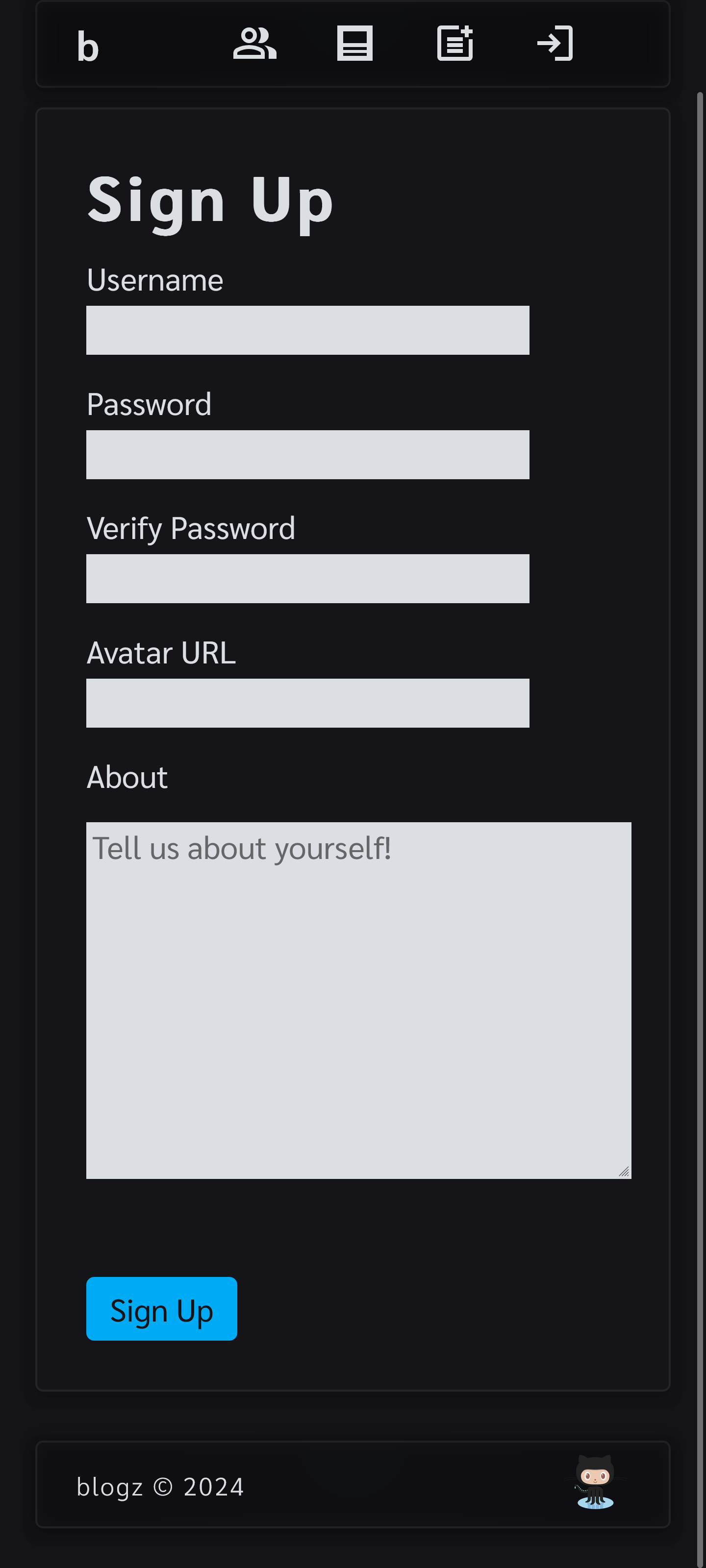
A rudimentary Python (Flask) web application where multiple users can create their own Blog (updated to use Flask blueprints). See below for a preview of the application.
This was originally a homework assignment for LaunchCode's Lc101 (2018)

- Python
- Flask
- Flask_sqlalchemy
- PostgreSQL
- HTML/CSS
- Jinja2
- Docker
- bcrypt
- gunicorn
Whether you are running the app directly on a Windows OS or indirectly via Docker, there are a few things you need to do in order to setup the application:
- You need your own PostgreSQL database instance.
- You need to create a folder named
instancein theapplicationfolder. Then create a file calledconfig.cfginapplication/instance/mimicking the template provided inapplication/instance_example/config.cfg.examplewherein the empty strings are replaced with values relating to your instance's secret key and PostgreSQL URI. - If you are trying to run this application directly on a Windows OS, you will need to install
Python 3.11. - Otherwise, you will need to install Docker so you can run the application through Docker.
Assumes you are using a modern Windows client OS such as Windows 11 or Windows 10 and that Python 3.11 is installed.
It is assumed the user is at the root of this project and is using a UNIX style command line environment when referencing the CLI commands below.
Open terminal at root of this project then move into application/ directory:
cd application/Create venv folder in application folder using Python 3.11:
python3.11 -m venv venvActivate venv:
source venv/Scripts/activateInstall python packages to venv:
pip install -r requirements.txtStart application:
python application.pyFirstly, confirm that Docker is installed and running. Next confirm that no other application is using port 5000 as port 5000 is needed for the Flask server. If you need to run Flask on an alternative port, you can modify the last line in the application/application.py file and the ports in the docker-compose.yml file.
It is assumed the user is at the root of this project and is using a UNIX style command line environment when referencing the CLI commands below.
Build Docker image and start Docker container:
docker compose up --buildVisit: http://localhost:5000 to use the application.