This is my final project for cs50 introduction to computer science (https://cs50.harvard.edu/college/2021/fall) a typing speed website with python-flask for backend.
The website has 6 routes or pages :
-
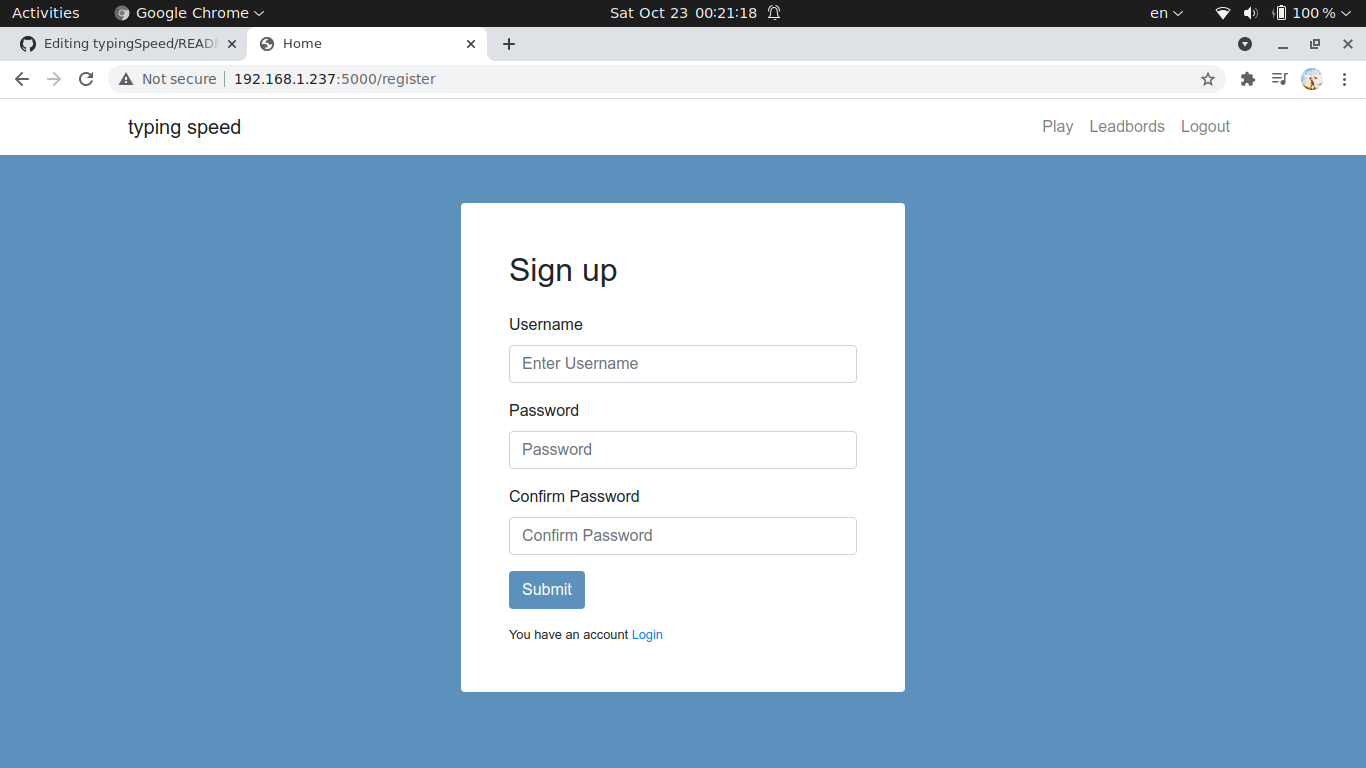
A register route, where you can register for a new account by applying a form(username/password), your info should pass some js regex checks.
-
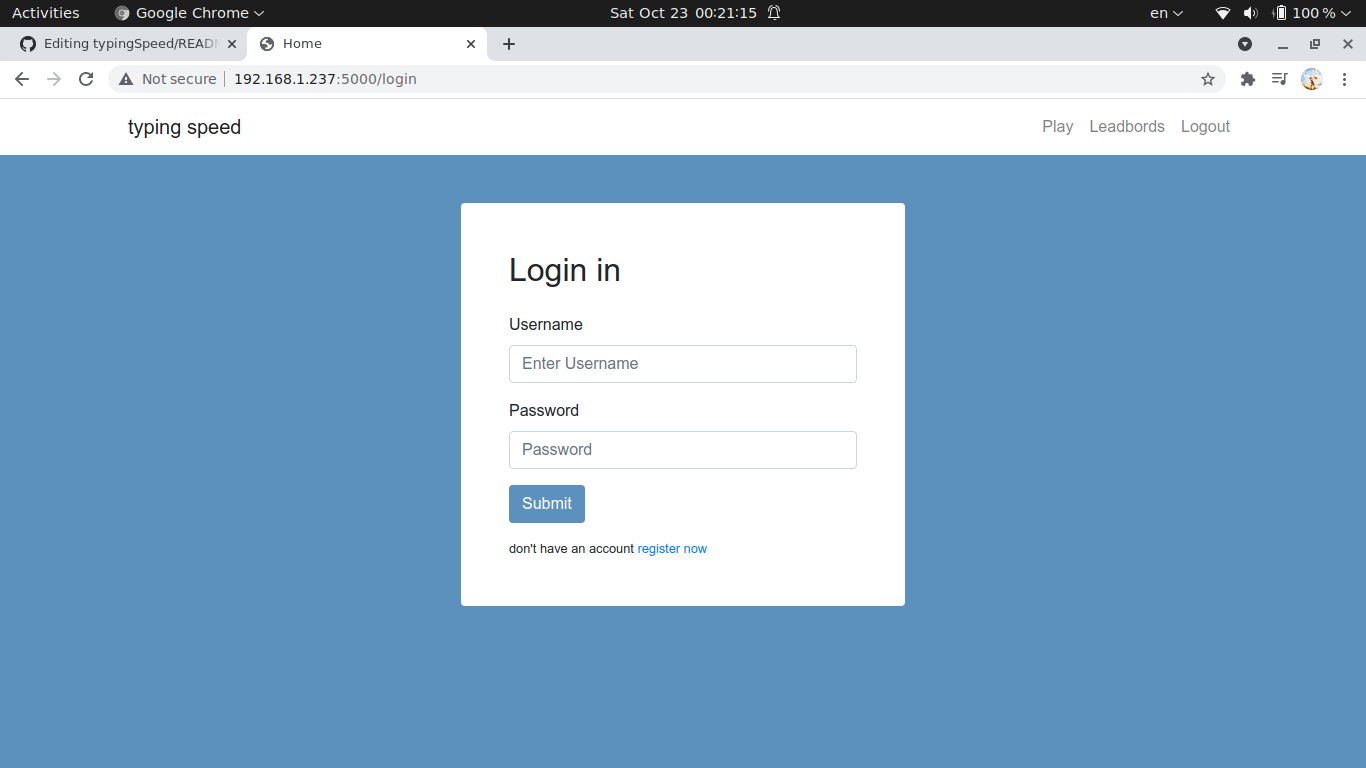
A login page, it will check if the username and password match then creates a session for the user.
-
The main page: this page will send an http request to this website "http://metaphorpsum.com/paragraphs/1", as a response, it will get a random paragraph and displays it to the user.
To start playing press the start button, a timer starts and the user should write the displayed paragraph in an input field as fast as possible.
After typing the paragraph, the timer stops, and the average typing speed is calculated usimg this simple formula number of words/time (in minutes). A request with the typing speed will be sent to the app to update the database.
Well let's talk a little about what happens when the user is typing, let's say that the user has to type the word "hello " after typing the first letter "h" correctly it will be colored with a blue color then "e","l","l", but instead of pressing "o" the user press "p" so it will be colored with "red" marking his fault, and the "o" should be fixed or you can't proceed to type the remaining letters, after typing "hello" correctly and hitting space, the input field is cleared and you can proceed to the next word and the same thing will repeat until you finish.
I tried another methods for checking but i think this one is the best atleast for me.
Finally we have just one small problem remaining the annoying touchpad with random clicks that blur the input so i added a simple line of code to the inputfield
onblur = this.focus()it helps a little bit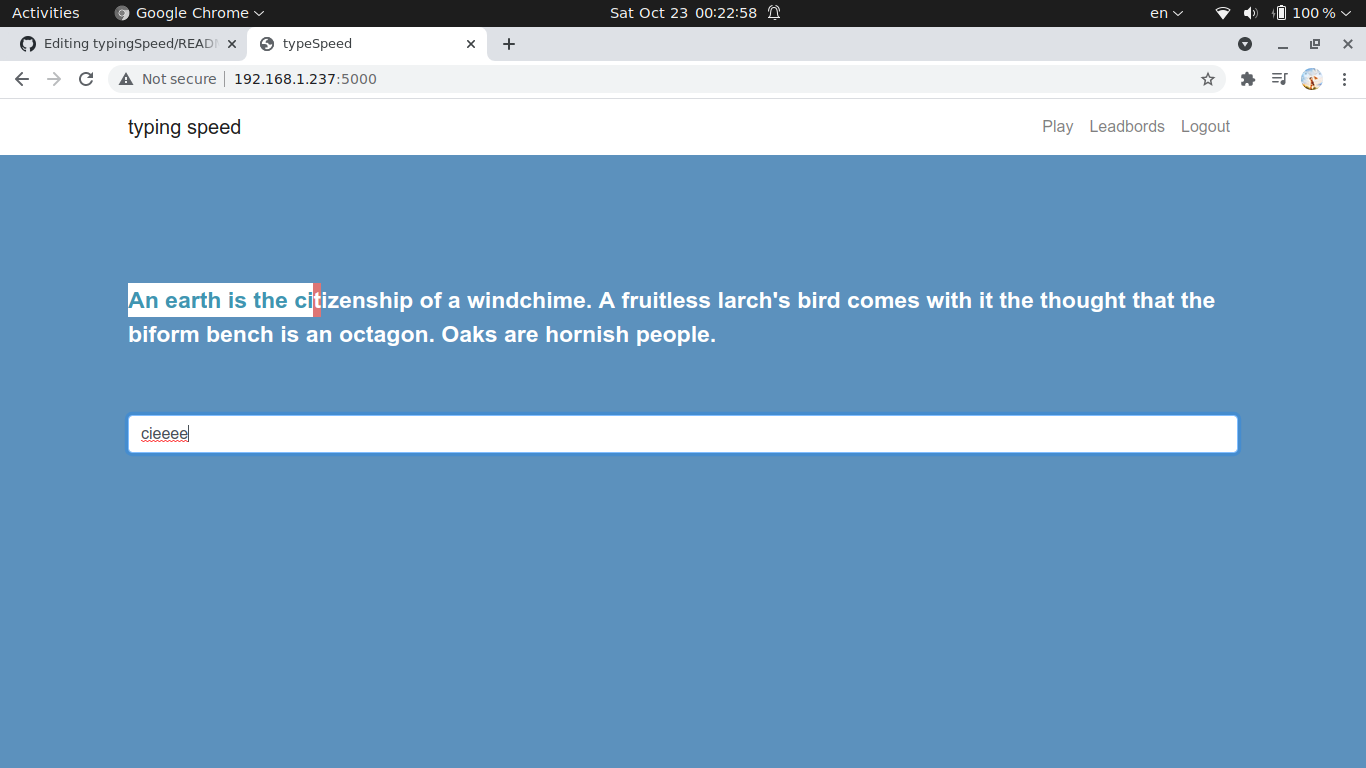 .
. -
the score page well you wont see this page at all, just when a game is finished this route will receive the score to update the database.
-
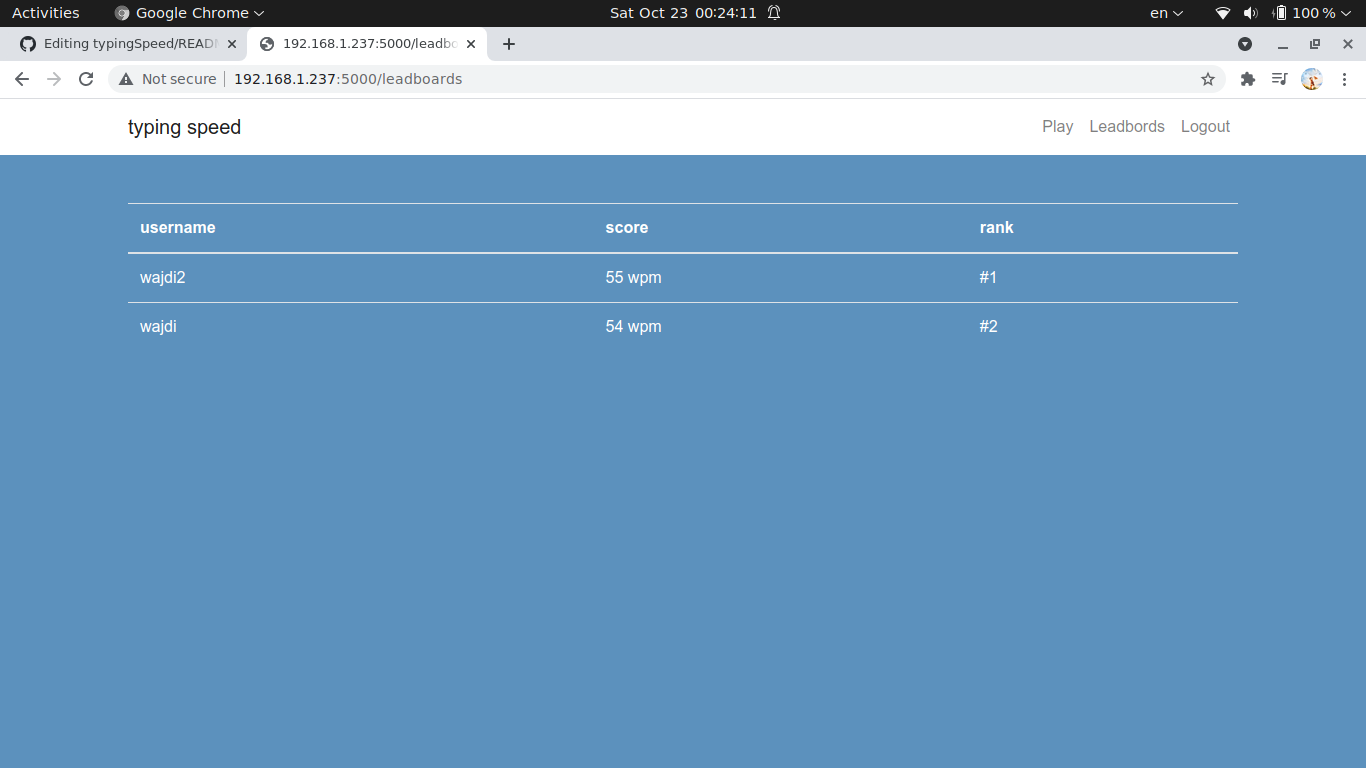
the leadboards where you can the top 10 users with highest speed.
-
the logout nothing specific about this route just clear the session.
To run the app :
- install python3.
- install flask ,
pip3 install flask. - run the command
python3 app.py.
That's all enjoy!.