


QuickShell QML shell + 12-palette theming for Hyprland on X.
Quick Install · Features · Customization · Quick Reference · Structure · Documentation · Acknowledgments · X
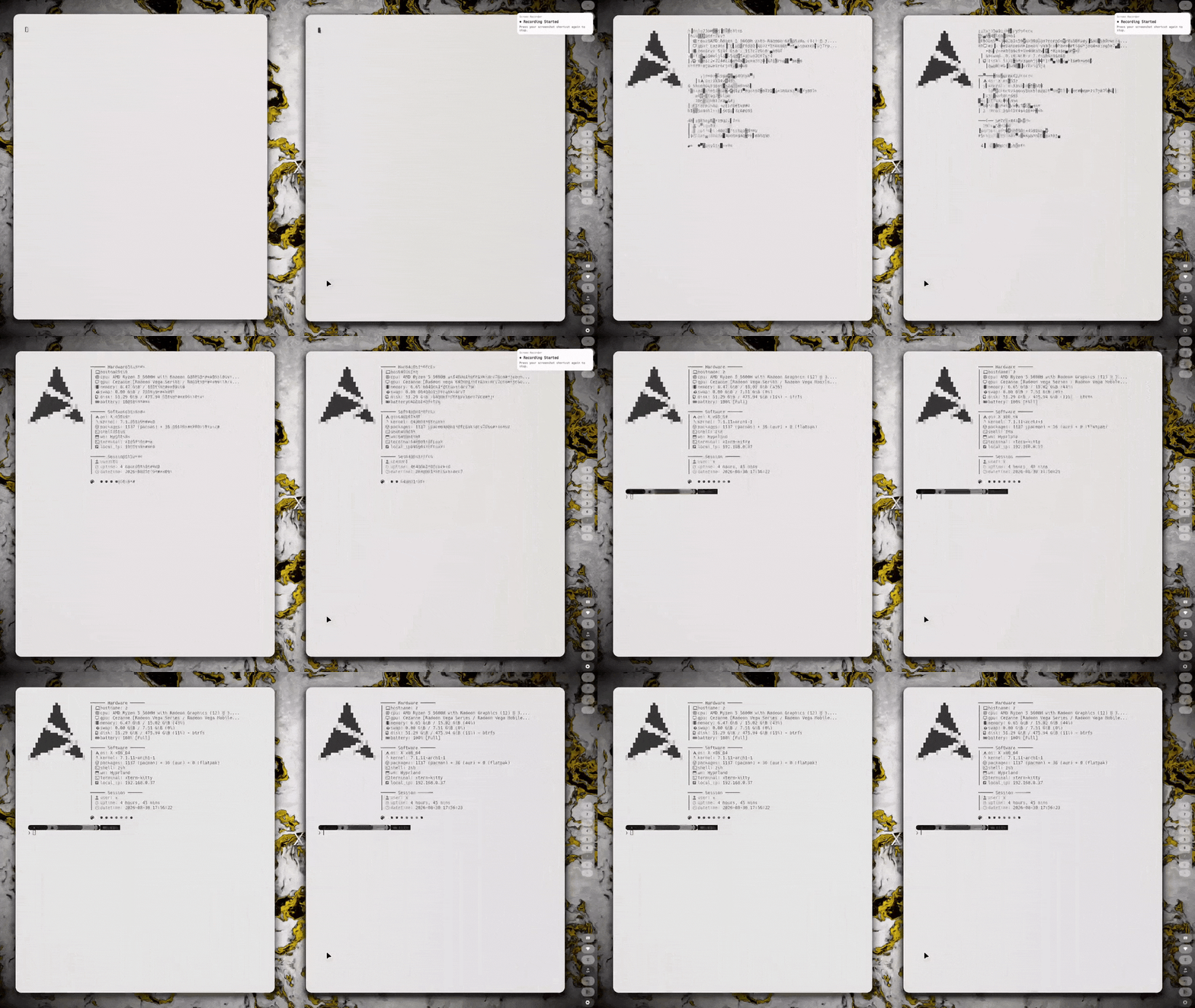
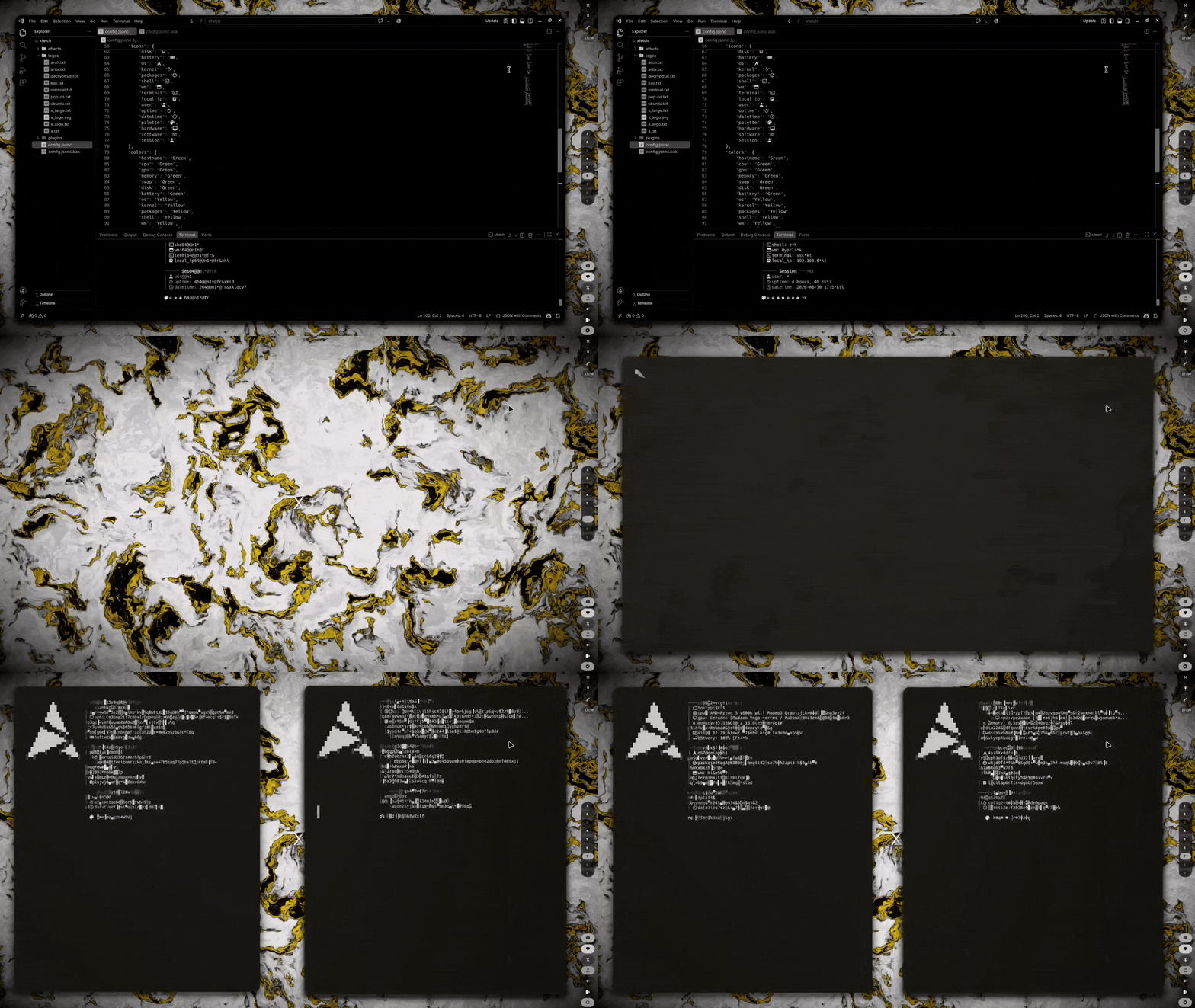
More...
git clone https://github.com/xscriptor-colors/hyprland.git
cd hyprland
chmod +x install.sh
./install.sh
Options: --dotfiles-only (config only), --nvidia-only (NVIDIA setup only).
The installer detects your distro and GPU, installs packages (Hyprland, QuickShell, SwayOSD, kitty, rofi, and more), backs up existing configs, deploys all dotfiles, optionally configures NVIDIA Optimus, installs the SDDM theme, and installs kitty / Neovim from their own repos (`xscriptor-colors/terminal`, `xscriptor-colors/nvim`).
- QuickShell QML UI -- App launcher, clipboard, calendar/weather, network, audio, battery, music (MPRIS), wallpaper picker, system monitor, RSS reader, file search, quick notes, focus timer, screen recording, QR scanner.
- Lua Config -- Hyprland 0.55+
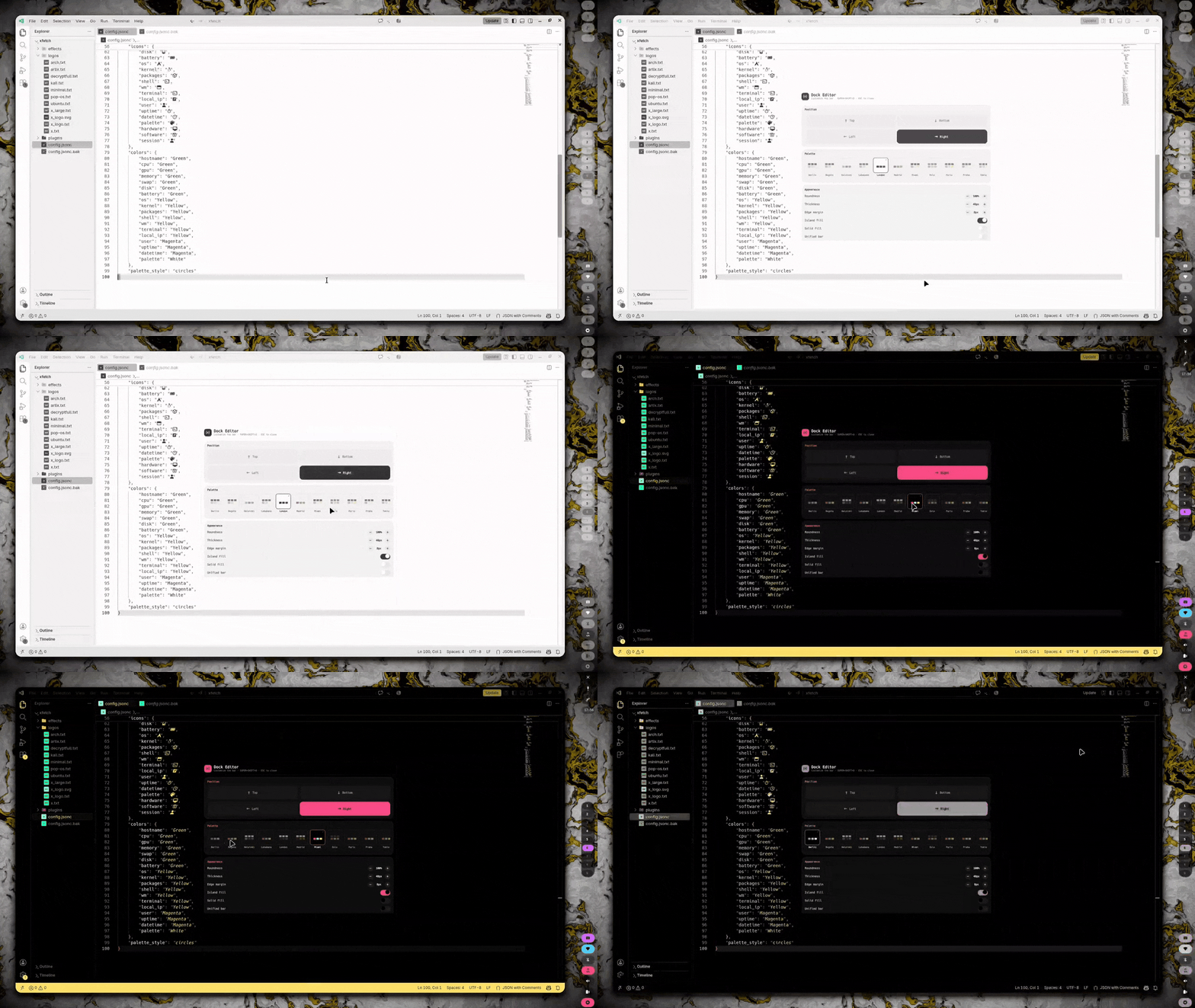
hyprland.luamodular config (env, colors, keybinds, animations, rules, autostart) with the active palette. - 12-Palette Theming -- `dock/palettes` drive the bar, window borders, kitty, starship, VS Code (color + icons), SDDM and Neovim in real time via `theme-sync.sh`.
- Modular Config -- Split across focused Lua modules. QuickShell reads
settings.jsonfor its widgets. - NVIDIA Optimus -- GPU mode switching (integrated/hybrid/nvidia) via keybind or Rofi.
- Multi-Monitor -- Auto-detection at max refresh rate (Lua wildcard), Rofi-based position/resolution/refresh rate manager.
- SDDM Theme --
xtheme synced to the active palette with dynamic wallpaper background. - Screen Recording -- GPU capture with separate desktop/mic audio channels.
- Neovim Config -- lazy.nvim, LSP (Mason), Treesitter; palette data from `dock/palettes`, config from `xscriptor-colors/nvim`.
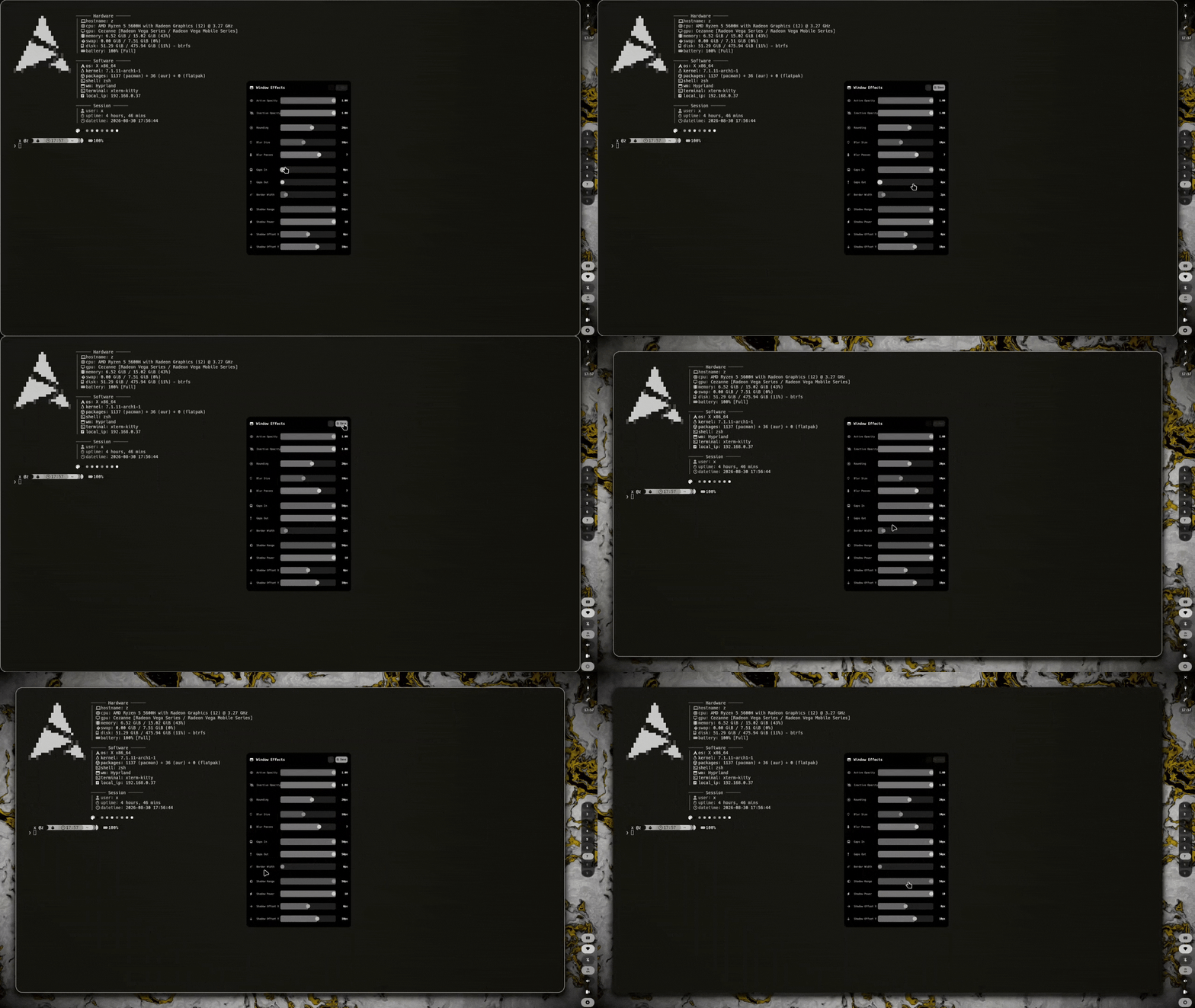
SUPER + W wallpaper picker · SUPER + SHIFT + S / SUPER + SHIFT + D settings panel (unified bar-editor: scale, language, startup, dock, palette, borders, zones) · SUPER + SHIFT + B window effects (opacity, blur, rounding)
See Hyprland Config for file structure, Quick Reference for all keybinds, and Widgets for widget details.
SUPER + Return Terminal · SUPER + D Apps · SUPER + W Wallpaper · SUPER + S Calendar · SUPER + Space Float · SUPER + L Lock · Print Screenshot · SUPER + Escape Exit
hyprland/
  install.sh                  Automated installer (installs kitty/nvim from their repos)
  uninstall.sh                Config removal
  config/hypr/                Hyprland Lua configs (hyprland.lua + modules) + QuickShell QML widgets
  config/hypr/.../dock/palettes   12 palettes (single source of truth)
  config/rofi/                Launcher themes
  config/dunst/               Notification daemon
  config/cava/                Audio visualizer
  config/hypridle/            Idle management (dim, lock, suspend)
  config/sddm/                SDDM login theme (x, palette-synced)
scripts/ Shell scripts and daemons (theme-sync.sh, sddm-colors.sh)- Installation -- Full install, uninstall, and post-install guide
- Quick Reference -- All keybindings, widgets, and scripts at a glance
- QuickShell Widgets -- Widget architecture, IPC system, and QML components
- Scripts -- All shell scripts and daemons
- Dock System -- Position-agnostic dock: architecture, config schema, customization hooks
- Dock Modules -- Module contract, ModulePill API, adding/customizing modules
- Hyprland Configuration -- Modular config structure and dynamic reload
- Palette System -- The 12 palettes, `Colors.qml` roles, live border sync
- Screenshots & Recording -- Capture system with virtual audio
- Neovim Configuration -- Editor setup from `xscriptor-colors/nvim` (palettes from the panel)
- Multi-Monitor Setup -- Display configuration guide
- GPU Mode Switching -- NVIDIA Optimus control
License · Code of Conduct · Roadmap · Changelog · Security