
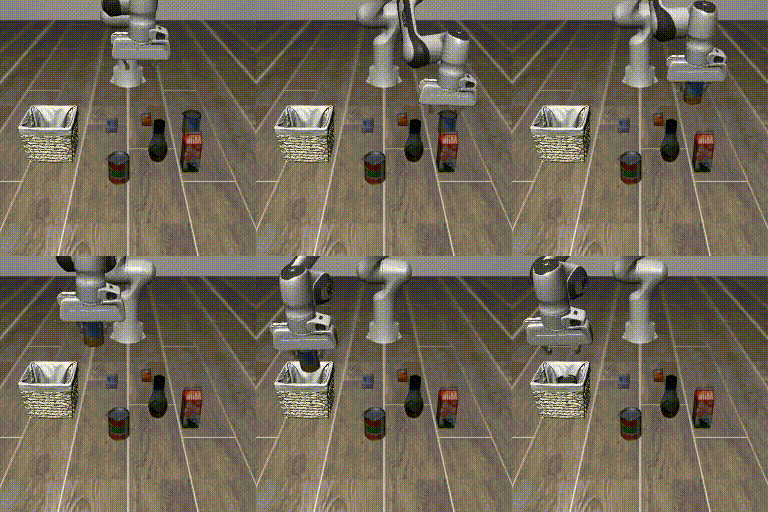
| ACT - RLBench | Diffusion Policy - ALOHA-Sim | ACT - Square | FlowMatching - Transport | SmolVLA - MetaWorld |
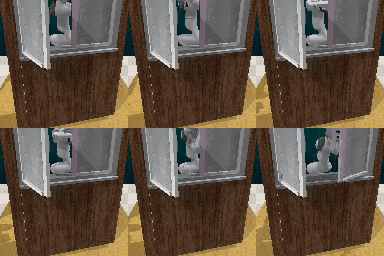 |
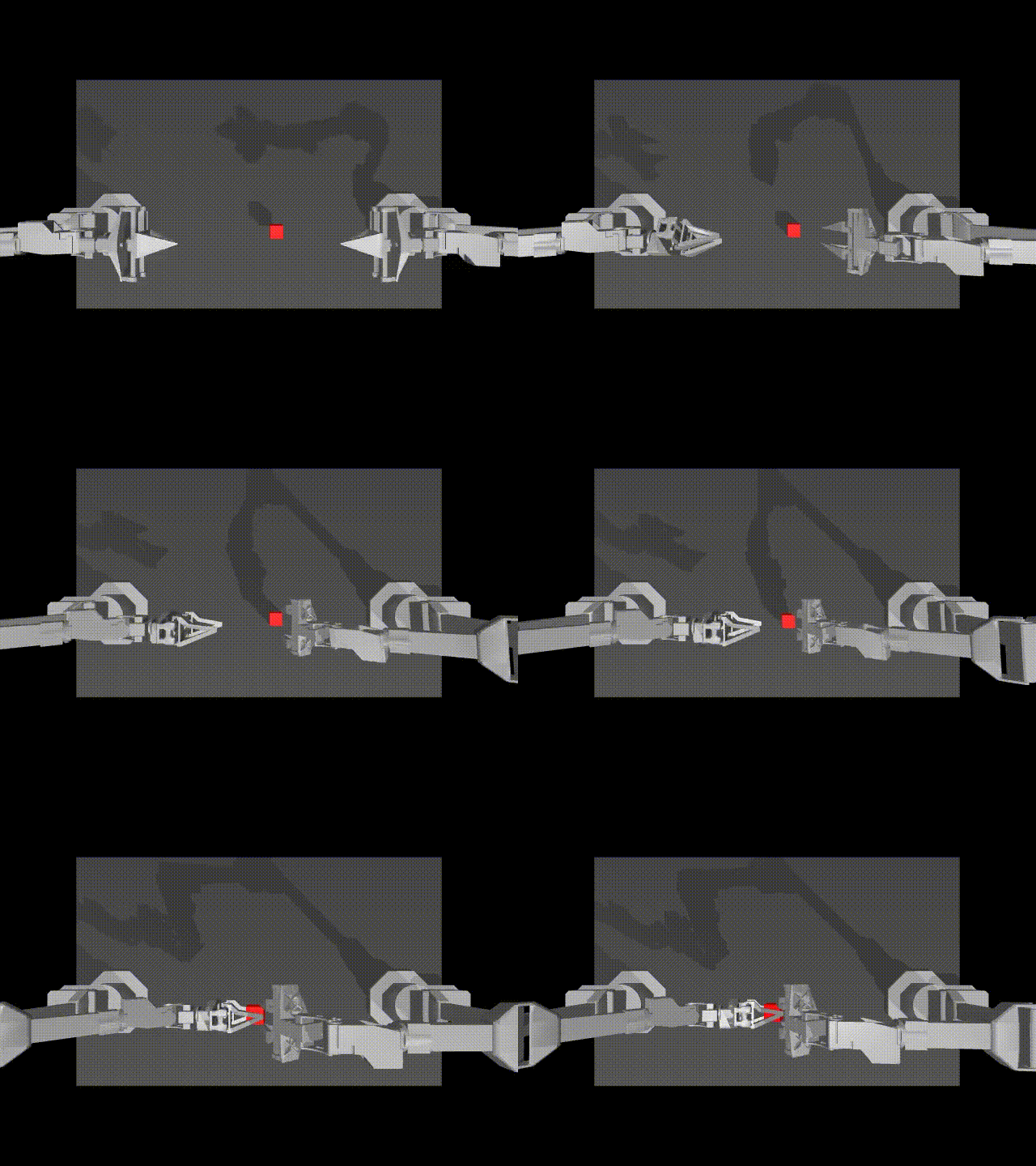 |
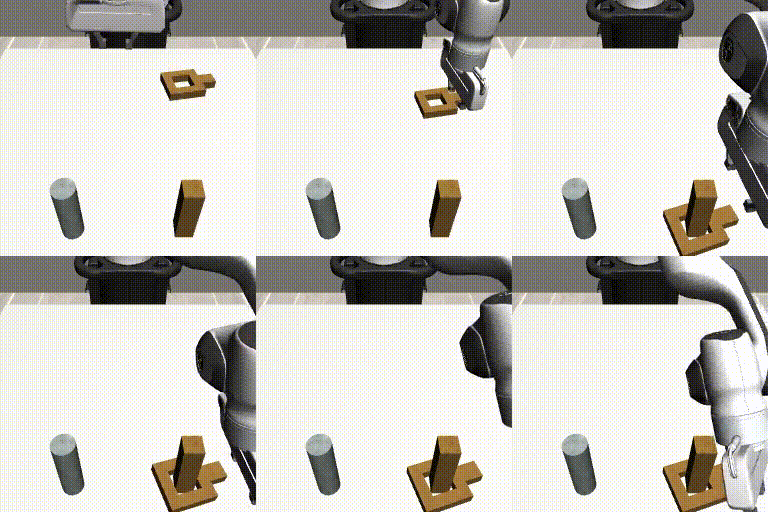 |
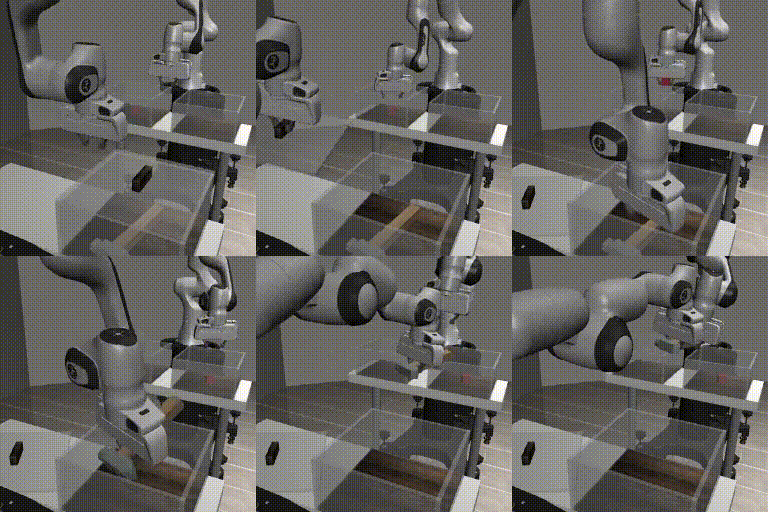 |
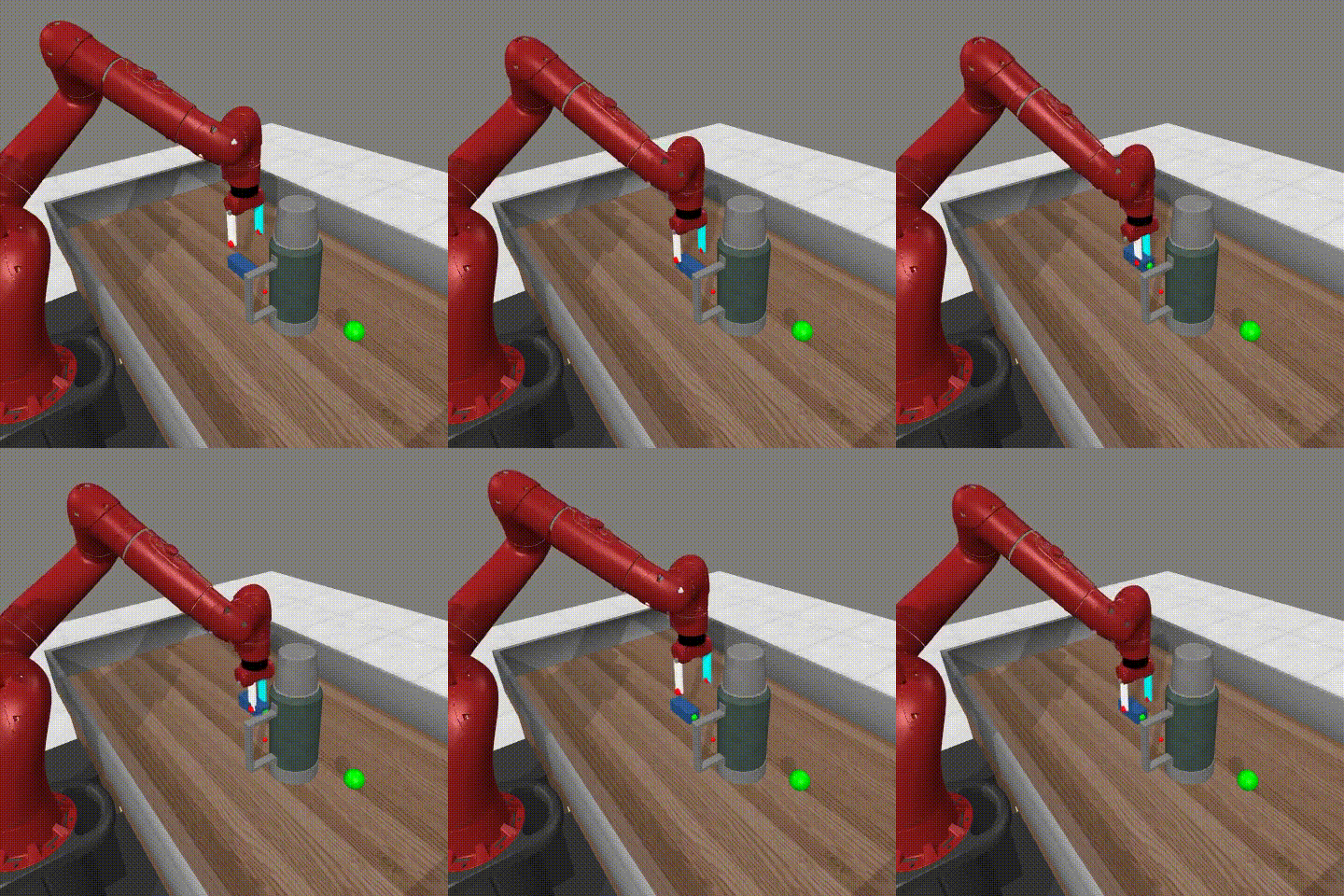 |
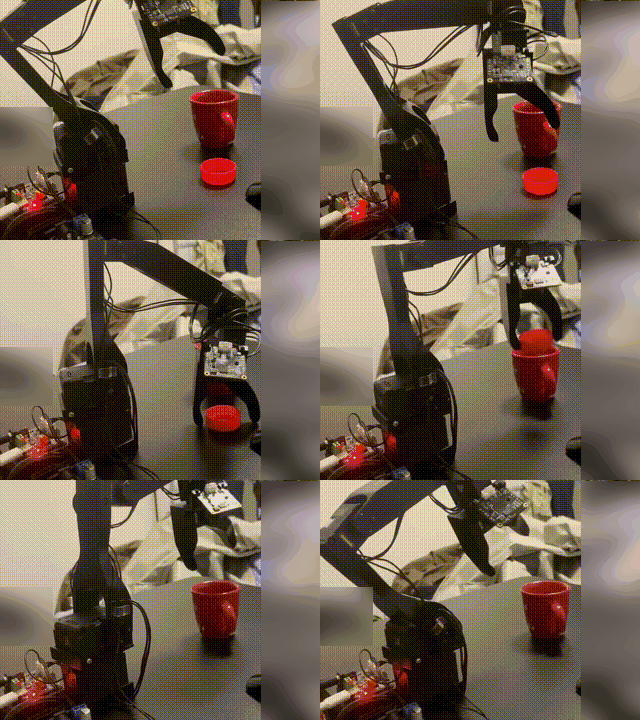
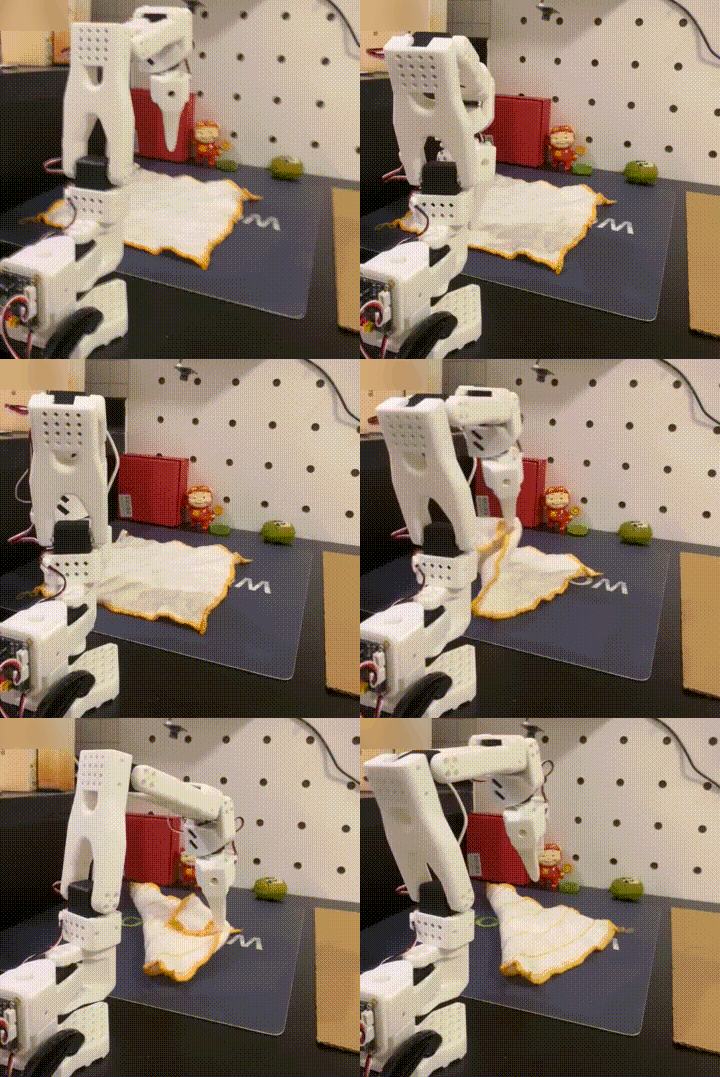
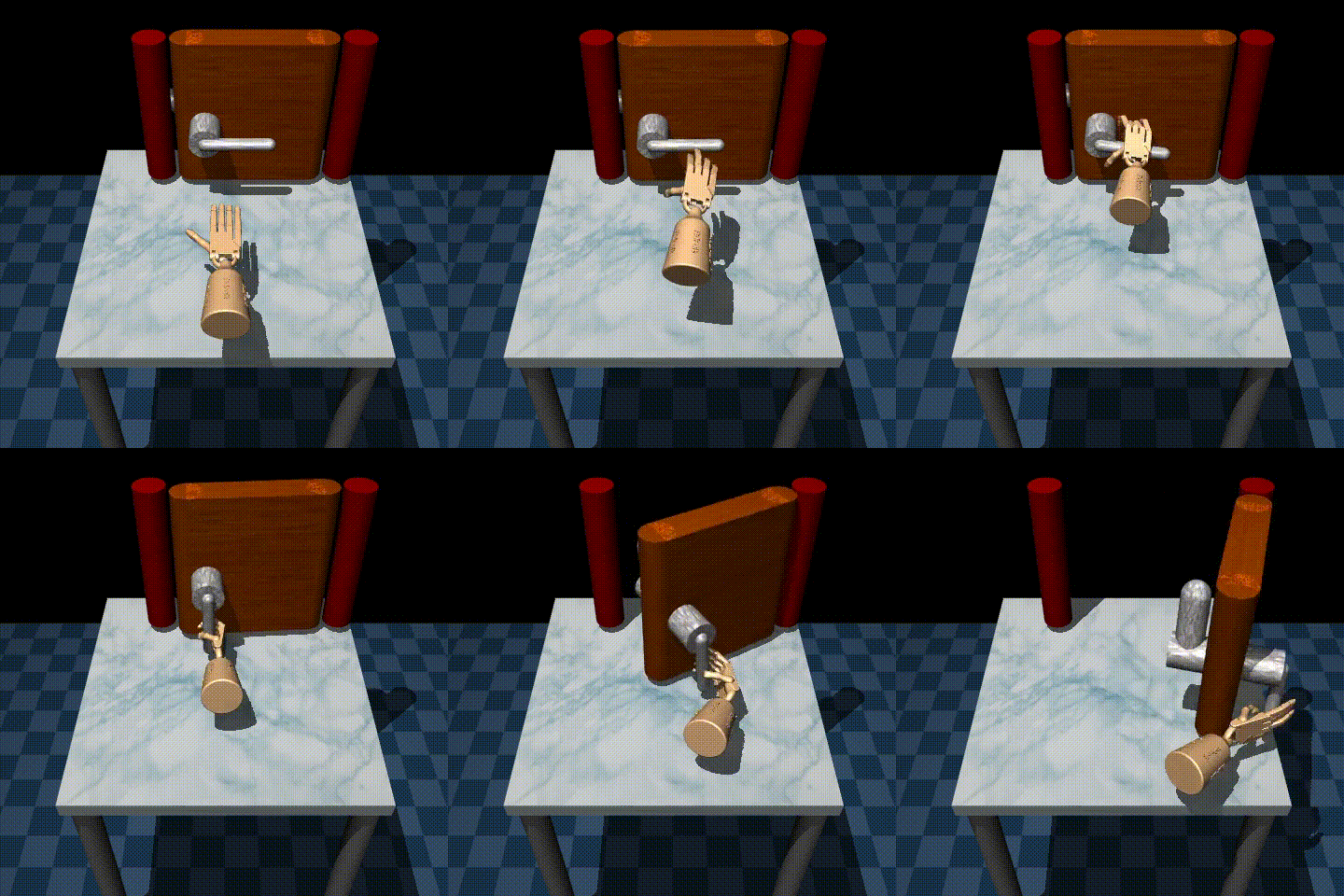
| Koch - Pick & Place -Inference | SO101 - Fold Tower -Inference | BC_MLP - AdroitHandDoor | Pi0 - LIBERO | ACT - RoboTwin |
 |
 |
 |
 |
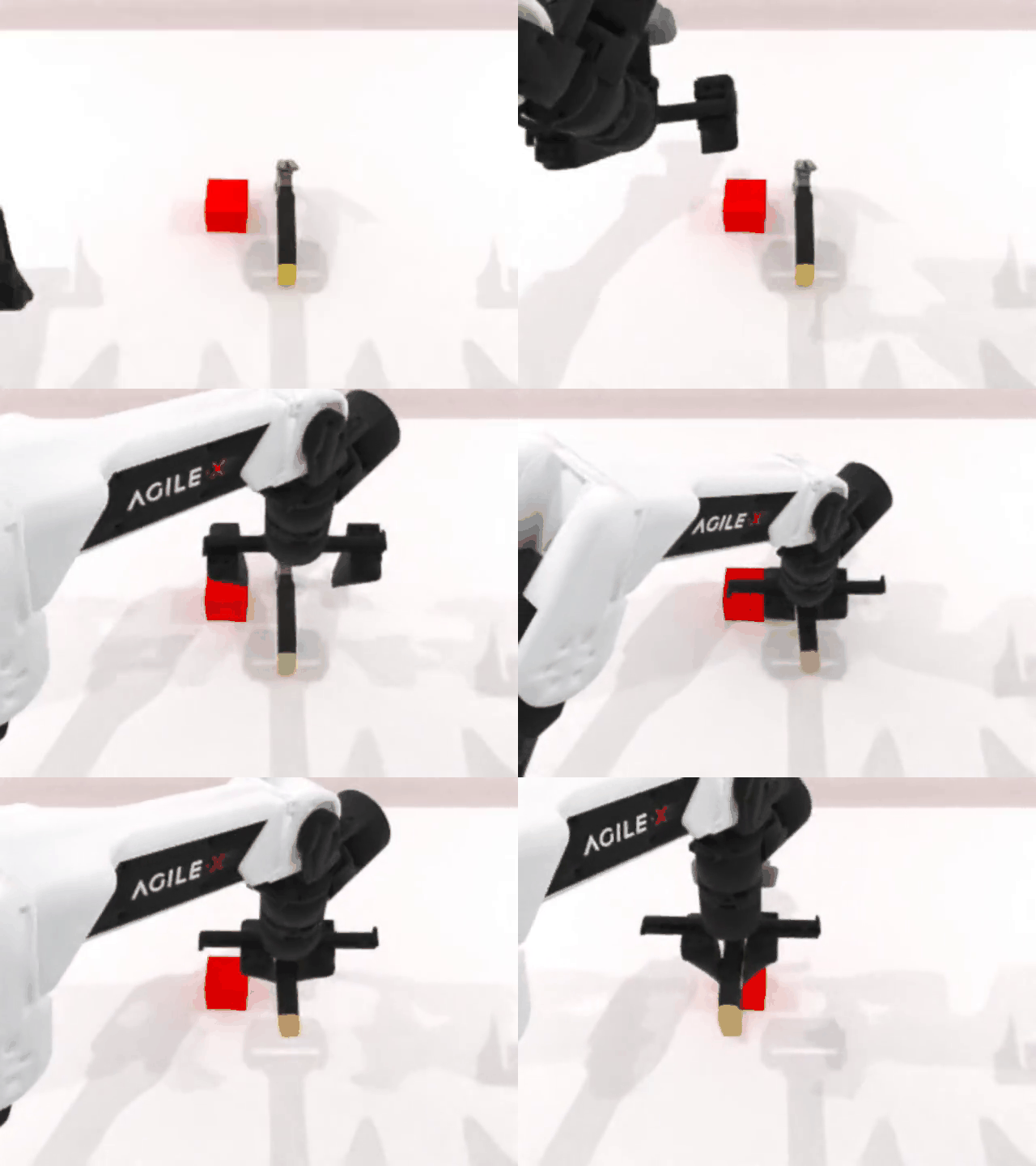 |
IL-Studio is an open-source repository that lets researchers and engineers jump-start imitation-learning experiments on popular robot manipulation benchmarks with minimal friction. The entire training, evaluation, and deployment pipeline has been carefully modularized so that you can swap-in your own policy, environment, or dataset without touching the rest of the stack.
We recommend using uv to manage Python dependencies. See the uv installation instructions to set it up. Once uv is installed, you can set up the environment.
This will install the core dependencies for the main IL-Studio project.
git clone https://github.com/WwZzz/IL-Studio.git
# Navigate to the project root
cd IL-Studio
# Init submodule (Optional)
git submodule update --init --recursive
# Install uv by 'pip install uv' before running the command below
uv sync
# Install lerobot (Optinal)
cd third_party/lerobot
uv pip install -e . # or `uv pip install -e ".[smolvla]"` for smolvla usage
uv pip install numpy==1.26.4
# activate the uv python environment
source .venv/bin/activateIf uv is not preferred, just use pip install -r requirements.txt to use this repo.
python train.py --policy act --task sim_transfer_cube_scripted --output_dir ckpt/act_aloha_sim_transfer

# Evaluation at local


# 🛠️Note:
# If you are running this code on a local computer or workstation, you need to perform the following additional steps:
# Option 0 [Headless server with GPU]
export MUJOCO_GL=egl
python eval_sim.py -m  ckpt/act_aloha_sim_transfer -e aloha_transfer -o results/test_ --use_spawn
# Option 1 [without GPU]
export MUJOCO_GL=osmesa
python eval_sim.py -m ckpt/act_aloha_sim_transfer -e aloha_transfer -o results/test_
# Option 2 [with GPU]
export MUJOCO_GL=glfw
python eval_sim.py -m ckpt/act_aloha_sim_transfer -e aloha_transfer -o results/test_ --use_spawn# You can use --training.xxx to update the training parameters
python train.py -p diffusion_policy -t sim_transfer_cube_scripted -o ckpt/dp_aloha_sim_transfer --training.max_steps 200000 --training.save_steps 10000 -c dp
# Evaluation at local
python eval_sim.py --model_name_or_path ckpt/dp_aloha_sim_transfer --env_name aloha --task sim_transfer_cube_scripted# train
python train.py --policy smolvla --task metaworld --output_dir ckpt/smolvla_metaworld --training.max_steps 100000 --training.per_device_train_batch_size 64
# eval with policy server
# Terminal 1
# the default server address is localhost:5000
python start_policy_server.py -m ckpt/smolvla_metaworld
# Terminal 2
# Follow benchmark/metaworld/README.md to install the virtual environment for metaworld before evalution
# e.g.,
# -n denotes the number of rollouts for each task
# -bs denotes the number of rollouts in parallel for acceleration
# the default address is localhost:5000. You can use other address or /path/to/ckpt to evaluate locally without policy server
source benchmark/metaworld/.venv/bin/activate
python eval_sim.py -o results/smolvla_mw_easy -e metaworld.easy -n 10 -bs 10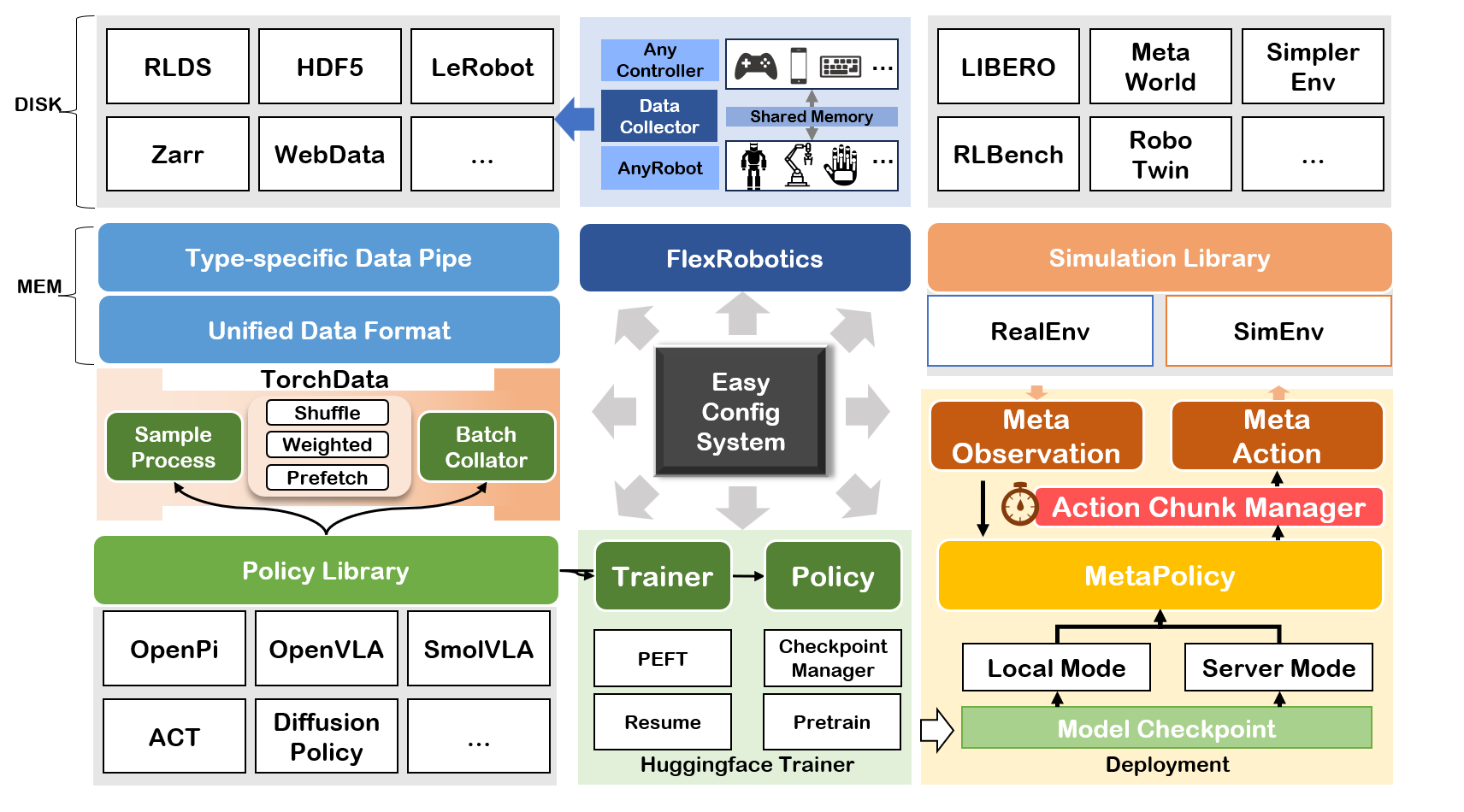
# Start policy server (localhost:5000 as default)
python start_policy_server -m /path/to/checkpoint # ckpt/act_aloha_sim_transfer

# Start policy server by specifying port
python start_policy_server -m /path/to/checkpoint -p port_id

# Start policy server and spcifying the normalization statistical
python start_policy_server -m /path/to/checkpoint --dataset_id DATASET_ID
To eval policy running on the server, please run command below
# aloha corresponds to configs/env/aloha.yaml
python eval_sim.py -e aloha -m localhost:5000 # aloha corresponds to configs/env/aloha.yaml
python eval_real.py -m /path/to/ckpt -c so101_follower # Before run the two commands below, you need to carefully check the port following the instructions provided by lerobot
# start the teleoperator
python start_teleop_controller.py -c so101_leader
# start the follower
python start_teleop_recorder.py -c so101_follower| Policy | Reference |
|---|---|
| ACT | [1] |
| Diffusion Policy | [2] |
| Qwen2VL+DP | [3] + [2] |
| Qwen2.5VL+DP | [3] + [2] |
| DiVLA | [4] |
| OpenVLA | [5] |
| OpenVLA-OFT | [6] |
| Pi0 | [7] |
| Pi0.5 | [8] |
| MLP | - |
| ResNet | [9] |
| SMolVLA | [10] |
| Octo | [11] |
| FlowMatching | - |
| GR00T | [12] |
| Environment | IsParallal | Need Vulkan |
|---|---|---|
| aloha_sim | ✅ | ❌ |
| gymnasium_robotics | ✅ | ❌ |
| libero | ✅ | ❌ |
| metaworld | ✅ | ❌ |
| pandagym | ✅ | ❌ |
| robomimic | ✅ | ❌ |
| simplerenv | ✅ | ✅ |
| robotwin | ❌ | ✅ |
| rlbench | ❌ | ❌ |
| calvin (Under Testing) | ❌ | ❌ |
- SO101
- BimanualSO101
- Kochv1.1
- AgilexAloha (CobotMagic)
important APIs from each policy.algo_name.__init__
def load_model(args) -> dict(model=transformers.PreTrainedModel, ...)# loading models- (OPTIONAL)
def get_data_processor(dataset: torch.utils.data.Dataset, args: transformers.HfArgumentParser, model_components: dict) -> function# sample-level data processing - (OPTIONAL)
def get_data_collator(args: transformers.HfArgumentParser, model_components:dict) -> function# batch-level data processing - (OPTIONAL)
class Trainer(transformers.trainer.Trainer)
The model returned by load_model should implement:
def select_action(self, obs) -> action
Currently we support three types of dataset:
- h5py
- LerobotDataset
- rlds
We align the format of the data at the level of dataloader, thus is compatible to any format of datasets. This enables the framework to be flexible any composint different data sources.
- aloha env raises error 'mujoco.FatalError: an OpenGL platform library has not been loaded into this process, this most likely means that a valid OpenGL context has not been created before mjr_makeContext was called'.
if the platform is headless, please use the command below to solve this issue:
export MUJOCO_GL=egl- Romomimic Module Error: your_path/IL-studio/.venv/bin/python3: can't open file 'your_path/repos/robomimic/train.py': [Errno 2] No such file or directory.
uv pip install robomimic==0.3.0 - Cmake Error: CMake Error at CMakeLists.txt:1 (cmake_minimum_required): Compatibility with CMake < 3.5 has been removed from CMake.
export CMAKE_POLICY_VERSION_MINIMUM=X.X # your cmake version, e.g., 3.5 or 4.0-
when
eval_sim.pyraises errors likemalloc(): unaligned tcache chunk detected, please add--use_spawnat the end fo the evaluation command. -
Failed to build
evdevon Ubuntu:sudo apt-get update && sudo apt-get install -y python3.10-dev
- Wang Z. zwang@stu.xmu.edu.cn
- Yuxin G. yuxinxmu@163.com
This repo is built on the open source codebases below. Thanks to the authors' wonderful contributions.