Awesome icon packs for .NET
| Category | Package |
|---|---|
| Feather |  |
| fluentui-system-icons |  |
| FontAwesome free |  |
| Heroicons |  |
| Ionicons |  |
| lucide-icons |  |
| Material-design-icons(google) |  |
| MaterialDesign(community) |  |
| RemixIcon |  |
| Tabler-icons |  |
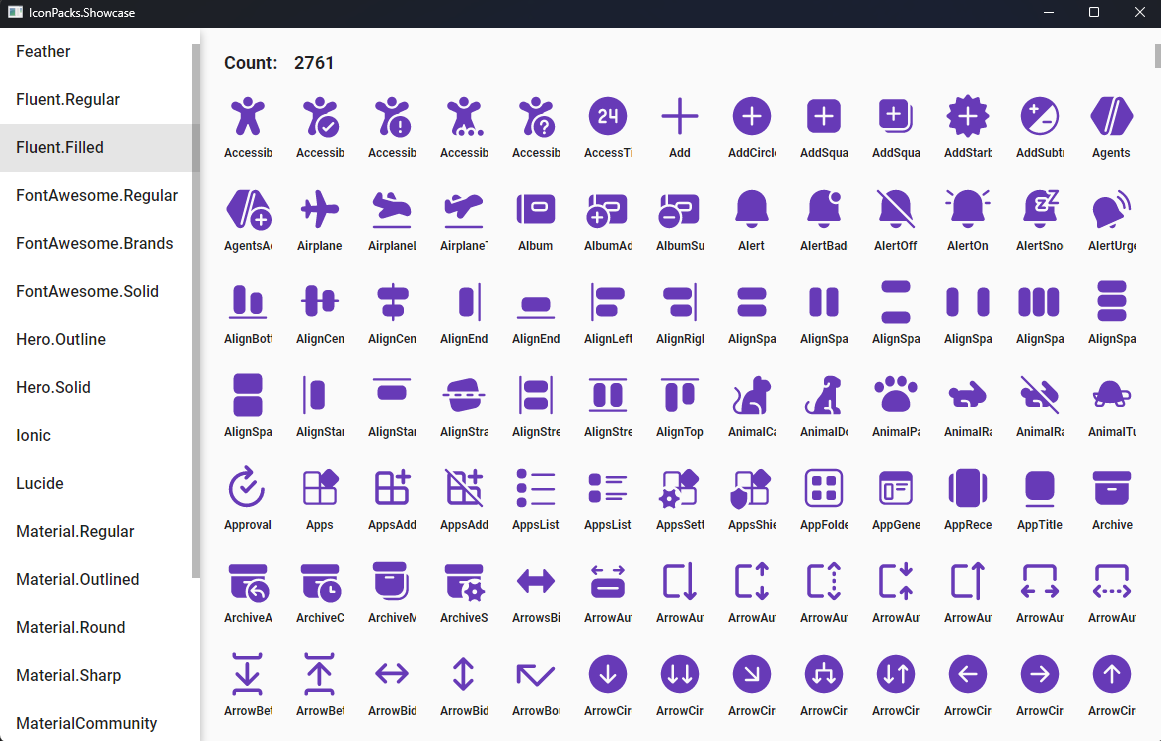
The showcase app for all available icon packs is available here.
Using IconPacks.Feather as an example.
- Install Package
dotnet add package IconPacks.Feather
dotnet add package IconPacks.Generator- Add a new class to your project.
namespace WpfApp.FeatherIcons;

[IconPacks.Generator.WpfGeometryConverter(typeof(IconPacks.Feather.Regular))]
public static partial class Regular { }- Now you can use it in XAML.
<Window
 ...
 xmlns:feather="clr-namespace:WpfApp.FeatherIcons"
 ...
>
 <Grid>
   <Path
     Width="96"
     Height="96"
     Data="{x:Static feather:Regular.Activity}"
     Fill="Red"
     Stretch="Uniform" />
 </Grid>
</Window>- Install Package
dotnet add package IconPacks.Feather
dotnet add package IconPacks.Generator- Add a new class to your project.
namespace AvaloniaApp.FeatherIcons;

[IconPacks.Generator.AvaloniaGeometryConverter(typeof(IconPacks.Feather.Regular))]
public static partial class Regular { }- Now you can use it in XAML.
<Window
 ...
 xmlns:feather="using:AvaloniaApp.FeatherIcons"
 ...
>
 <Grid>
   <Path
    Width="96"
    Height="96"
    Data="{x:Static feather:Regular.Activity}"
    Fill="Red"
    Stretch="Uniform" />
 </Grid>
</Window>- Install Package
dotnet add package IconPacks.Feather- Now you can use it in XAML.
<ContentPage
 ...
 xmlns:feather="clr-namespace:IconPacks.Feather;assembly=IconPacks.Feather"
 ...
>
 <Grid>
   <Path
    Width="96"
    Height="96"
    Data="{x:Static feather:Regular.Activity}"
    Fill="Red"
    Stretch="Uniform" />
 </Grid>
</ContentPage>Each icon library has its own license. Please refer to its project directory for details.