

A custom desktop client powered by RMS.


RMSTop is a standalone desktop client that comes with RMS built in, giving you a snappier experience with all of RMS's plugins, themes, and customization out of the box — no manual setup required.
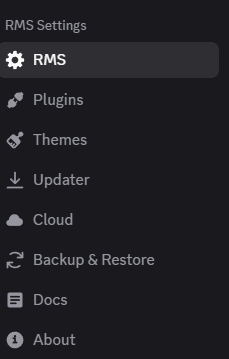
- Full RMS integration out of the box
- Auto-updates for both RMSTop and RMS
- Custom splash screen and theming
- Windows transparency support
- Tray icon with minimize to tray
- Custom title bar option
- arRPC rich presence support
Download the latest installer from the Releases page and run it.
- RMS — the mod that powers RMSTop, both made by zxkuhl
-
Download the latest RMS files from the link below: RMSTop RMS Files - Latest Release
-
Create the following folder path if it doesn't exist:
%AppData%\rmstop\sessionData\rmsFiles\
- Place all downloaded files into that folder. It should look like this:
rmsFiles/
├── package.json
├── rmsDesktopMain.js
├── rmsDesktopPreload.js
├── rmsDesktopRenderer.css
└── rmsDesktopRenderer.js
- Restart RMSTop.
Once set up, RMSTop will automatically keep these files up to date.
