IDE Features
This page covers features useful to the IDE, rather than features relating to document editing.
HTML Designer has two registries.
- One containing preferences for the project
- One containing configurations for the editor
There is not currently a user-facing settings page for either of these, but thier values may be viewed and edited nonetheless using the registry editor.
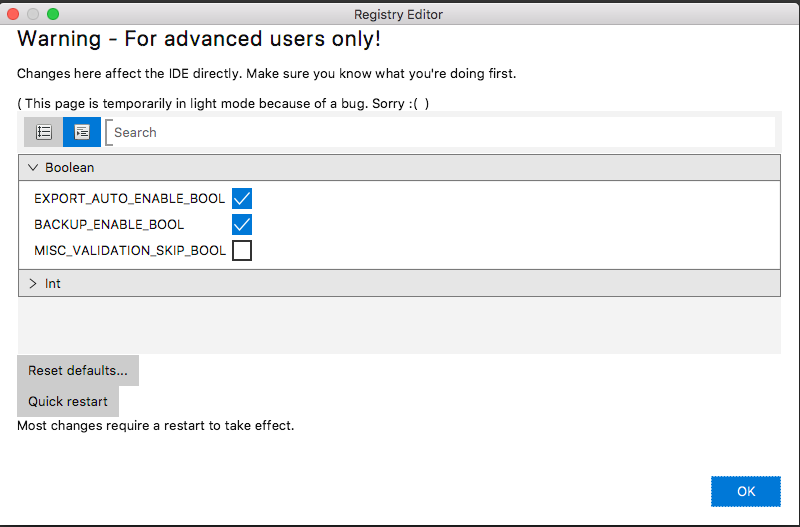
These can be accessed via the menu bar
HTML Designer > Registry...Project > Registry...
The editor categorises entries by data type. A search field is provided to filter by name.
Changes are committed and saved to disk immediately as they occur.
Some changes, such as the IDE dark mode, require a restart to take effect - Although we recommend that the IDE is restarted after any change is made.
The Run a Task window exposes a wide range of functions to the user.
This list can easily be modified in the source